Wordpress Brizy Form Not Working

Hi,
Not sure what happened but I didn't make any changes but my form all of a sudden doesn't work. It might be something with the APPS integration... I had a webhook setup previously and I can't make any changes to it as it just endlessly loads no matter which APP I try to select.
The last I received a form submission was back in March 2026 and never checked it again until now so not sure how long my form was broken.
When I try to submit a form it just gives me the error message.
I tried creating a new form and it works as long as I don't use any APPS integration.
The link to the form is https://kilomark.ca/schedule/
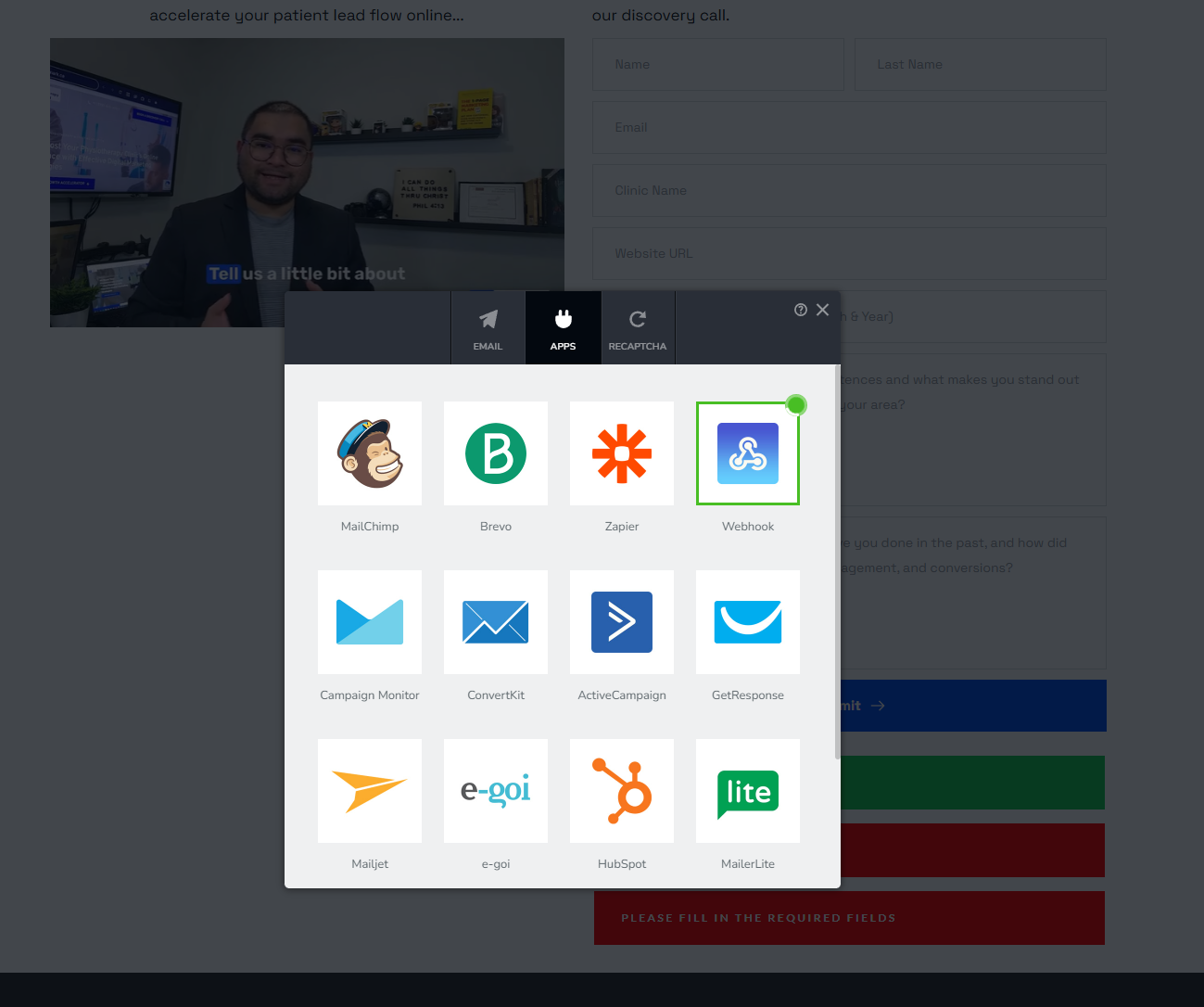
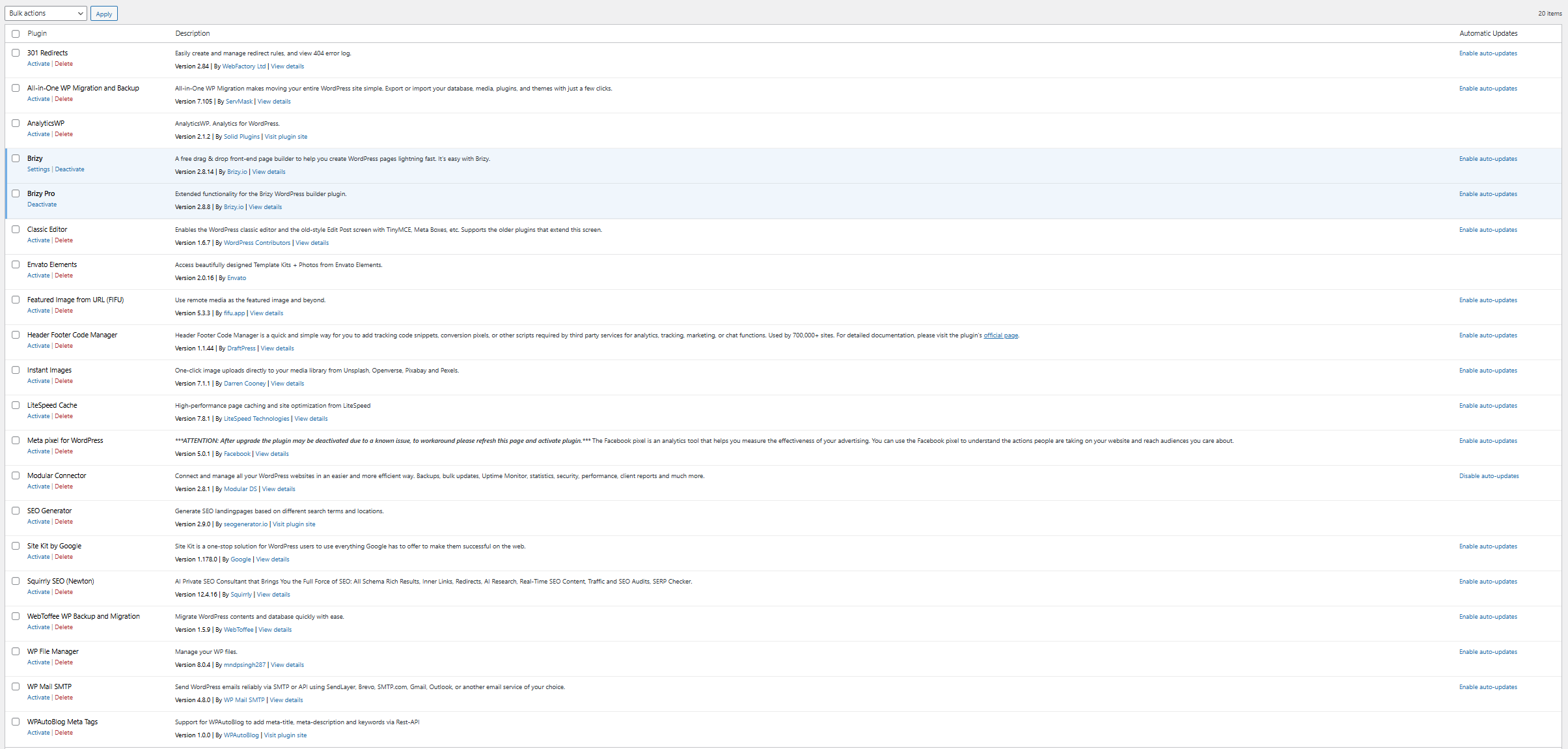
I've already disabled all my plugins except brizy and brizy pro and I've changed my theme to default 2025 theme.
-

Hi Kim,
Thank you for the detailed information.
Could you please try disabling all plugins except Brizy and Brizy Pro, then create a temporary test page and rebuild the form there to see if the issue still occurs?
This will help us determine if another plugin is interfering with the APPS integration functionality. Since the form works without the APPS integration, it’s possible there may be a conflict causing the endless loading issue.
Please let us know the results once you’ve tested it.
0 -
Hi,
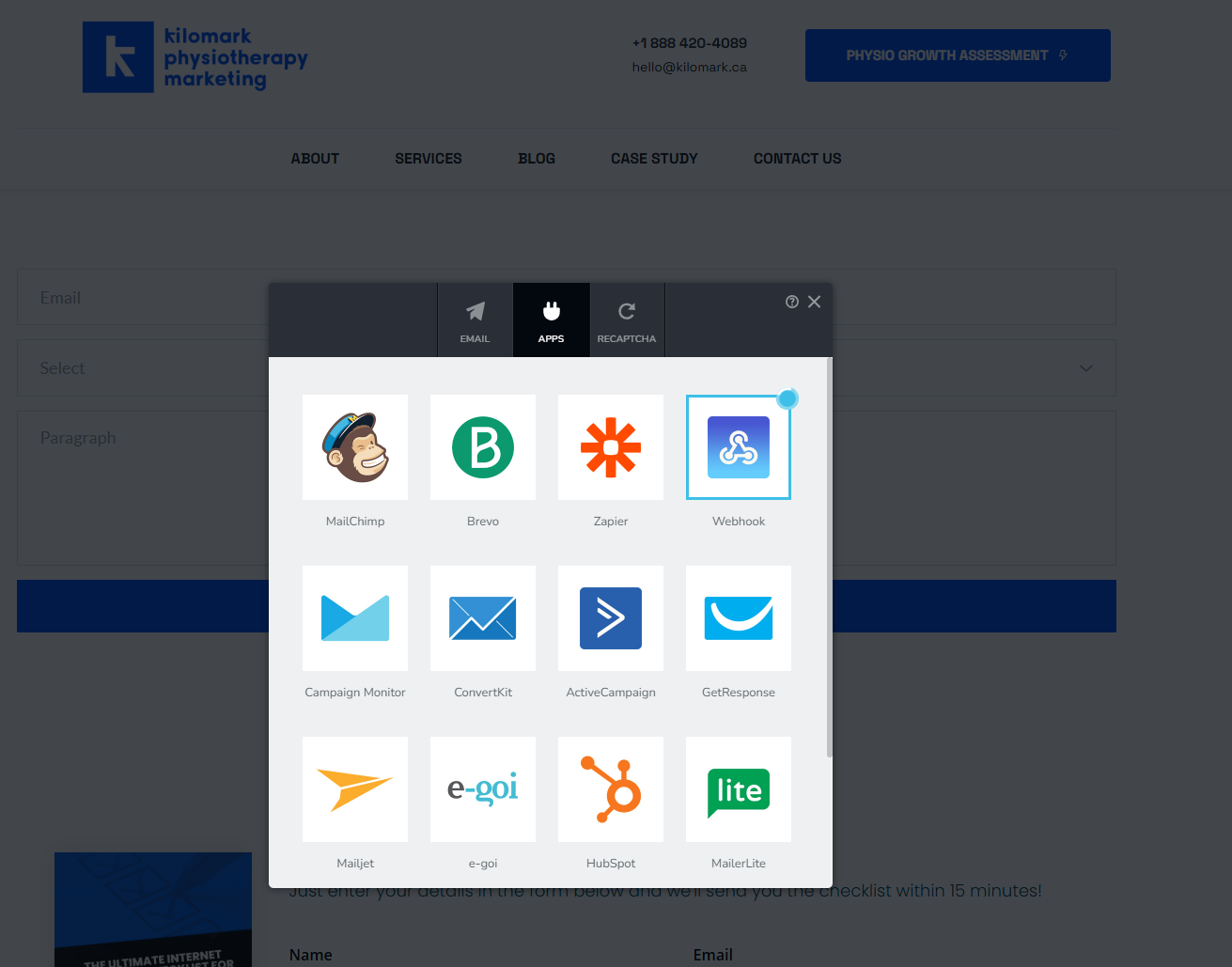
All plugins are already disabled and I created a test page with a new form and whenever I go to APPs integration, whichever tool I click, it's an endless loading issue.
 0
0 -
Hi Kim,
Thank you for reaching out.
To help us investigate this further, could you please provide temporary access to your WordPress admin dashboard? This will allow us to take a closer look at your setup and identify the cause of the issue.
You can send the details securely using the format below:
Community Post: https://support.brizy.io/hc/en-us/community/posts/35444380465682
WordPress Admin URL:
Username:
Password:We’ll review it as soon as we receive the access.
Best regards,
Ariel H.0 -
Hi Ariel,
I sent the required details in:
- Support Ticket Id #53844
0 -
Hi Kim,
The issue appears to be caused by mixed content on the website. This happens when the website is loaded using HTTPS, but some resources or integration URLs are still using HTTP instead of HTTPS.
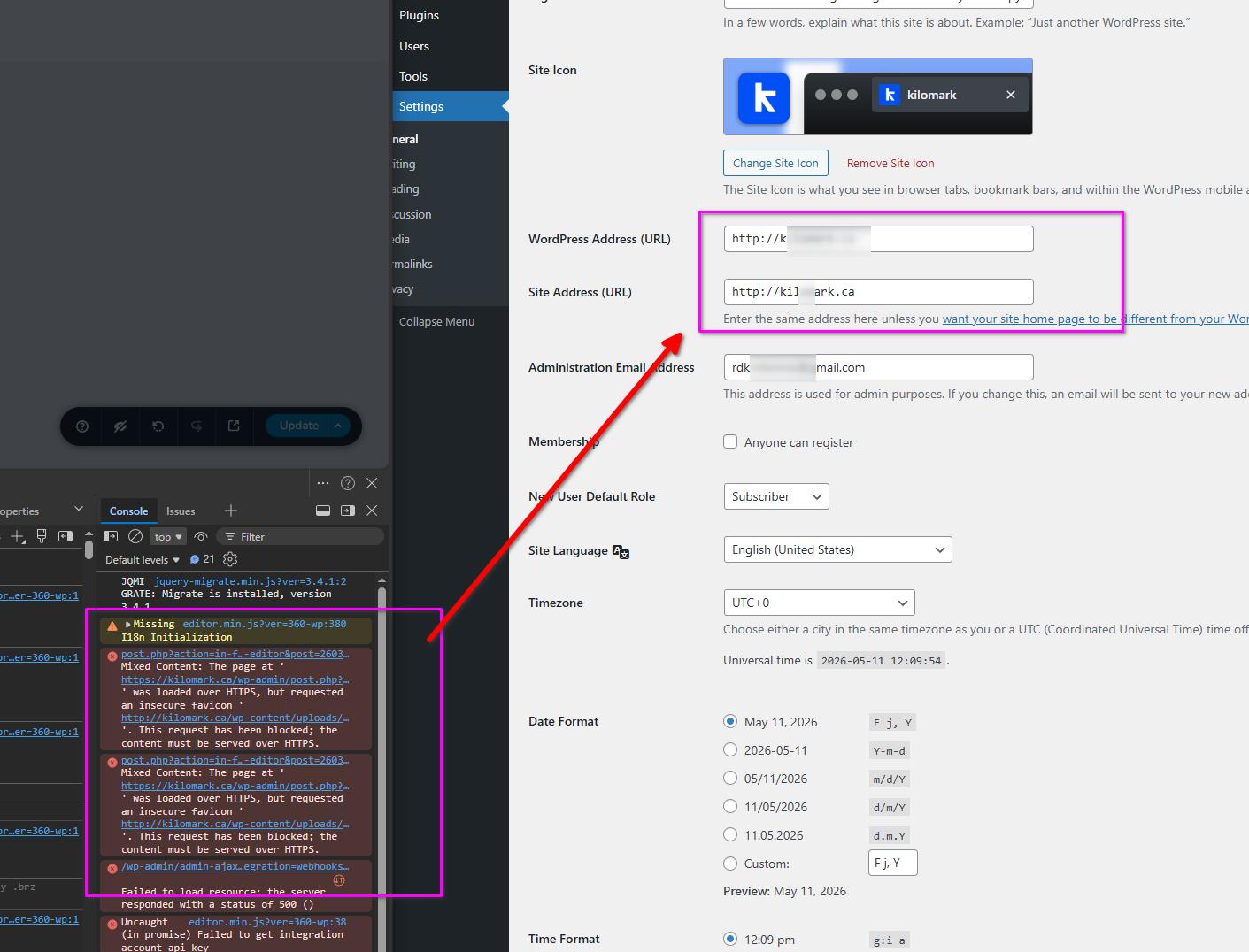
Modern browsers block insecure requests on secure websites, the Apps integration may fail to load properly, which can cause the endless loading behavior.
Could you please check and update the integration URLs/webhook URLs to use https:// instead of http://?
After updating the URLs, kindly test the form again and let us know how it goes.
0 -
Hi, I updated the website URL in the settings tab to include https but I'm still having the same issue. It's still endlessly loading on my end. I tried another browser and deleted my cache as well.
0 -
Hi Kim,
It appears that all app integrations are currently throwing an internal server error. An Error 500 usually means that the server handling the request is failing internally.
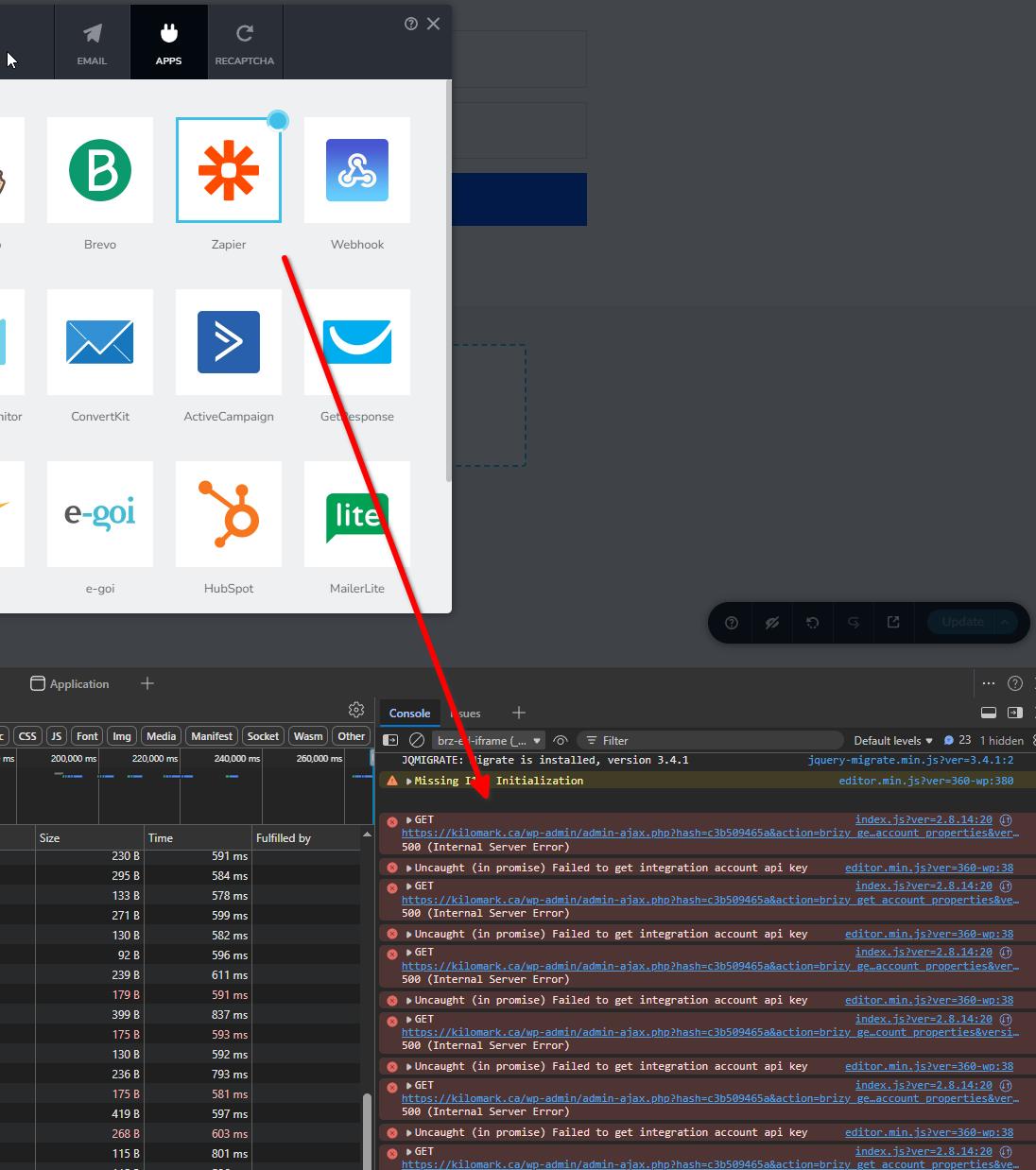
We recommend checking with your hosting provider so they can review the server logs and identify what is blocking or failing when using apps.
If you have any further questions, please let us know.
Best regards,
Ariel H.0 -
Okay thanks... I'll check in with my hosting provider if they are able to determine what's causing the issue. I guess I'll have to use another tool for now to capture leads until this gets resolved.
0
Please sign in to leave a comment.
Comments
8 comments