All of a Sudden Thumbnail Problems in the Posts Tool

I've been having a host of preview image problems lately. Up until five minutes ago I had two posts with two unique thumbnails. Each post shared a category and was to be featured in the same Posts tool, configured for category.
But for some reason, the Posts tool picked up one thumbnail for both posts.
Then I played around with the variations on why. I eventually deleted the image that the system was picking up twice. That broke both Posts tools I have on my homepage.
I reinstalled both. But If I try to allow for custom post thumbnail sizes, it breaks.
Plus, it doesn't want to display one of my logos at times.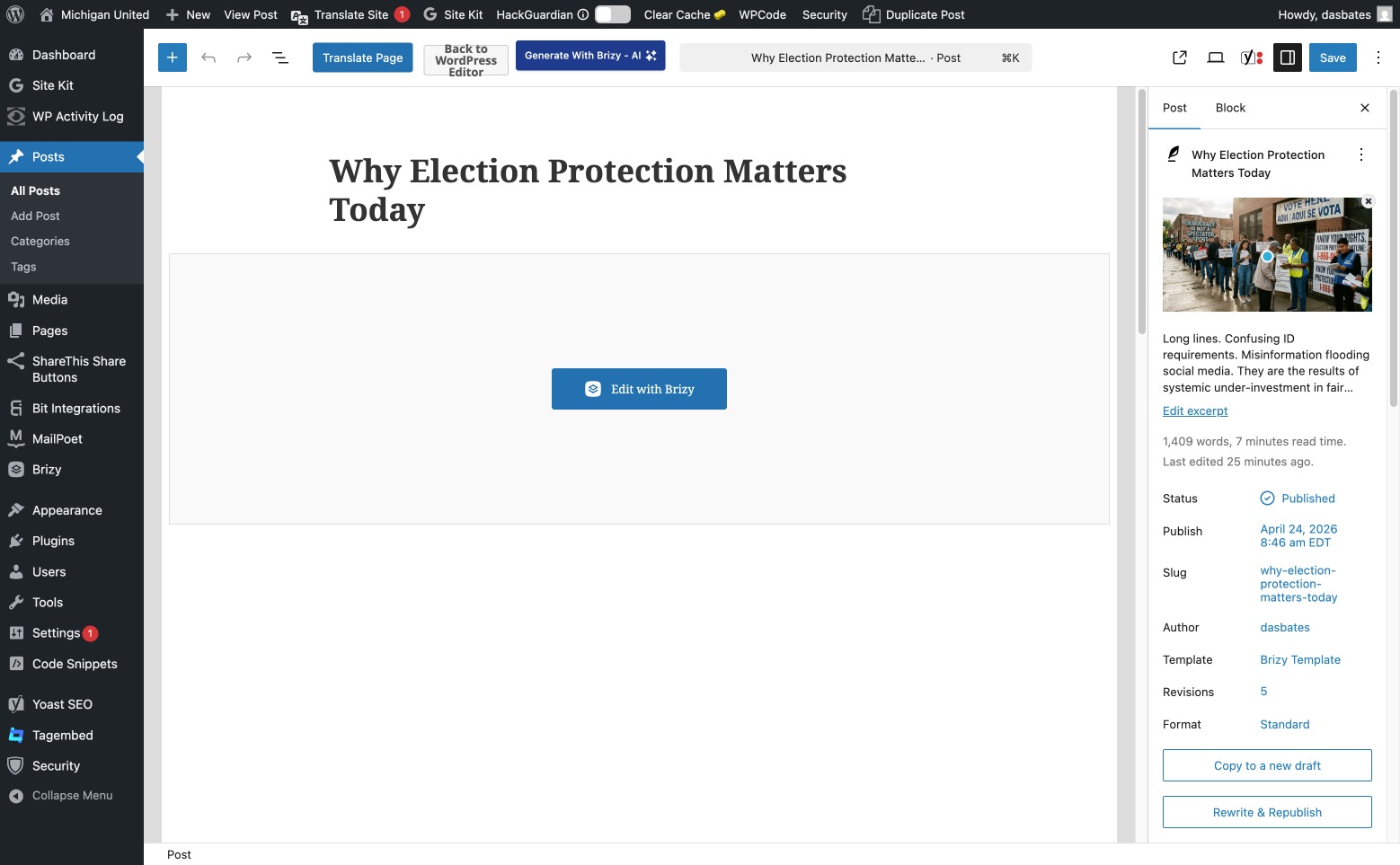
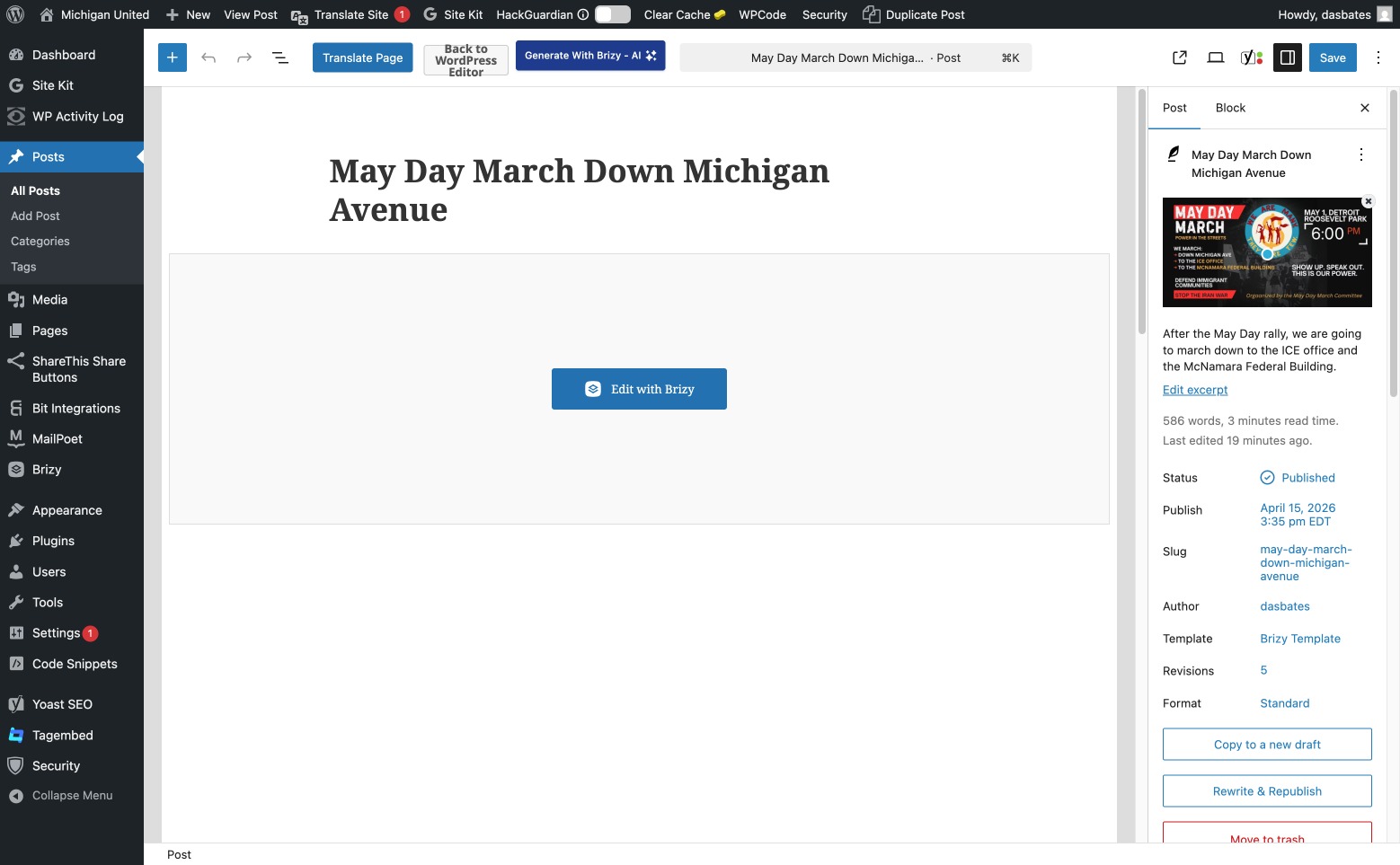
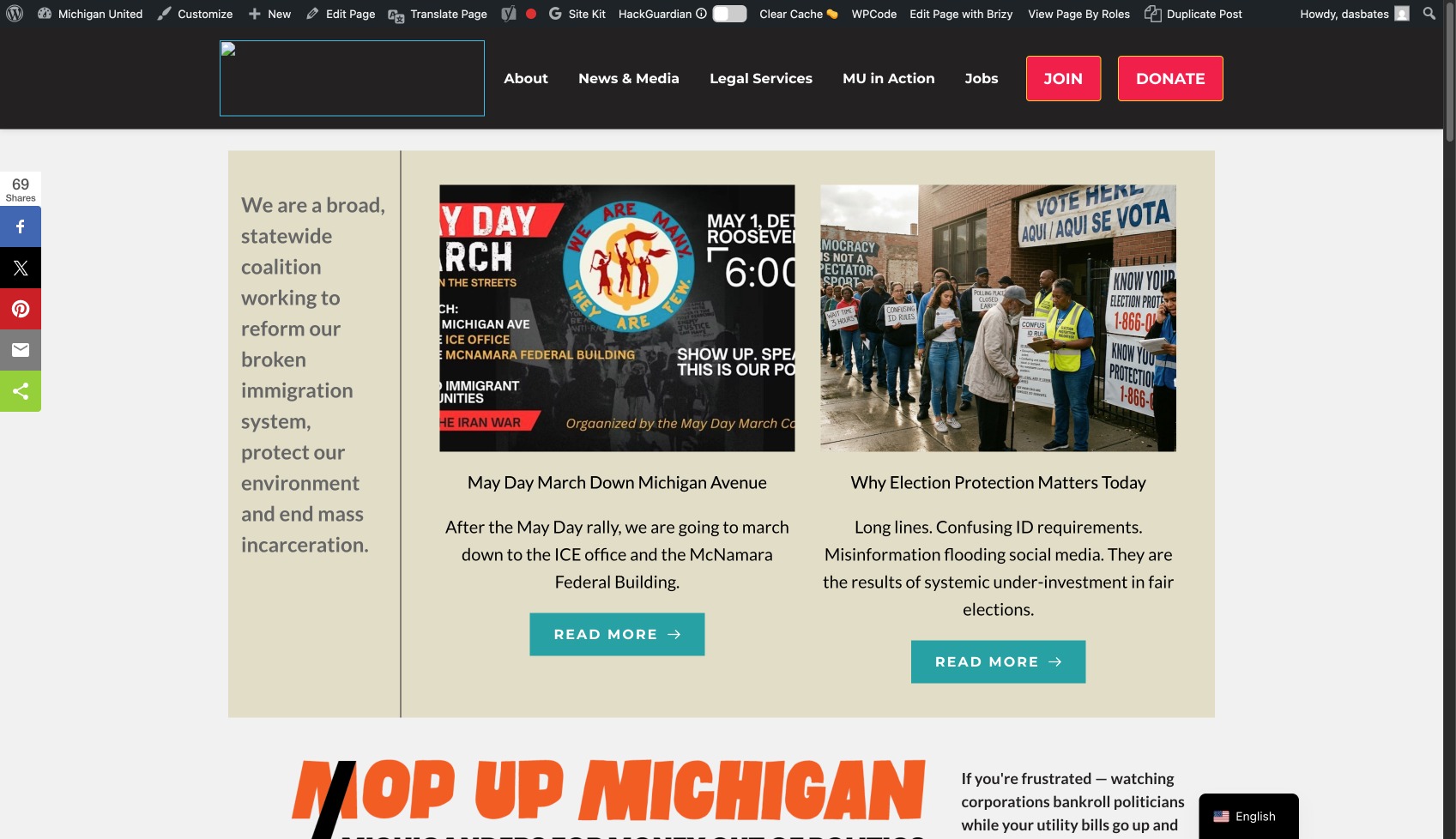
This first started to manifest itself earlier.
A couple of days ago I started to have problems with the system refreshing for new content. I swapped links in a menu item and it took a day for it to update across the entire website and device view.
-

Hello Tbop Bop,
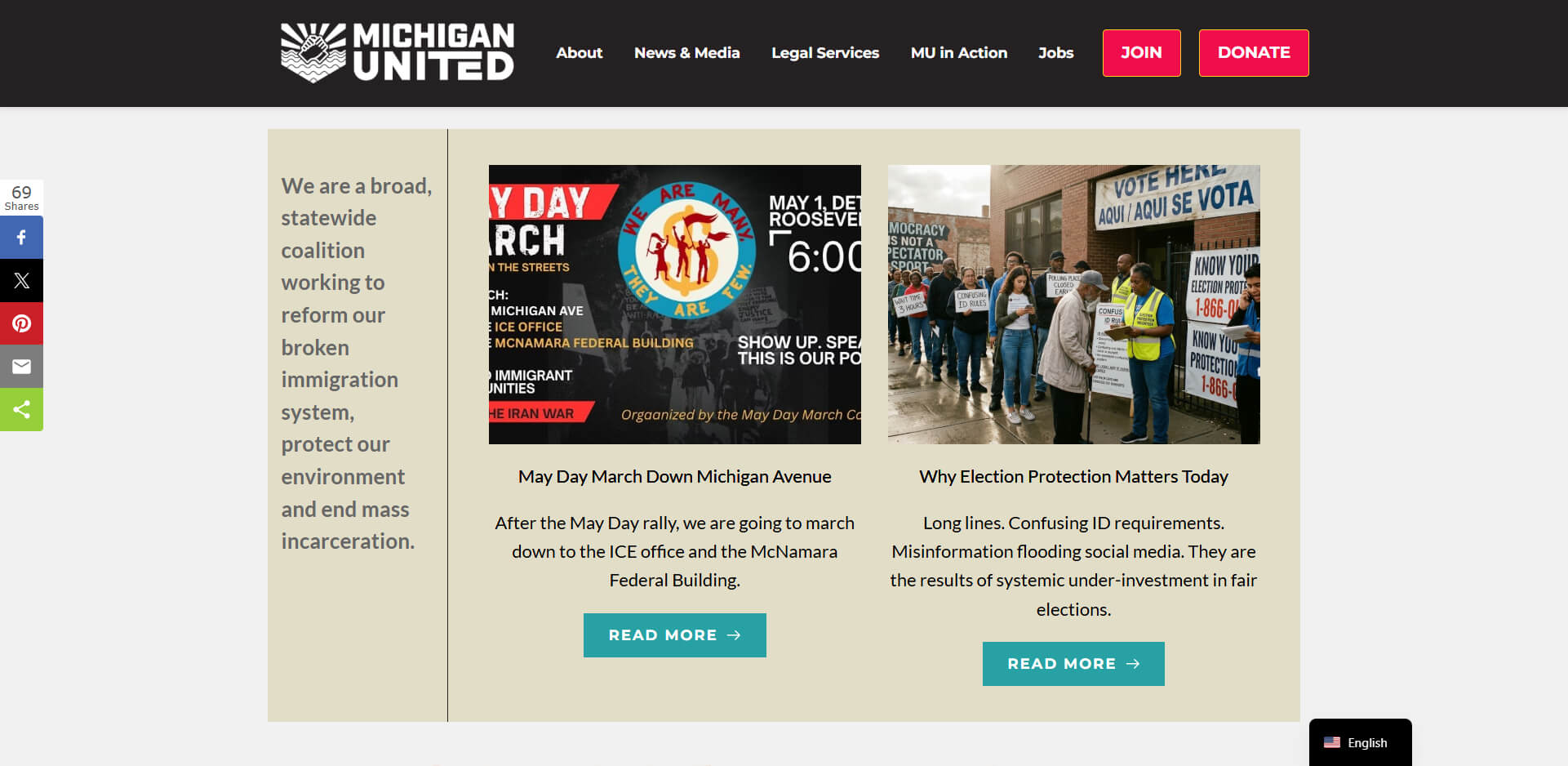
This is how your homepage hero section appears at my end. The logo and appropriate featured images for the two blog posts are visible.
If you sign into your WordPress Dashboard using a different browser, do you have the same issues?
0 -
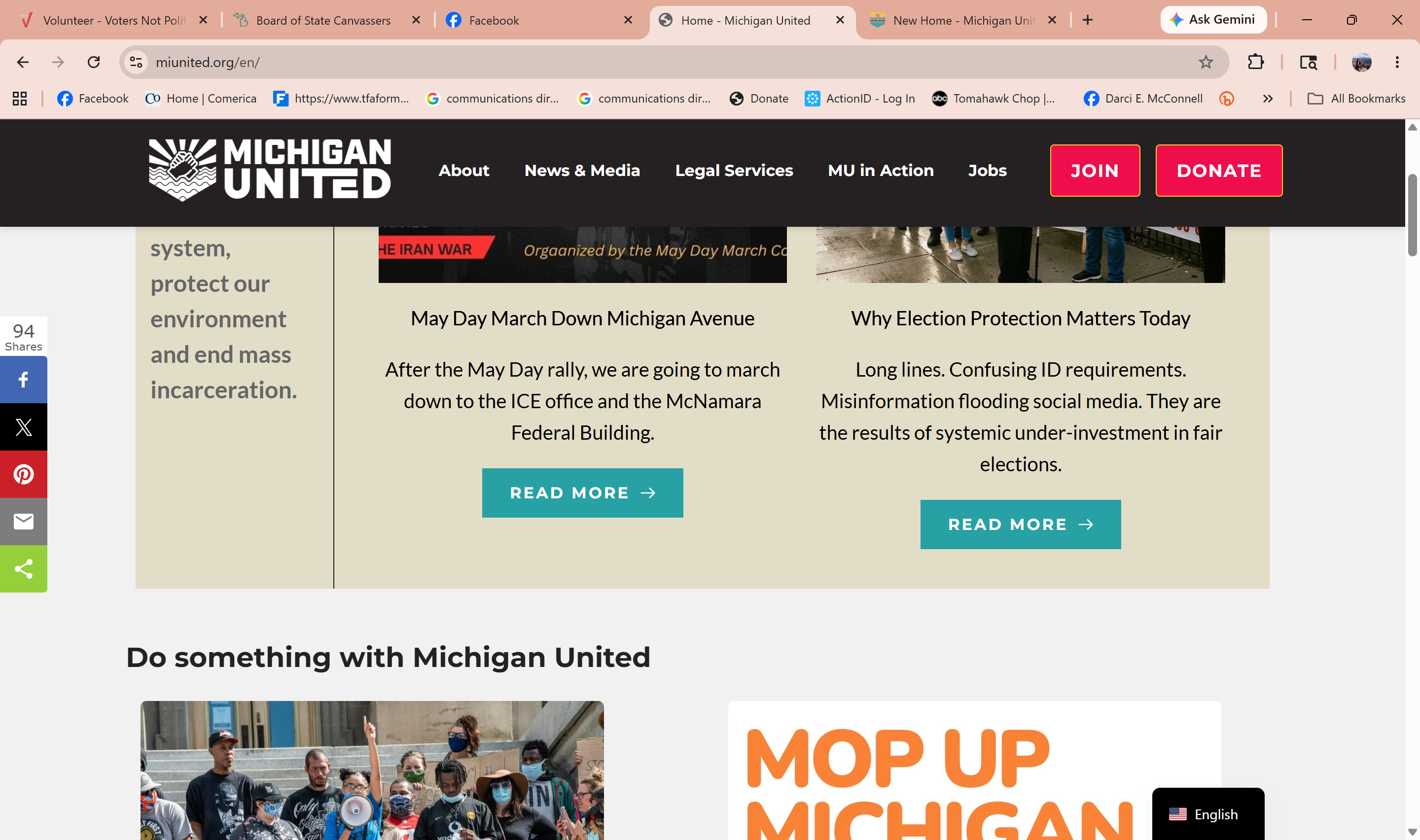
One of the things with the problem above is that I can't frame thumbnail images properly, the way I used to. The May Day March thumbnail is incorrectly framed. I used to be able to choose a setting and it would have sat in there without image violation. Now I can't.
I've been having more problems along these lines. For a couple of years, we had the same link for the Jobs link above. We went to a new URL and copy block Now some browsers take users to the right page, others take them to the version that had been up for awhile.
Meanwhile the Brizy/WP page or post is accurate.
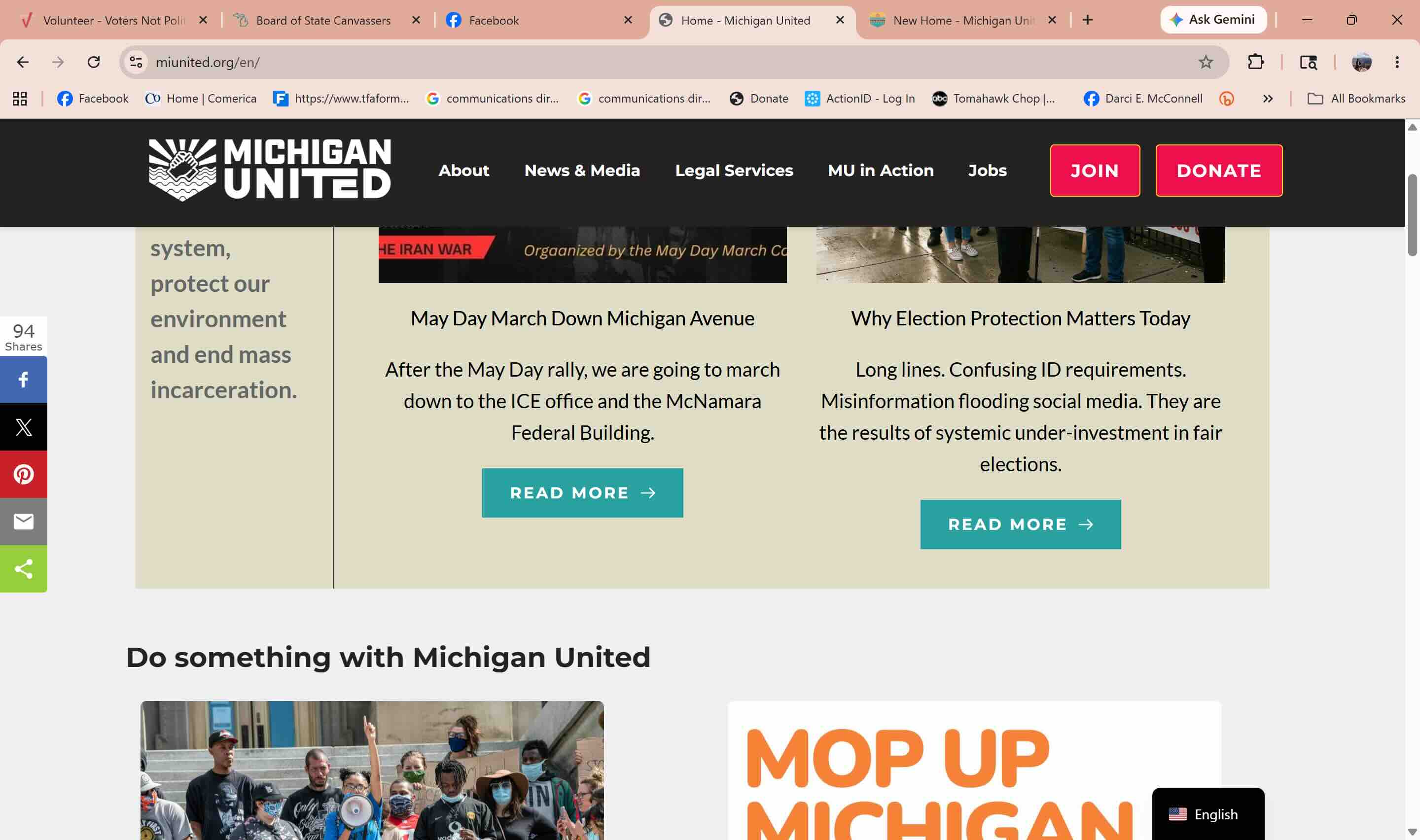
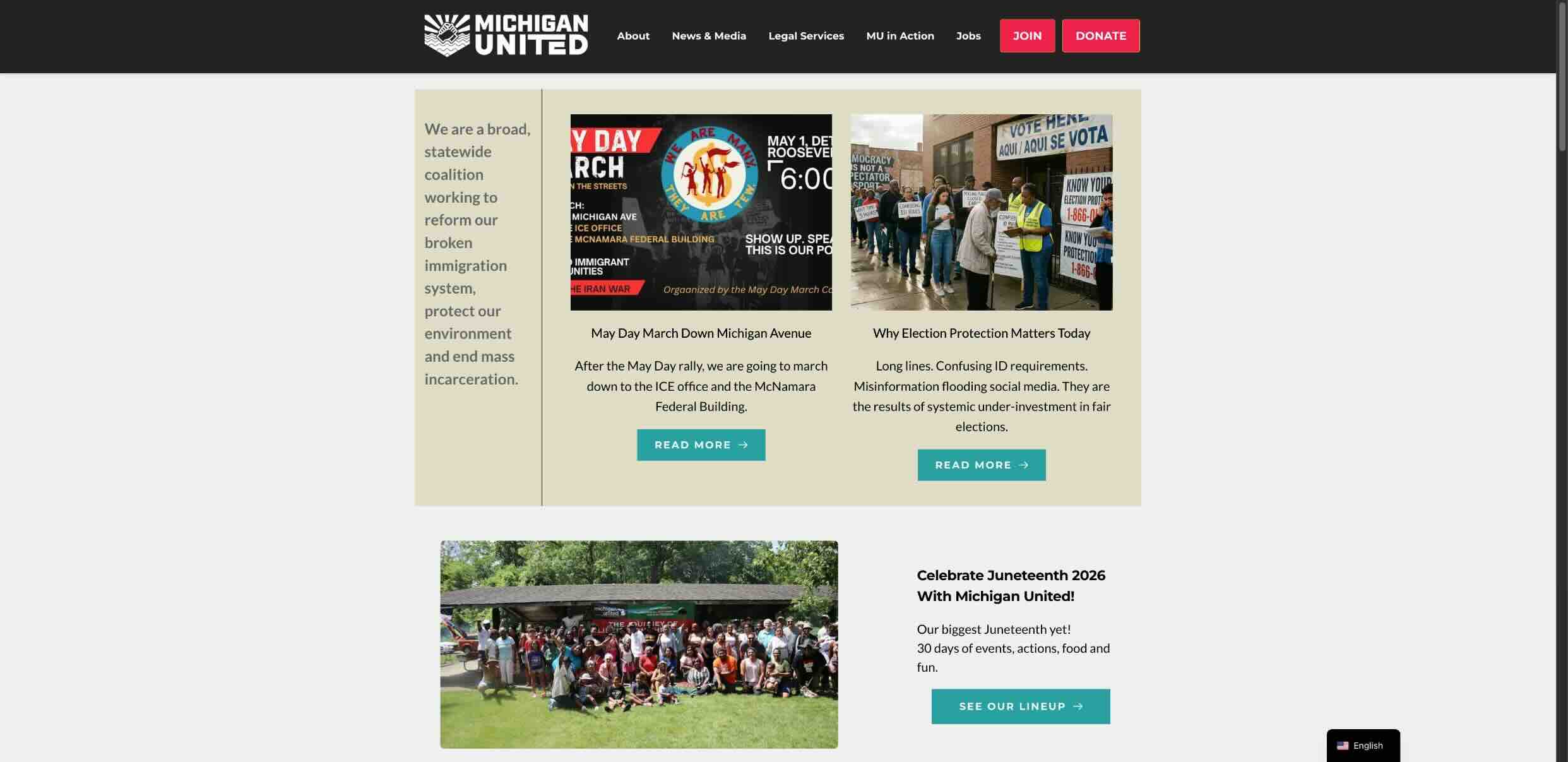
One of the two images has a story about Juneteenth. Thats what I see on my browser. The other image, the one that doesn't is what some of my coworkers see.
 0
0 -
Here's the other image
 0
0 -
Sorry, here it is
 0
0 -
Hello Tbop Bop,
To fix the issue with the blog post featured images, kindly try setting its width to 100% and height to 70%.
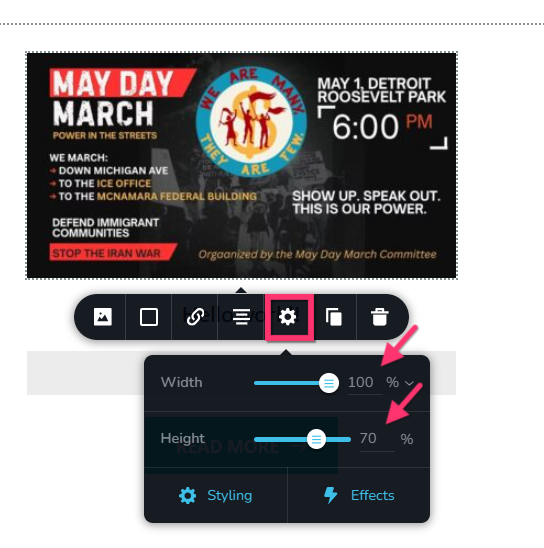
If the above setting does not help, you could try selecting "Original" size for your featured images.
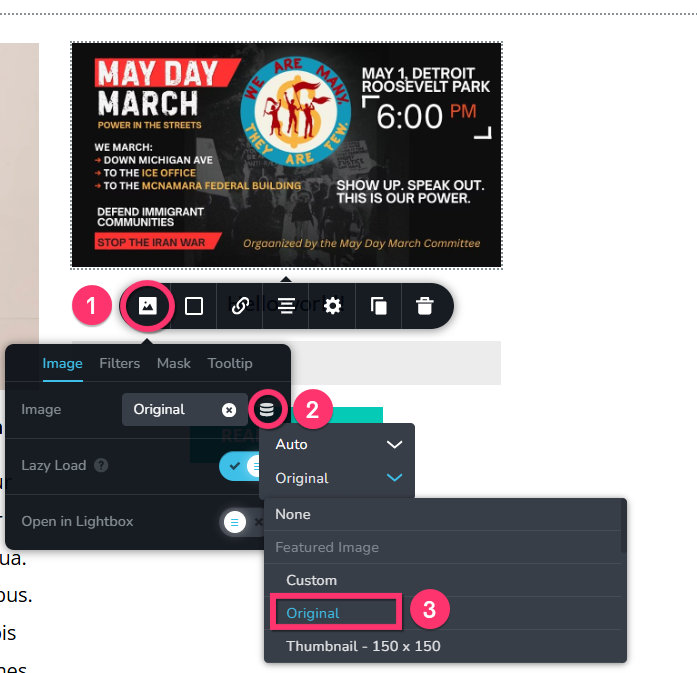
The "Job" menu hyperlinks to https://michiganunited.applytojob.com/apply at my end. Is this the right URL? Kindly request users who are seeing a different URL to reload the page by selecting the "Reload" icon in the browser address bar and check if that makes a difference.

I see the section that says "Celebrate Juneteenth 2026 With Michigan United!" at my end.
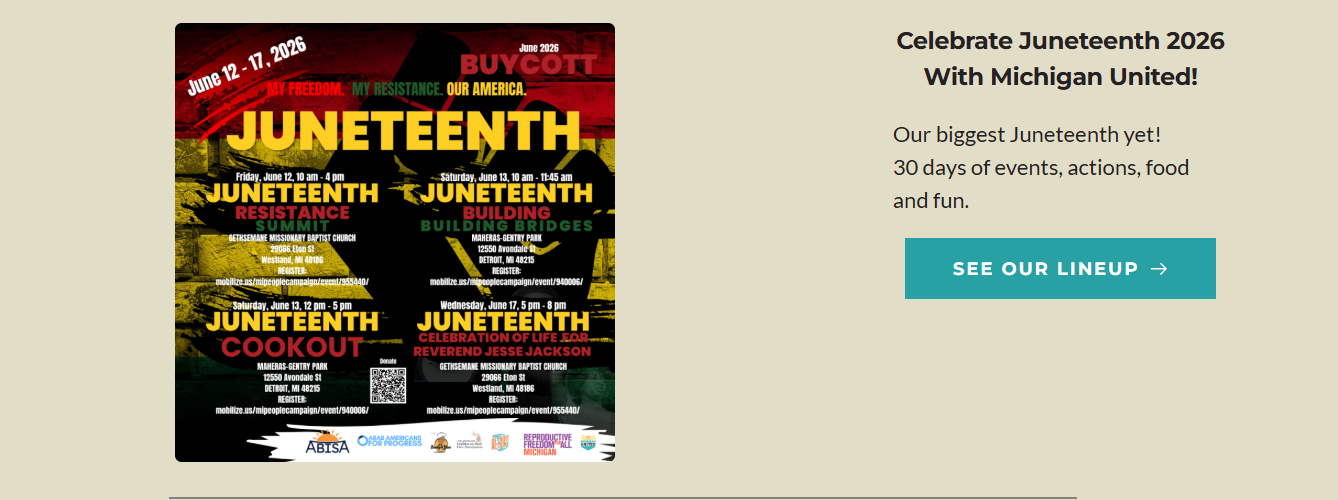
If your colleagues are not seeing it, kindly request them to reload the page by selecting the "Reload" icon in the browser address bar and check if that makes a difference.
 0
0 -
I do use the keyboard command, I gave it to them and they used it and all it went well.
But that's supposed to be happening pretty much automatically; right? That's the hell I live in.
Of the two images farther above, the one with "Celebrate Juneteenth" with the crowd of people went live a couple of weeks ago--maybe a week and a half. But as of yesterday we had staff that still saw the "Do Something with Michigan United" copy block. Yesterday, on my machine in Chrome I saw the crowd. In Firefox I saw "Do Something".
This was why I reached out. Thanks for the tip on thumbnails!
0 -
When the browser fails to fetch the most recent change to a page and instead shows a cached version, a page reload is required.
If updates are not visible when you are logged in to your WordPress Dashboard, please purge the server cache.
0 -
Good call before. I purged the cache at the Cloudflare level, installed Super Page Cache and connected it to Cloudflare via API. I purged and all was well.
Until I posted something new just now. Here is the backend of the post when I clicked "Publish."
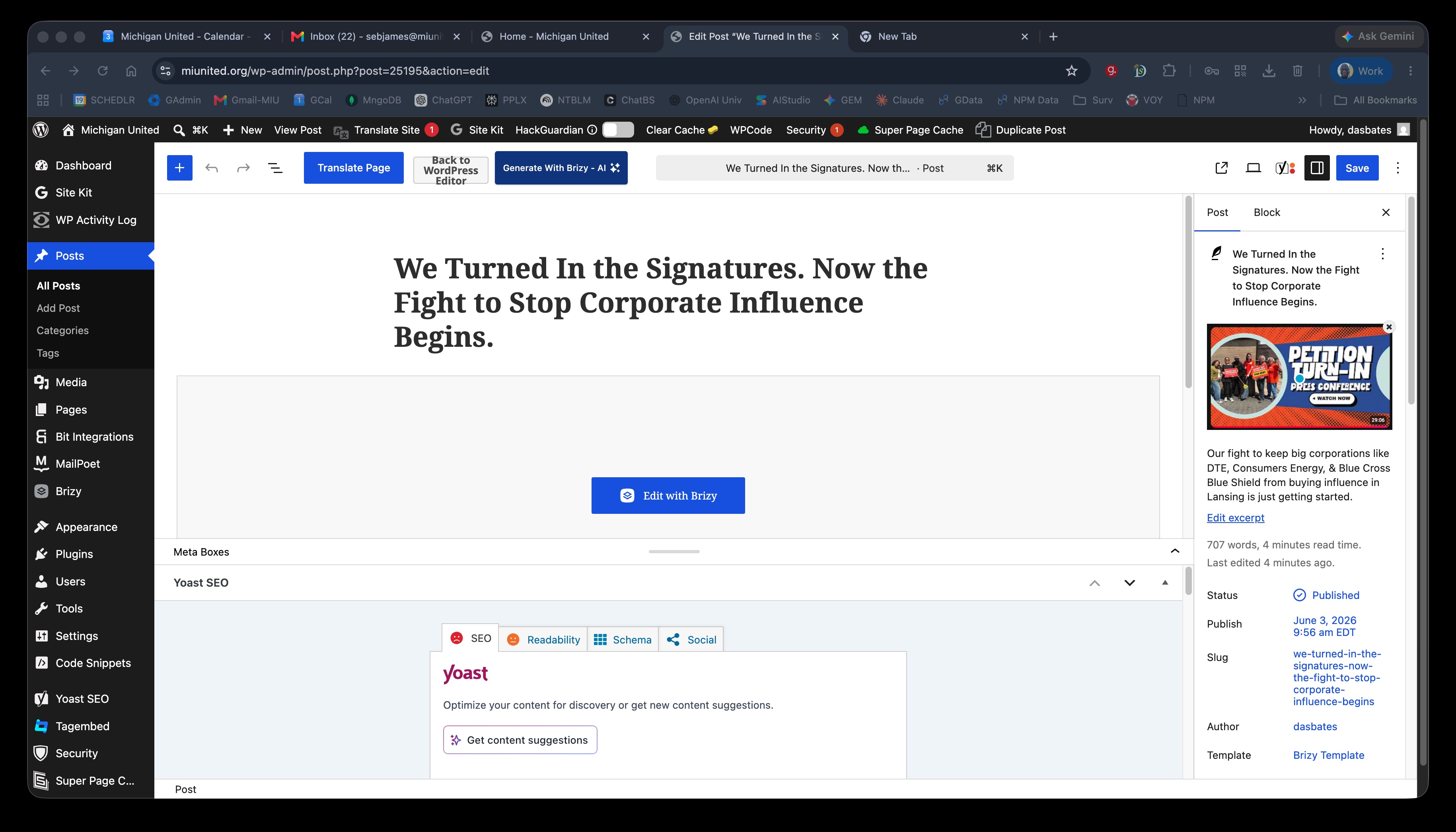
Here is what I saw once I checked the front page of the website:
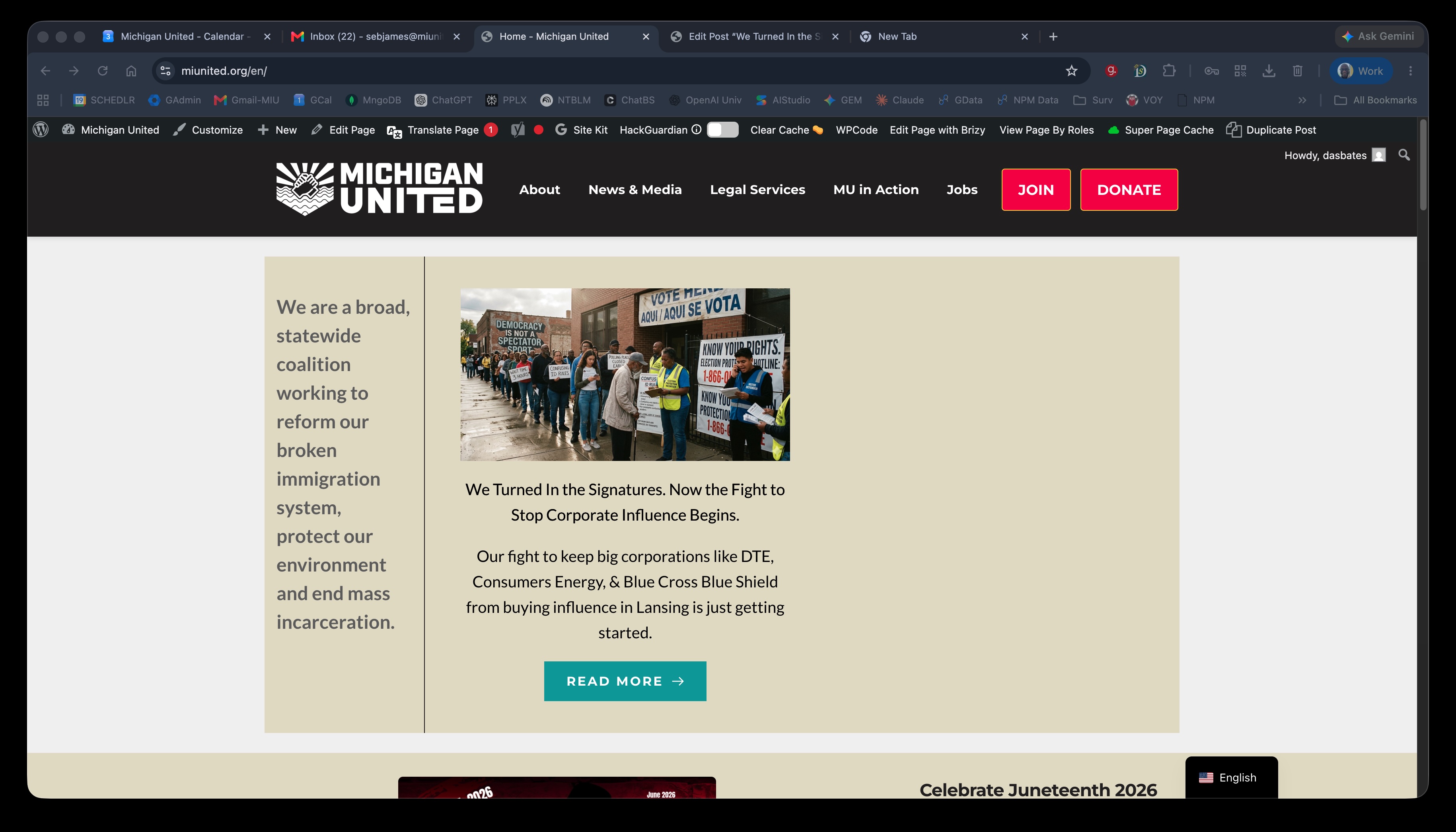
My next step was to Super Page Cache. Still the same. This is a blog post widget filtered for a specific category.
Interestingly enough, here is our general blog post widget, farther down the front page:
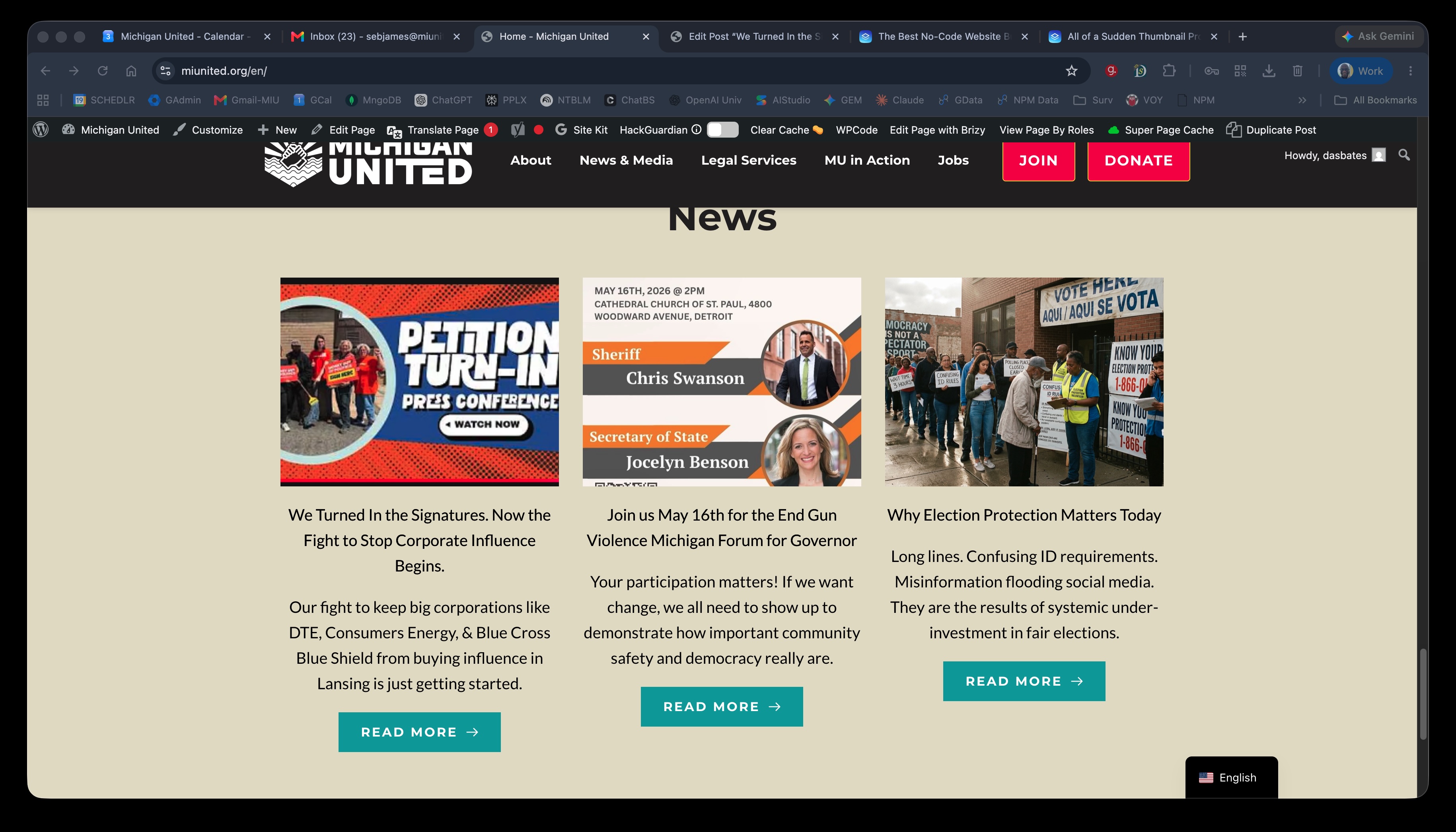
The only reason I came back was the error and its timing.
HELP! I can swap the filtered blog post widget; but does that solve my problem?
0 -
I swapped the widget out. I can't be the only person that has had that hit them.
0 -

Hi Tbop Bop,
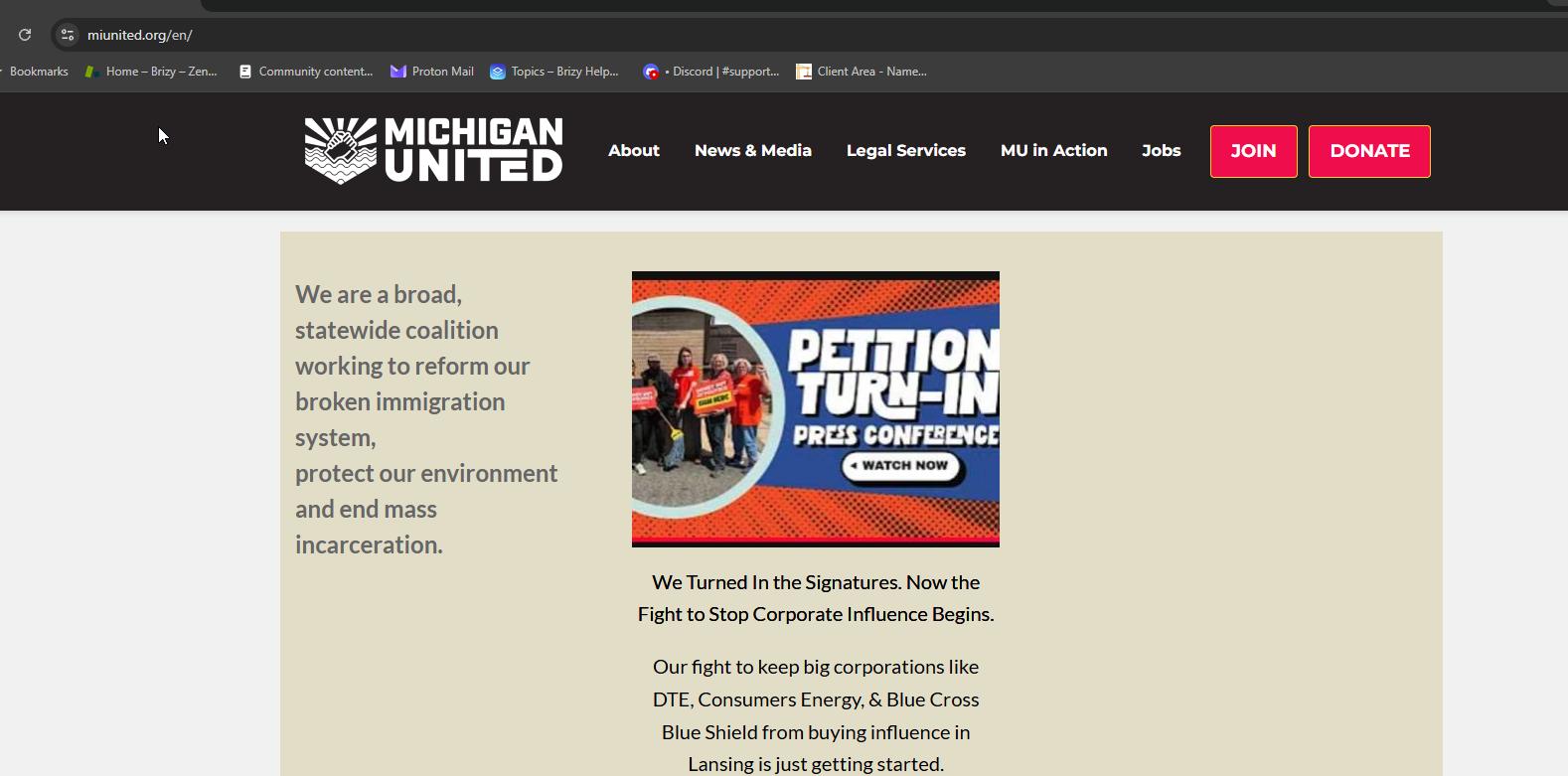
Please try it again and see if the thumbnail is now showing correctly.
If it still doesn’t work, please clear your browser cache, try using an incognito/private window, or use a different browser, then check again to see if the thumbnail is correct.
 0
0 -
The problem is back today. After the update, I'm running into different versions in different browsers. Seems like when I Super Page Cache it, it clears. But the fact that I keep coming back to this thread causes a tremendous amount of unease.
0 -
Hi Tbop,
Thank you for your message.
This is how the page appears on our end.
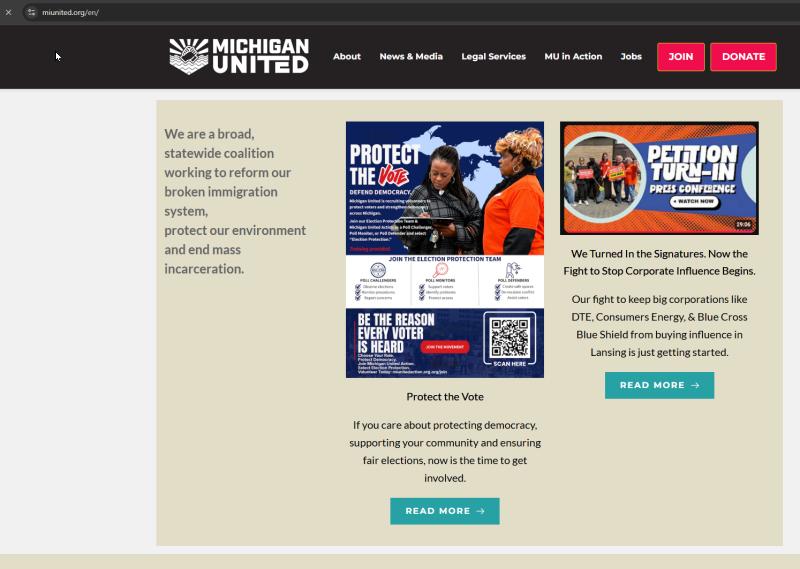
Could you please try opening the following URL and let us know if it makes any difference?
https://miunited.org/en/?nocache=0
If the page loads correctly with the ?nocache=0 parameter, it would suggest that the issue is related to server-side caching. In that case, please check your hosting control panel for an option to clear or purge the server cache. If you don't have access to this feature, please contact your hosting provider and ask them to clear the server-side cache for you.
Please let us know the results.
Kind regards,
Ariel H.0 -
I managed to get the cache to clear. I've got the Cloudflare setup that you suggested earlier. I use Super Page Cache connected via API to my Cloudflare. Your link above helps me confirm what I figured yesterday. The problem has to be with caching.
I was on a call with a coworker explaining how caching worked when her browser reloaded to a correct view.
What do I ask Cloudflare, "why don't my content updates 'stick?'"
0 -
Hi Tbop,
Thank you for the update.
Since the page eventually reloaded correctly on your coworker's browser, it's also possible that some of the caching is occurring at the ISP or network level rather than solely within Cloudflare.
Could you please try purging your local network cache by following these steps?
Windows
1. Open Command Prompt as Administrator.
2. Run:ipconfig /flushdns
3. Restart your browser.macOS
1. Open Terminal.
2. Run:sudo dscacheutil -flushcache; sudo killall -HUP mDNSResponder
3. Enter your Mac password when prompted.
4. Restart your browser.You may also try restarting your router to force a refresh of the network connection.
If the issue continues after clearing the browser, Cloudflare, and network caches, then it would be worth asking Cloudflare whether any caching rules or edge cache settings causing older content to be served.
Kind regards,
Ariel H.0 -
Thanks for the advice.
Update: I ended up looking harder at some Cloudflare settings on the Super Cache Plugin. I'd thought maybe the Brizy update had something to do with it; but it seems like (so far) it was the plugin. Thanks for your help.
Sebastian
0
Please sign in to leave a comment.
Comments
15 comments