Arrows displaying wrong on slider

Hi,
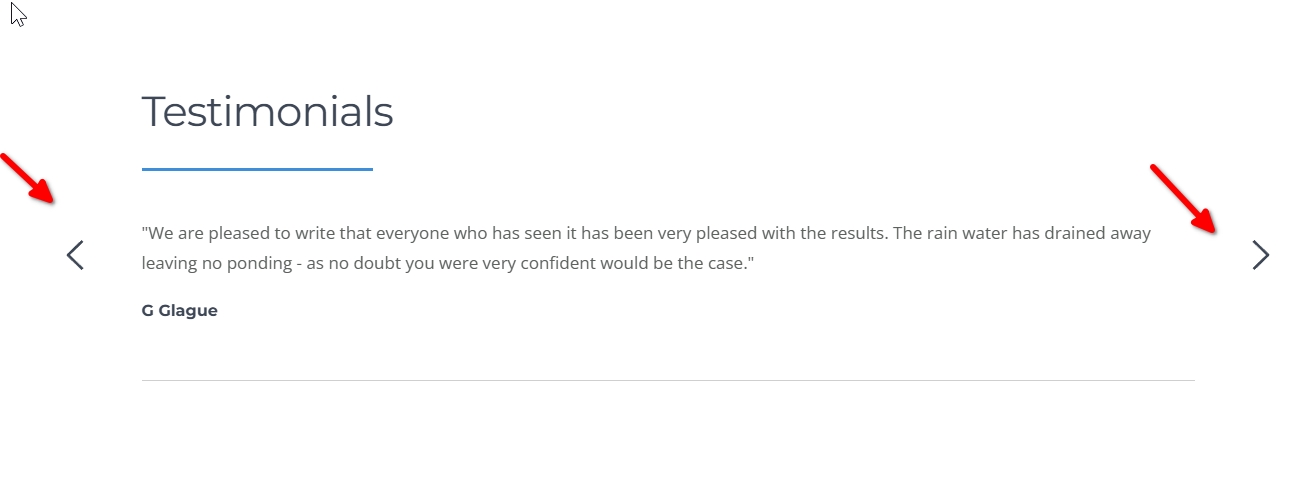
The arrows are displaying differently on the front end of this site on the slider, than they are in the back end. Are you able to take a look and fix this please?
I'm sorry to ask but I'm up to my eyes in trying to fix websites which are impacted by this recent Brizy update.
Thanks,
Eilidh
-

Hi Eilidh,
Thank you for contacting us.
Could you please send your site’s credentials to communitysupport@brizy.io and include reference number 35063157814930 in the subject line so we can take a closer look?
In the meantime, could you confirm if your site is using the Twenty Twenty-One theme? If so, please try switching temporarily to the Blocksy theme and check if the issue still occurs.
If you prefer to keep your current theme, you can try adding this CSS:
#brz-section-slider-0 > .brz-slick-slider__arrow-next,
#brz-section-slider-0 > .brz-slick-slider__arrow-prev {
    background-color: transparent !important;
}
You can add it via Appearance → Customize → Additional CSS, then publish the changes.
Please try this and let me know how it goes.
Best regards,
Ariel H.0 -
Hi Eilidh,
This issue appears to be specific to the Twenty Twenty-One theme from an earlier update. When temporarily switching to the Blocksy theme, the issue no longer occurs.
I’ve switched the site back to Twenty Twenty-One and added the CSS fix. This is the second time I’ve encountered this issue, and the CSS should resolve it.
If you have any further questions, please let us know.
0 -
Hi Ariel,
Thank you for this, I very much appreciate it.
Thanks again,
Eilidh
0
Please sign in to leave a comment.
Comments
3 comments