Missing Image in Front End

Hi,
Some content from the homepage on this website - https://www.ksaandtcircuit.org.uk/ is missing but showing in the backend. Can you help please?
Thanks,
Eilidh
-

Hi Eilidh,
Thank you for reaching out.It appears that the issue may be related to caching or your CDN.
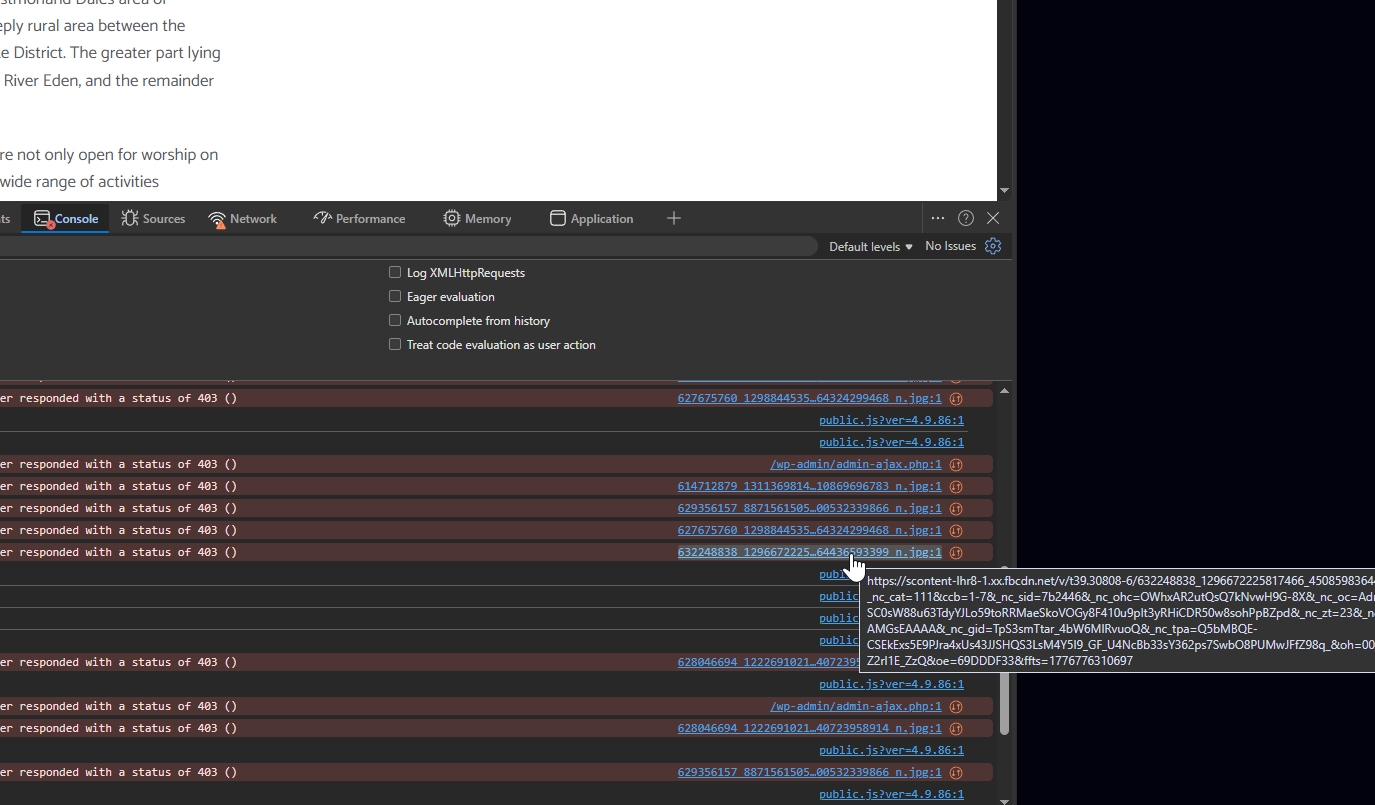
Could you please try temporarily disabling LiteSpeed Cache (or any similar caching plugin) and check if the issue persists? If it resolves the problem, you can re-enable the plugin and then try using the “Purge All” option to clear the cache.You may also try slightly resizing the missing element or adding a bit of padding, then updating the page to see if that helps refresh the layout.
If the issue still persists, please check the CDN settings within your caching plugin and try disabling the CDN temporarily to see if that makes a difference.
Please let us know how it goes, and we’ll be happy to assist further.
Best regards,
Ariel H.0 -
Hi Ariel,
When I disable LiteSpeed it does work but clearing the cache doesn't help.
Would it be possible for you to please take a look? We're spending a phenomenal amount of time 'fixing' websites as a result of this recent Brizy update.
Many thanks,
Eilidh
0 -
Hi Eilidh,
Please send your site credentials to communitysupport@brizy.io and include reference 34981478429074 in the subject line.
Looking forward to your update.Ariel H.
0 -
Hi Eilidh,
It looks like the issue was coming from the JS Minify and JS Combine settings. We’ve disabled those, and the carousel is now displaying correctly on the front end.
We’ve kept deferred loading enabled, which delays JavaScript execution until after the page has finished loading. This helps improve performance without affecting how the content is displayed.
Best regards,
Ariel H.0
Please sign in to leave a comment.
Comments
4 comments