Instagram Social Element stopped working

Hello:
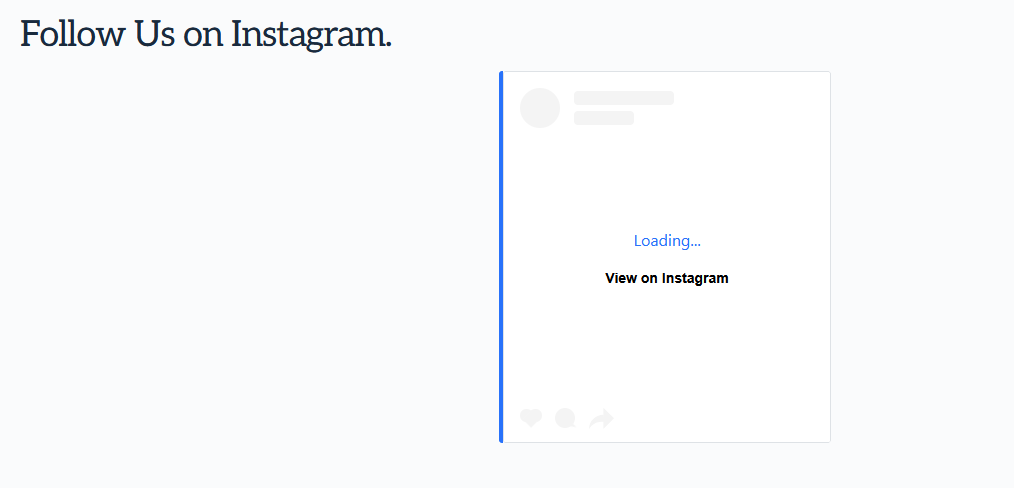
The Instagram social element on www.smoothfinish.ca has stopped working. It was working for the longest time and now what you see is "Loading ... Visit on Instagram".
On the back side of the site, it renders as it should and when you go to the site it just shows this. Clicking on it does lead the visitor to Instagram.
How can I fix this plese?
Thanks
-

Hello Jim,
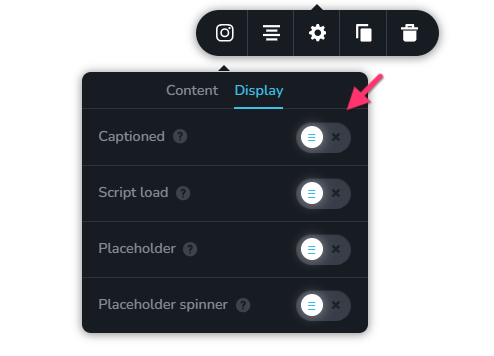
In the Brizy Instagram element, if you have enabled the option "Captioned" under the "Dispaly" tab, kindly disable it and check if the above issue resolves.
 0
0 -
Hi KC:
Thanks for the response. I just checked and it was sent to off. I then turned it on and back off and still is not working.
Have any other ideas?
Thanks!
Jim
0 -
Hello Jim,
Kindly deactivate the "Speed Optimizer" plugin from SiteGround and check if the issue resolves.
0 -
Hi KC:
Thanks for that and it works now - which is great.
Just puzzled as to what changed as it worked in the past with Speed Optimizer running. If you have any thoughts on this I would appreciate hearing them.
The good thing it is working.
Thanks again!
Jim
0 -
Hello Jim,
While the plugin was active, the browser console displayed a few "404 File Not Found" errors for the Speed Optimizer plugin files. Please contact your hosting support and request them to activate the plugin and explore the reason of the "404 File Not Found" errors in the browser console. They should be able to help.
0 -
Thanks KC, much appreciated
Jim
0
Please sign in to leave a comment.
Comments
6 comments