Google Translate API translating custom search and map elements — need to exclude them

|
10:38 AM (3 hours ago)
|
|
||
|
||||
Hi Brizy Support Team,
I'm reaching out regarding an issue with the Google Translate API integration on my Brizy Cloud website (prutart.com).
I have the Romanian → English translation set up and it works well for the general content. However, I have two custom HTML elements that I do not want to be translated:
-
Custom Search — a fully custom-built search widget in the navbar with its own JavaScript logic, page list, and dynamic results. When Google Translate processes the page, it translates the JS code and internal strings, breaking the functionality and displaying raw code as visible text on the English version of the site.
-
Map element — a custom map embed that should remain as-is and not be affected by translation.
I have already tried adding translate="no" and class="notranslate" attributes to the wrapper elements, but the Google Translate API still processes and translates these custom blocks.
Could you please advise on the correct way to exclude specific custom HTML elements from being translated in Brizy Cloud? Is there a supported method or setting to achieve this?
Thank you in advance for your help!
-

Hello Nicolai,
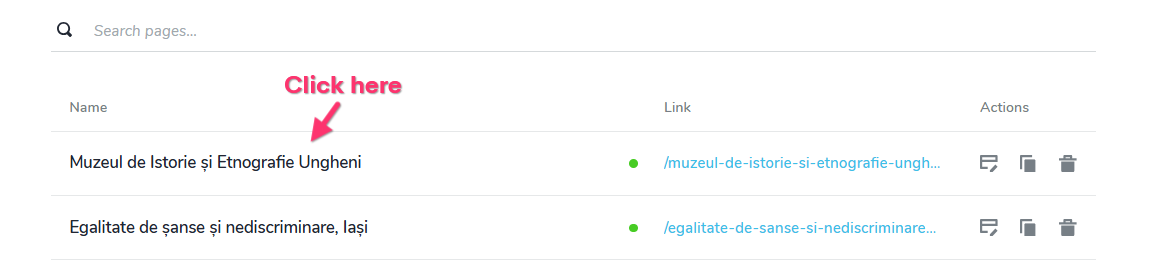
Every page has a list of translation strings and only those strings are translated to different languages. You can see the list of translation strings associated with each page by clicking on its name,
and selecting the "Translate" tab
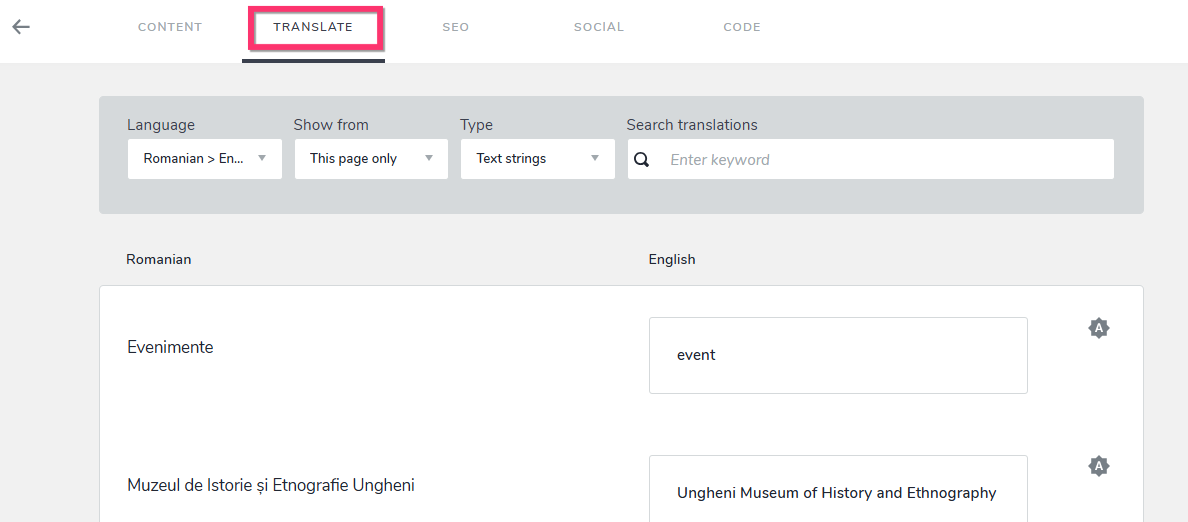
Content added through the embed element is not translated by Brizy Cloud.0
Please sign in to leave a comment.
Comments
1 comment