Failed to Upload File

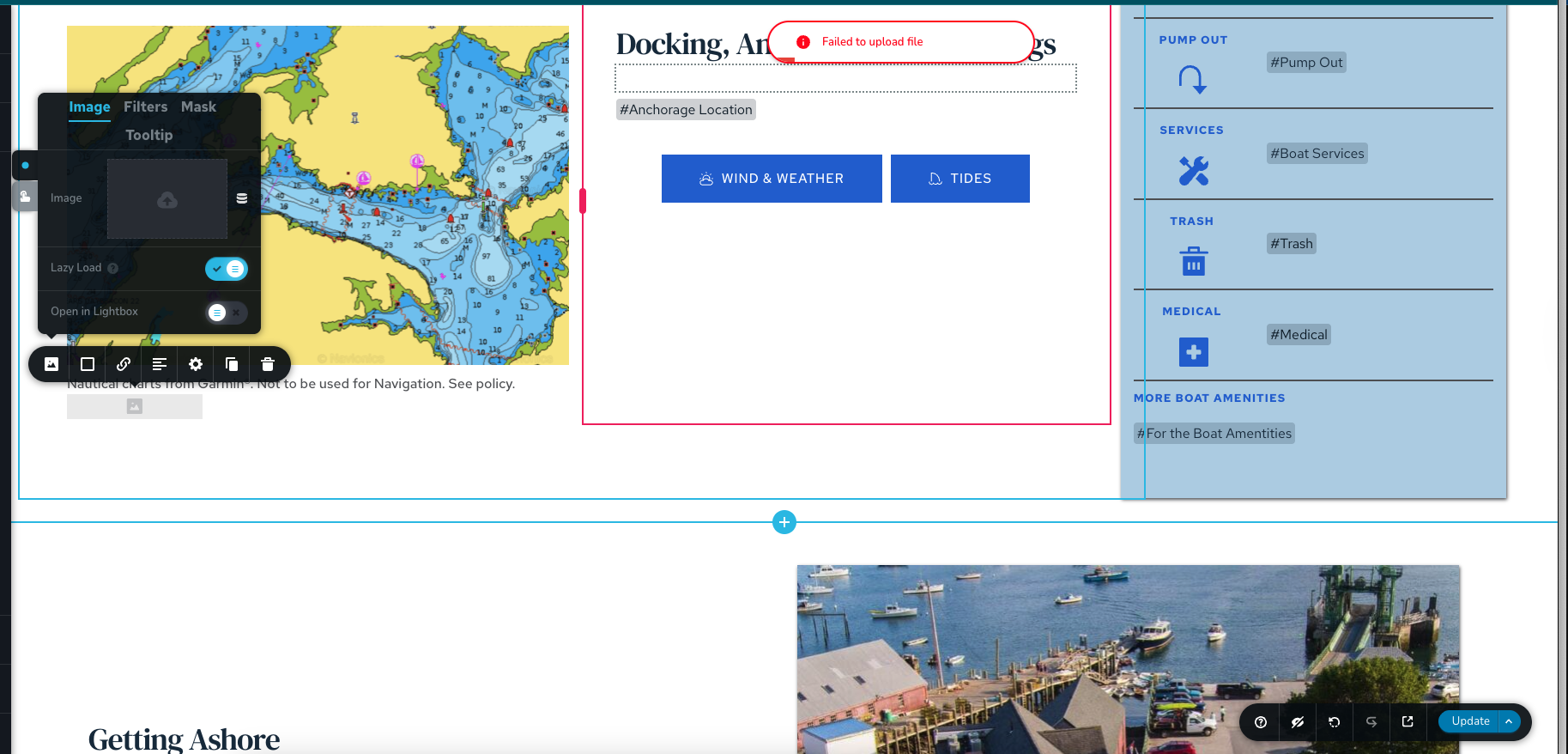
I have a site guides.cruisingclub.org that stopped being able to add images from the Media Library to a page.
I added communitysupport@brizy.io as an admin to the site.
I have had this happen before and would love to know the fix?
-

Hi Kate,
We tried using the password recovery option, but unfortunately, we didn’t receive any email on our end.
Could you please check the account setup and confirm everything is correct? Let us know once done, and we’ll try again.
In the meantime, the issue can sometimes occur if there’s custom code embedded on the pages. Please try temporarily removing any custom code and see if that helps. If the issue persists, kindly disable all other plugins except Brizy and Brizy Pro, then check if you’re able to replicate the issue.
Looking forward to your update.
0 -
Okay, I tried again. I sent an email.
0 -
Hi Kate,
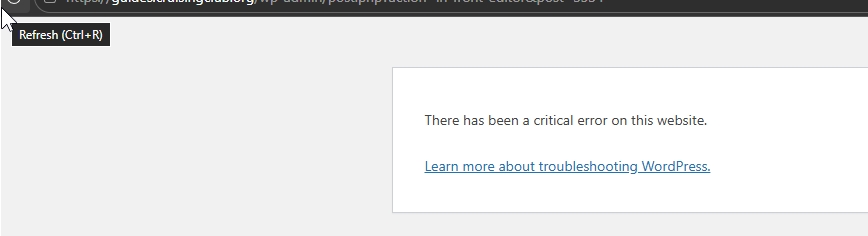
While troubleshooting your website, we encountered a critical error, and we’re currently unable to access the WordPress admin dashboard.
Could you please provide temporary access to your FTP or hosting control panel so we can continue investigating the issue on our end?
We appreciate your help and will proceed as soon as we have access.
Best regards,
Ariel H.0 -
Sent those to communitysupport@brizy.io
0 -
Hi Kate,
Thank you for your cooperation.
We weren’t able to resolve the issue directly on your website, so we replicated it on our local test environment. There, file uploads are working properly. This is demonstrated on this screencast: https://youtu.be/j2mAyIi8vOk
This suggests the issue is coming from the server environment. We recommend reaching out to your hosting provider and asking them to temporarily disable the CDN, and check if that helps resolve the issue.
Please try this and let me know how it goes.
Best regards,
Ariel H.0 -
Hello, I have been on chat with WPEngine, my host for hours. We disabled the CDN on a staging site copy (where the same issue is happening) and its not resolving the issue. https://ccaguidestg.wpengine.com/
1 -
Hi Kate,
On further checking, the issue appears to be related to multiple plugin conflicts, specifically with Gravity Forms, the Gravity Forms Mailchimp Add-On, and Imagify. We also found some Must-Use (MU) plugins added by your hosting provider that were contributing to the problem, so we temporarily disabled them via FTP for testing.
MU plugins are special plugins that are automatically activated by the server and cannot be disabled from the WordPress dashboard. They are used by hosting providers to enforce certain features or optimizations across your site.
After disabling these plugins, image uploads started working correctly, and the missing images on your pages began appearing again. This is demonstrate on this screencast - https://youtu.be/DW-KVMFHXMo
For Gravity Forms and Gravity Forms Mailchimp Add-On, you can keep them disabled while working on your pages, then re-enable it after publishing your changes. As for Imagify, you may need to look into an alternative optimization plugin that does not interfere with Brizy.
I hope this helps.
Best regards,
Ariel H.0 -
Hi,
Thank you for taking the time to dive into this. It's very odd because I use Imagify and Gravity Form on MANY other websites with Brizy while hosting with WPEngine (about 30 others!), and I do not have this issue. Very odd that just this one has these conflicts?
I also see that you logged in and disabled these 3 plugins but Image Uploads still don't work. Which MU Plugins did you disable?
Kate
0 -
Hi Kate,
Thank you for the update.
You’re absolutely right, and we understand why this seems unusual given that your other websites with the same setup are working perfectly.
In cases like this, even if the same plugins are used across multiple sites, differences in the configuration, or site-specific data can lead to conflicts appearing only on one installation.
Regarding the MU plugins, we temporarily disabled all of them via FTP as part of troubleshooting. Since these are server-level plugins, isolating them one by one would be quite time-consuming, so we opted to disable them altogether to quickly determine whether they were contributing to the issue.
Additionally, we replicated the site locally and were unable to reproduce the issue there, as shown in our previous screencast ( https://youtu.be/j2mAyIi8vOk ), which further suggests that the problem is related to the server environment or configuration specific to this installation.
Given that this is the only site affected, one option you may want to consider is saving your layouts, performing a fresh WordPress installation, and then importing the layouts back in.
Please let us know how you’d like to proceed, and we’ll be happy to assist further.
Best regards,
Ariel H.0
Please sign in to leave a comment.
Comments
9 comments