Can't edit any Pages (Brizy Builder Pro)

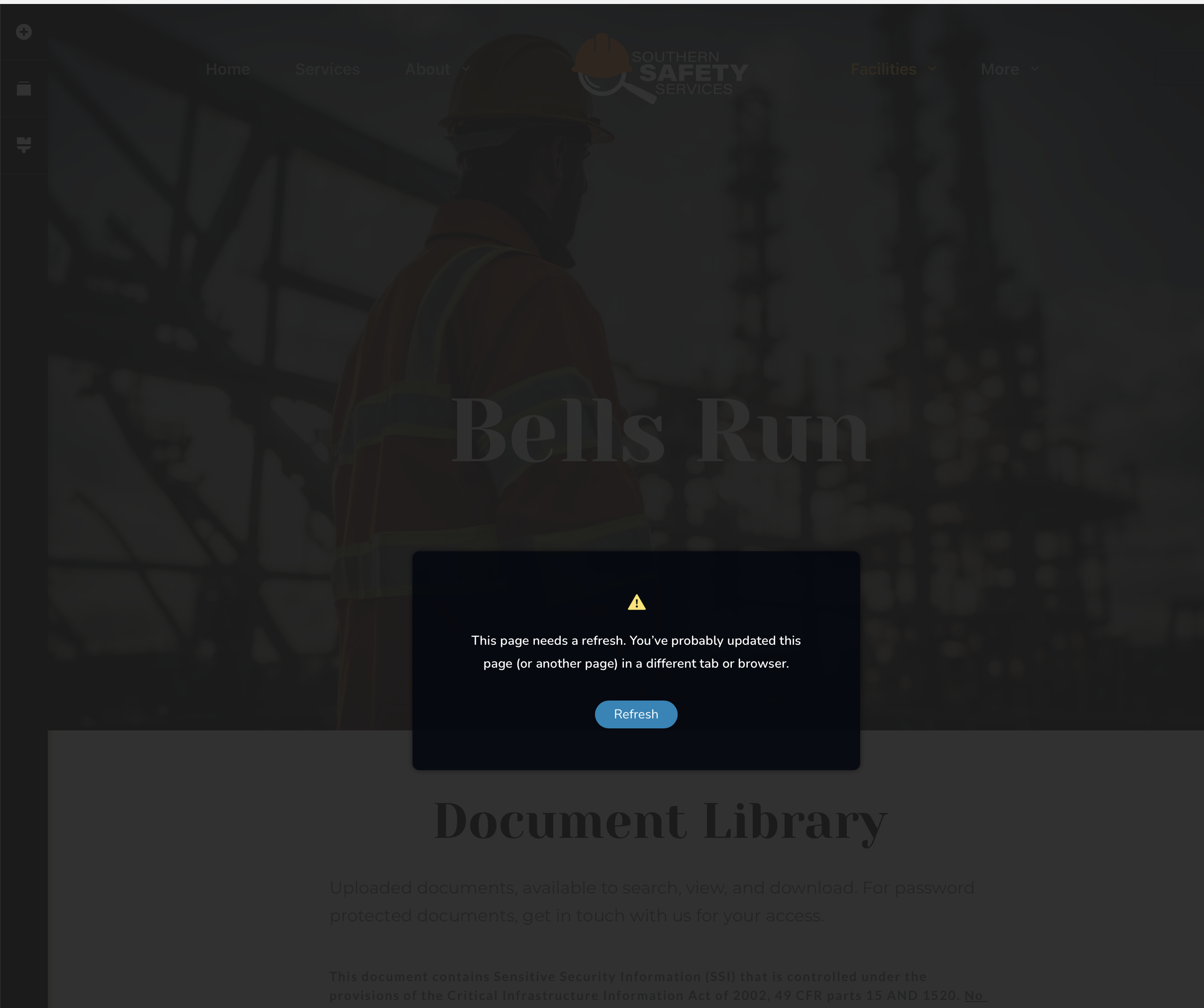
Beginning today, I can't edit any pages. Everything was fine yesterday. I get the same message "This page needs a refresh. You've probably updated this page (or another page) in a different tab or browser.)
https://southernsafetyservicesllc.com
I am running Breeze from Cloudways and purged my Varnish cache. I have restarted my browser and computer and nothing helps.
What can I do? I have daily backups but haven't yet tried rolling the site back yet. I thought I would see if this is something you can help fix first.
-

Hi Craig,
Thank you for contacting us.
Kindly disable all other plugins except Brizy and Brizy Pro to check if one of them might be causing a conflict.
If it still doesn’t resolve the problem, please provide us with temporary access to your WordPress Admin so we can investigate further. Kindly add us as an Administrator user and send the following details to communitysupport@brizy.io.
Community Post link: https://support.brizy.io/hc/en-us/community/posts/34161061954322
WordPress Admin URL:
Username:
Password:Looking forward to your reply.
Best regards,
Ariel H.0 -
sent
0 -
Hi Craig,
Thank you for contacting us.
Upon checking, the 413 error in the console suggests that the AJAX request from the Brizy frontend editor is exceeding the server’s allowed data limits. This usually happens when saving a large page with numerous blocks or custom elements.
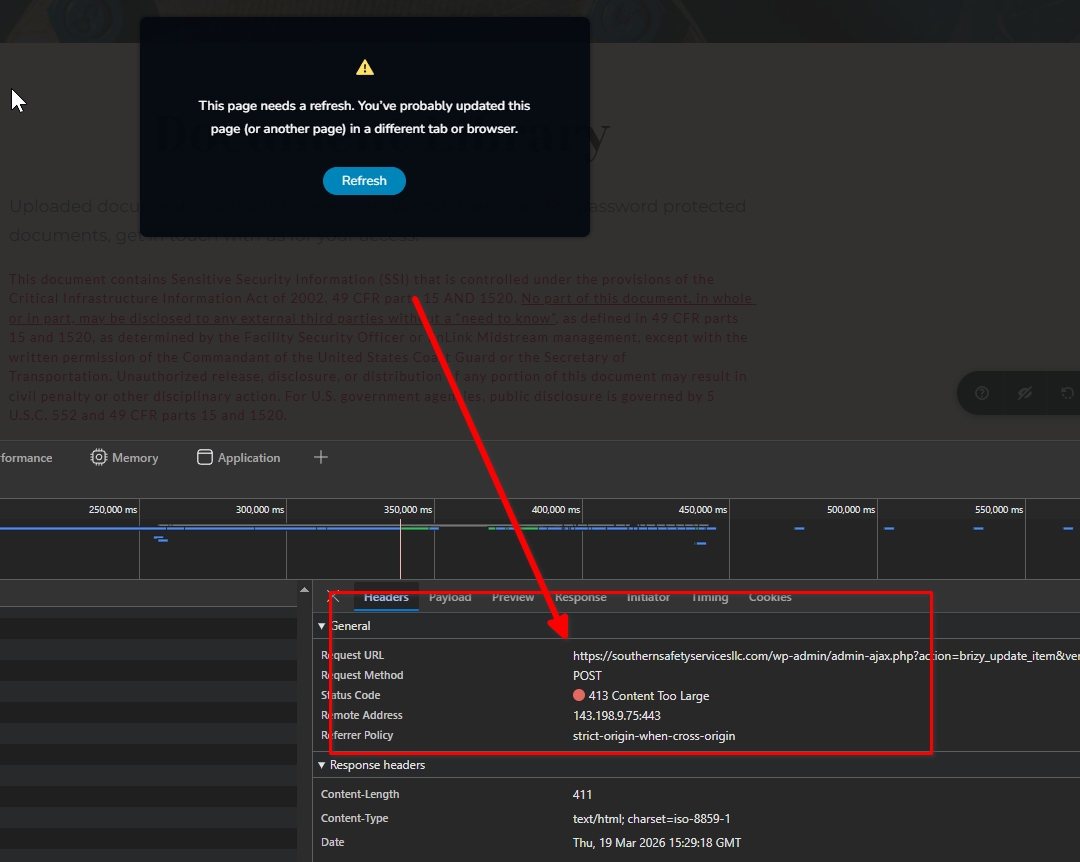
We’ve seen a similar case before where another user was able to resolve the issue by updating their server settings, specifically, increasing the body size limits in their ModSecurity configuration, which was blocking larger save requests.
This may be something you could check with your hosting provider. For more details, please refer to this support thread: https://support.brizy.io/hc/en-us/community/posts/27240442687378Please try this and let me know how it goes.
Best regards,
Ariel H.0 -
I understand, sort of, but why would it be okay yesterday and not okay today? I didn't change anything.
0 -
Also, now I can't access the site to edit because it says you are logged in. This is something I've never run in to. It gives an option to "take over" but when I click it, it says it has failed to.
0 -
Hi Craig,
Thank you for the update.
We have now logged out of the page. I forgot it was still open in another browser tab, sorry about that.
Even if it was working yesterday, this can change if the page size increased or if there were recent updates or server configuration changes.
Your hosting provider should be able to check this on their end by following the guide we provided in our last reply.
Best regards,
Ariel H.0 -
I've spent over an hour with my hosting company. They've changed many things, including size limits, PHP version, etc. It still won't allow me to update several of the pages. These pages all have the following in common: several Shortcode blocks (which reference Ninja tables tables) and password protection. Two pages with Wordpress password protection, and two pages with Brizy user login block display protection. All other pages are working just fine.
0 -
disabling my ninja tables plugin (there are two: base and "Pro") does not resolve the problem, nor does disabling all plugins (except the two Brizy ones)
0 -
I have disabled Brizy Pro plugin and left the base plugin enabled. That resolves all the issues. So what do I need to do? Is there a rollback version? How would I install that? Do you need a "bug report" to address the issue I'm having that seems to be with the Brizy Pro plugin?
0 -
Hi Craig,
Thank you for the update.
The dynamic data being pulled in through the shortcodes (like your Ninja Tables) is also increasing the overall request size when updating the page. Because of that, a 413 error can still occur.
At the moment, we no longer have access to your website to directly check or perform a rollback on our end. However, if you’re able to share the last Brizy and Brizy Pro versions that worked correctly, we’d be happy to provide you with a download link so you can reinstall and test it.
Looking forward to your update.
Best regards,
Ariel H.0
Please sign in to leave a comment.
Comments
10 comments