How to remove "Made with Brizy" badge on PRO account

Hi, I tried to email support but didn't get an auto responder or ticket confirmation so trying here too.
Can you please urgently help me with a coming soon page. I accidentally de-activated the pro account when tidying up my dashboard.
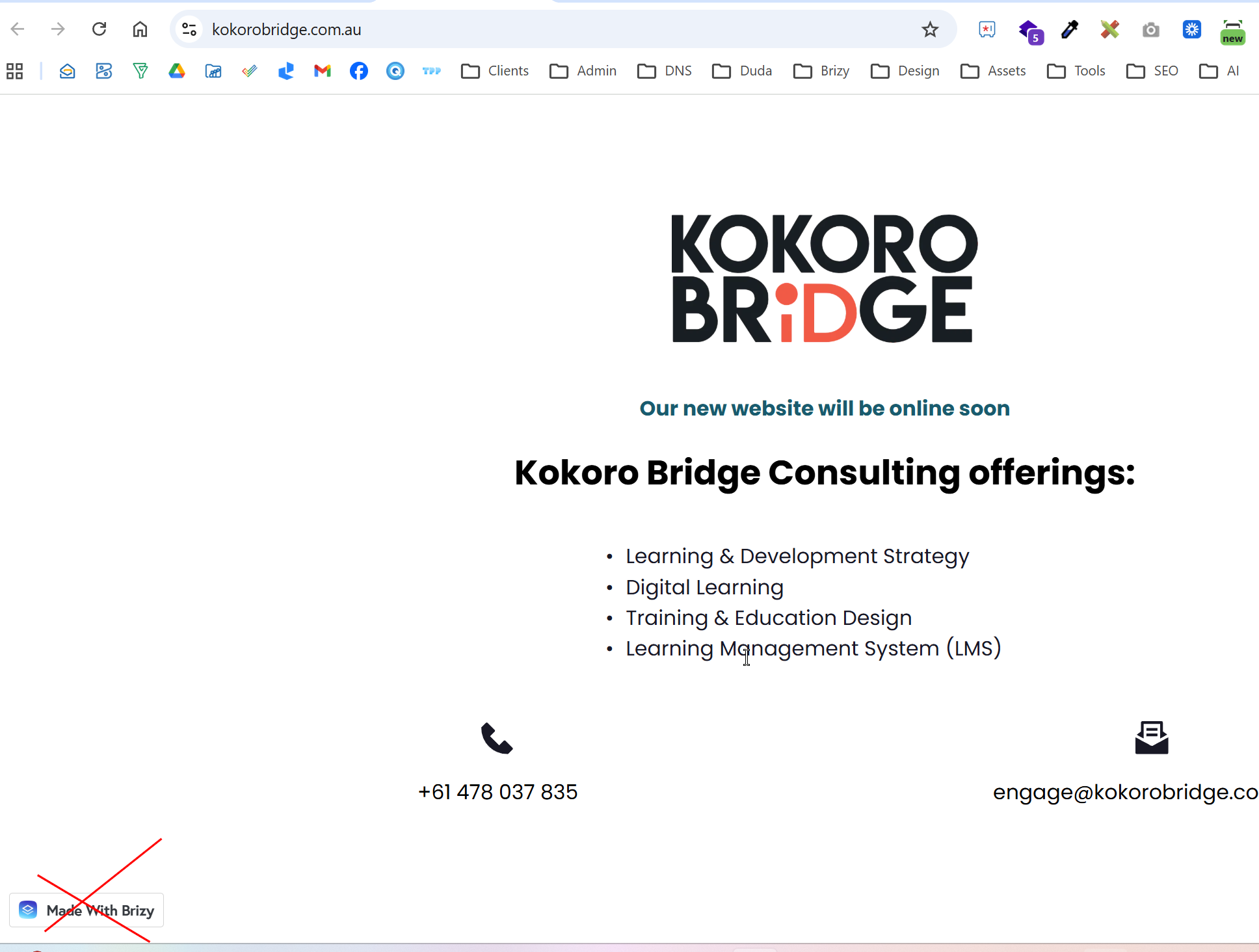
I am trying to activate it again because I need this site live - but now there is a "Made with Brizy" badge on the left bottom corner of the screen that I cannot get rid of.
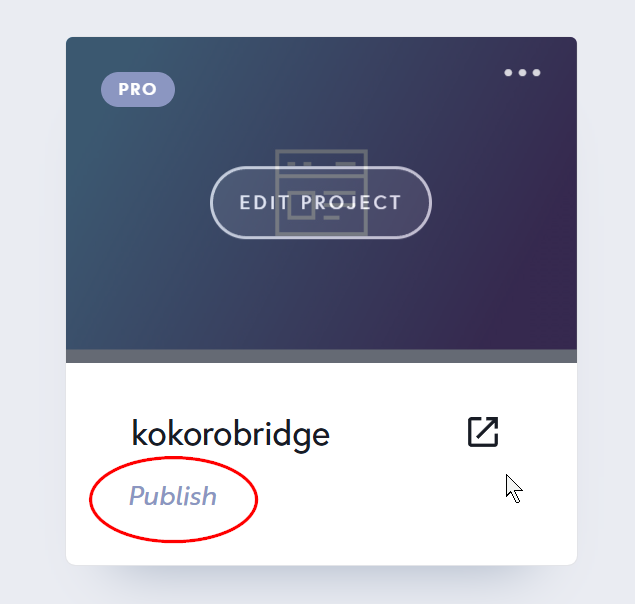
I activated Pro again and even removed the domain and added the domain again to 'relaunch' it, but the Made with Brizy badge remains and the site thumbnail on the dashboard has a 'publish' link where the website address is meant to be (see screenshot below). Clicking that 'publish' link doesn't do anything except show that the DNS are set correctly.
Please help!
Thanks.
0
-

Hi Eva,
Thank you for reaching out.
It appears that the option to remove the Made with Brizy badge is currently disabled.
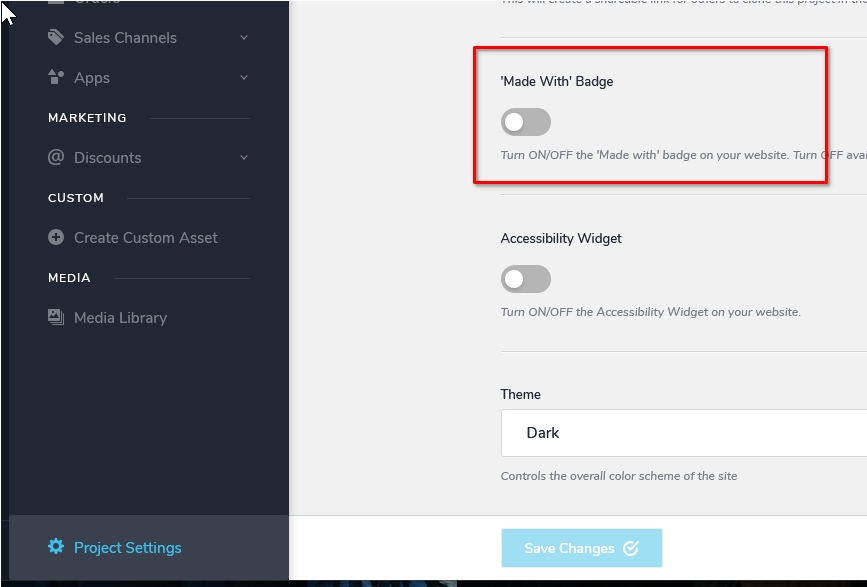
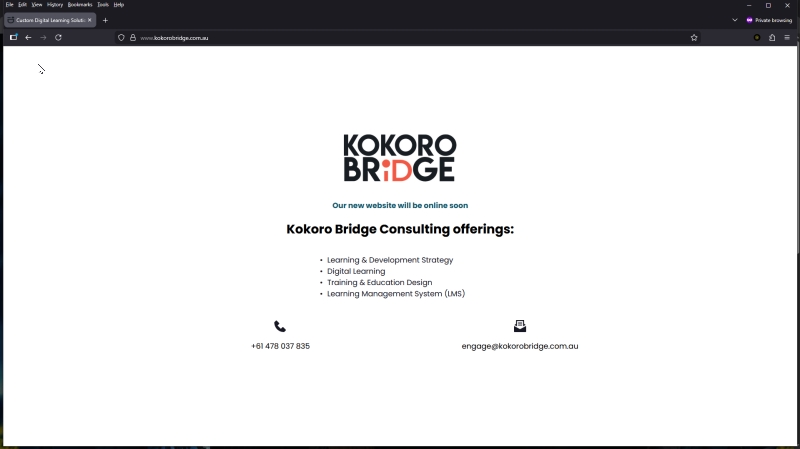
Could you please try clearing your browser cache or accessing the site using a different browser to see if that resolves the issue?
Best regards,
Ariel H.0 -
Hi Ariel
Thank you, all good now.
0
Please sign in to leave a comment.
Comments
2 comments