My site is all broken

Hello,
Everything was stable for a long time. Now my site is all jacked. Jetpack is saying there's a vulnerability with Brizy. That's the only issue showing. Please help.
firstamendment.win
-

Hi Daniel,
We sincerely apologize for the inconvenience this issue has caused. Our team is actively working to address it and find a resolution as quickly as possible.
In the meantime, if you need assistance restoring your website, you may send your site credentials to communitysupport@brizy.io and include the reference 34047792300946 in the subject line so we can easily locate your request and assist you as soon as possible.
Thank you, and we look forward to your reply.
Best regards,
Ariel H.0 -
So this is a known issue?
0 -
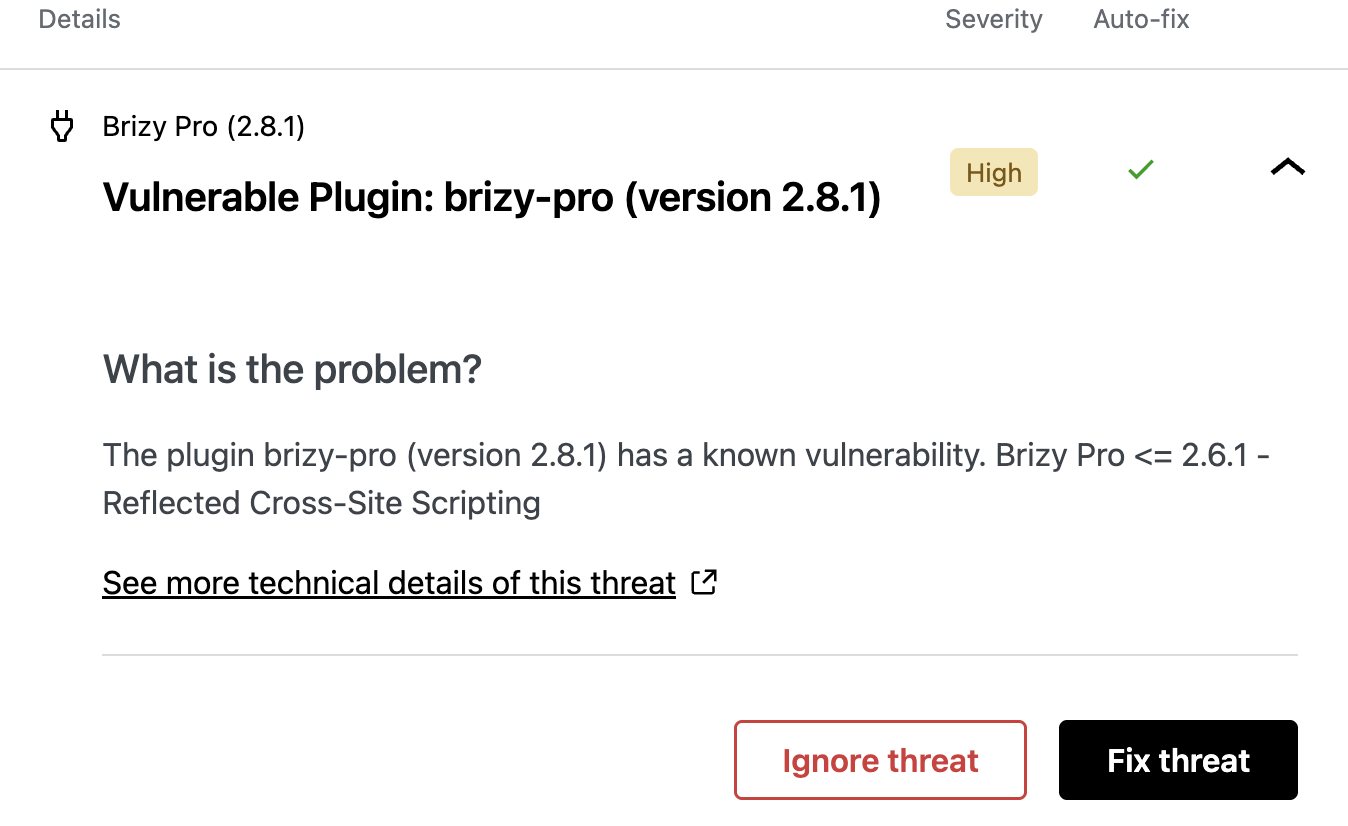
This is what Jetpack shows, FYI
 0
0 -
Hi Daniel,
Thank you for your message.
This is a known issue, and our team is currently working on addressing it. Please note that this may take some time.
The vulnerability warning you are seeing refers to Brizy Pro version 2.6.1, as indicated in the alert. However, the warning has not yet been cleared by the security scanner. We are currently working with a third-party WordPress security and vulnerability monitoring platform to address the issue.
We appreciate your patience and will keep you updated as soon as we have more information.
Best regards,
Ariel H.0 -
Hi Daniel,
This is regarding the broken site issue you reported.
We’ve recently released Brizy v2.8.5 and Brizy Pro v2.8.2. If you haven’t had a chance to update yet, please do so and let us know if the issue still persists.
Best regards,
Ariel H.0 -
Hello,
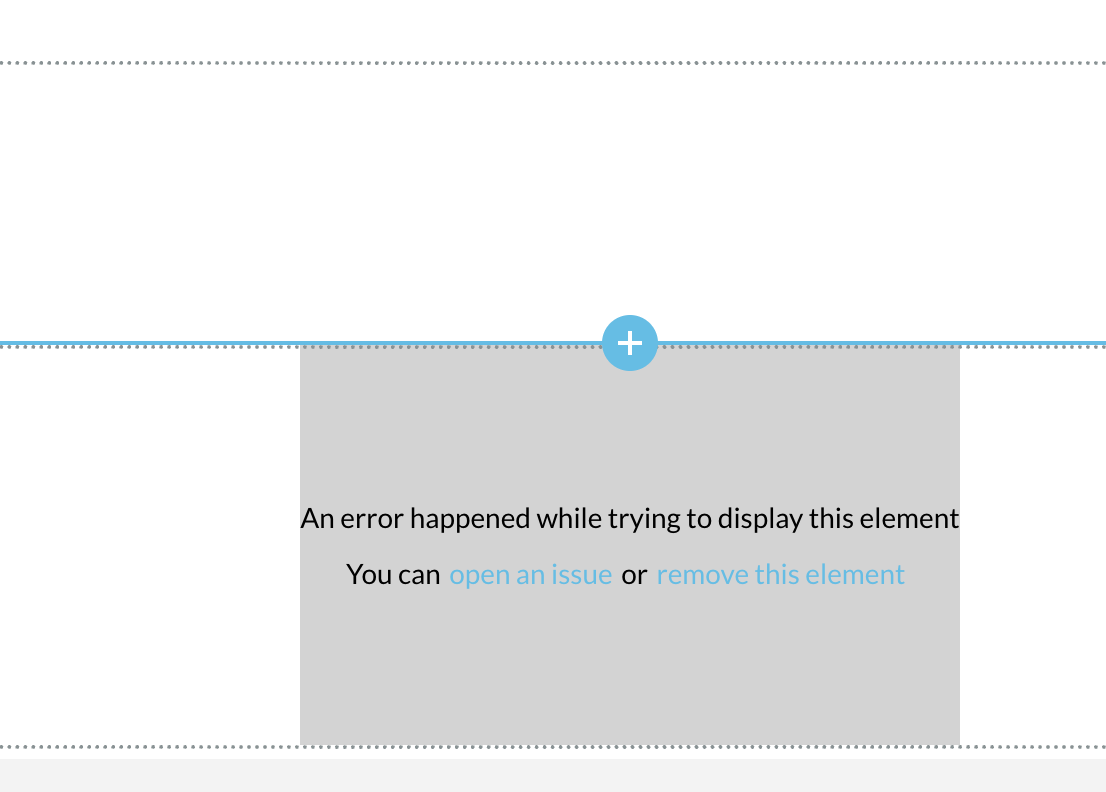
No, it did not fix it. I cleared the cache and I also tried to make a change on the template and resave it to see if that would fix it, and it didn't even save. I tried to just update the bottom copyright date from 2024 to 2026 and it gave me the attached error.
I just emailed you admin login with the subject line: Reference 34047792300946
Please advise,
Thanks,
Dan
 1
1 -
Hi Daniel,
Thank you for your cooperation.
We’ve identified that the issue is coming from the Jetpack Boost and Jetpack Protect plugins. When these plugins are disabled, the issue no longer occurs. This is demonstrated on this screencast - https://streamable.com/zclf9h
As a workaround, we recommend temporarily disabling them while working on your pages. Once you’ve finished and published your changes, you can enable them again.
It may also be helpful to report this to the plugin developers so they’re aware of the issue and can potentially provide a fix or guidance.
Best Regards,
Ariel H.0
Please sign in to leave a comment.
Comments
7 comments