The Carousel widget gets affected by the brizy update

The update on brizy AI 1.5 and wordpress 6.9.4 breaks the CSS style of Carousel widget. I have downgrade using the latest backup and it's still does it on wordpress 6.9.1 and 6.9.4
I also tried auto update 2.8.1 still not working and the layout crack and mess the site deeply
-

Hi Dee,
Could you please provide temporary administrator access to your WordPress dashboard so we can take a closer look at the issue?
Kindly send the following details to communitysupport@brizy.io:
- Community post link: https://support.brizy.io/hc/en-us/community/posts/33979849915154
- WordPress Admin URL:
- Username:
- Password:
We’ll be glad to assist as soon as we have access.
Best regards,
Ariel H.0 -
I just createde for one of my existing client super important right now I have downgraded since it causes the CSS layout breakdown I took like 2 months to properly get this final and delivered and not 1 month this gets messy with the latest update. I downgraded but can't see how can I make this work properly again
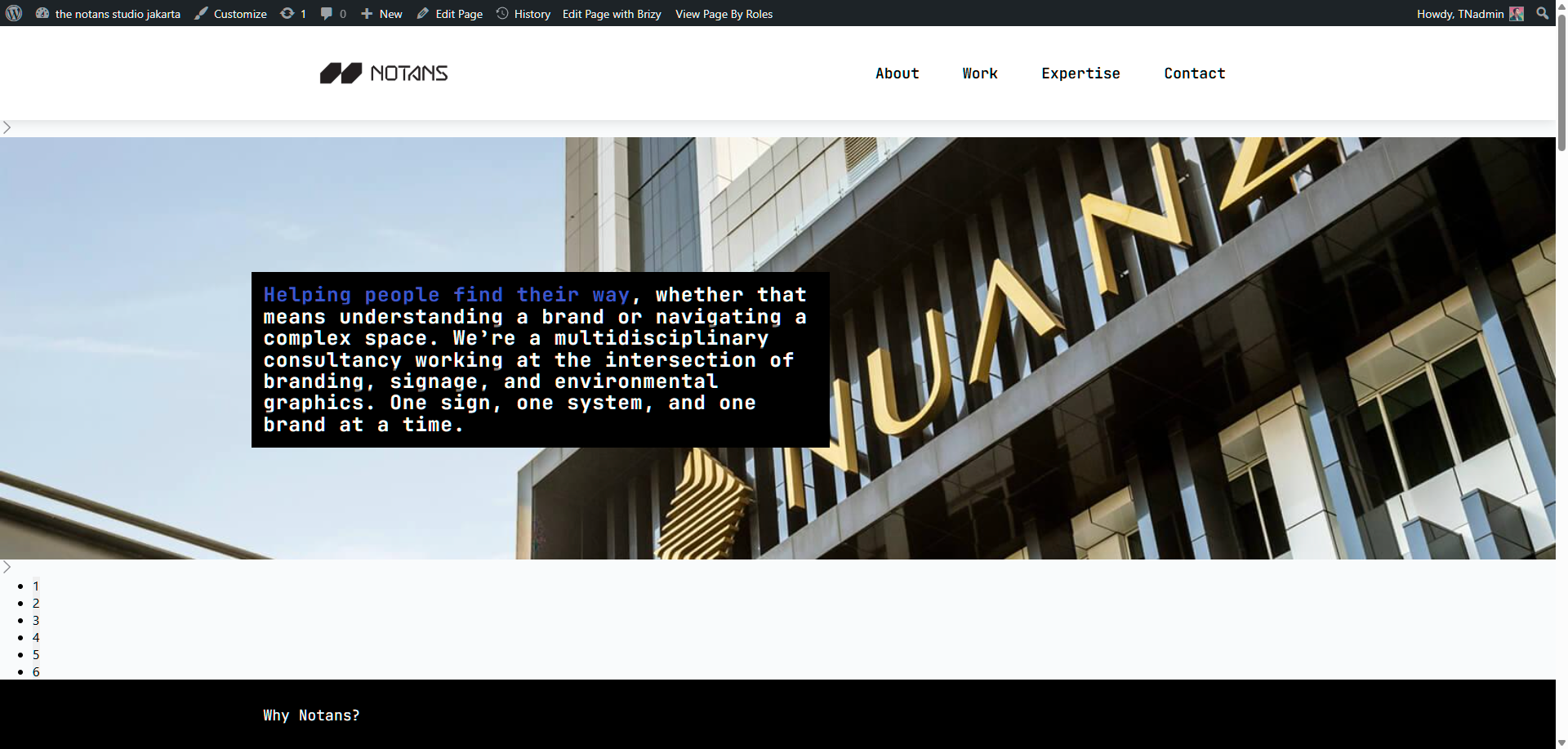
if you see at the preview it breaks down but on the admin site is working.
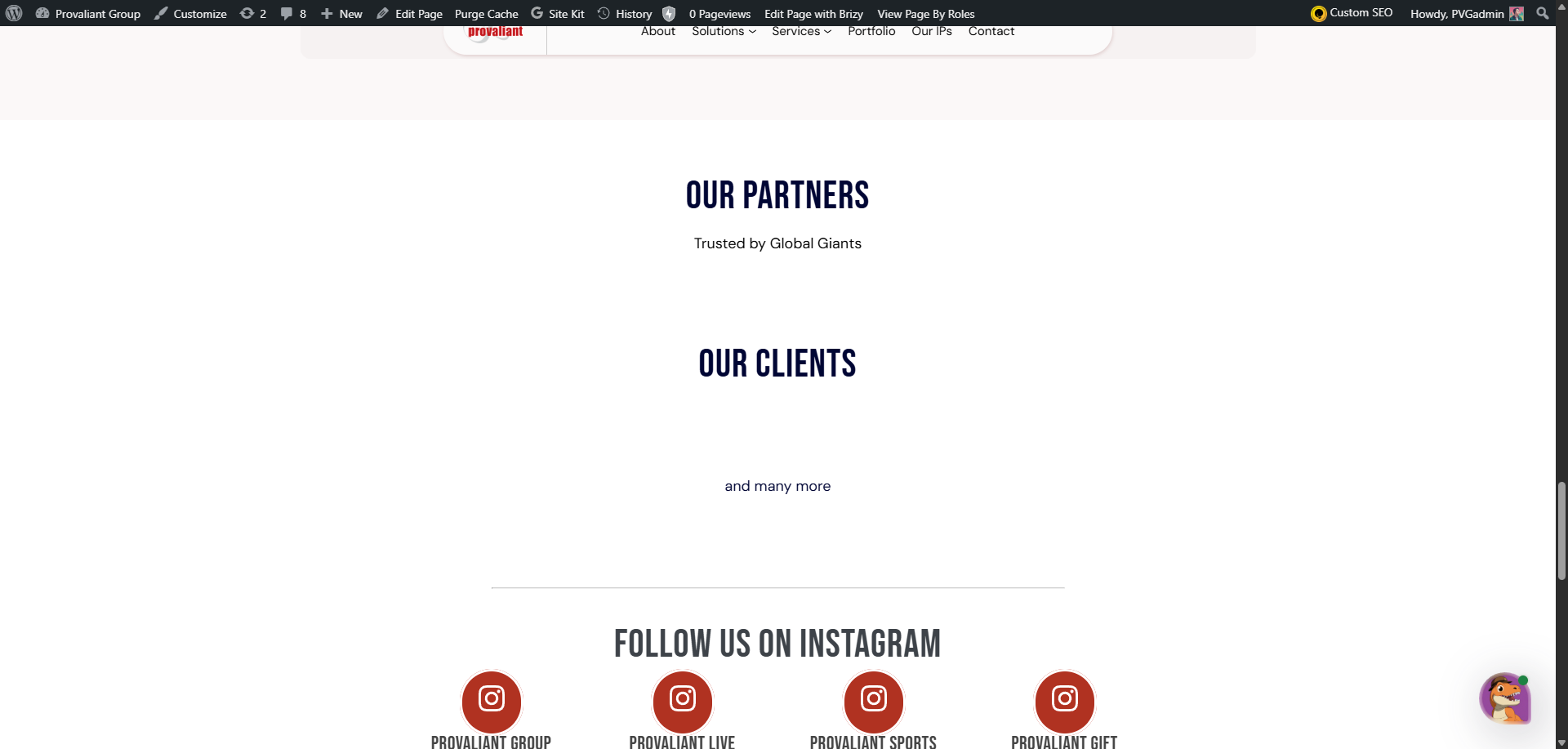
The other site I had handle for the moment by hiding the carousel mode. But this one is priority first. You can see under our partners should be a line up of logos of clients and partners
And on recent works the red section is also broken and showing CSS Layout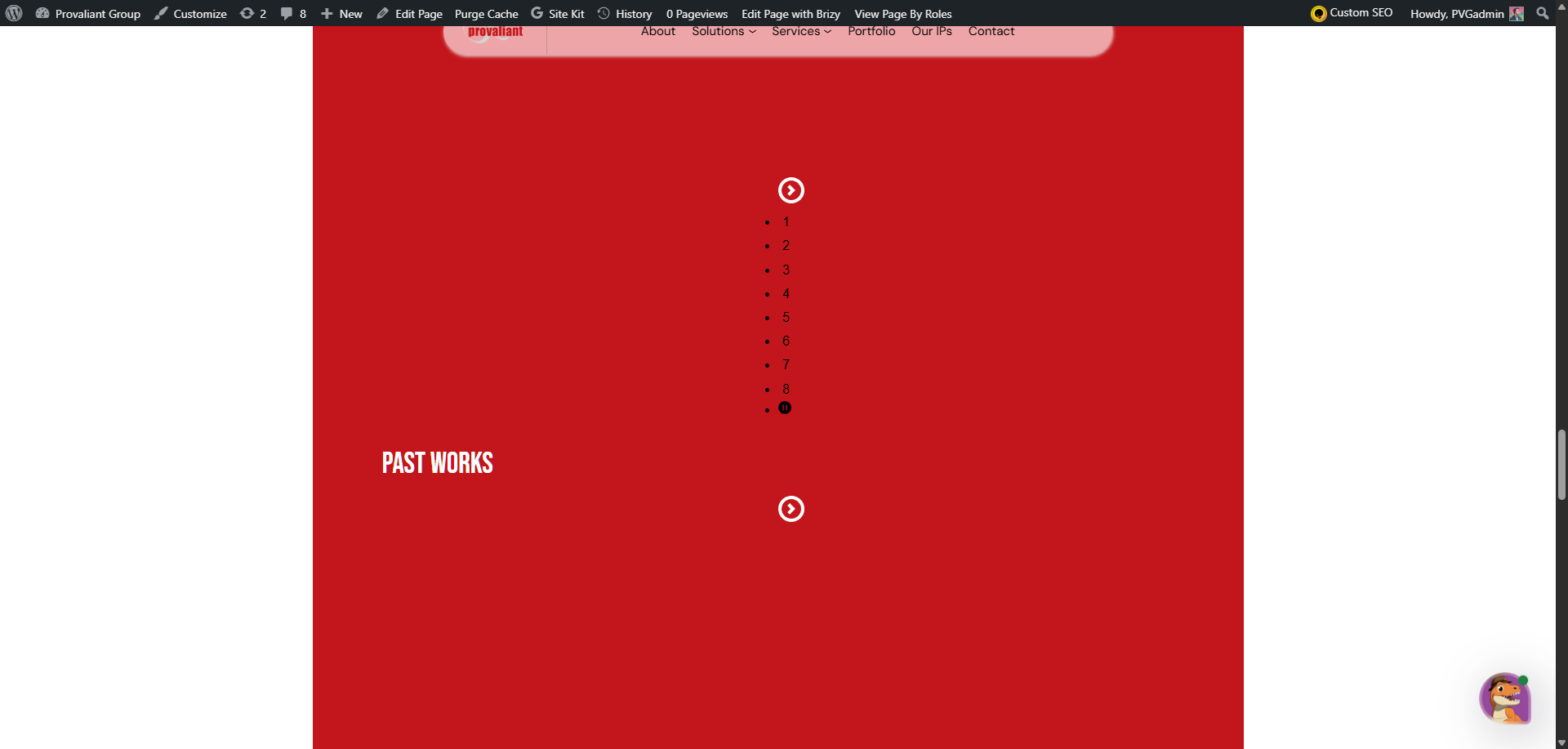
 0
0 -
please check the mobile version is even messier just a big blank white after the problem section
0 -
done emailing you. I had a long day try to bring back up and older version but the site is still messed up
0 -
Hi Ariel the first post still have problem on the live it breaks the CSS and I just sent you the credentials the same way as before. That project is just needs to go live. The final design is in the editor window of Brizy
0 -
Hi Dee,
We’ve reverted Brizy Free and Brizy Pro to version 2.8.0 and applied a manual fix to the carousel to address the issue.
We sincerely apologize for the inconvenience. The issue with the latest version is currently being worked on by our developers. In the meantime, we’ve temporarily disabled automatic updates on your website to prevent the problem from occurring again.
Best regards,
Ariel H.0 -
Hi Dee,
About thenotans.com, it appears that the layout of the page has already been updated. In any case, I’ve already installed Brizy and Brizy Pro v2.8.0, so please try editing the page again.
If the layout looks different on the front-end, please try temporarily reducing the width of the affected block and then setting it back to 100%. If the block is set to full width, you can also switch it to boxed and then revert it back. After that, click Update.
This should force Brizy to recompile the page and often resolves layout issues.
Best regards,
Ariel H.0 -
hi Ariel
What's the eta on the update? and also the stable version is 2.8.0 not 2.8.1 the latest one. Am I Correct? Should we always have to upgrade to the next version of brizy.io ? as it is frustrating to keep on fixing layouts after hundreds of hours of spending time on it to get it done if there is recent update version
How to fix the carousel manually? I still see the white space on the mobile device (not on the browser but on the mobile device) can this be fixed?
Kindly advise.0 -
Hi Dee,Thank you for your patience.
At the moment, we don’t have an ETA yet as the issue is still ongoing. I’ll reach out as soon as I receive any update from our developers.
In the meantime, the last stable versions are Brizy 2.8.0 and Brizy Pro 2.8.0, which you can download here:
https://supportpage-temp.brizy.site/As mentioned in my previous reply, the carousel issue can be fixed by performing a small change on the page to force a recompilation. After making the change and updating the page, please also make sure to purge your website cache.
Best regards,
Ariel H.0 -
Hi Dee,
We’ve recently released Brizy v2.8.5 and Brizy Pro v2.8.2. If you haven’t had a chance to update yet, please do so and let us know if the issue still persists.
Best regards,
Ariel H.0 -
Hi Ariel. is this solving the CSS layout breakdown ? I would not dare as it takes quite a time will you help to revert?
0 -

Hello Dee,
As you can see at https://support.brizy.io/hc/en-us/community/posts/34018527190162, updating to Brizy 2.8.5 has fixed the CSS issue. If you need to rollback to previous versions, kindly use these files: https://jmp.sh/Vh0Fcu0t
0
Please sign in to leave a comment.
Comments
12 comments