WordPress not letting me log in

I am trying in chrome and firefox to login via wordpress to the brizzy plugin to have my pages and everything that i saved on brizzy cloud there to import it, but i try to log in and it wont let me saying that the name or password are wrong, i click on recover via email and type my email and it says "Failed to reset password" even tho it sends me the email to reset and when i do, it still doesnt let me in the plugin for some reason but i can get to brizzy cloud no problem
-

Hi Afonso,
Thank you for reaching out.
Just to make sure we understand correctly, are you trying to log in to the Brizy plugin in WordPress in order to import the pages you previously created in Brizy Cloud into your WordPress site? There may have been some confusion regarding the platforms and your current subscription.
Brizy Cloud and Brizy WordPress are separate products with separate subscriptions. If you would like to use Brizy with WordPress, you will need to purchase a separate Brizy WordPress license and install the plugin.
If you have any questions or need further assistance, please let us know and we’ll be glad to assist.
Best regards,
Ariel H.0 -
I completly hunderstand that but I can not login with my brizzy account, I simply want to log in the free WordPress plug-in with my account to be able to use the template I already had created from scratch
0 -

Hello Afonso,
If you are unable to sign into the Saved Library in your Brizy Cloud account, kindly follow these steps.
- Visit the "Saved Blocks and Layouts" library in your Brizy Cloud account, hover over the block or the layout you want to import to Brizy WordPress and click on the "Download" icon (down arrow). This will download the block/layout to your computer.
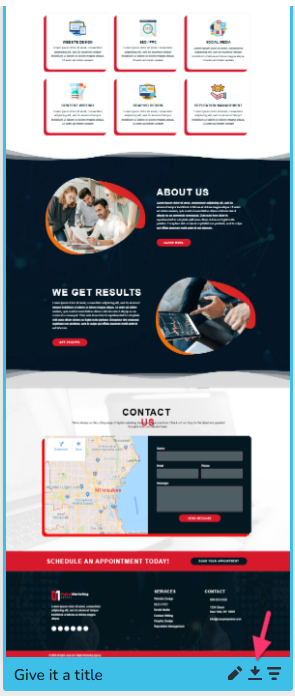
- In your WordPress project, access the "Saved Blocks and Layouts" library and select the "Import New Layout/ Import New Block" button at the bottom and import the design you downloaded in the previous step
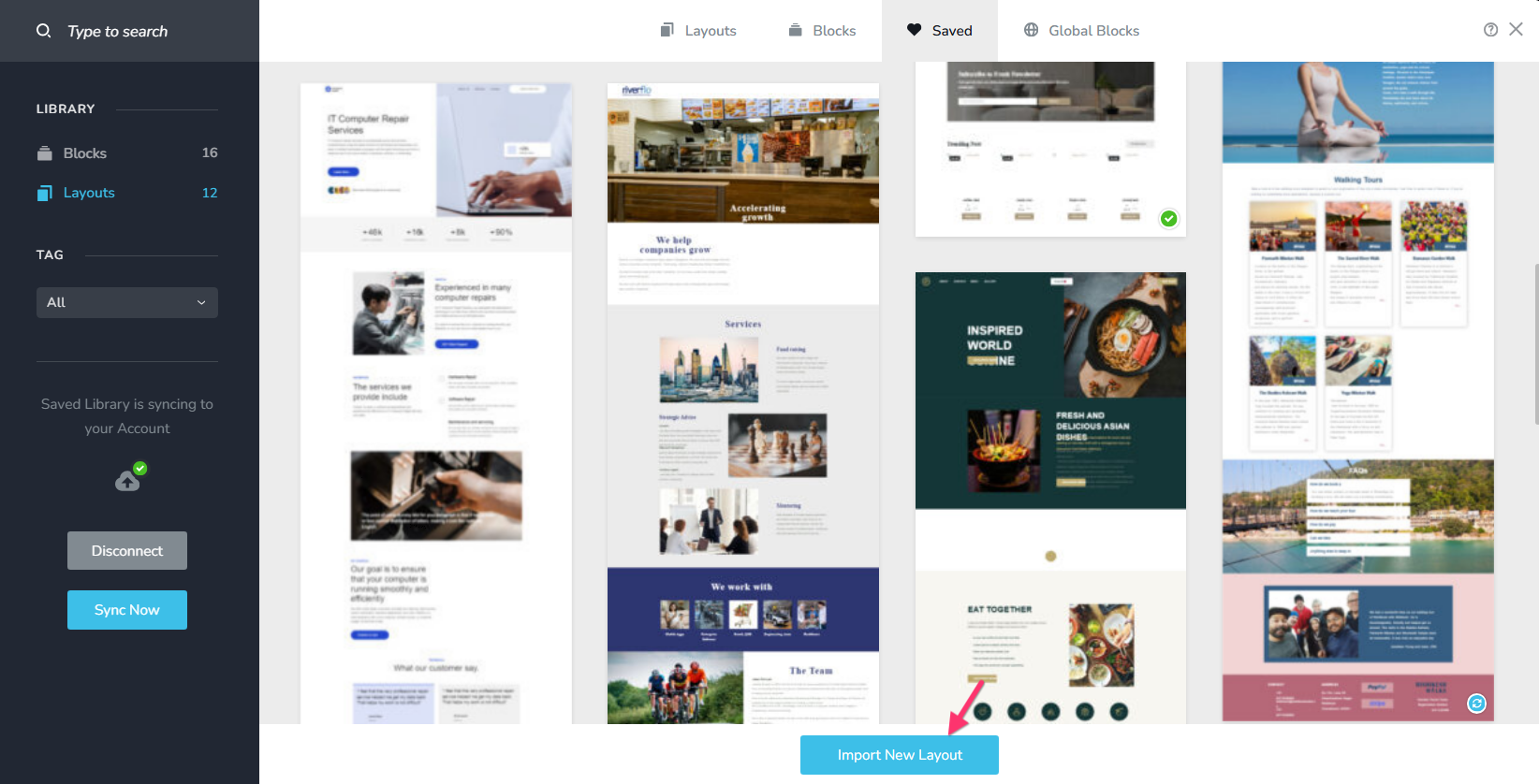
- This will import the design to the saved blocks and layouts library. Click on the specific block/layout to import the design to a Brizy WP page.
0 - Visit the "Saved Blocks and Layouts" library in your Brizy Cloud account, hover over the block or the layout you want to import to Brizy WordPress and click on the "Download" icon (down arrow). This will download the block/layout to your computer.
-
I will do that but can't you guys just fix this because it clearly is broken? I can't even try to recover my password via that plugin you're offering a workaround to a problem but not solving the main issue..
0 -
Hello Afonso,
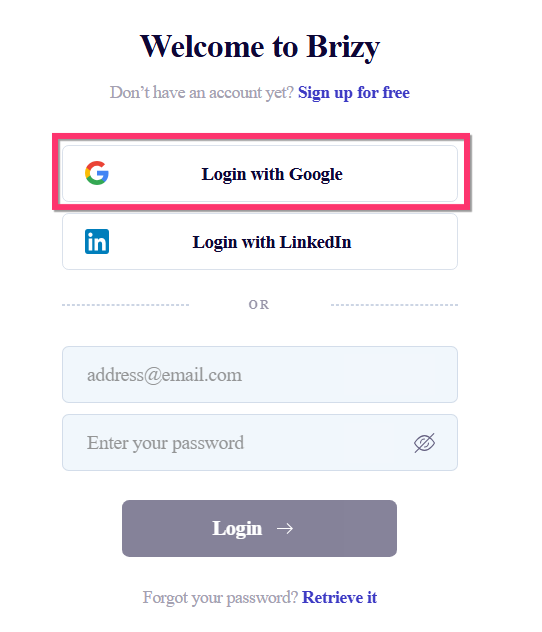
Do you know if you have previously logged using the "Login with Google" option?
 0
0 -
I did but it also works using my email and password with the regular login via brizzy cloud
0 -
Hello Afonso,
Do we have your permission to change your password to reproduce the above issue at our end?
0 -
Yes
0 -
Hello Afonso,
You can see my test at https://jmp.sh/n3aVNxXj I could sign in to your Brizy account. Kindly remeber to reset your account password.
Please use a different browser to access your WordPress Dashboard and check if you are able to log in into your Brizy account.
0
Please sign in to leave a comment.
Comments
9 comments