Mega Menu not visible

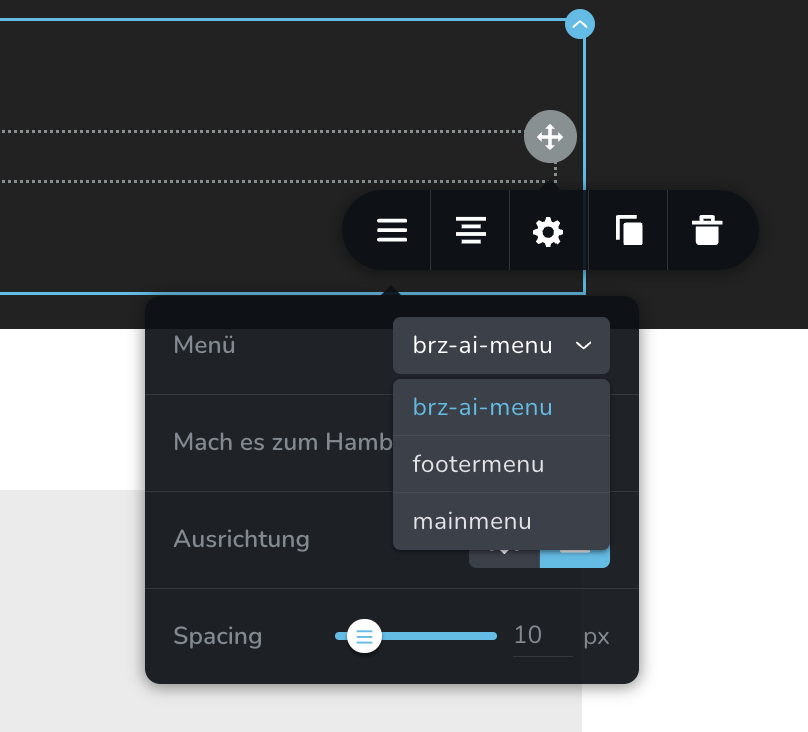
How can this be fixed and more important: where can I edit the menu items?
-

Hi Andi,
Thank you for reaching out.
The Mega Menu option should appear when editing a specific menu item. Please click on the menu item where you want to enable the Mega Menu, and from there you will see the option to activate it.
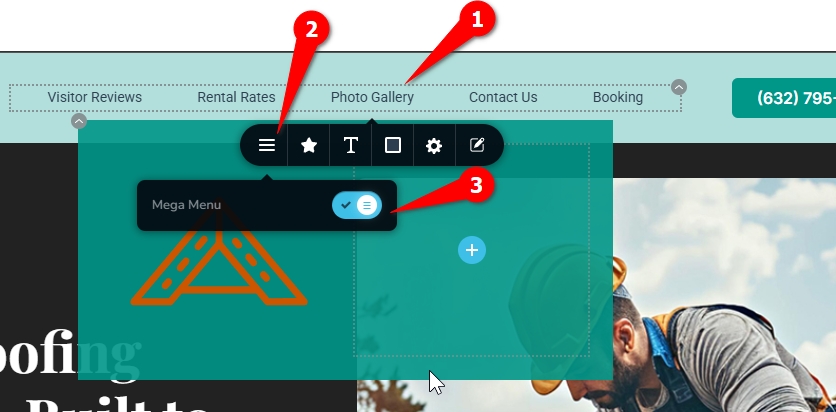
If you cannot find where to edit the menu items, it is likely because your current theme is using the newer block-based navigation. In this case, please temporarily switch to a theme that supports the classic WordPress menu, such as Blocksy or Twenty Twenty-One.
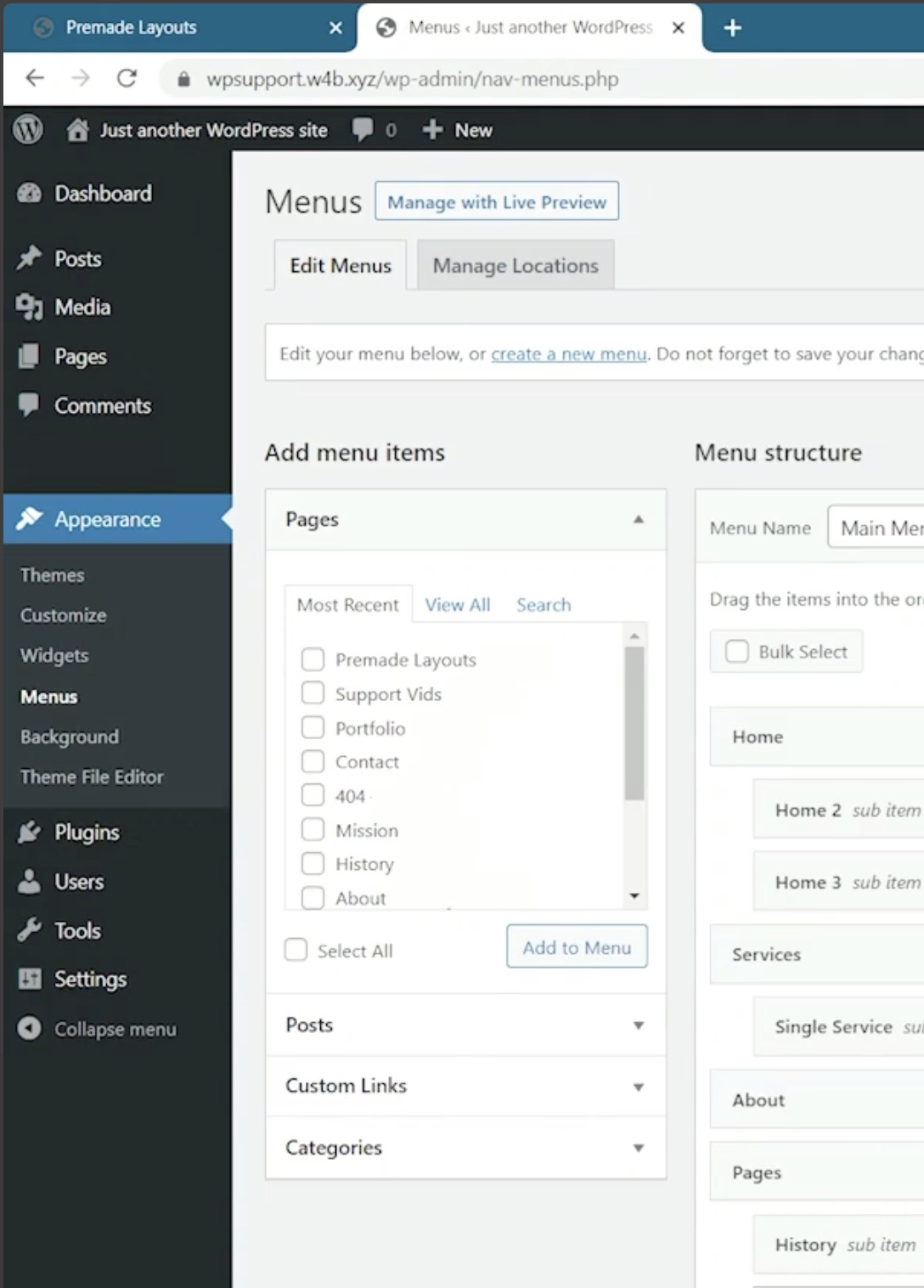
After switching the theme, you can edit the menu items by going to:
WordPress Dashboard → Appearance → MenusBest regards,
Ariel H.0 -
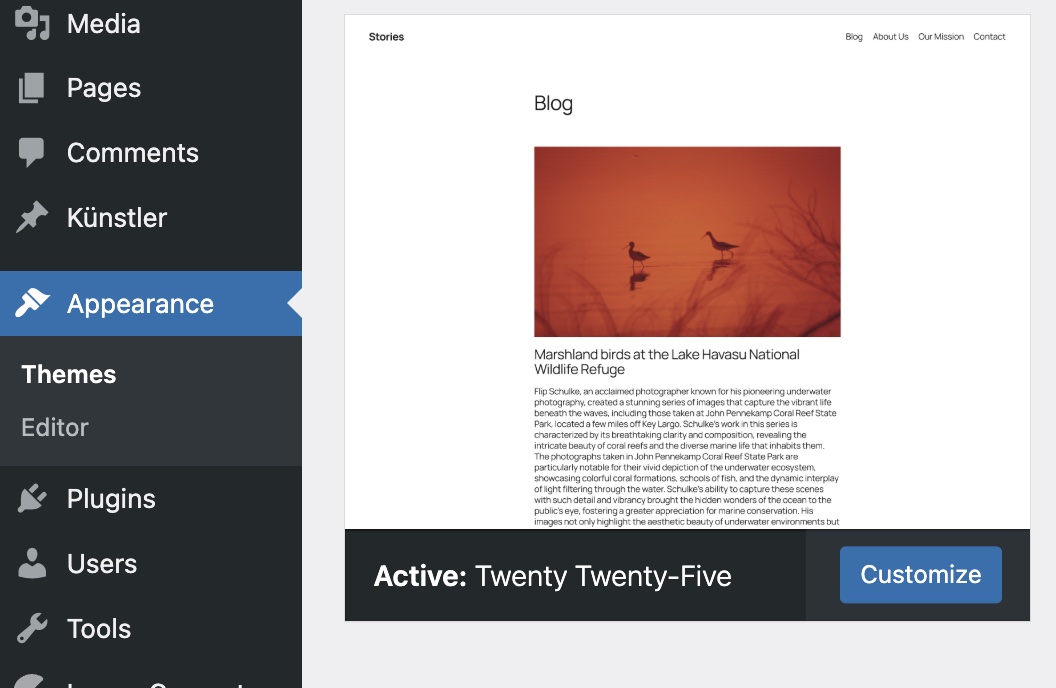
Wrong. Even after disabling the Brizy plug-in the Appearance -> Menus remains hidden when I activated Twenty Twenty-five. All cache cleared. And how can I edit the mysterious "block-based navigation"?
 0
0 -
Even the help section from within the builder is outdated🤦🏻♂️
 0
0 -
Even when I add a header from the blocks library this nonsense happens. I add the header:
 and when I click on this botton I get this result
I tested this a clean installation where only Brizy is installed.0 -

Hello Andi,
You're using Twenty Twenty Five, a "block theme". When using a "Block theme", you will not find "Menus" under the "Appearance" menu. To access "Menus" under "Appearance", switch to a "Classic theme" like the ones listed below.
- Blocksy
- Astra
- Twenty Twenty One
You can read more on this topic at How to Fix Missing Appearance Menu in WordPress Admin
0
Please sign in to leave a comment.
Comments
5 comments