Contact Form Shows “Email Not Sent” Error When Using Gmail

Hello,
I’m currently experiencing an issue with my contact form. When users press the Submit button, an error message appears saying that the email was not sent, and I do not receive the message in my Gmail inbox.
This seems to happen when I configure the form to send emails through Gmail. However, when I switch the form to use the WordPress default mail option, the error message does not appear and the form submits successfully.
The issue is that I would prefer to receive the form submission emails through Gmail rather than the default WordPress mail option.
Could you please advise on how I can fix the Gmail configuration so the form submits successfully without showing the error?
Thank you.

-

Hello Edwin,
Kindly share the URL of your contact form page, so that we can investigate.
0 -
Hi, I have currently deleted the Gmail option on the contact form. Would you like for me to put it back on to see the error?
Here is my contact page: https://edkim.co/contact/0 -
Hello Ed,
Can you duplucate the contact page, add the Gmail option to the form and share its URL with us? We can use this page for troubleshooting and fixing. You can later apply the fix to your original contact page.
0 -
Hi, it has been recreated. Please check it: https://edkim.co/contact/
0 -
Hello Ed,
We see the error "SMTP Error: Could not authenticate" when submitting the form at https://edkim.co/contact/. Have a look at https://jmp.sh/Q9o2HILX for a screenshot of the error. This means that Gmail was unable to authenticate you before sending out the form data. You must use the "Google App Password" in the Brizy form to authenticate yourself.
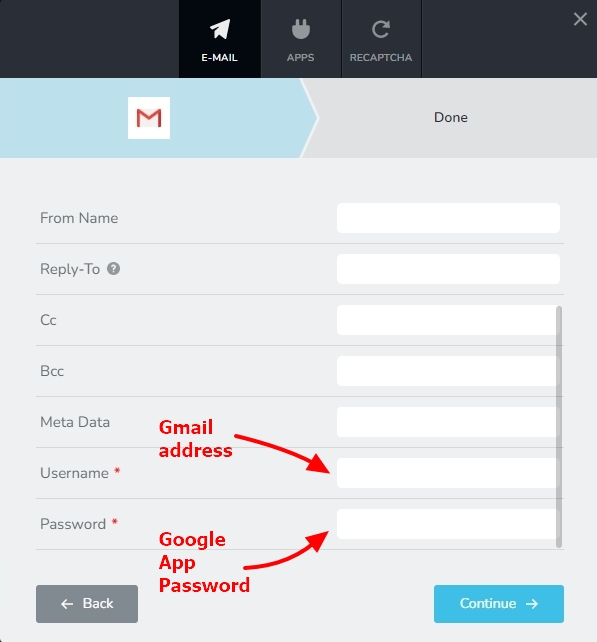
Kindly follow the procedure at https://support.brizy.io/hc/en-us/articles/360044216151 to generate the Google App Password and check if the form data gets submitted.
0 -
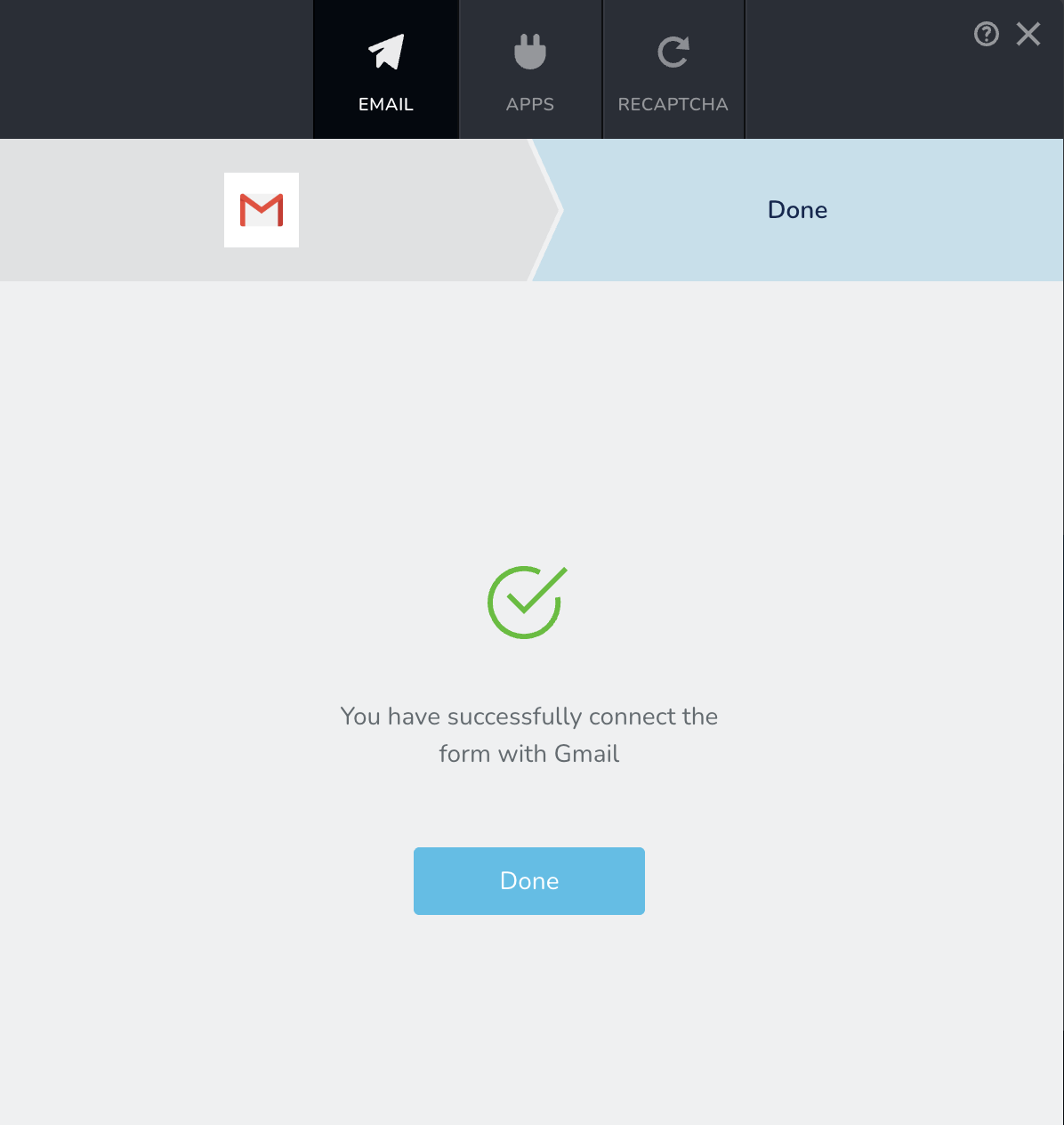
Hi, I checked the username and password; it was successful. Please see the screenshot. However, when I tried to use the contact form, it showed an error again.
 0
0 -
Hello Edwin,
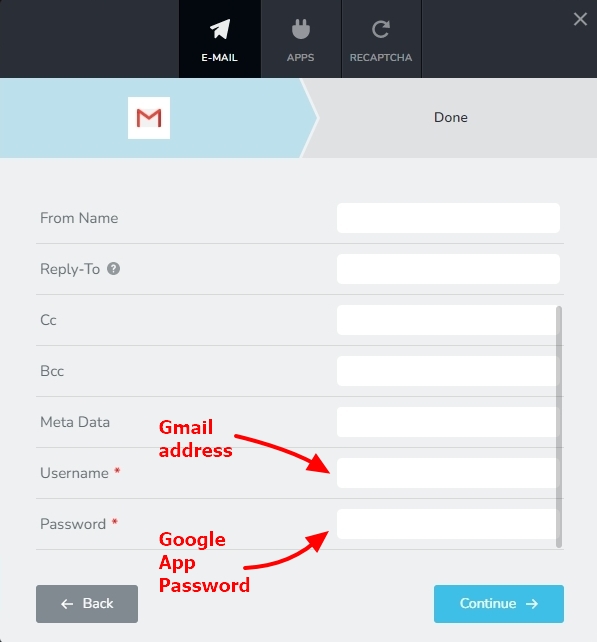
The above screen does not confirm that Gmail authentication was successful. It simpy confirms that you have filled up all the required fields. Can you please confirm if you have followed the procedure at https://support.brizy.io/hc/en-us/articles/360044216151 to generate a "Google App Password" and have added it to your Brizy form?
 0
0
Please sign in to leave a comment.
Comments
7 comments