Some Images are not shown in my page

Howdy, please need your help with my web page, when im in the wp editor everything looks fine but when i visit the real site, some images aren´t shown, and in the footer appears a strange white line.
Can you help me whit this please
-

Hi Isaac,
Thank you for contacting us.
Kindly disable all other plugins except Brizy and Brizy Pro to check if one of them might be causing a conflict.
If it still doesn’t resolve the problem, please provide us with temporary access to your WordPress Admin so we can investigate further. Kindly add us as an Administrator user and send the following details to communitysupport@brizy.io.
- Community Post link: https://support.brizy.io/hc/en-us/community/posts/33834443457170
- WordPress Admin URL:
- Username:
- Password:
Looking forward to your update.
Best regards,
Ariel H.0 -
Hi Ariel, I´ve already sent you the access to my WP admin. Hope you can find out whats going on.
Kind Regards0 -
Hi Isaac,
Thank you for your cooperation.
It appears that the login details provided did not work on our end. Could you please review them and send the correct credentials?
Additionally, if possible, please share a screenshot or a short screencast demonstrating the issue. This will help us better understand the issue and possibly offer a solution.
Kind regards
Ariel H.0 -
Hi Isaac,
Thank you for your cooperation.
Upon checking, the issue appears to be related to caching/optimization conflicts. For now, we’ve temporarily disabled both Autoptimize and LiteSpeed Cache so the page displays correctly.
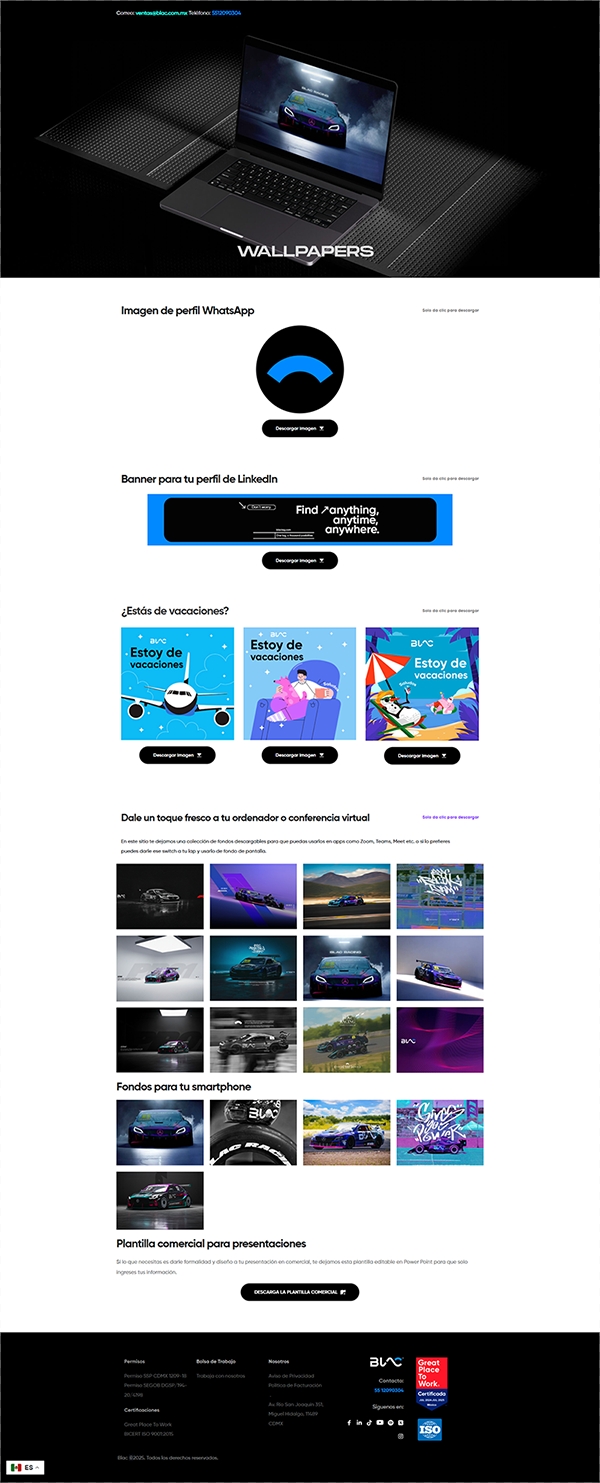
Since both plugins perform similar optimization tasks (CSS/JS minification, combining files, caching, etc.), using them together can sometimes create conflicts where files are optimized twice. This can lead to layout issues such as missing elements, broken styling.
Please review your LiteSpeed Cache settings and purge all caches. After that, we recommend choosing only one optimization plugin to use going forward—either LiteSpeed Cache or Autoptimize—depending on which setup works best for your site.
If you have any further questions, please let us know.
Best regards,
Ariel H.0 -
Howdy Ariel" Thanks a lot, indeed, that conflict between these two plugins corrupted many things in the whole page, but now everything is fine, I will check wich plugin is the best for my needs.
Have a good one!
0
Please sign in to leave a comment.
Comments
5 comments