Architekt template font issue on Tablet

I have a problem with a Brizy template and it seems to be in the original template: Architekt https://www.template-preview.site/?url=architekt
If you switch to Tablet mode all the headings lookl very small but in the style guide it has large fonts size specified.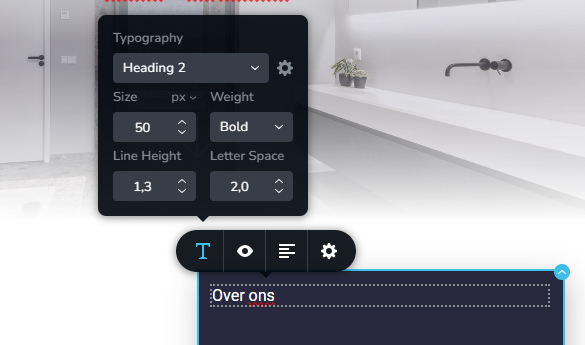
-

Hi,
Thank you for contacting us.
Could you please try temporarily switching to another theme and see if that makes a difference? This will help us check whether the behavior is related to the theme itself or something else on the site.
Best regards,
Ariel H.0 -
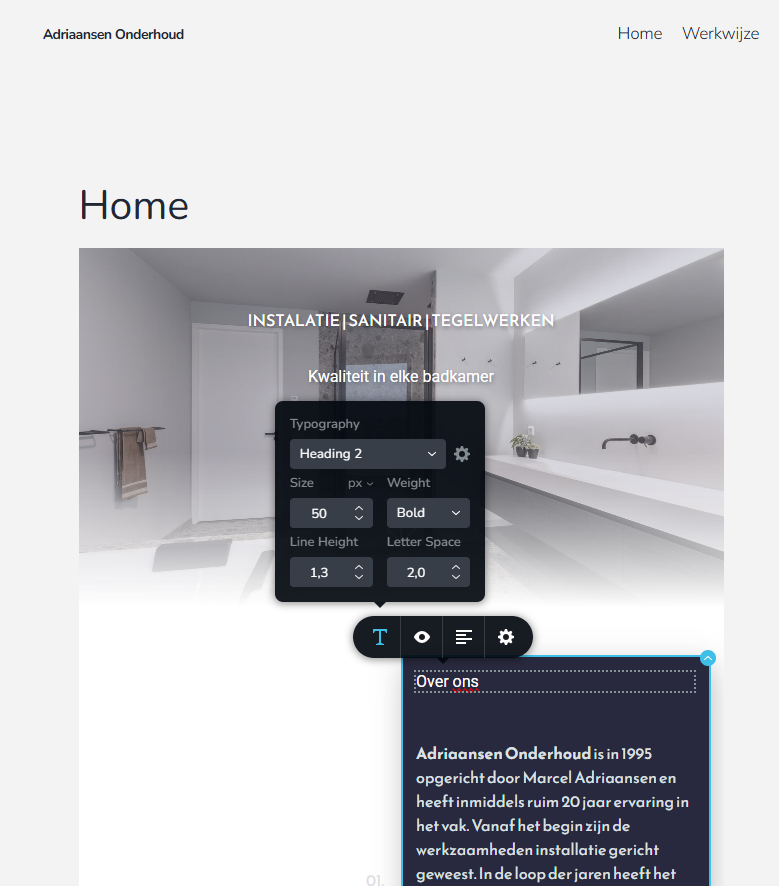
Same issue with Theme: Twenty Twenty-Five
 0
0 -
Hi,
Thank you for the update.
Could you please share temporary WP Admin access so we can take a closer look at the issue? You can add us as an Admin user in your WordPress dashboard and send the details to communitysupport@brizy.io:
Community Post link: https://support.brizy.io/hc/en-us/community/posts/33800030144274
WordPress Admin URL:
Username:
Password:Best regards,
Ariel H.0 -
The website is on a staging website that is not open to the world.
I see the same problem on your template showcase: https://www.template-preview.site/?url=architekt
So i believe you can see the issue there as well.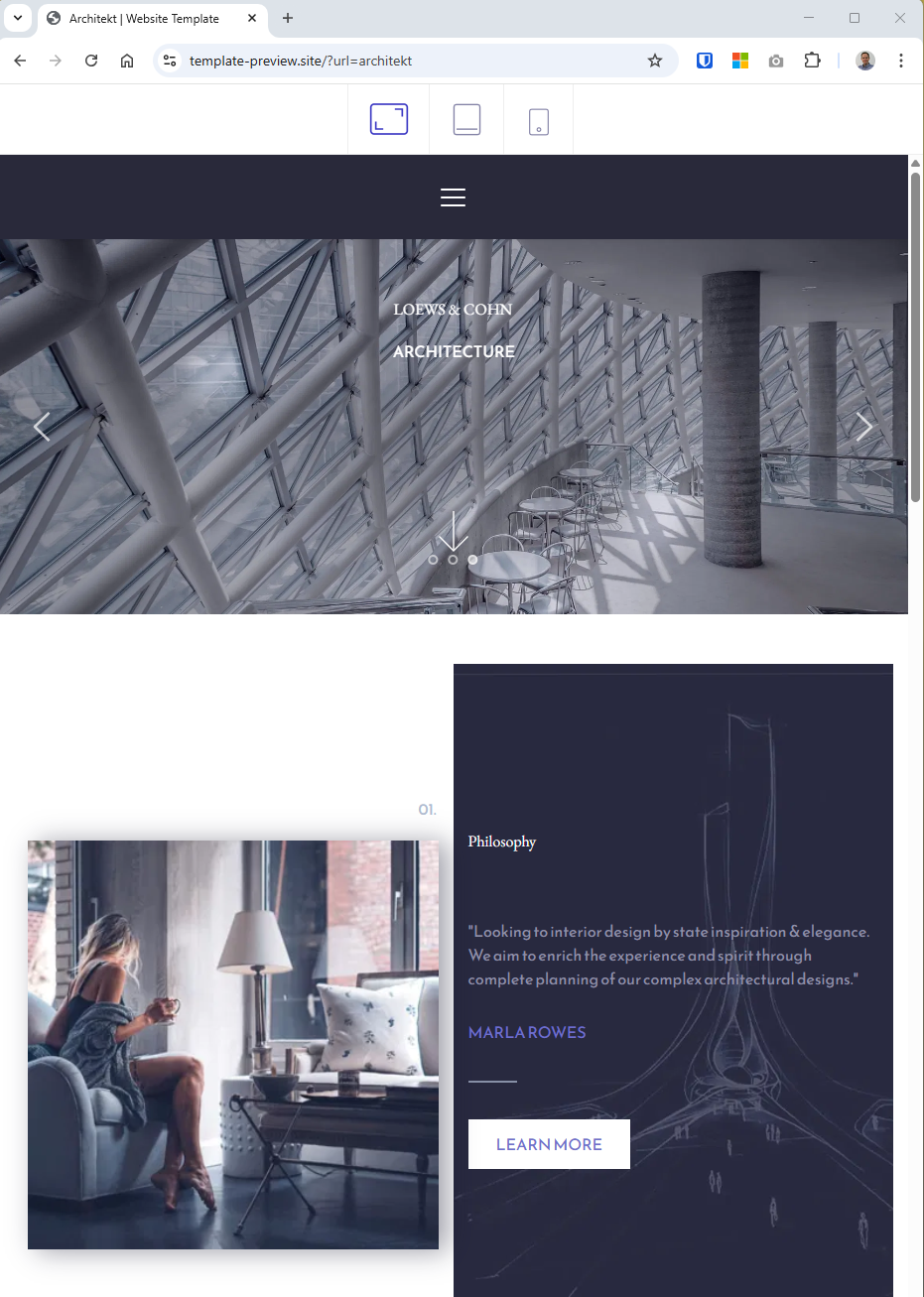 0
0 -

Hello T. KUPERUS,
To fix the issue with the incorrect font sizes in the tablet design view for the architect design template, increase the font size by one point, reduce it back to its original size and save your work by clicking on the "Update" button as demonstrated at https://jmp.sh/E3zAN6SX
0
Please sign in to leave a comment.
Comments
5 comments