Workspace Invitation not working

Hi,
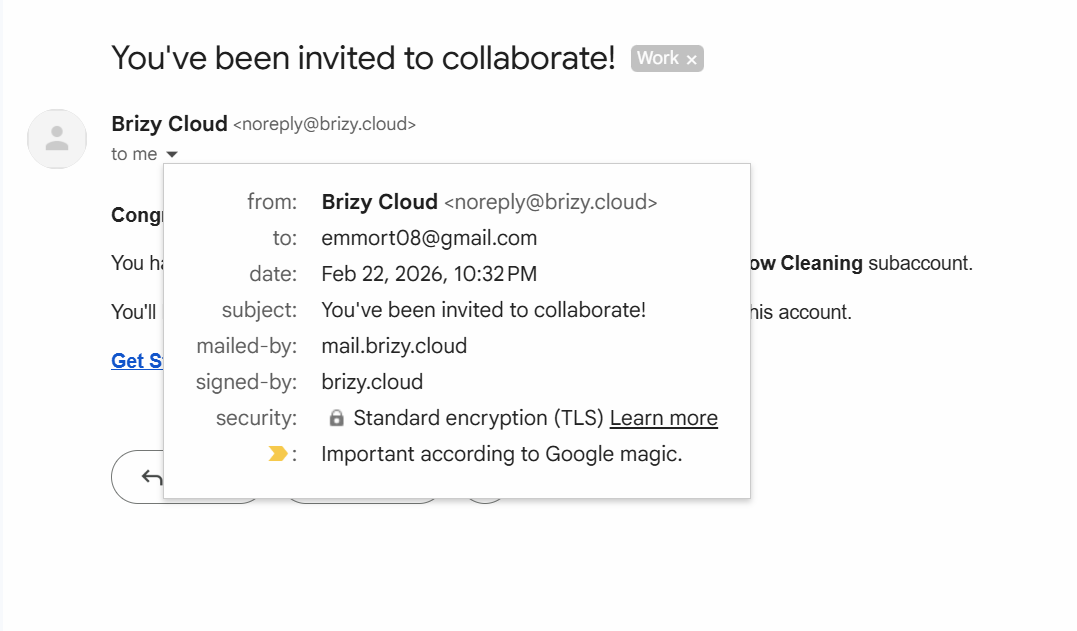
I have invited the freelancer I work with to a Brizy workspace so she can collab on a project. The invitation has been sent and she has received it successfully.
She already has a Brizy account and I've successfully invited her to other workspaces so I'm not sure what is happening here.
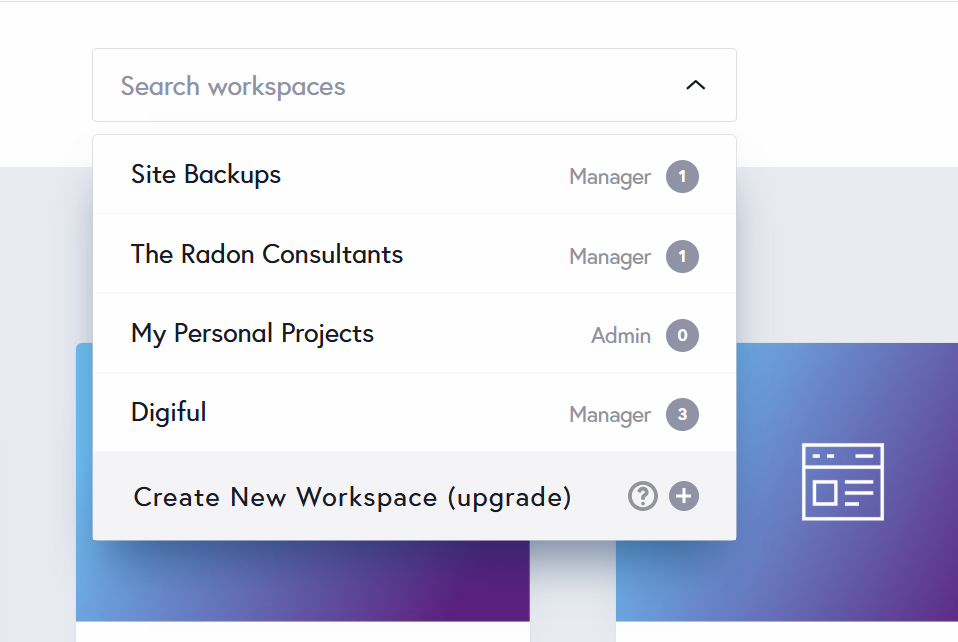
Whether she clicks on the link signed in to her existing gmail account or while signed out of her existing gmail account (and then signs in) - the result is the same - the workspace does not show up. She has tried signing in and signing out and it does not appear in her invited workspaces.
I've attached screenprints that I hope are useful. As she intends to start work on this project as soon as possible I'd appreciate it if you could look into this.
My account: info@digiful.io
Workspace she needs to be a member: MD Window Cleaning
(how it looks for me is shown below)
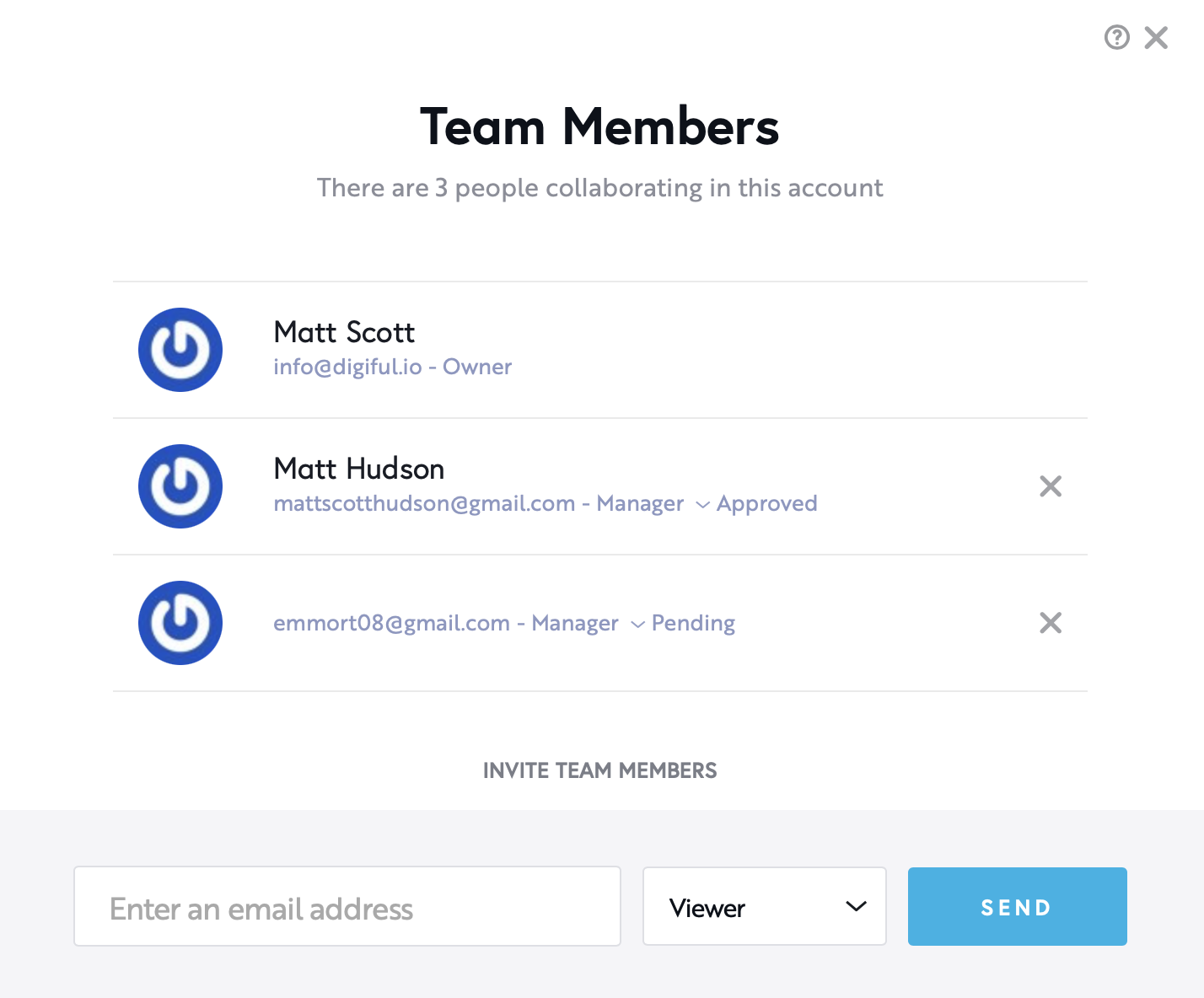
Her email (invite sent to and received): emmort08@gmail.com
How it looks in her emmort08@gmail.com Brizy account:
-

Hello Matt,
I tested the Team Member invitation in your "MD Window Cleaning" workspace and it worked fine. Feel free to remove the Community Support team member from your workspace.
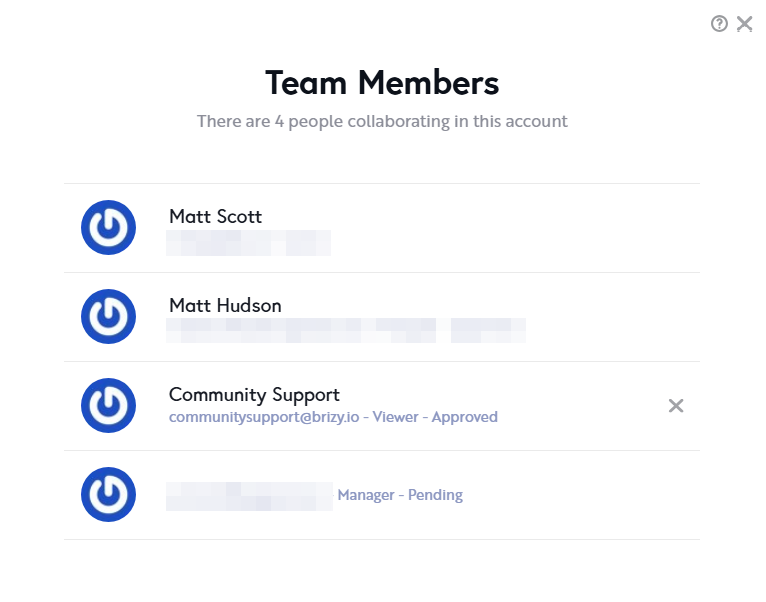
Please remove your previous invitation to emmort08 by clicking on the x mark against her email address in the Team Members list.
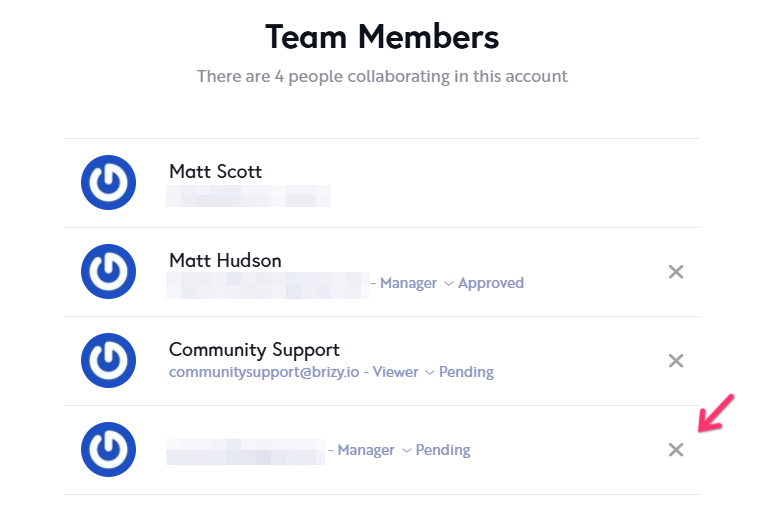
Send her a new invitation and ask her to use a different browser (which she doesn't use frequently) to sign in to her Brizy account. Ask her to click the "Get Started" link in the invitation email in a different browser tab within the same browser and let us know if this helps her to gain access to your workspace.
0 -

This keeps happening to us too, It seems like this issue keeps coming back over the years.
0 -
Hello
I have replied to you at https://support.brizy.io/hc/en-us/community/posts/34777589085202. Let's continue the discussion there.
0
Please sign in to leave a comment.
Comments
3 comments