There has been a critical error on this website.

I'm getting this error after the update. The error is fixed when Brizy Pro is deactivated. What could be causing the problem? Maybe installing an older version of the plugin will fix it. Where can I find the old version of the plugin?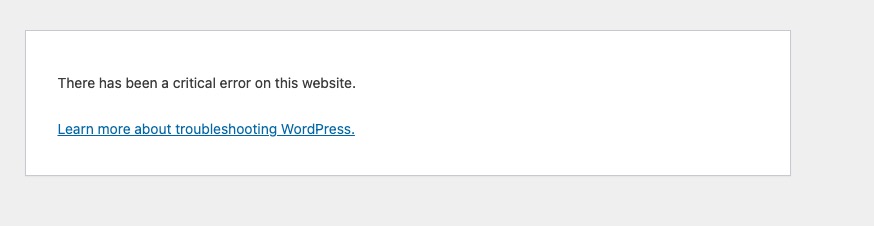
-

Hi,
Thank you for contacting us.
Since the error disappears when Brizy Pro is deactivated, it would be helpful to reverse the setup for testing. Could you please try enabling only Brizy and Brizy Pro, while temporarily disabling all other plugins, and then check if the issue still occurs? This will help us determine whether there is a plugin conflict involved.
Additionally, please try switching to a default WordPress theme (such as Twenty Twenty-One) and see if that makes any difference. This will help rule out a possible theme-related conflict.
Please try this and let me know how it goes.
Kind regards,
Ariel H.0 -

Hi,
I have the same problem; I had done exactly what you mentioned. It's still not working.
Pls help.
Thank You
0 -
Hi Terence,
Thank you for contacting us.
Could you please share temporary WP Admin access so we can take a closer look at the issue? You can add us as an Admin user in your WordPress dashboard and send the details to communitysupport@brizy.io:
Community Post link: https://support.brizy.io/hc/en-us/community/posts/33298733686290
WordPress Admin URL:
Username:
Password:Best regards,
Ariel H.0 -
Hi Terence,
I just wanted to follow up regarding the temporary WordPress Admin access we requested so we can check the issue mentioned in your community post.
Best regards,
Ariel H.0 -

I just updated to the latest version, and my website has critical error also. I disabled Brizy Pro, the site works fine. I deleted Pro, downloaded fresh, and install, still doesn't work. Then I tried disabling ALL plugins, then enabled ONLY Brizy (base), the site works. Then I activated Pro, the site has critical error. This is NOT related to or caused by other plugins. Clearly the latest update has a problem....
0 -
Hi Bryan,
Thank you for contacting us.
Since the issue occurs specifically when activating Brizy Pro, we’d like to inspect the site directly. Could you please send your site credentials using the format below to communitysupport@brizy.io so we can take a closer look?
Community Post link: https://support.brizy.io/hc/en-us/community/posts/33298733686290
WordPress Admin URL:
Username:
Password:FTP/cPanel IP or URL:
Username:
Password:We will need the FTP/cPanel details to quickly restore your site in case the critical error occurs.
Kind regards,
Ariel H.0 -
Hi Bryan,
Just following up on my previous email to check if you had a chance to review it. Please let us know when you’re ready to share the details so we can proceed and help you fix the issue.
Kind regards,
Ariel H.0 -
Hi, sending login info now. Please let me know what you find
0 -
Hi Bryan,
We noticed your site was running Brizy v2.510, which is an older version. We’ve updated it to the latest version, and the error is no longer appearing.
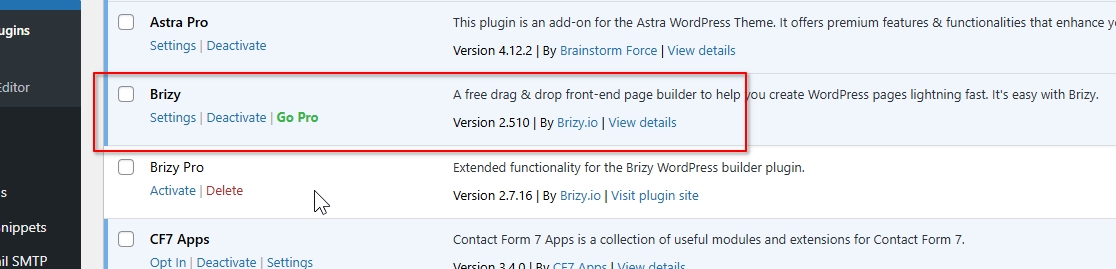
Please check on your end and let us know if everything looks good now.
Best regards,
Ariel H.0
Please sign in to leave a comment.
Comments
9 comments