Brizy and LiteSpeed Cache plugin not working together.

I have recently updated both Brizy and Litespeed Cache to the latest versions. Since then the mobile hamburger menu is not working properly and the image slider shows only the first image and image placeholders below it.
I have deactivated LiteSpeed but I need a solution. Is the issue with Brizy or LiteSpeed of both?
The website is: https://mackayadventist.church
Please let me know if you need more information.
-
Sorry, I forgot to mention, the site seems to work fine when I am logged in as an administrator, which makes me think it is an issue with LiteSpeed, but I am not sure.
0 -

Hi Benjamin,
Thank you for the clarification.
Since the issue does not occur when you’re logged in as an administrator, it does suggest that caching or optimization from LiteSpeed Cache could be involved.
As a first step, could you please purge all cache in LiteSpeed Cache and then check the site while logged out to see if that resolves the issue?
If the issue persists, please temporarily disable the Combine CSS and Combine JS options, purge the cache again, and test once more.
Please try this and let me know how it goes.
Best regards,
Ariel H.0 -
I have purged all cache in LiteSpeed but the issue persists.
I am only using minify in LiteSpeed, not combine for either css or js.
For testing purposes I disabled cache in LiteSpeed but the issue persists.
I will continue to test systematically, but I wish there was a better (or easier) way to determine where the issue is coming from.
0 -
Hi Benjamin,
It’s possible that this is related to server-side caching. Since the site loads correctly when adding /?nocache=1 at the end of the URL (for example: https://mackayadventist.church/?nocache=1), that usually indicates the cached version is being served.
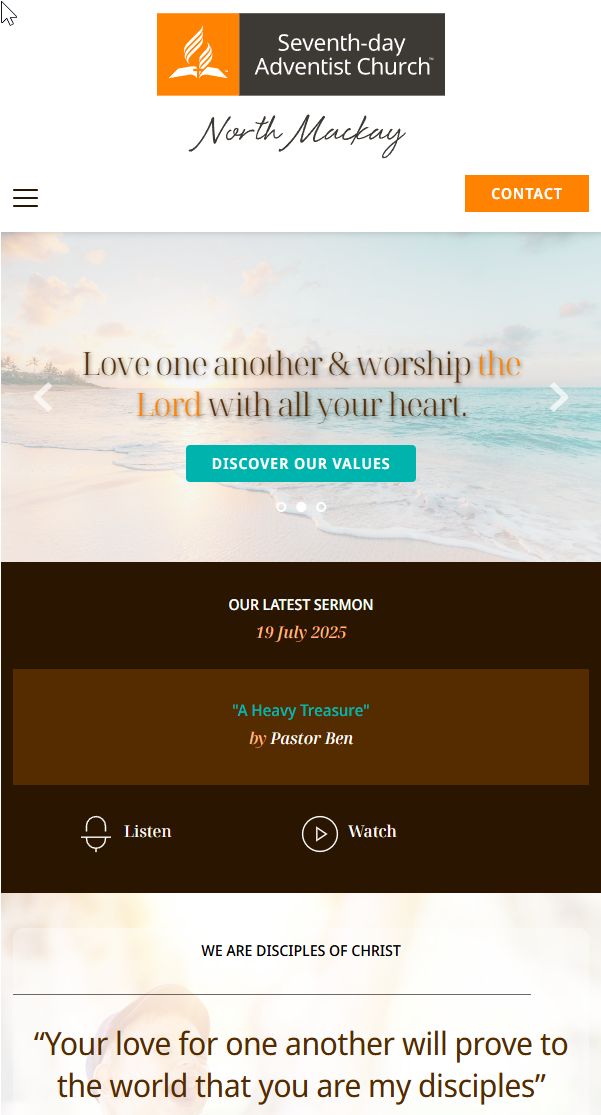
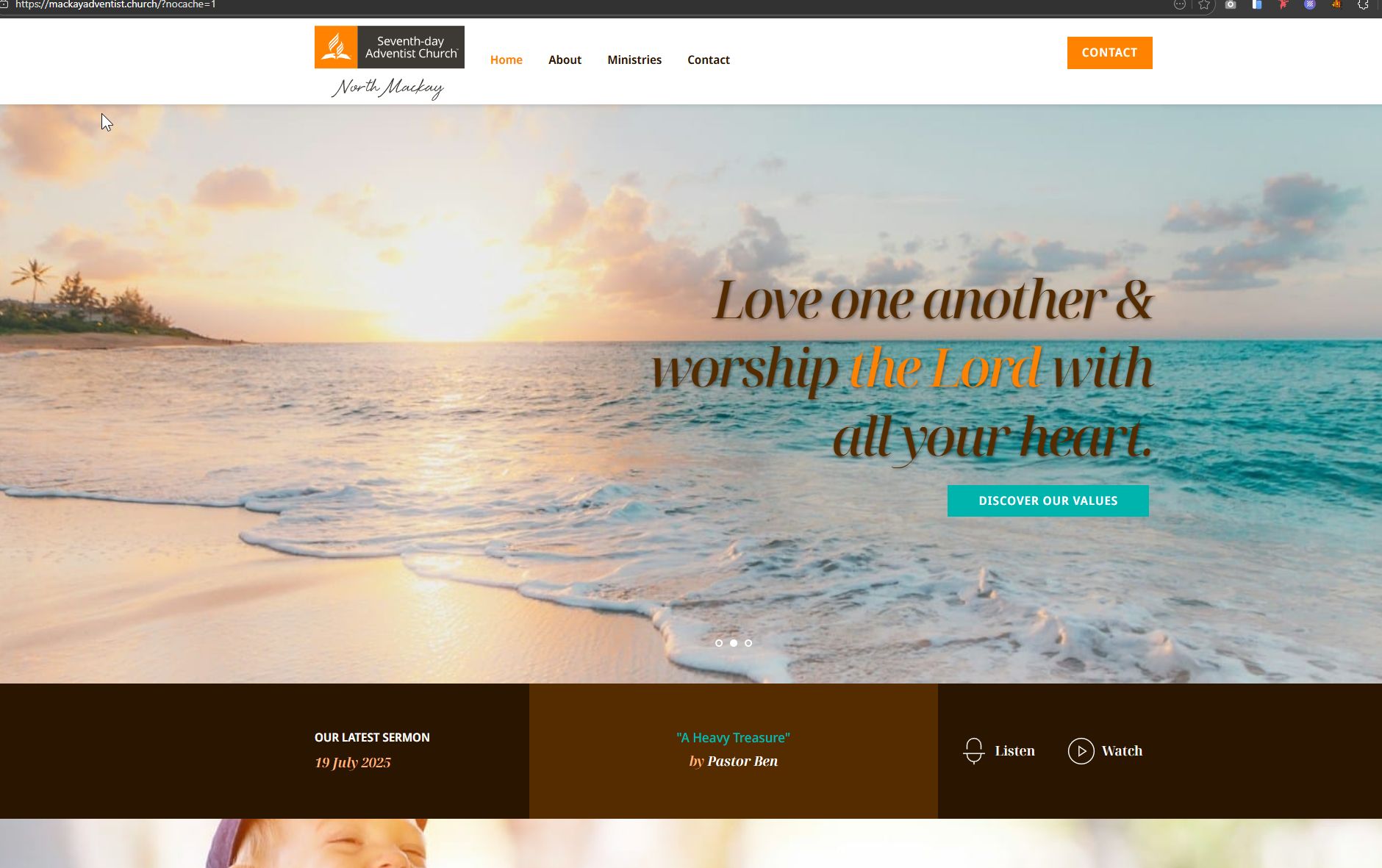
Could you please check your hosting control panel and purge any server-level cache (such as Varnish, NGINX, or other built-in caching systems)? After clearing it, please test the site again without the nocache parameter.
Best regards,
Ariel H.0 -
I am sorry Ariel. I had to disable LiteSpeed so I could make some edits.
The issue persists whether I use the https://mackayadventist.church/?nocache=1 or not when LiteSpeed is activated.
I did follow your instructions and clear all caches on the control panel.
I have activated LiteSpeed again.
I am wondering if I should give you access to the site. What do you think?
There is one test I want to do. I have the images on a different domain so I can cdn them on Cloudflare. I will disable this on LiteSpeed.
I'll check this setting, but it is frustrating because everything has been working properly until the updates yesterday.0 -
Hi Benjamin, please follow the steps in my previous reply to send over your site credentials.
0 -
Disabling the Cloudflare CDN fixed the issue with the page editing. I can see all images properly in the Brizy editor when CDN is disabled.
Sadly, the original issue persists. This setting is not the culprit.
0 -
Ariel,
I looked your previous posts on this thread and I cannot see the instructions to send you the site login credentials. Would you be able to send them again please?
0 -
Hi Benjamin,
This doesn’t appear to be related to Cloudflare. Based on the behavior, it’s more likely caused by server-level caching.
A quick way to resolve this is to temporarily change your WordPress Address (URL) and Site Address (URL) to include www -- for example: http://www.mackayadventist.church
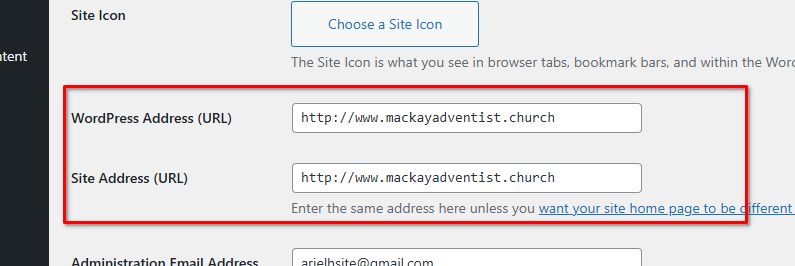
When switching between non-www and www, the server treats it as a different hostname. This bypasses the existing cached version and forces a fresh cache to be generated, allowing the updated site to load properly.
After updating the URLs, please also go to Settings → Permalinks and simply click Save Changes to refresh your permalinks - https://www.wpbeginner.com/beginners-guide/how-to-regenerate-your-permalinks-in-wordpress/
You can either keep the www version moving forward or wait at least 2–3 days for the server-level cache to fully expire before switching back to the non-www version.
Best regards,
Ariel H.0 -
Hi Benjamin,
If nothing helps, please share temporary site credentials with us so we can take a closer look? Please create a temporary Admin user and send the details to communitysupport@brizy.io using the format below:Community Post: https://support.brizy.io/hc/en-us/community/posts/33293704250130
WordPress Admin URL:
Username:
Password:Before sharing access, please make sure to create a full backup of your site as a precaution.
Best regards,
Ariel H.0 -
Hi Ariel,
Edit:
I thought the issue was solved, but it returns after a little while.
I have sent our credentials to the supplied email address.
-----
Changing to: https://www.mackayadventist.church fixed the issue. Thank you.
I would like to future proof the site so this doesn't happen again.
What would be the best strategy?
Is the issue with the host (Memcached)? Quiq (LiteSpeed)? Cloudflare (image CDN)?
Once again, thank you for all your help.0 -
I have done some more testing, and the issue resolves (for real this time) when I disable object cache (Memcached).
I am not sure how to fix this. Please, let me know if you have any ideas on how to resolve this. Thank you.
0 -
Hi Benjamin,
Thank you for the update.
Since the issue disappears when Object Cache (Memcached) is disabled, this confirms it’s a server-level caching problem.
At this point, it would be best to reach out to your hosting provider. They can check if cached objects aren’t being properly cleared, flush the service, or adjust the configuration to prevent stale data from being served.
Best regards,
Ariel H.0
Please sign in to leave a comment.
Comments
13 comments