Soundcloud Player not working correctly

Hi there. I am trying to embed a Soundcloud player to crackedanalogue.com. I already have a Soundcloud player correctly embedded on heron.uk.com but when I try to add to my other site, it only show one song and not the same version of the player as my other site. Can you please advise?
-

Hello Rima,
You can embed a SoundCloud playlist on a Brizy page just like at https://brizy.support/test/
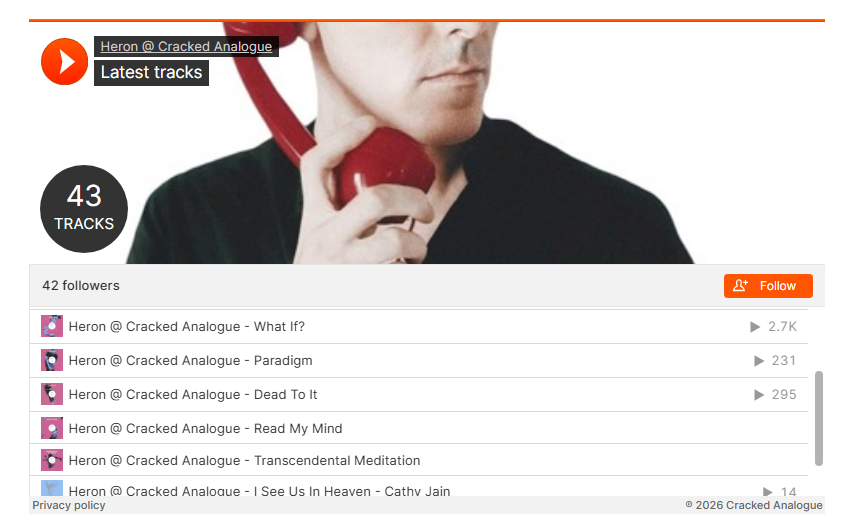
Kindly follow the procedure demonstrated at https://jmp.sh/KcbX02au
0 -
Hi George,
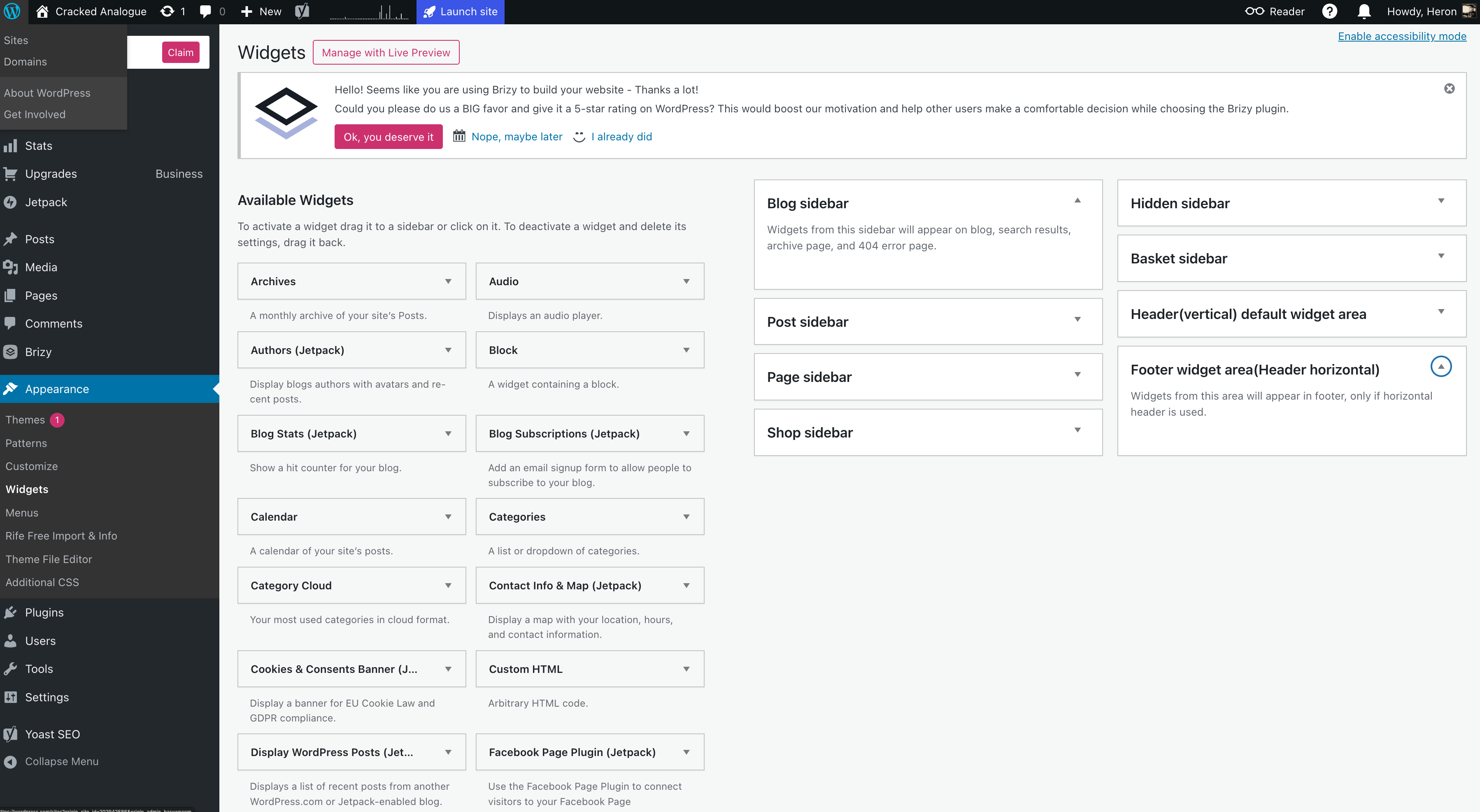
I have a different view when I am in Widgets and cannot see the tools that you show in your video. I have enclosed a screenshot. Normally I would click audio in Brizy in the page builder and just select Soundcloud from the elements dropdown menu. This has worked on my other site perfectly for years.
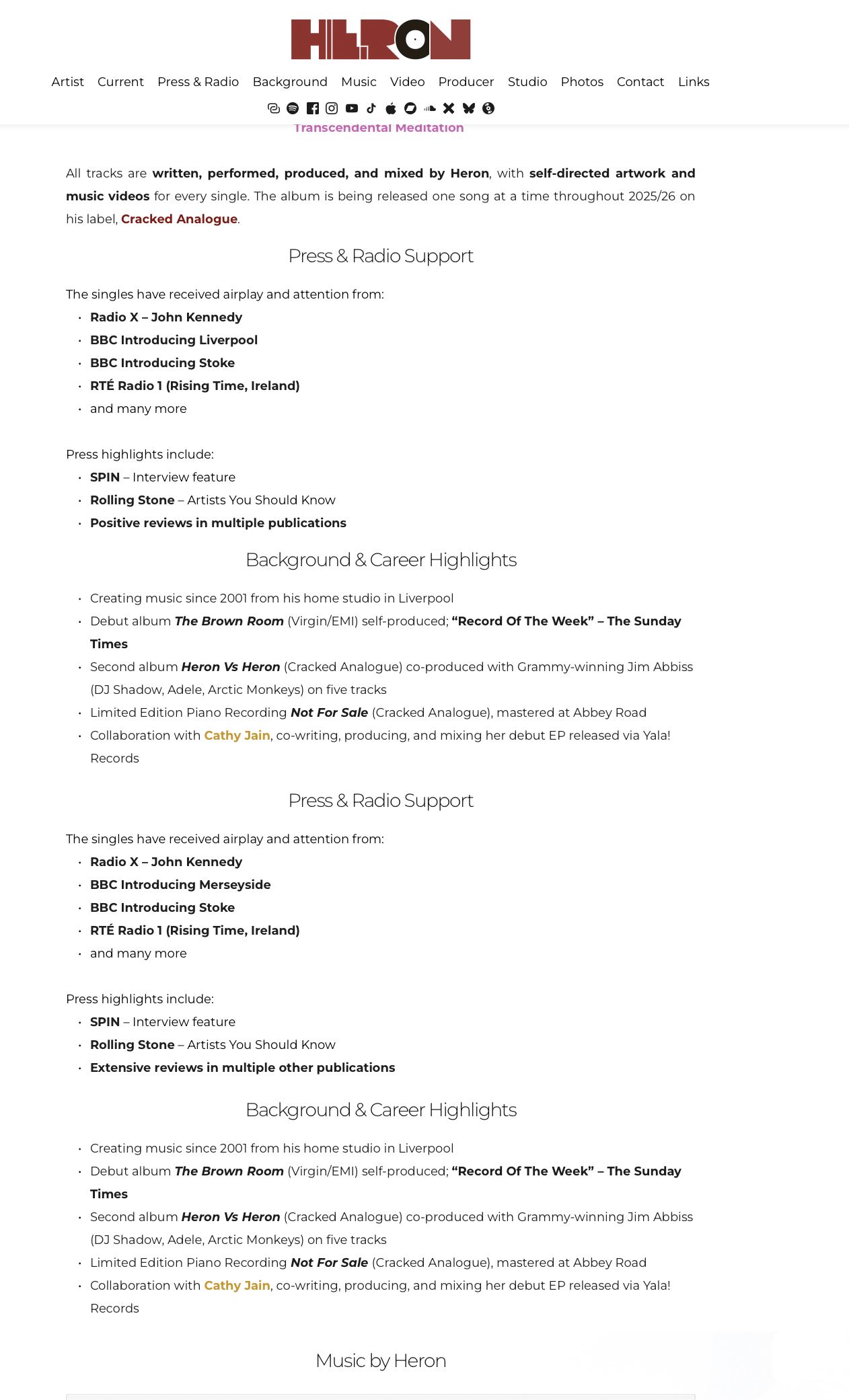
Also, I have another new issue that happened after I messaged you. In my heron.uk.com/epk page, I have duplicate blocks appearing on my page that do not show in the Brizy editor but are duplicated when I view on the web on various devices in all renditions. Can you please advise on both points?
0 -
 0
0 -
Hello Rima,
Brizy audio element is meant for displaying a single SoundCloud audio track; it cannot display a playlist. The procedure I have recommended above is for dispaying a SoundCloud playlist.
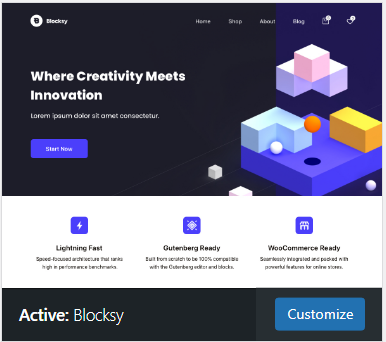
The reason why you are seeing a different view of Widgets area could be because you are using a "Block" theme. Install a "Classic" theme like "Blocksy", activate it and check if you see the widgets area like in my screen recording.
To troubleshoot the block repetition issue with https://heron.uk.com/epk/, we would like to take a look at your WordPress Dashboard. Please add a new user to your WordPress Dashboard and send the following details to our email: communitysupport@brizy.io
- Support Forum link: https://support.brizy.io/hc/en-us/community/posts/33114529994770
- WordPress Admin URL:
- Username
- Password
Your email should include a link to this thread's URL, otherwise we will be unable to reference your support request. Please notify us in this thread when you send us the email.
0 -
Thanks. I followed Ariel's email instructions for the SoundCloud issue, and that fixed it.
For the duplication issue, I have sent the details to the email address you provided earlier.
Ariel had previously suggested the following:
“About the duplicated text blocks, please check your hosting control panel to see if any server-level caching (such as Redis or PHP OPcache) is enabled, and try clearing it. If this option isn’t available, we recommend reaching out to your hosting provider for further assistance.”
Following this advice, we contacted WordPress.com Support. They investigated the issue and confirmed that this does not appear to be related to WordPress.com or server caching. According to them, the problem seems to be Brizy-related and may have started after updating to Brizy Pro v2.7.15 last evening.
Here is their response:
Hello,
I’m reaching out from WordPress.com regarding our recent discussion about the Brizy editor issue. As we checked, this appears to be a bug rather than a caching-related problem, since clearing the site cache did not resolve it.
I also noticed that your site was recently updated to the Brizy Pro version 2.7.15. It’s possible that this latest version contains a bug that’s causing the duplicate block issue you’re seeing. Please reach out to Brizy Support and inform them about this situation. If they require any additional information or assistance from our side, feel free to let us know, and we’ll be happy to help.
Thanks,
Jitu
Happiness Engineer, WordPress.comAdditionally, we deleted the blocks for the two affected sections, Press & Radio Support and Background & Career Highlights, from the Brizy editor.
Current status:
These blocks are no longer present in the editor. However, they are still appearing on the live site. Previously, they were appearing twice on the live site despite existing only once in the editor. Because of this, we had to remove them entirely, but the duplication persists on the front end.
Could you please investigate and advise on this as quickly as possible?
0 -

Hi Rima,
This is how it looks on my end: https://streamable.com/tdmpvi
I tested this in InPrivate mode using the Edge browser.Could you please try opening the page in incognito/private mode or using a different browser and let me know if you notice any difference?
You can also try adding /?nocache=1 at the end of the URL (for example: https://heron.uk.com/epk/?nocache=1) and see if that helps.
Kind regards,
Ariel H.0 -
Hi Ariel,
As mentioned previously, to troubleshoot and show this issue, we have deleted the Press & Radio Support and Background & Career Highlights blocks completely from the page, so they should not appear at all on the website, but these two blocks are still appearing on the website, as also shown in the clip that you shared. Currently, our Brizy file looks like this:
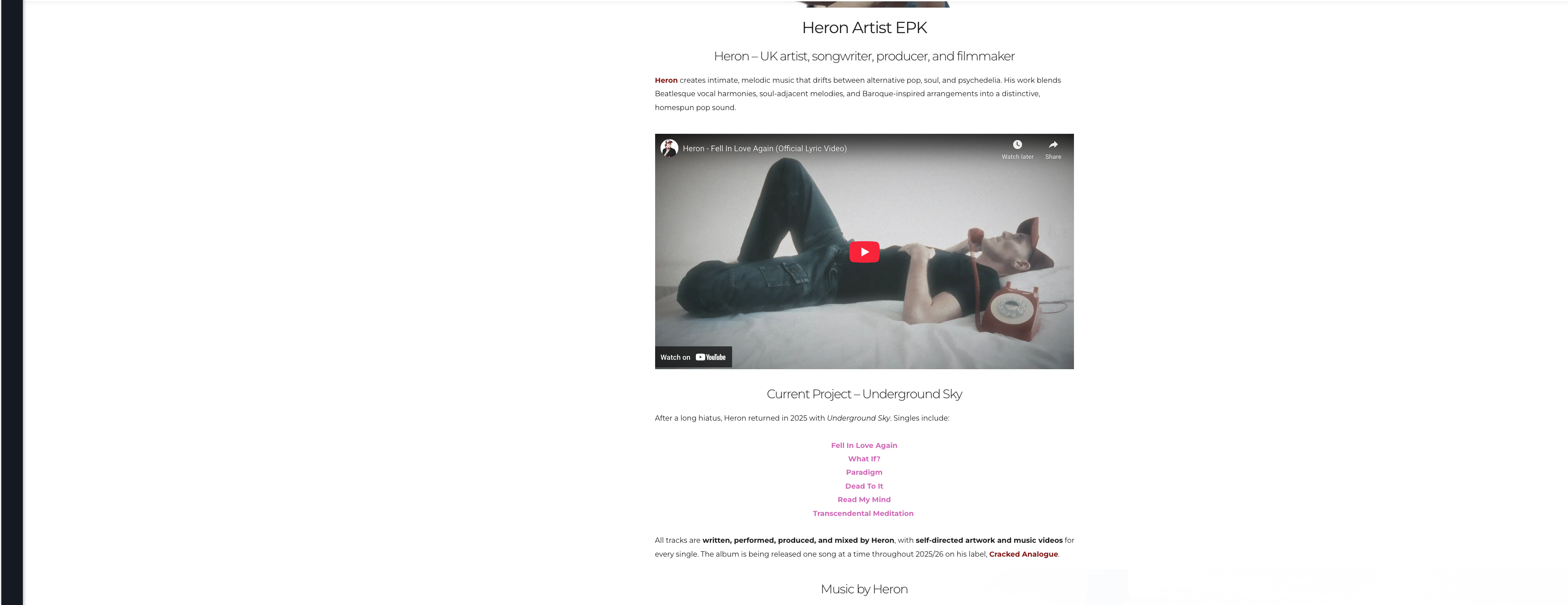
The first three sections are these:
1) Heron – UK artist, songwriter, producer, and filmmaker
2) Current Project – Underground Sky
3) Music by Heron
So, the website should not have Press & Radio Support and Background & Career sections at all, but they are there.
If we reinsert these deleted blocks, you will see two of each of these sections.
I hope this clarifies the issue we are facing. We don't know why the Press & Radio Support and Background & Career sections are still showing when we have deleted the corresponding blocks from the page in Brizy Editor.
Thanks!
Rima
0 -
Hello Rima,
I have recreated the page at https://heron.uk.com/heron-epk/ and the Press & Radio Support and Background & Career sections do not appear on this page. If everything looks good, feel free to delete the original page, https://heron.uk.com/epk/ and change the slug of the page at https://heron.uk.com/heron-epk/.
The recreated page has X and Facebook share bottons at the bottom. These buttons are either added by a plugin or by the theme. Please do the needful to remove the share buttons. (Since we do not have admin access, we could not check how these button were originally added)
0 -
Thank you. This is all resolved now. We have removed the share buttons also. Thanks again.
0
Please sign in to leave a comment.
Comments
9 comments