Change of Billing Adress

How can I change my address in my account for future billings?
0
-

Hello Peer,
To change your billing address, kindly follow these steps
- Sign in to your Brizy account at https://www.brizy.io/account/login
- Select the "Billing" option under the "Account" menu
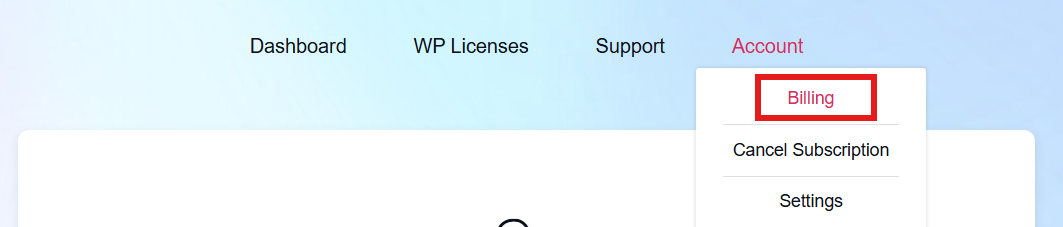
- Scroll down to the list of invoice and click on the "View" option next to your last invoice

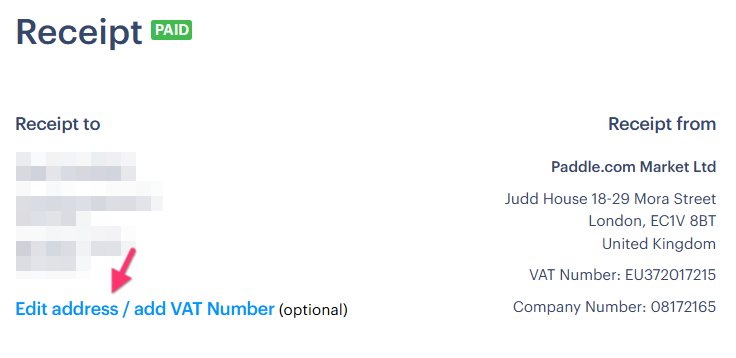
- Below your current address, click on "Edit Address" to edit your billing address
0
Please sign in to leave a comment.
Comments
1 comment