Fatal error after updating from 2.6.3 to 2.7.23

Hi,
I updated a website that wasn't updated for a year due to personal circumstances and the update of the Brizy plugin from version 2.6.3 to version 2.7.23 caused a fatal error.
Luckily I could re-install a backup from Updraft-Plus.
Is there a way to solve this so that I can still update Brizy? On this website there is also Brizy Pro installed and this 2.6,1, doesn't show there is an update, but I guess there would be one?
Can I better update in steps? And if so, how can I do that?
I hope you can help me out here.
Thanks in advance and kind regards,
Simone
-

Hello Simone,
Kindly follow these steps to update both plugins to the latest versions
- Deactivate and delete Brizy plugin
- Reinstall Brizy Page Builder from the WordPress plugin repository
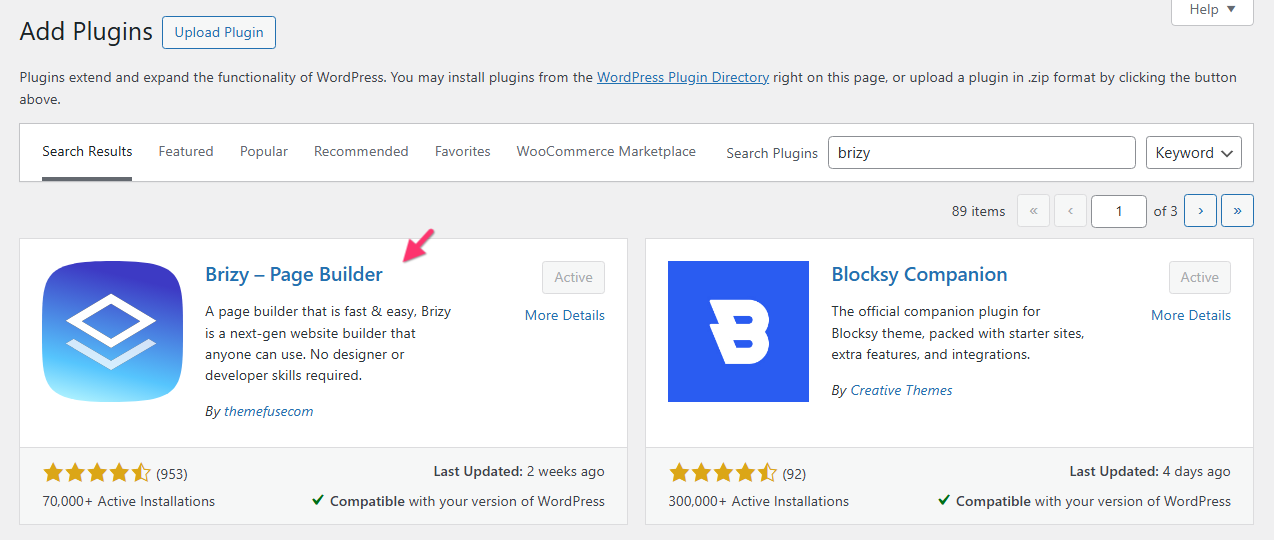
- Deactivate and delete Brizy Pro plugin
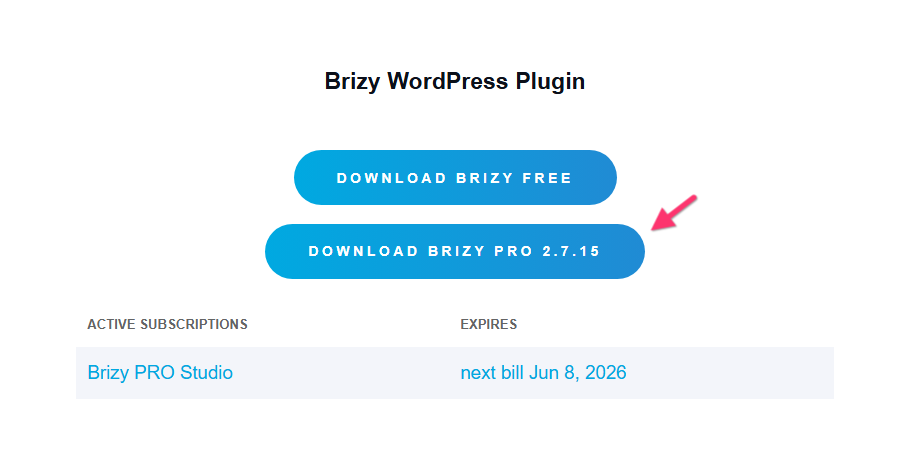
- Sign into your Brizy account at https://www.brizy.io/account/login
- Scroll down to the heading "Brizy WordPress Plugin" and download Brizy Pro 2.7.15
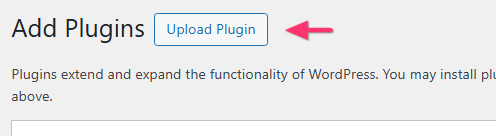
- In your WordPress Dashboard under Plugins > Add New, select "Upload plugin"
- Upload the Brizy Pro ZIP file you had downloaded, install it and activate it.
0 -

Hi Simone,
Brizy and Brizy Pro have now been successfully updated, and everything is working without any issues.
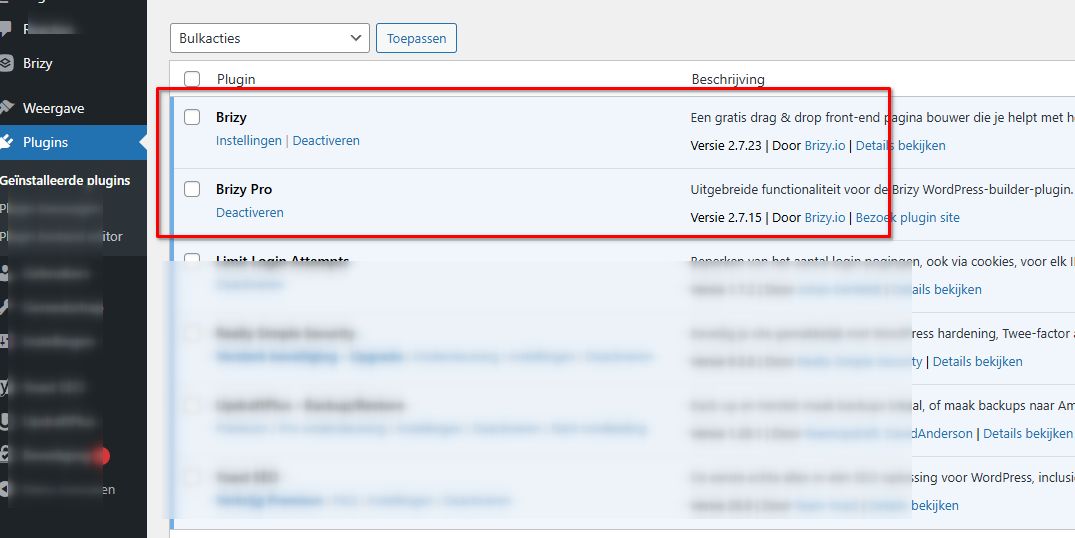
If you have any further questions, please let us know.
Kind regards,
Ariel H.0
Please sign in to leave a comment.
Comments
2 comments