Issue with Block Height and Unwanted White Space on Mobile

I am using the latest version of WordPress, but I am having trouble with a block that has a background image.
-
Height settings are ignored: Even when I adjust the height (PX) in the block settings, the change is not reflected. It seems like the height is locked or overridden.
-
Excessive white space on mobile: On mobile view, a large empty space (extra padding) appears within the block.
-
No Spacers used: I have confirmed that no Spacer blocks are placed inside
I sent communitysupport@brizy.io ↓
- Support Forum link:
- WordPress Admin URL:
- Username
- Password
-

Hi Hirotomoq,
We attempted to access your WordPress admin page but are encountering a 403 (Forbidden) error.
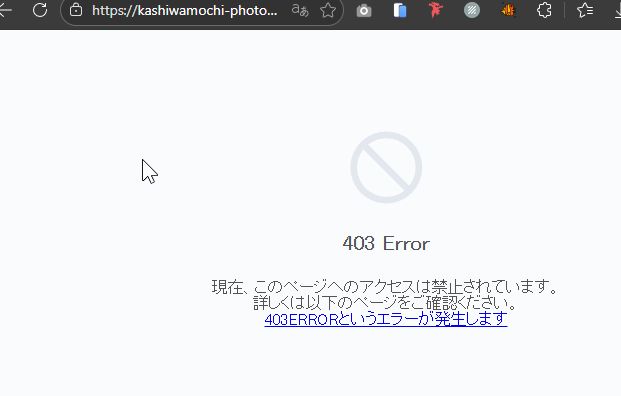
Could you please temporarily disable your firewall or security plugin so we can access the site? Additionally, it would be helpful if you could share a screenshot of the issue you’re experiencing on your end.
We look forward to your update.
Best regards,
Ariel H.0 -
Thank you for your reply. I have turned off the international security settings.
0 -

Hello Hirotomoq,
Thanks, we now have access to your project. Please let us know the URL of the page and the specific block where you are experiencing the above issue. We will take a look.
0 -
Thank you. It's the block just below the "HOME" header menu at the top of the static page list. It's too long on a smartphone. I'd like to adjust the vertical size. Thank you.
0 -
Hello Hirotomoq,
The hero section of your homepage is designed as a block slider. You had added two spacer elements to the second, third and fourth slides. I have removed the spacer elements, and now you can customize the block height acccording to your preferences. Please check.
0 -
Thank you for your assistance. I checked the spacer several times, but it was helpful that you adjusted it. Thank you very much.
0
Please sign in to leave a comment.
Comments
6 comments