Brizy cloud to wordpress

I have a brizy cloud account and purchased the brizy WordPress pro license. I want to move my brizy site to my WordPress with the plugin how can I do this?
0
-

Hello Cory,
To recreate a Brizy Cloud website in Brizy WordPress, kindly follow these steps
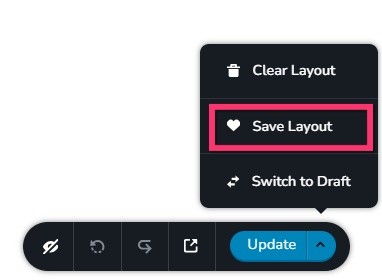
- Save each page as a design layout in the Brizy Cloud project by selecting the "Save Layout" option towards the bottom right corner.
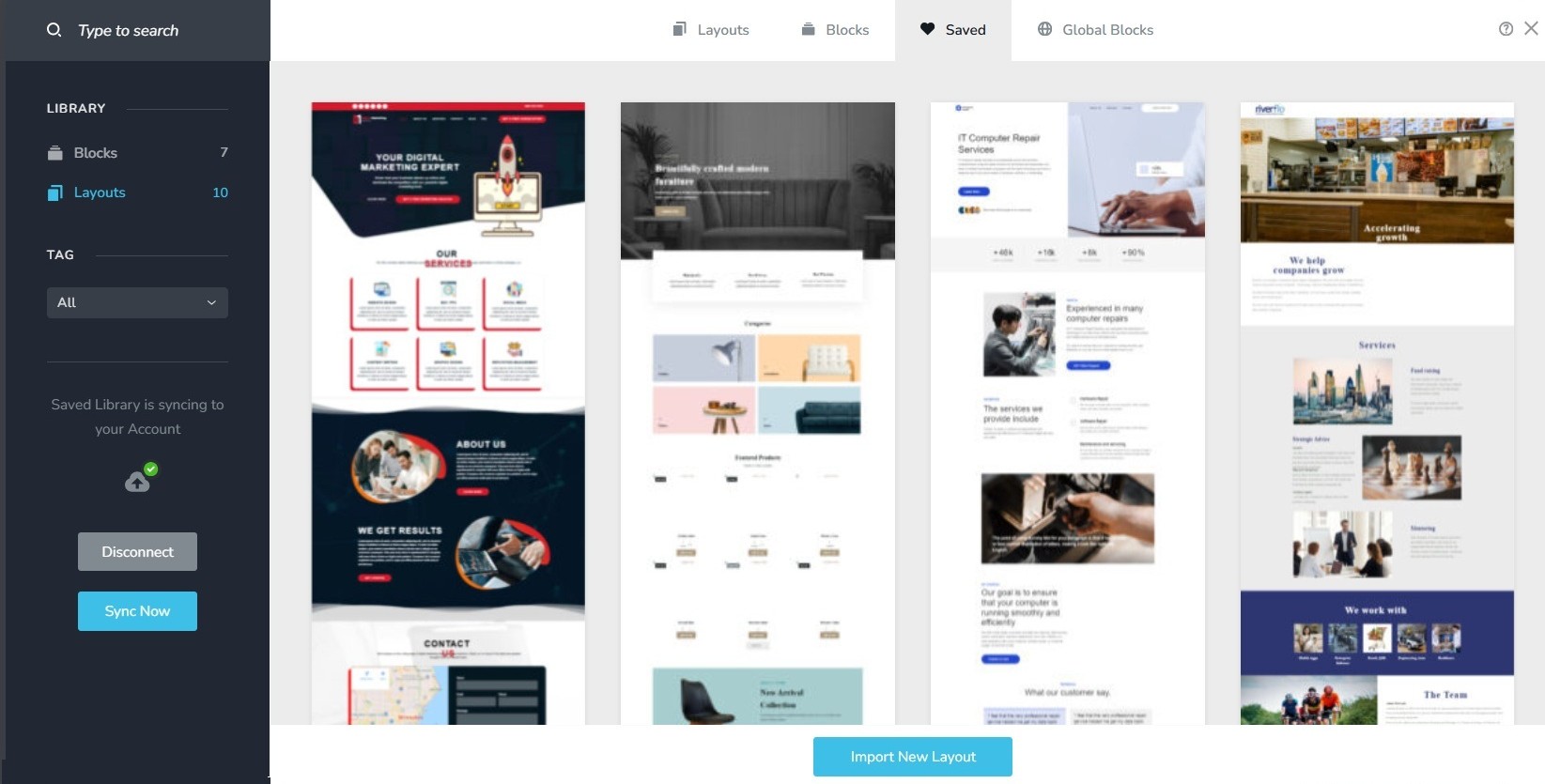
- In your WordPress project add pages one by one and import the page layouts saved in step 1 to different pages
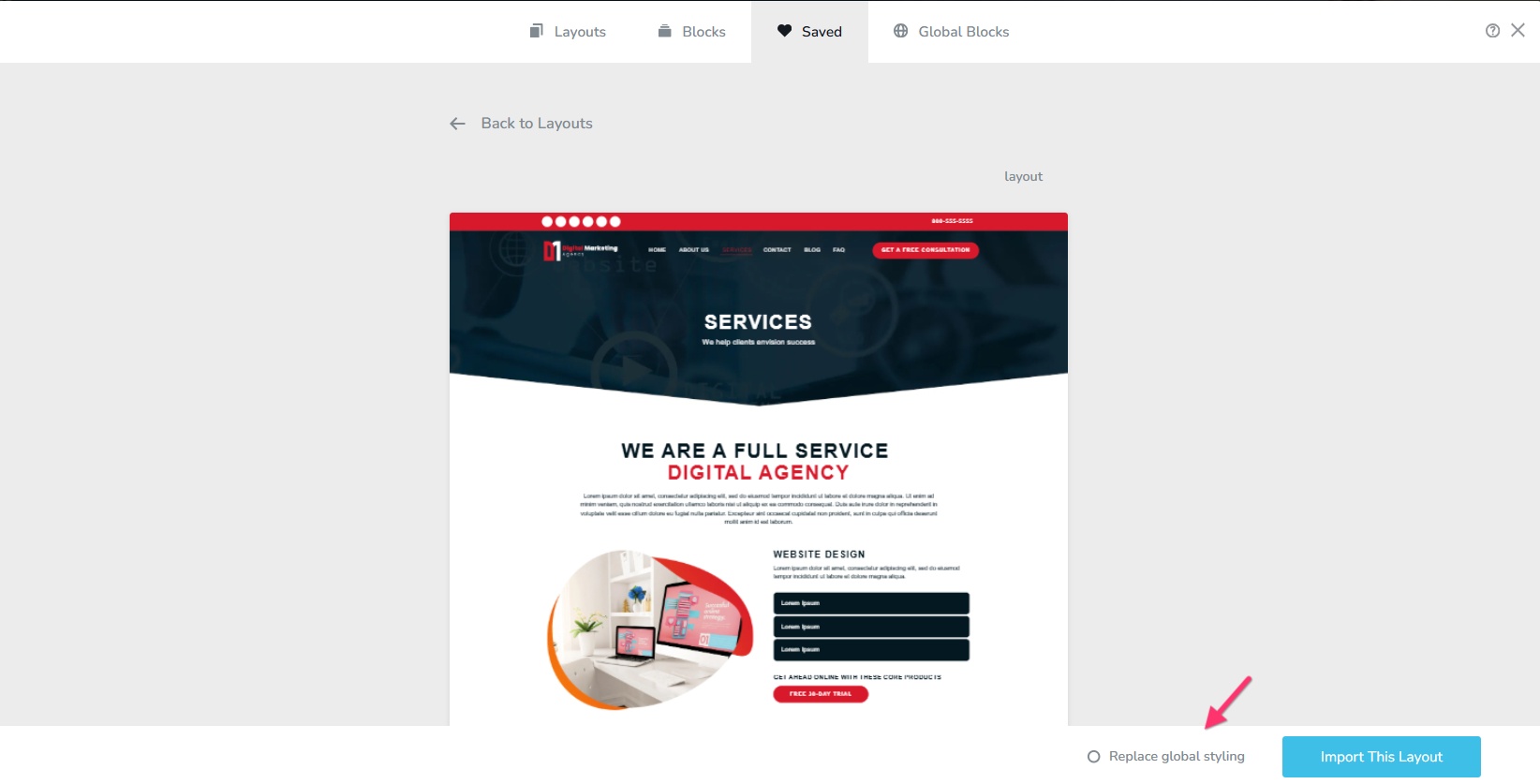
- While importing the first page, select the option "Replace Global Styling" to import the global typography and colors.
- Recreate menu in WordPress, setup global blocks and display conditions
- Re-setup the email notifications for Brizy forms in the WordPress project
0 - Save each page as a design layout in the Brizy Cloud project by selecting the "Save Layout" option towards the bottom right corner.
Please sign in to leave a comment.
Comments
1 comment