Fromt The whole site crashed.

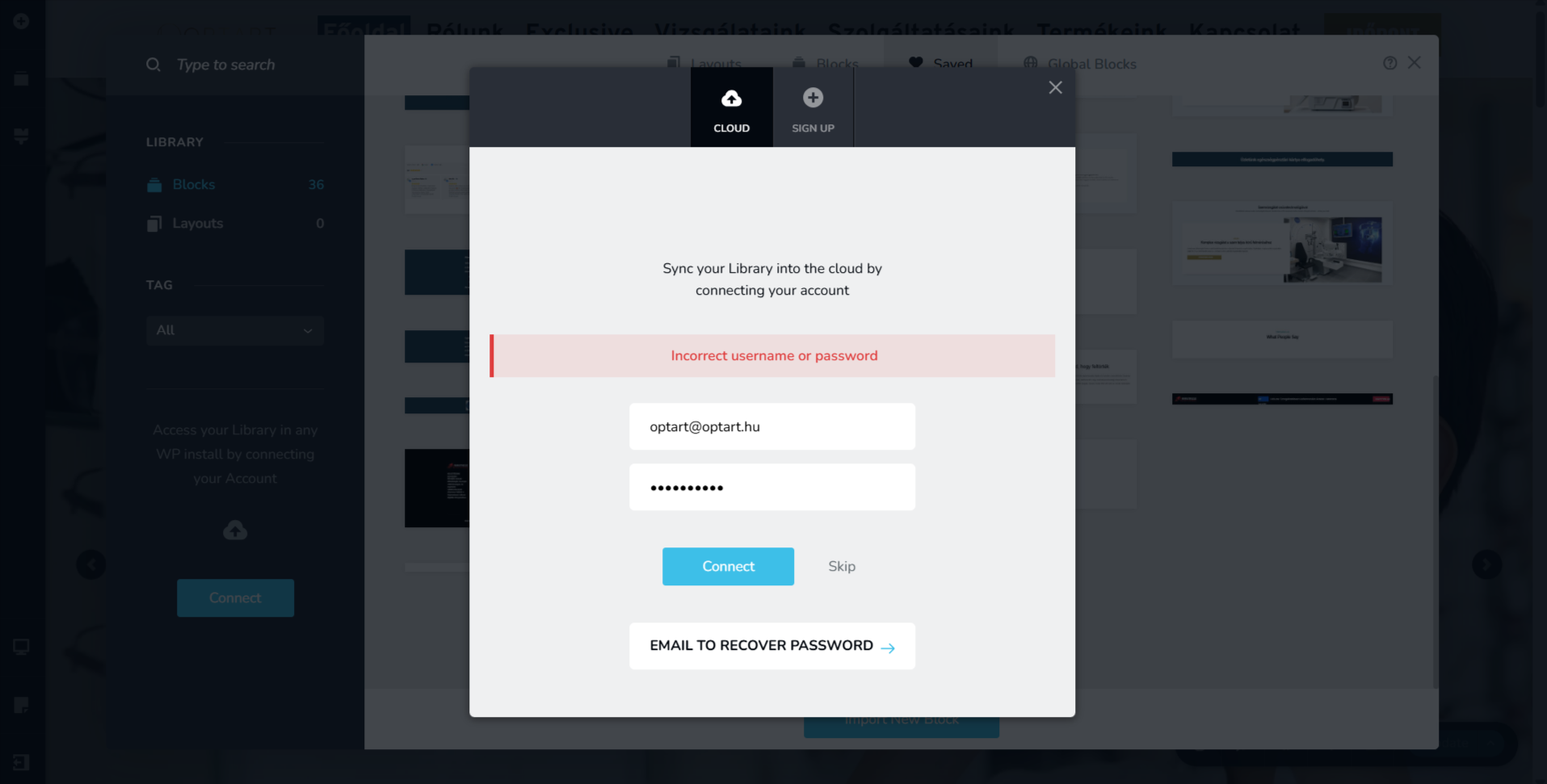
Hi, my problem is as follows. The website has been moved to its final location, but I can't access the cloud service.
In addition, the page works in the editor, but it crashed externally.
What the hell is wrong with it? No acceleration module is enabled.
-

Hello there,
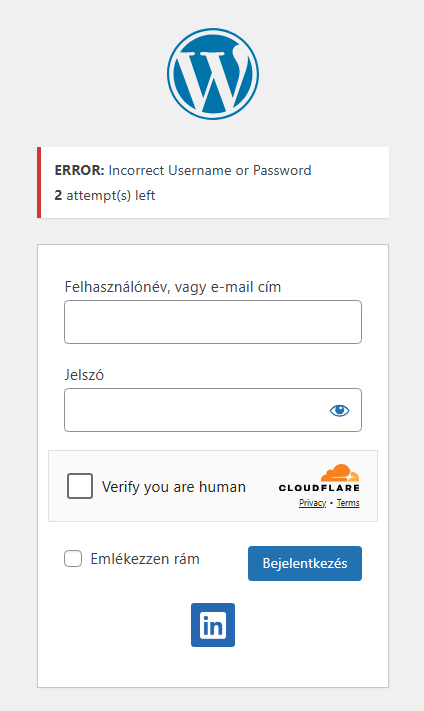
We tried accessing your WordPress Dashboard at https://optart.hu/wp-admin/, but could not. Kindly let us know the correct path to access your WordPress Dashboard. The website frontend appears working fine at my end.
 0
0 -
Hi, I can't access the website, but I can access the cloud interface.
0 -
Hello there,
The username and password you provided did not work. Can you please resend the username and password?
 0
0 -
Why are you insisting on WordPress login?
I can't log into the cloud service, so I can't synchronize the sections either. As I am the system administrator, I would like to point out that this is a problem with all the accounts I manage, but so far you have never asked for WP login.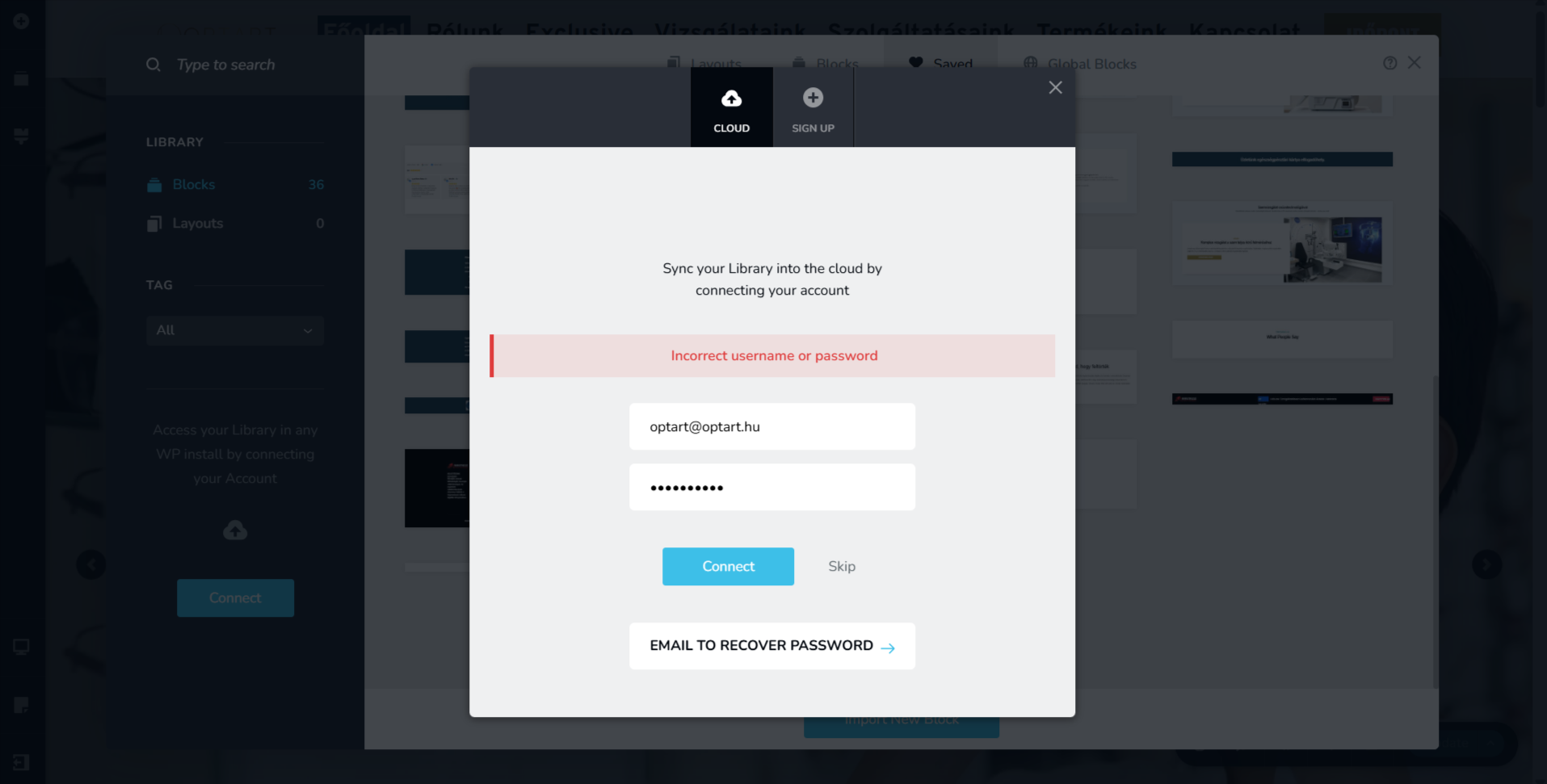 0
0 -
Hello there
Is your website developed using Brizy Cloud? If it is a Brizy Cloud website, please let us know the project details. We will take a look at your project.
If your website is developed using WordPress, we would like access to your project so that we can troubleshoot the above issue from within your project. Please add a new user to your WordPress Dashboard and send the following details to our email: communitysupport@brizy.io
- Support Forum link: https://support.brizy.io/hc/en-us/community/posts/32726595095442
- WordPress Admin URL:
- Username
- Password
Your email should include a link to this thread's URL, otherwise we will be unable to reference your support request. Please notify us in this thread when you send us the email.
0 -
- WordPress Admin URL: https://optart.hu/vakarcsmano
- Username:
- email: communitysupport@brizy.io
- Password:
0 -

Hi there,
We were able to log in successfully using our test account, however it appears that the issue is specific to your account. For testing purposes, we also attempted to reset your password, but unfortunately that did not work either. We’ve already escalated this to our senior support team so they can further investigate and resolve the problem. Feel free to reset your Brizy account password.
We’ll reach out to you as soon as this is fixed. We sincerely apologize for the inconvenience and appreciate your patience.
Best regards,
Ariel H.0 -
Hi,
Sync should be working now. You had not accessed Brizy Cloud free account. Accessing it atleast once is necessary to make the sync feature work.
Please go to https://www.brizy.io/account/member and click "Retrieve" to generate a new password, then log in to your Brizy account dashboard. Once you’re able to log in successfully, kindly try connecting to Sync again.
You will be able to connect sync
Best regards,
Ariel H.0
Please sign in to leave a comment.
Comments
8 comments