Server Sync 404 error

Hi Brizy Support,
Having an issue. Was hosting a site in brizy cloud and decided to move it over to server sync. I I followed the instructions at https://support.brizy.io/hc/en-us/articles/360027008491-Server-Sync . I made the changes to the .htaccess file, uploaded all the files, and have changed the domain’s name servers to my hosting.
When I visit https://italaveloso.com I get the following 404 error:
Not Found
The requested URL was not found on this server.
-

Hello Fran,
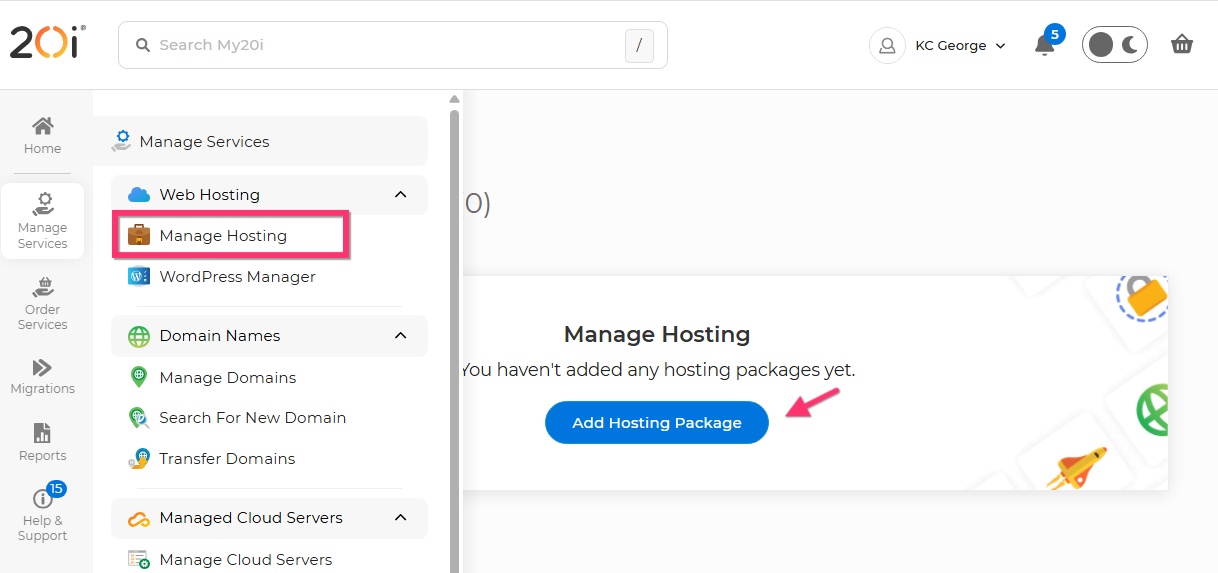
The above error means that the requested web page does not exist on the server. In addition to pointing your domain name to 20i Name Servers, you must also add a new hosting package with 20i and assign the domain italaveloso.com to it. 20i will then add a new website and provide you with the FTP details. Please reupload the server sync files to the root directory of the newly created website.
 0
0 -
Hi, I have created an account for the domain on my hosting reseller account, that’s where I uploaded the files I downloaded from Brizy cloud!
0 -

Hi Fran,
Thank you for the update.
To help us check what’s causing the 404 error, could you please share temporary FTP access to the server? That will allow us to take a quick look at the setup after the Server Sync.
Kind regards,
Ariel H.0 -
Where should I send these details?
0 -
Hi Fran,
Thank you for the update.
To help us investigate this further, could you please send the FTP access details to communitysupport@brizy.io?
Please include the following:
FTP Host address:
Username:
Password:
Brizy Cloud Project Name:
Workspace:Also, kindly include this reference in the email subject line: 32667300810642.
Kind regards,
Ariel H.0 -
Hi Fran,
Thanks for sending the FTP details.
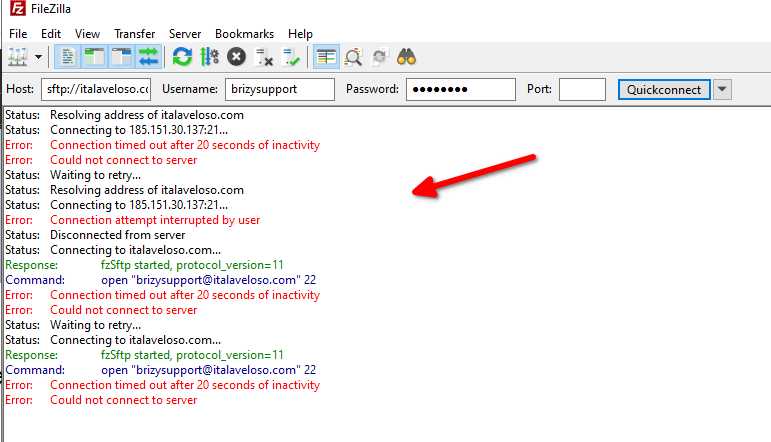
I’ve tried using them, but unfortunately they don’t seem to be working on our end. Could you please double-check the credentials and send them again when you have a moment?
Looking forward to your update.Kind regards,
Ariel H.0 -
Hi Ariel,
I just sent updated information to the community support email.
Thanks.
0 -
Hi Fran,
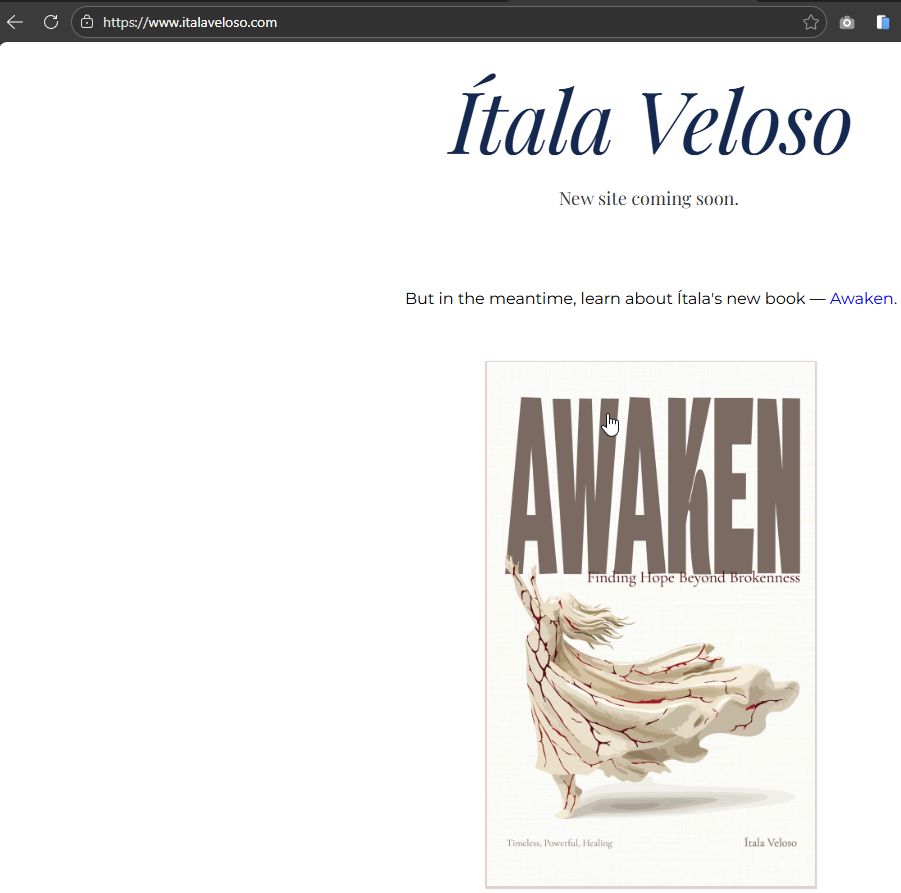
Could you please check it on your side as well and let us know if everything looks fine for you?
Best regards,
Ariel H.0 -
Hi Ariel, it does. Can you please explain what the issue was? I have had this happen a few times now and am loathe to host outside of brizy cloud because of it.
0 -
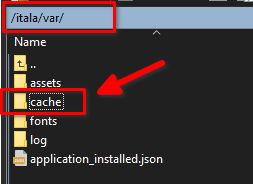
Hi Fran, if this happens again, you can connect to your server via FTP, go to your site’s root directory, locate the /var folder, and delete the cache directory. After that, head back to your Brizy Cloud Console and run the sync again.
If you have any other questions, please feel free to let us know.
Kind regards,
Ariel H.0 -
OK, thank you.
0
Please sign in to leave a comment.
Comments
11 comments