Change of payment card

Good morning,
I currently have an active Freelancer WP Plan with your company, which I need to renew on February 16, 2026.
However, I need to change the credit card used for the payment, but I can’t figure out where to do this.
In the Billing section I don’t see the invoice ready yet, so I can’t change the card details in the Update section. What can I do?
Thank you very much.
0
-

Hello Gabriele,
Kindly follow these steps to update your credit card details
- Sign in to your Brizy account at https://www.brizy.io/account/login
- Navigate to the "Billing" option under the "Account" menu
- Scroll down to the list of invoices towards the bottom and click on the "Update" option next to your last invoice.

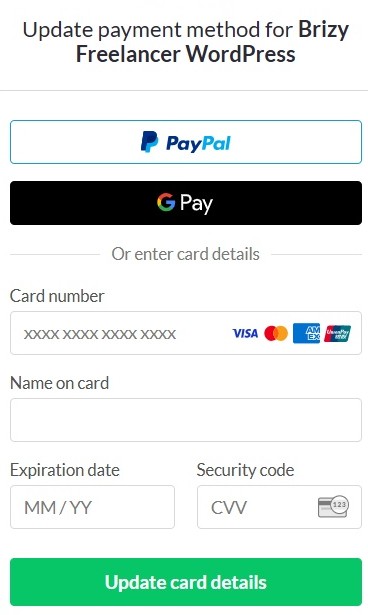
- Add the new credit card details and click on "Update Card Details" button
0
Please sign in to leave a comment.
Comments
1 comment