In WooCommerce, there's no space between the button and the quantity element.

Hello
In WooCommerce, there's no space between the button and the quantity element.

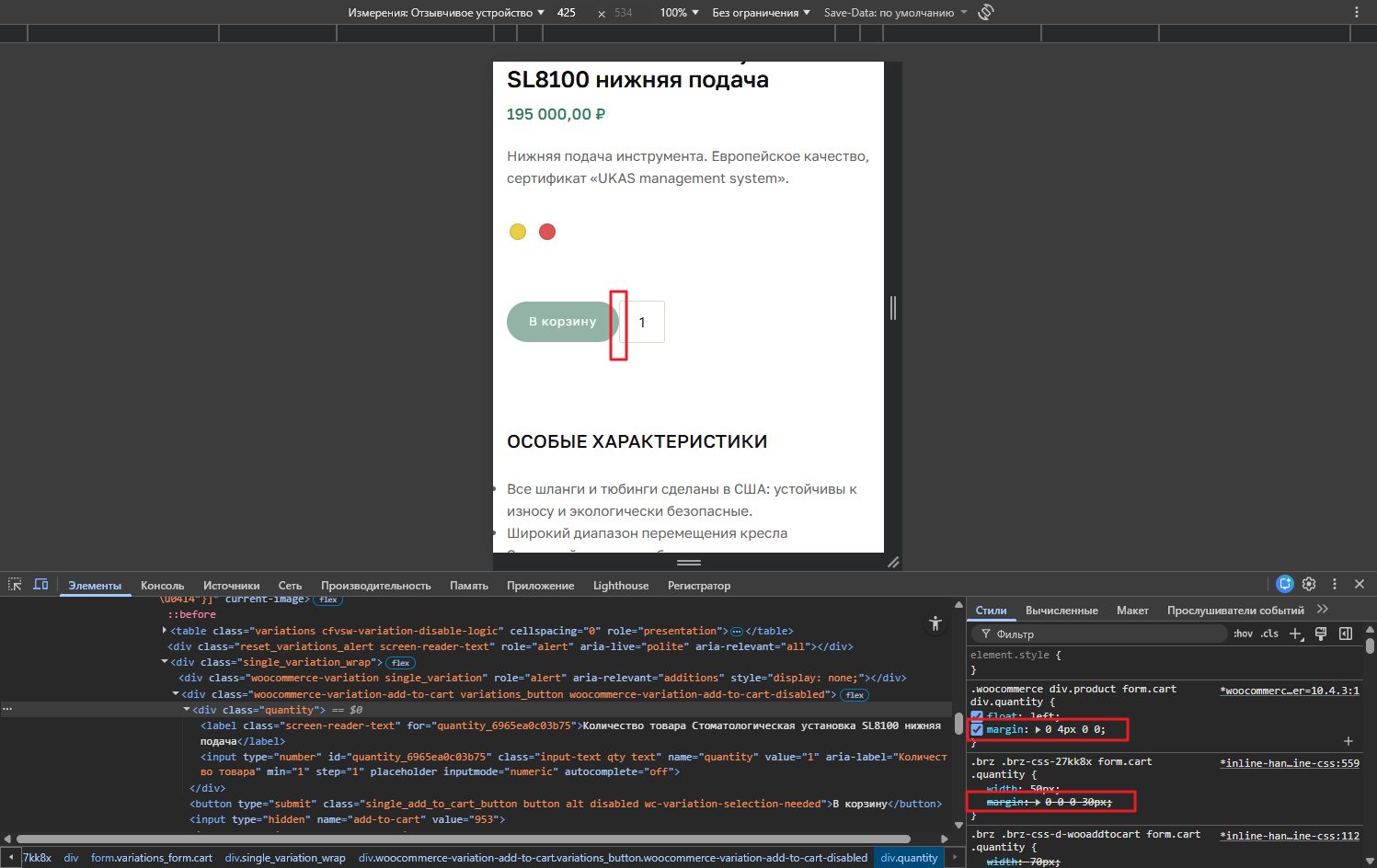
-

Hi Timur,
Thank for reaching out.
In some cases, certain themes or variation-related plugins don’t fully work with Brizy, which can lead to layout or styling inconsistencies. Resolving this usually requires a small CSS adjustment to ensure everything displays correctly. Our example below uses the Blocksy theme, and it does have a gap before the Add to Cart button by default.
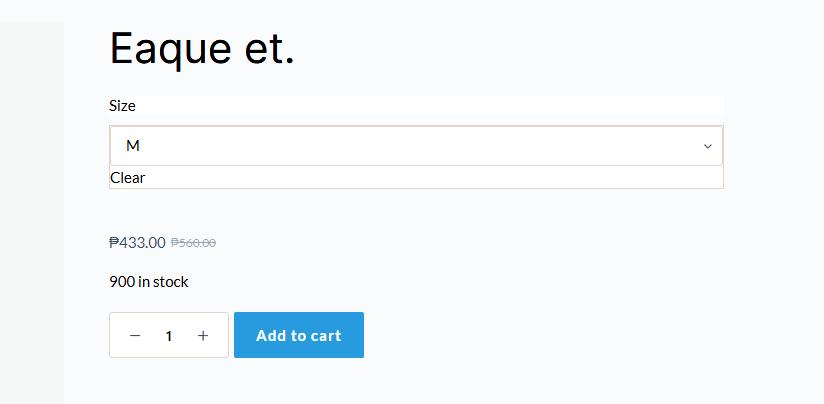
If you can share the URL, we’ll be glad to check it and provide a CSS snippet to fix it.
Kind regards,
Ariel H.0 -
I know how to fix this with CSS. I've already fixed it on my site.
I'm reporting the issue so you can fix it in future versions.
0 -
Hi Timur, I’ve gone ahead and posted this as a feature improvement. You’re also welcome to share it in our Ideas & Roadmap section for more visibility - https://www.brizy.io/ideas-and-roadmap. Our team regularly reviews feedback there to help prioritize future improvements.
Best regards,
Ariel H.0
Please sign in to leave a comment.
Comments
3 comments