Error importing site from wp multisite

Hello
I'm having trouble migrating my site from WordPress Multisite to a regular WordPress installation.
I'm migrating the site using the standard WordPress export tool. After migrating the pages, I see an error in the browser console: Brizy can't find the file. I see that the file paths are incorrect. Brizy added "/real-estate-agency-2-ru/" to the CSS path; this is the site slug in WordPress Multisite. I can't seem to fix this error. I've tried keeping the permalinks, saving the page in the builder, changing the links in the database, and trying other migration plugins, like Prime Mover, but nothing works.
If this problem is difficult to fix, please suggest a temporary solution. How can I force Brizy to drop /real-estate-agency-2-ru/?
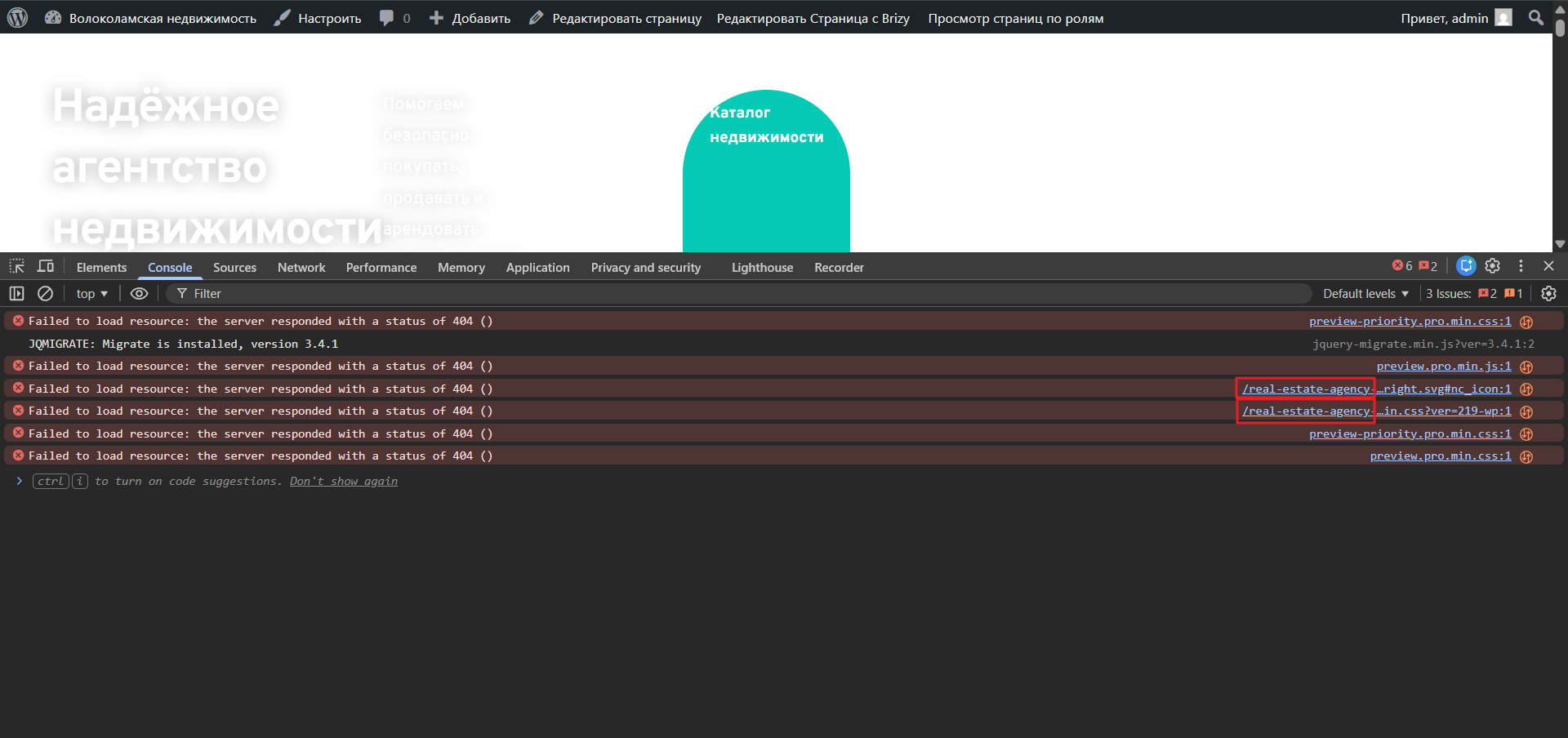
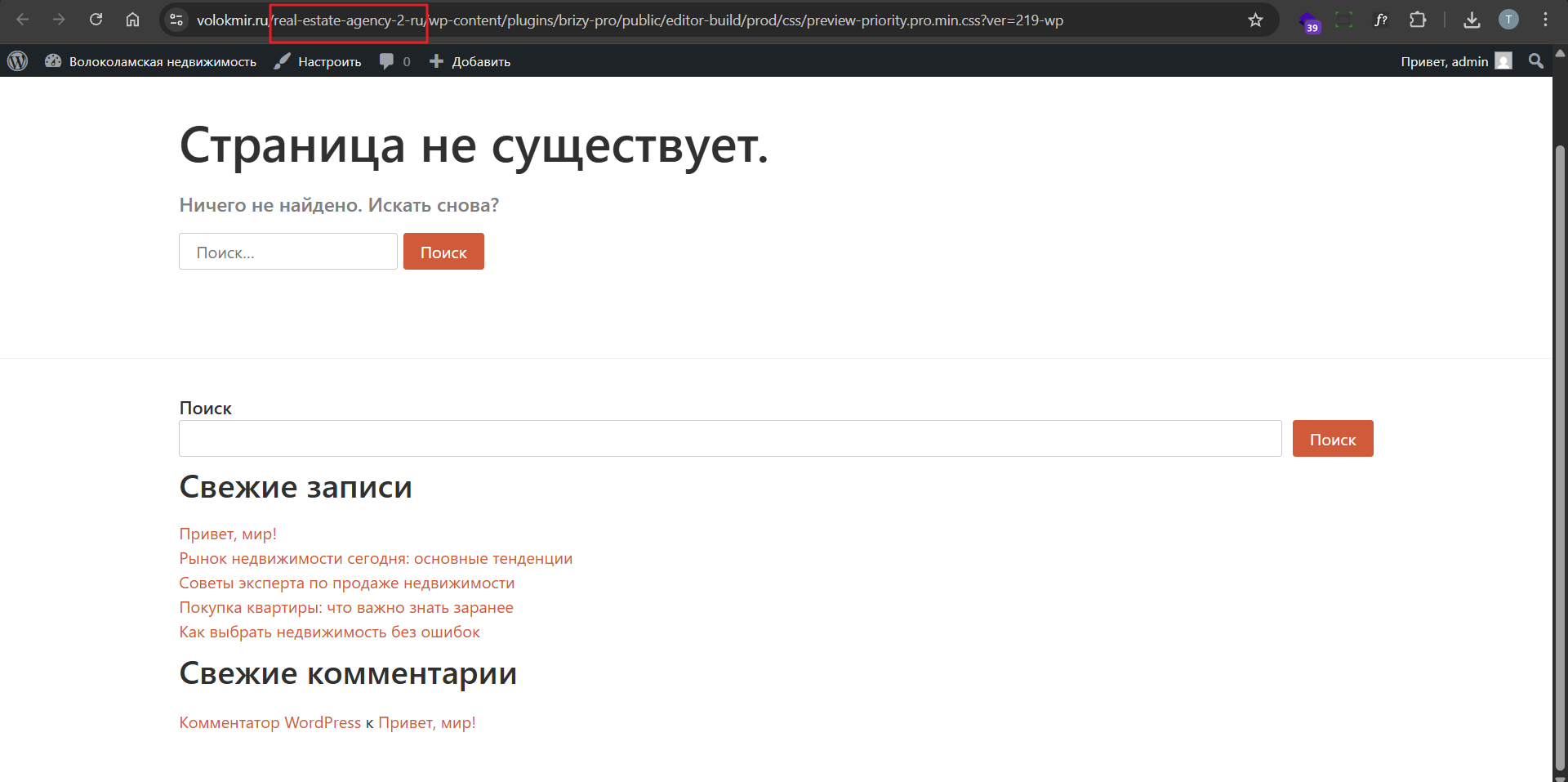
I also noticed that for some reason pages, posts, and posts created in pods aren't transferring. I was only able to import them in parts—pages and posts separately.
Also, after importing, the global style from the source site isn't transferring to the new site. Instead of a unique global style with a unique name, I see the standard Overpass style in the global style sheet, and my style with a unique name isn't listed.
-

Hi Timur,
Thank you for contacting su.
Currently, we’re unable to access your website, so we can’t check the issue directly.
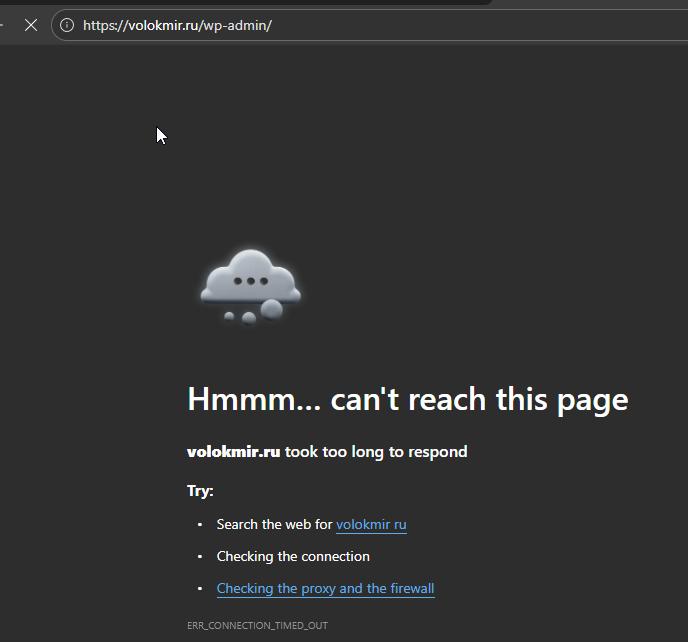
Please verify that the site is accessible and let us know once it’s fixed so we can take another look.
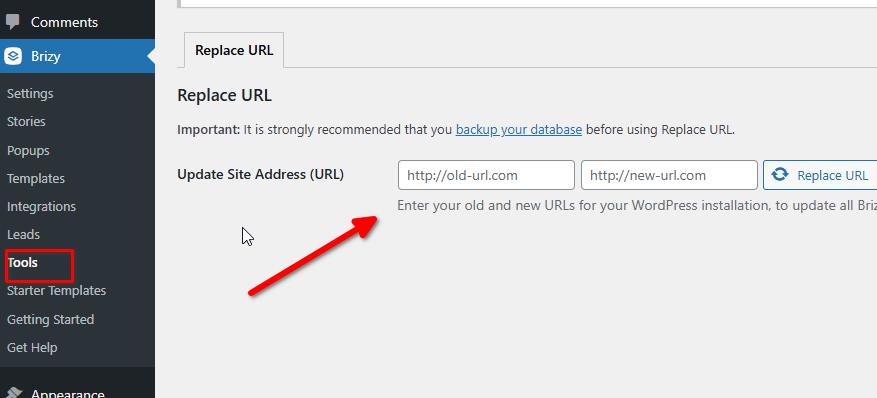
Regarding the URL issue, please try using the Replace URL tool and see if that helps resolve the problem. Once you’ve tested this, feel free to get back to us with an update.
Best regards,
Ariel H.0 -
The brizy URL replacement tool helped.
Please set up standard import. I'd like the standard import to fully migrate the site with global styles and correct URLs. Everything migrated correctly before.
I also noticed that the global site header element didn't migrate to the new site.
0 -
Previously, I wrote that I was trying to migrate using a standard WordPress export. Now I'm trying to migrate the site using a free plugin for migrating from WordPress Multisat to a regular WordPress installation. Using the Prime Mover plugin, I moved the site to https://volokmir.ru . I've encountered the problem of broken links in Brizy again. Now, when I change the links in Brizy's link editing tool, the broken link doesn't change on the page when viewed in the browser. I've tried saving permalinks, deactivating Brizy plugins, changing the links, and refreshing the pages in Brizy – nothing has helped.
I'm changing the links:
https://volokmir.ru/real-estate-agency-2-ru
-->
You can visit the site to try it out. The site is available.
How do I change a link in the Brizy code?
0 -
Hi Timur,
Thank you for the update.
Since this issue is related to URLs not being properly updated after the migration, you can try using the Better Search and Replace plugin to search for the old URLs and replace them with the new ones across the database.
If the issue persists, you may also want to try migrating the site again using a different migration plugin, such as WP Vivid or Migration Guru, to see if either of them handles Brizy links more reliably. Unfortunately, there’s no direct way to manually edit the links.
Please try this and let me know how it goes.
Best regards,
Ariel H.0 -
I can't use these plugins, WP Vivid and Migration Guru, because their free versions don't support WordPress Multisite.
I tried changing all links from real-estate-agency-2-ru/ to / using Better Search and Replace. The string real-estate-agency-2-ru is probably stored somewhere in the Brizy database files or temporary files.
Can you give me a temporary solution? For example, a command I can use to change real-estate-agency-2-ru to / in the Brizy database tables?
Where is Brizy storing this incorrect path?
Please provide a solution. My client can't retrieve their website. Previously, everything migrated correctly using the standard WordPress export. Now the standard export isn't working correctly.
0 -
Hi Timur,
We’ve temporarily added the missing subdirectory in your root directory so the site can properly reference it for now.
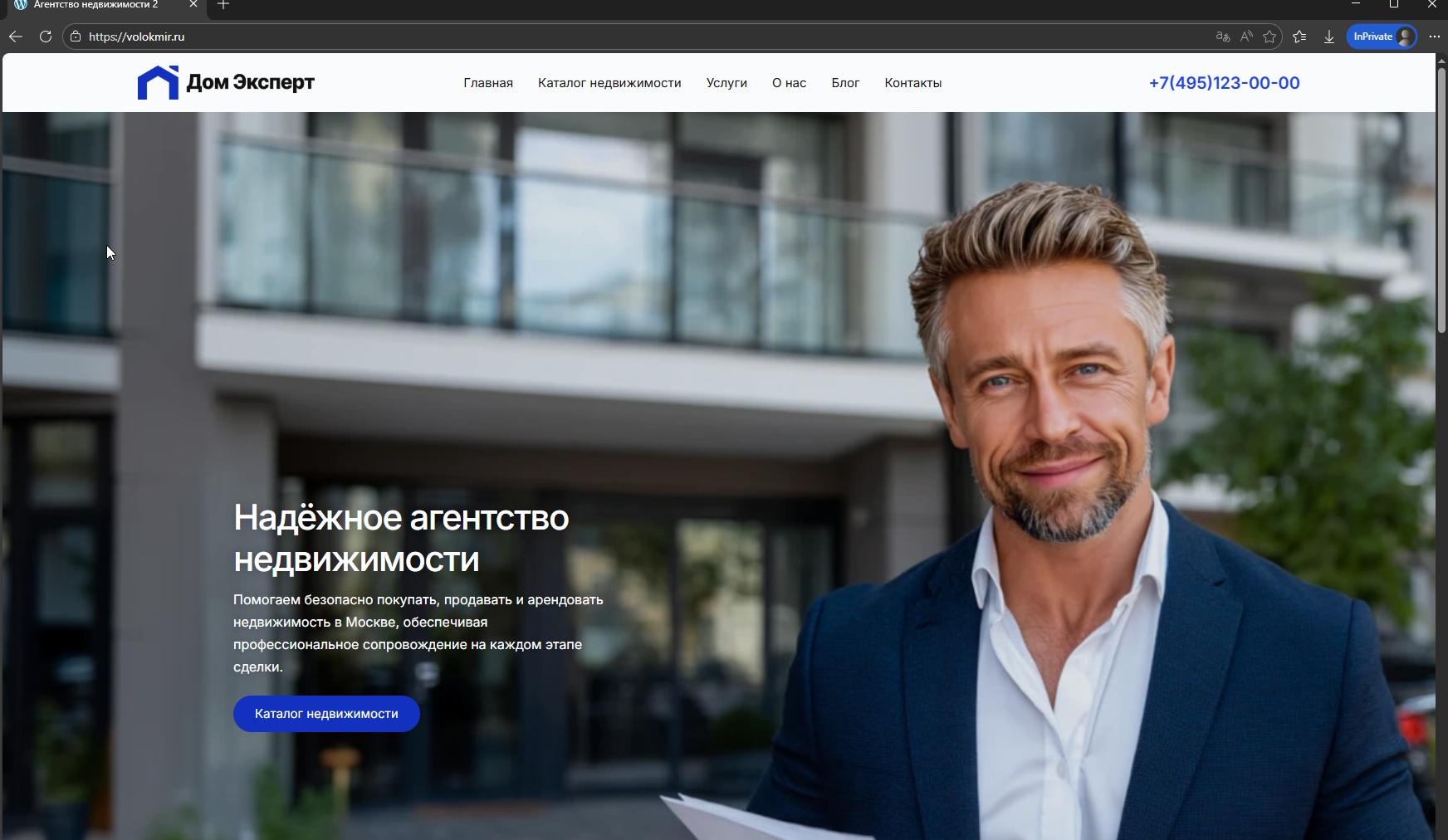
This helps prevent errors while we continue checking where the old path is still being pulled from.
To help us pinpoint where the old reference is coming from, could you please confirm the original URL of the site when it was still part of the Multisite?
Kind regards,
Ariel H.0 -
Source URL: https://almazwptemplates.online/real-estate-agency-2-ru/
---
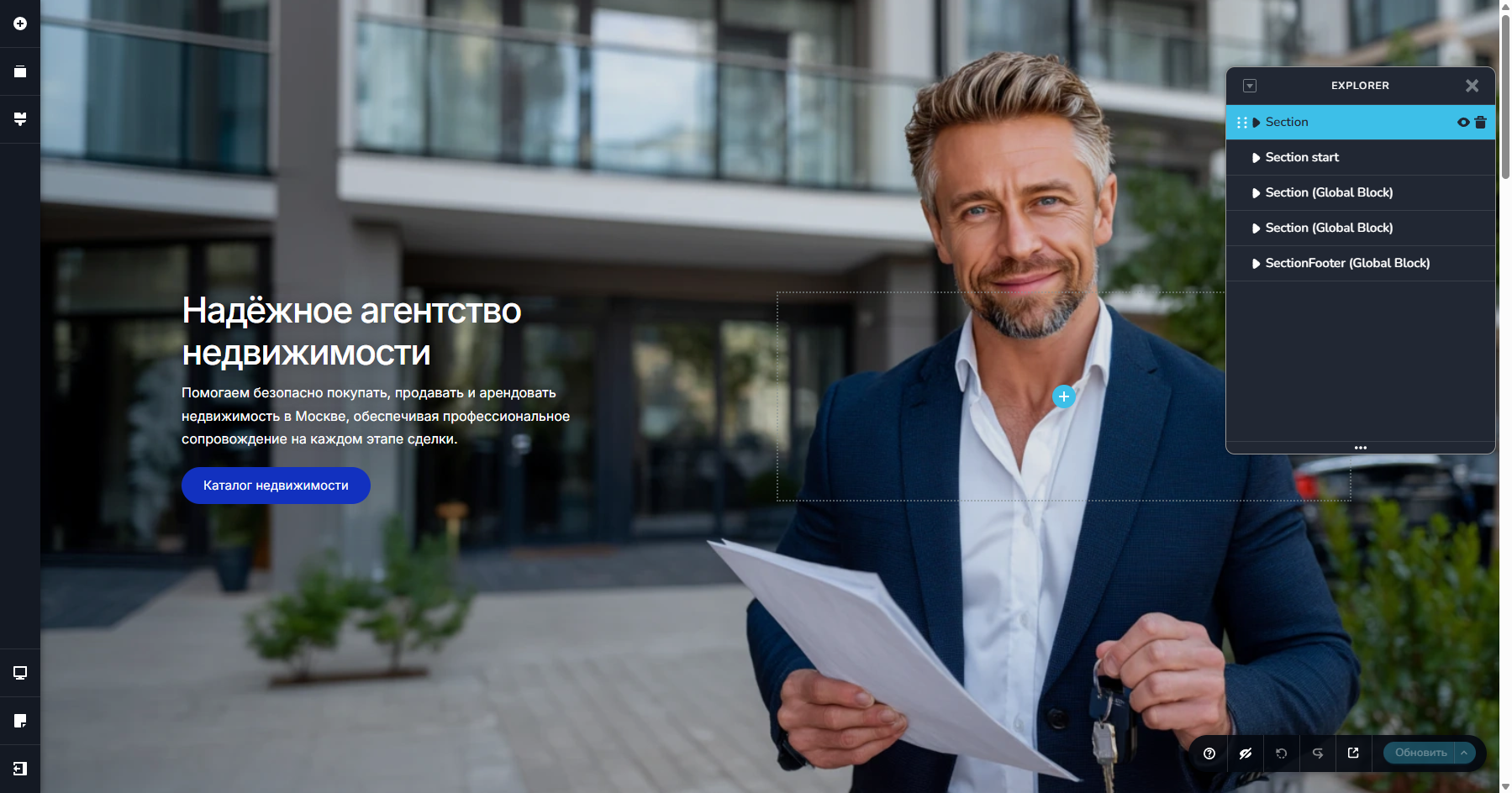
I've checked everything now, and everything is fine. There's just a problem with the site header.
The very first block (the global site header) is missing – there's no header in the page builder, but when I view the site, it's there.
Can you help fix this?
 0
0 -
Hi Timur,
We’ve removed the old reference directory and, after running the URL replace tool, everything now appears to be working correctly.
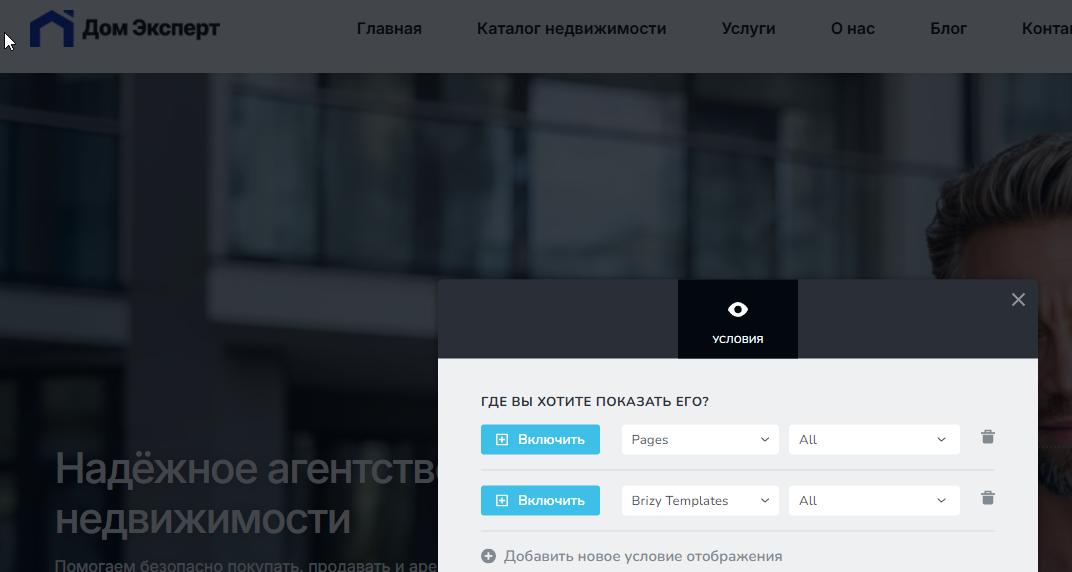
The only exception is the header, which we had to rebuild. You may need to make a few adjustments to it and also review the display conditions to ensure the menu is set to appear on the correct pages.
Best regards,
Ariel H.0 -
Hello
Thank you. The header block is now available.
-
You wrote that the site is now working without errors. I checked. When you view the page in the admin panel in a browser or in the builder, there are no problems.
But if you access it in incognito mode, you'll see a broken site with broken links.
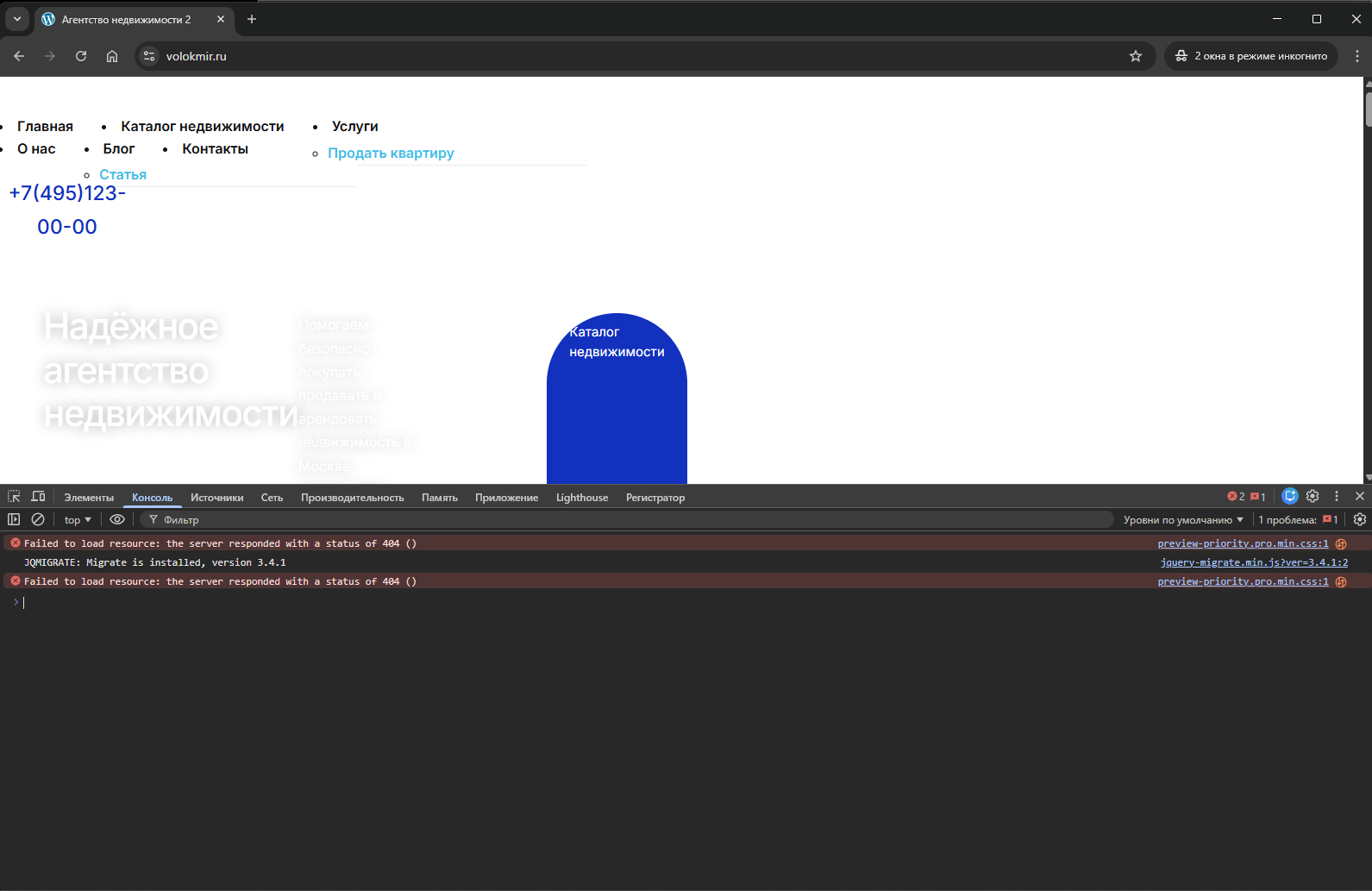
Can you help?
0 -
Hi Timur, please check it again and let me know if you need any further assistance.
0 -
Thanks for your help!
I see you've re-added the /real-estate-agency-2-ru/ folder and added the brizy plugin to it. I've converted this temporary solution into a more reliable one: I deleted the real-estate-agency-2-ru folder and added this code.
add_filter('style_loader_src', 'fix_migrated_paths', 9999);
add_filter('script_loader_src', 'fix_migrated_paths', 9999);function fix_migrated_paths($src) {
if (empty($src)) return $src;
return str_replace('real-estate-agency-2-ru/', '', $src);
}---
Since I create my own template sites using Brizy, I need the standard WordPress import/export tool to work properly. Previously, the standard import tool migrated the site correctly without errors, with all the necessary global styles.
Please fix this as soon as possible. Without it, I won't be able to add new templates using the standard export in my template site installer.
When will you fix the standard import for sites migrated from WordPress Multisite?
---
I also want the Brizy link replacement tool to work fully. I noticed that only part of the URL in the links within a page created with Brizy changes.
---
If I understand correctly, you weren't able to completely fix the links after migrating the site using Prime Mover. I'll contact the plugin developers about this issue.
0 -
Hi Timur,
Thank you for the update. I’m glad to hear that you were able to fix the issue using code.
I’ll replicate the issue on my test site and, if needed, escalate it to the team for further review. I’ll keep you posted once I have more information.
Best regards,
Ariel H.0 -
Hello
I reported a migration error to the developers of the Prime mover plugin.
I received a response from them. They indicate that the import errors are caused by the paths Brizy uses.
Currently, the paths are also incorrect during standard WordPress exports.
Perhaps their investigation will help you streamline the migration process.
I'm forwarding their response:
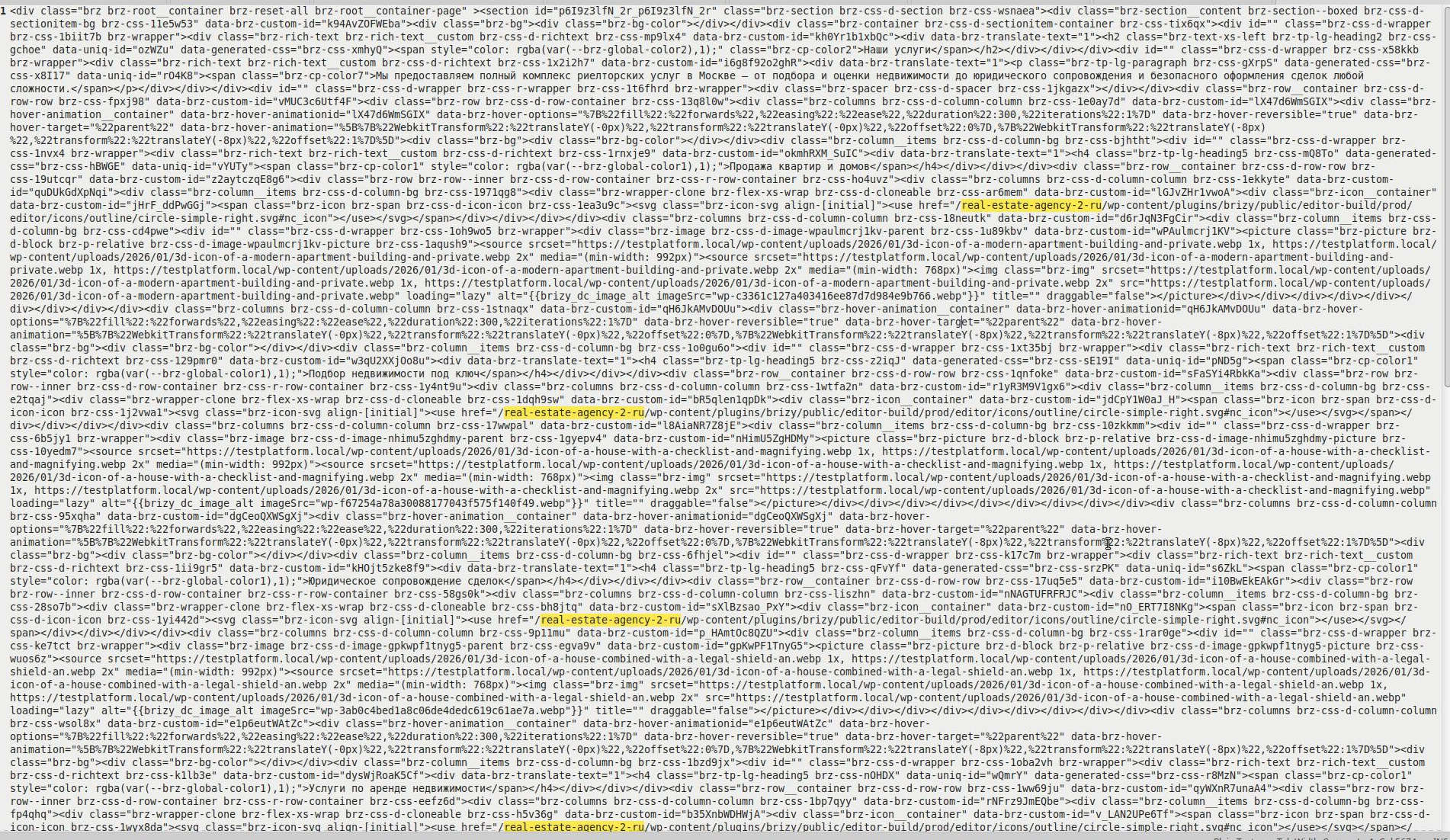
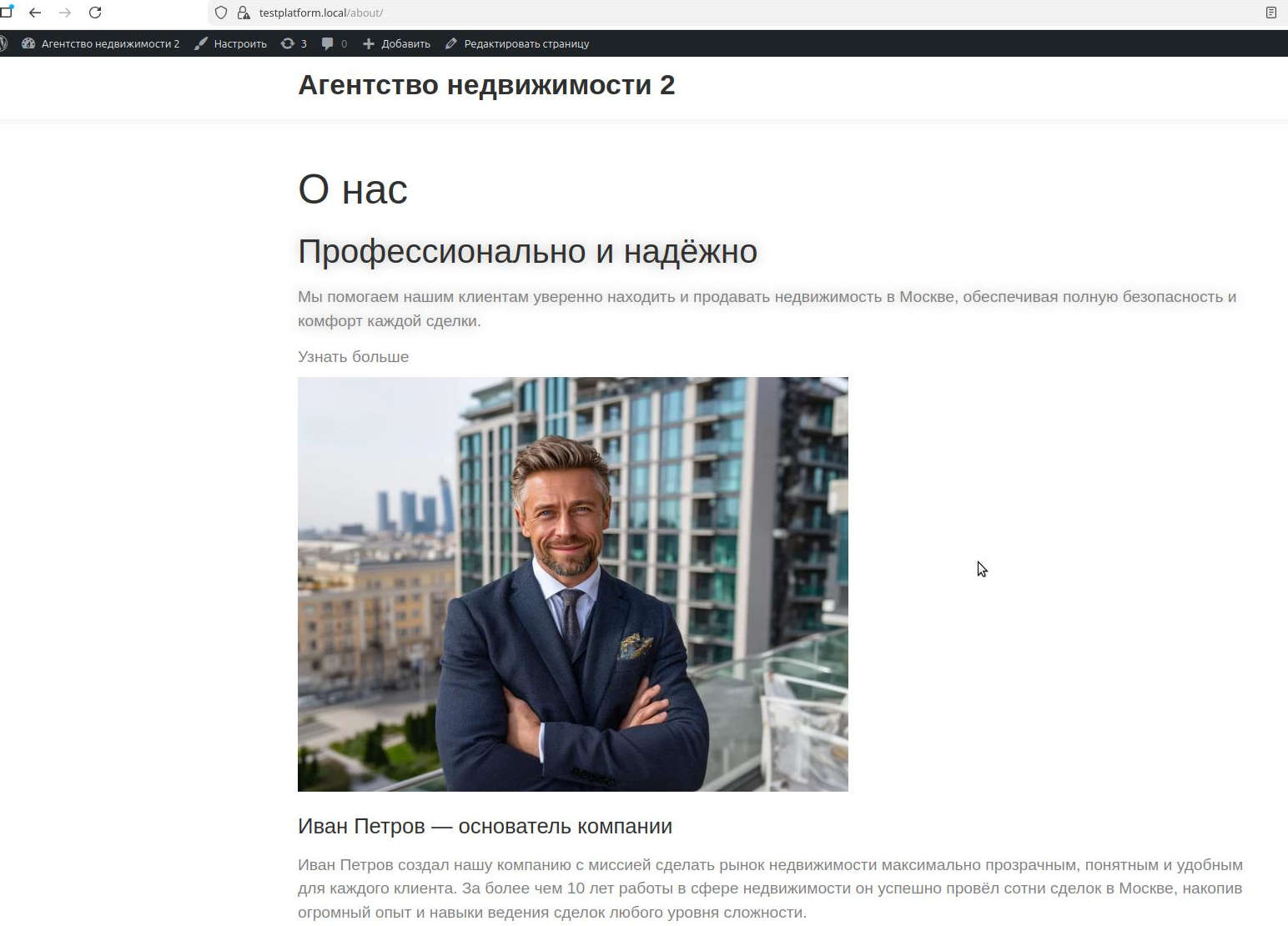
Hello Timur,Thanks a lot for the package! Yes, we can reproduce the problem on our local site. After the migration, the site is broken, just as you experienced on your target single site.During debugging, we found this is not a problem with the migration or the Prime Mover plugin (or Brizy). If we deactivate Brizy and Brizy PRO, then go to the homepage or About page, the images display and are not broken (see attached screenshots). So something is causing your layout to break.We found that the root cause of this problem is the use of relative URLs for your assets. This is why the Prime Mover search-replace (during migration) or even the Brizy migration tool cannot replace these URLs with the correct ones (after migration).For example, please see the attached screenshots with the file names relative_url_unencoded_settings.jpg and relative_urls_base64_encoded.jpg. You have relative URLs like this from your source site (example only, but there are so many), e.g.<use href="/real-estate-agency-2-ru/wp-content/plugins/brizy/public/editor-build/prod/editor/icons/outline/circle-simple-right.svg#nc_icon"></use>In your source multisite subsite that works - it resolves to:But when that markup is migrated to a single site, it resolves to (which breaks the layout image/CSS/JS because of 'real-estate-agency-2-ru' which does not exist in the target single site):"real-estate-agency-2-ru" cannot be adjusted or removed by any search-and-replace solutions on your target site (including Prime Mover, Better search-replace plugin, or the Brizy migration tool) because it's hard-coded deep within the Brizy page builder settings (for your page's layout). These markups are then encoded in the database using Base64. That is why your site layout got messed up during the migration.Solution: Never use relative URLs when thinking about migrating your site to any platforms (e.g., from subsite to single site or vice versa). Relative URLs are fragile and will break easily during migration, as you experienced in this case.To resolve this issue, please change 'all' relative URLs to absolute URLs across your layouts, templates, pages, and settings on your source multisite subsite. Double-check everything 'manually' (no automatic tool that would work) and ensure there are no additional relative URLs. After that, recreate another export and import it into your single-site. It should work this time, since these URLs can only be adjusted when they are absolute.If the import still breaks - share with me the updated package (WPRIME package) via Gdrive and we will check it again here. Thank you, and hope it works now. We tested it here, and it works - should work for you as well.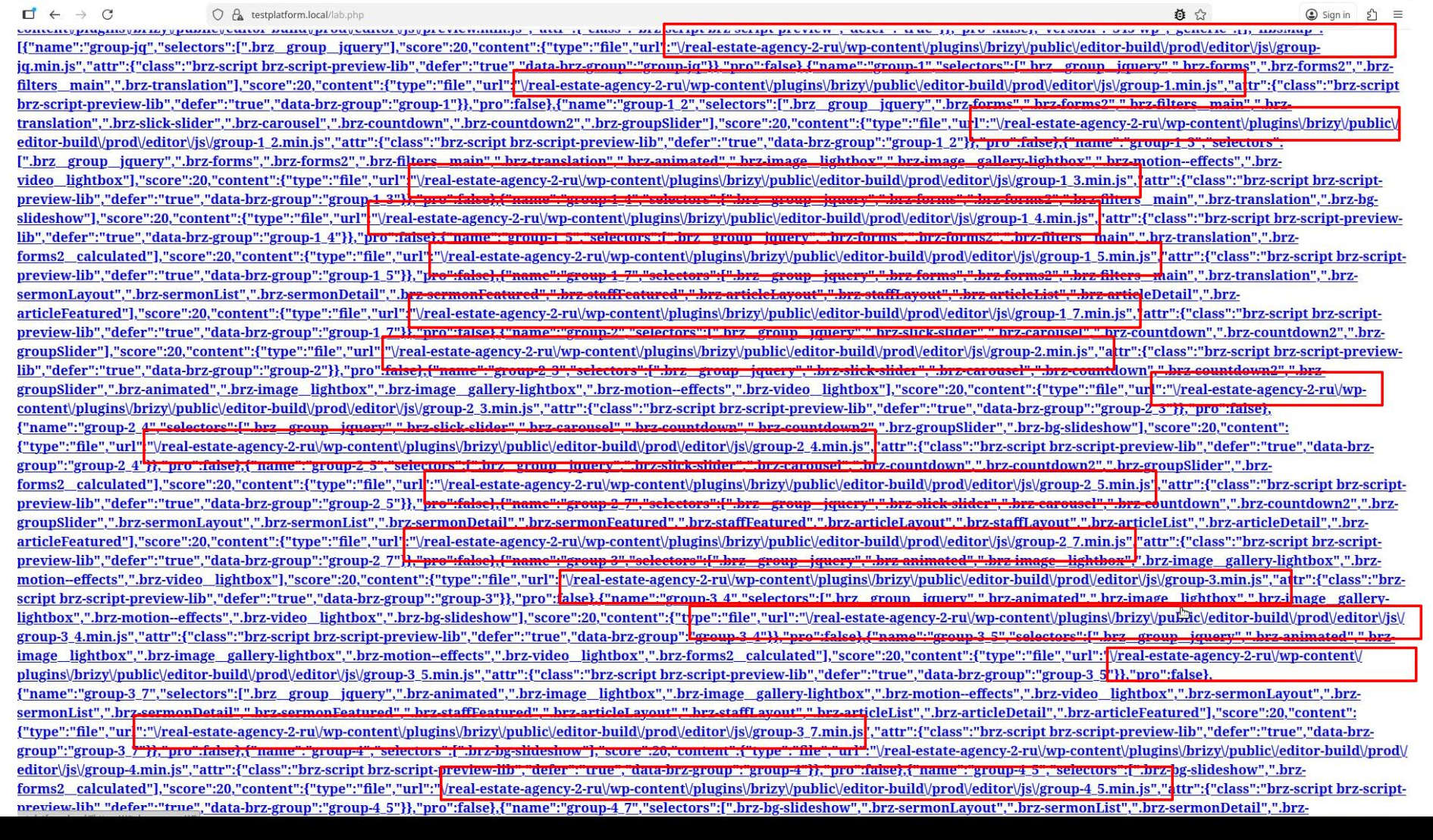
 0
0 -
The current situation is as follows:
Standard export:
Standard export migrates the site.Global styles are not migrated.
There are errors with incorrect style URLs on pages created with Brizy.Incorrect links can be fixed using the Brizy site mover tool.
Some pages, such as posts and pages created via pods, may not migrate.
Prime mover export:
Everything is transferred correctly.
Except for links on pages created with Brizy.
Only some of the incorrect links are fixed using the Brizy site mover tool. (Some links remain and cannot be fixed.)
----
It would be great if you could fix these errors - Standard Export and Prime Mover.
You can check why your site mover tool doesn't fix all the incorrect links.
Thank you.
0 -
Hi Timur,
Thank you for taking the time to provide all the details, I appreciate it. I’ll be checking this issue on my end. I’m currently setting up a test environment so we can properly replicate the behavior and investigate it further.
Best regards,
Ariel H.0 -
Hi Timur,
Thank you for your patience while we checked this.
We were able to confirm that the WordPress export works correctly when all plugins are disabled before exporting the site.
When importing the XML file into the new site, plugins are not included in the export. Once the import is complete, you can re-install the plugins, manually recreate the menu, and reset the permalinks to ensure everything functions as expected.
Kind regards,
Ariel H.0


Please sign in to leave a comment.
Comments
16 comments