Images in library have just multiplied

I'm a littel confused but it looks like the 5 websites I use brizy.io for; my media gallery is flodded with copies and copies of images on my website, attaching one screenshot for reference but I probably have over 1000 images in the media library: 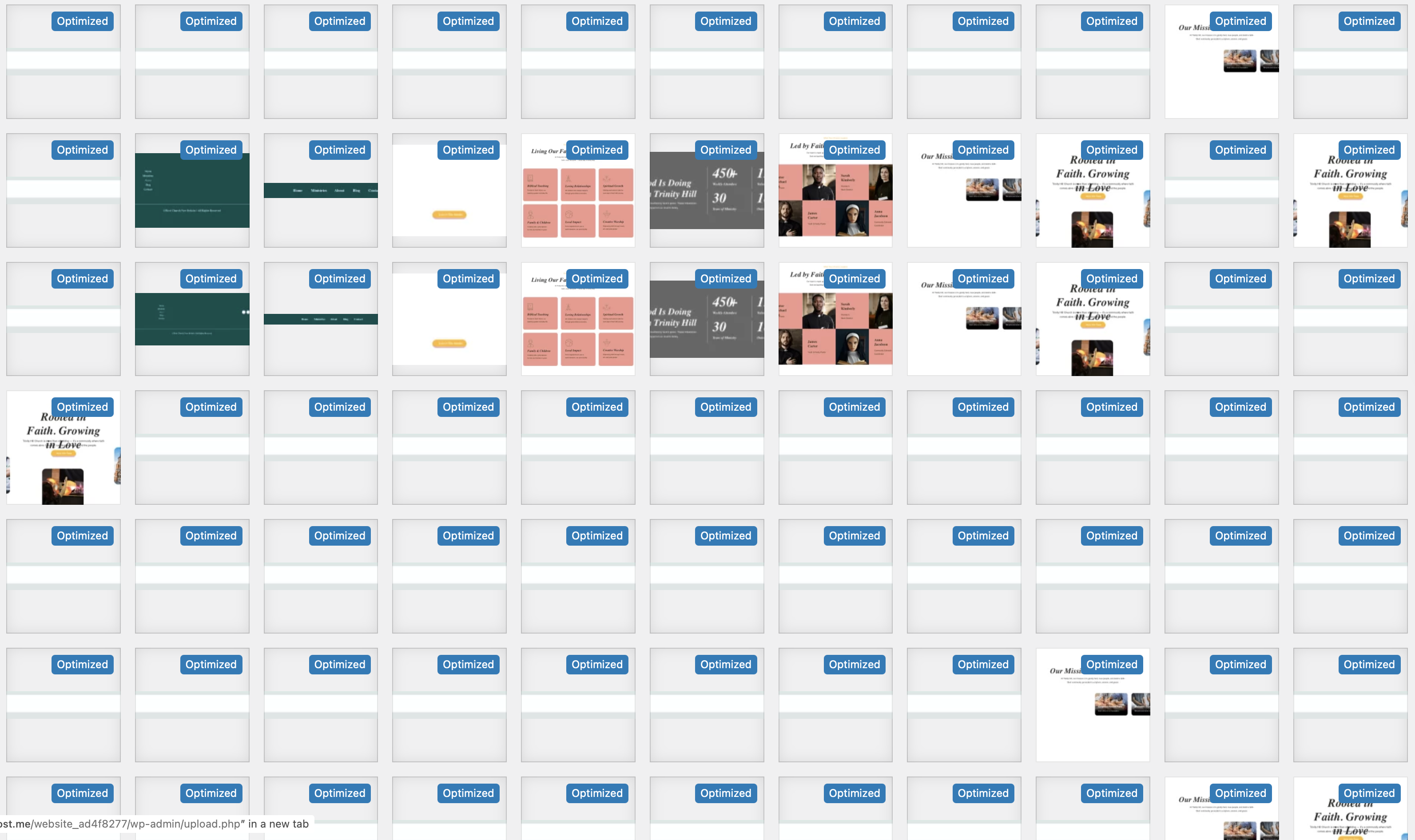
-

Hi Toby,
Thank you for reaching out.
The large number of images is typically caused by an image optimization plugin generating additional optimized versions. This can lead to duplicate files appearing in the Media Library. We recommend reviewing your optimization plugin settings to reduce or limit the number of generated copies.
Kind regards,
Ariel H.0 -
Thanks for responding Ariel,
So I actually have no plugins really installed at this moment other than brizy:
 0
0 -
Hi Toby,
Thank you for the update.
Brizy does not duplicate images in the Media Library. It stores its own image copies separately in the /wp-content/uploads/brizy/imgs directory.
The duplicated or “Optimized” images you’re seeing were most likely created by Jetpack when it was previously active. Jetpack’s Site Accelerator feature rewrites image URLs and can label images as “Optimized” in the Media Library.To clean up unused or duplicated files, we recommend using Media Cleaner (by Jordy Meow.) Please be sure to create a full back up before running any cleanup, as deleting media files is permanent.
Kind regards,
Ariel H.0
Please sign in to leave a comment.
Comments
3 comments