Brizy Christmas Deal Unavailable Inside My Dashboard

Hi,
I took advantage of your $1 deal for Brizy Shop, and bought 20 shops. I tried using one or two out of the 20 available to me, when I followed the deactivation and re-activation of the shop I'm editing, your system doesn't display the licenses available to select from.
Rather, I'm being asked to start a new monthly or yearly subscription all over again. Please can you address this glitch?
Next, I'm unable to download the free shop templates you gave during the holidays. Also, the video link you place on the same offer to guide us on implementing the free shop templates is not clickable. I went to YouTube and searched your channel to see if it's available, but wasn't available at the time I did. So, are those free shop templates still available for download?
Finally, Is it still possible to switch from the monthly to the yearly billing? And can I add the WordPress plugin lifetime deal when I upgrade to the yearly shops. Instead of paying $20 monthly for my 20 shops, I'd like to pay yearly before January 27, the next billing cycle.
I look forward to your feedback, and help accessing the products I already bought.
Thank you,
Nicholas.
-

Hello Nicholas,
The "$1 Per Site Deal" you had purchased on December 27, 2025 gives you access to 20 Brizy Cloud Pro licenses and it does not include Brizy Cloud Shop Pro plans. Brizy Shop plans are sold as an optional addon plan to Brizy Cloud Pro plans. You can add one of the Shop Pro plans featured at https://www.brizy.io/pricing-cloud-shops to any Brizy Cloud Pro project. Currently you are subscribed to the Shop Free plan and do not have a Shop Pro plan. Once you buy a Shop Pro plan, you can activate Shop Pro features in one of your projects. Each Shop Pro plan can be used for setting up a single shop. To setup multiple shops, you will need to purchase multiple Pro plans.
To import the free shop templates to your Brizy Cloud Dashboard, kindly follow these steps.
- Visit https://www.brizy.io/christmas-advent-2025#15dec and click on the "View and Grab Today's Gift" button
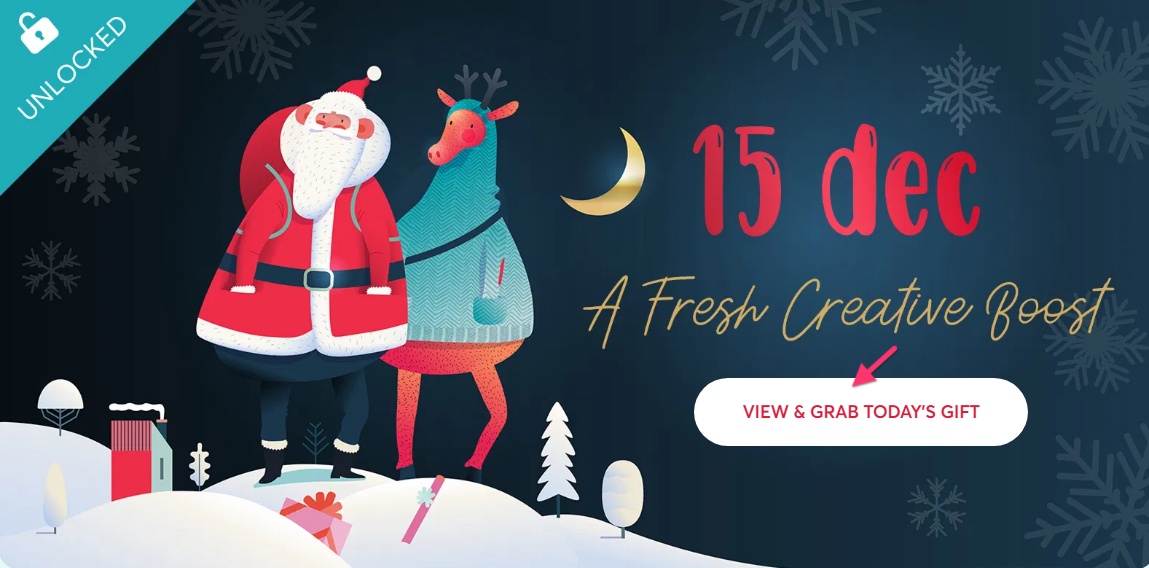
- Click on the "Download Templates" button
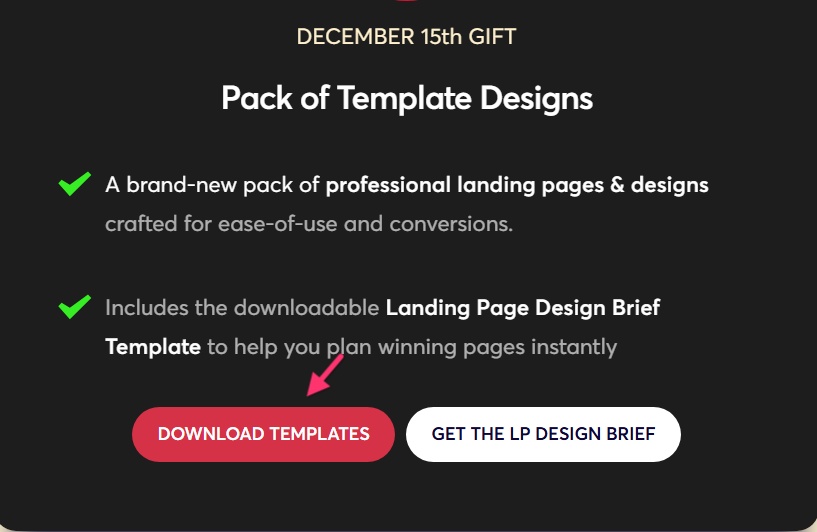
- Click on the hyperlink provided next to each template to import the Shop Template to your Brizy Cloud Dashboard. When you click on a hyperlink, the import process will begin.
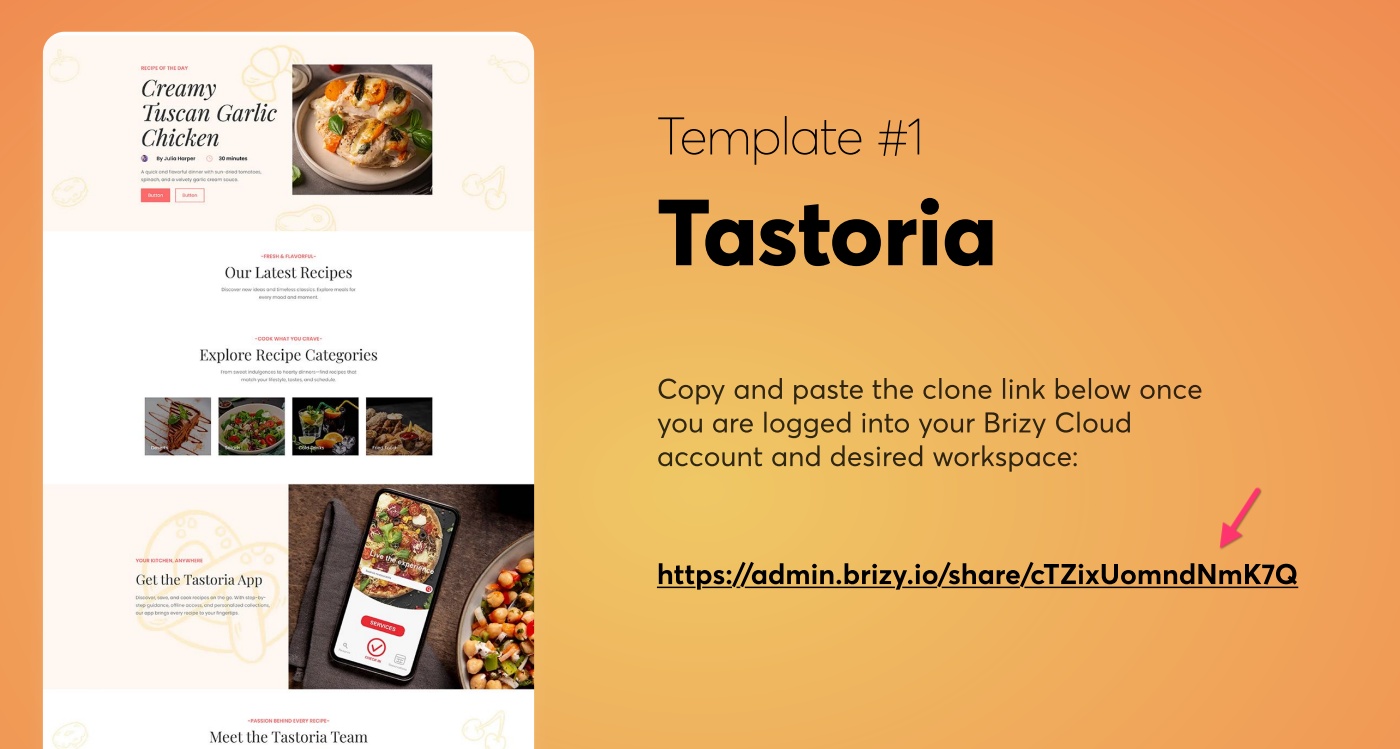
You can also import the free templates given out on December 19 by visting https://www.brizy.io/christmas-advent-2025#19dec and following a similar process.
"$1 Per Site Deal" monthly plan cannot be switched to annual billing. If you bought a monthly plan, it will always remain monthly and if you bought an annual plan, it will always be annual.
0 - Visit https://www.brizy.io/christmas-advent-2025#15dec and click on the "View and Grab Today's Gift" button
-
Thanks for your feedback, but it wasn't my understanding that I was purchasing Brizy Cloud Pro which I don't need.
So, I need to cancel that transaction and seek a refund. I don't want to be billed again on January 27, 2026. How do I cancel that transaction and get a refund?
Thank you,
Nicholas.
0 -

Hi Nicholas,
Thank you for the update.
Your subscription has been successfully canceled. You won’t be billed again in the next billing cycle.
If you have any questions or need help with anything else, feel free to let us know.
Best regards,
Ariel H.0
Please sign in to leave a comment.
Comments
3 comments