text out of alignment on front end

I have a strange issue. My text is out of alignment on the front end of my website. Everything looks fine on the back end within Brizy. I've tried the usual solutions - incognito window, clearing browser cache, disabling plugins, and clearing my WP caching plugin. Nothing worked.
I'm attaching two screenshots. The first is how it looks on the front end, the second is how it looks in the backend.
Website is edherzog.com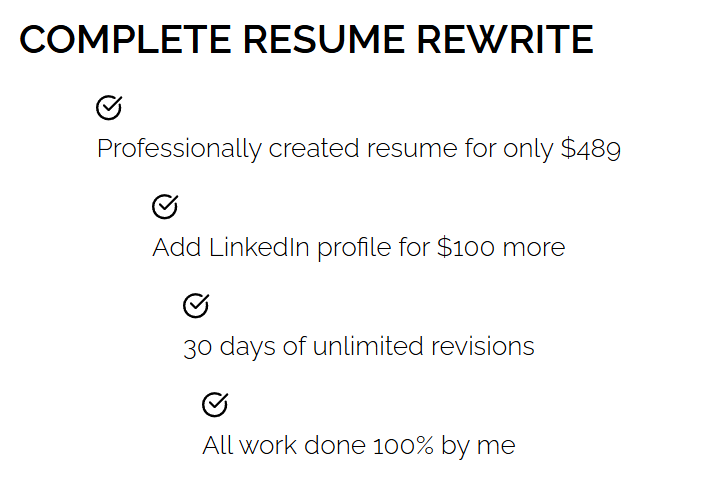
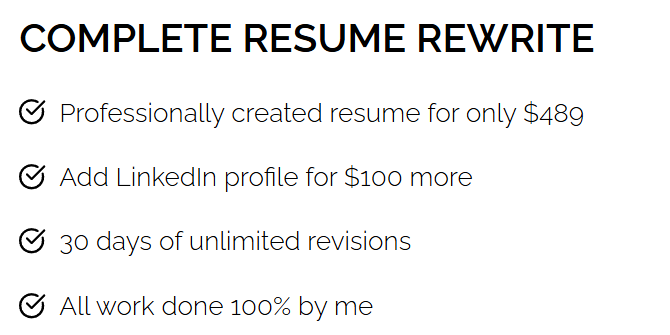
-

Hi Ed,
Thank you for contacting us.
Please try making a small change to the affected block. For example, reduce the block width to 90%, then click Update to save the changes. After that, preview the front end and check if this fixes the issue.
If it does, go back to the editor, revert the block width to 100%, and click Update again. This process forces the block to recompile, which can often resolve such issues.
If this didn't help, please provide temporary access to your WP Admin so we can take a closer look at your site? Kindly add us as an Admin user in your WordPress Dashboard and send the details to communitysupport@brizy.io:
Community Post link: https://support.brizy.io/hc/en-us/community/posts/32312410315154
WordPress Admin URL:
Username:
Password:Best regards,
Ariel H.0 -
Thanks for the fast response, Ariel!
Unfortunately, that didn't work. I'll send an email with the Admin details.0 -
Hi Ed,
Thank you for the update.
We’ve checked the user account you provided, and it currently does not have administrator-level access. Could you please update the account to an Administrator role so we can properly inspect the page?
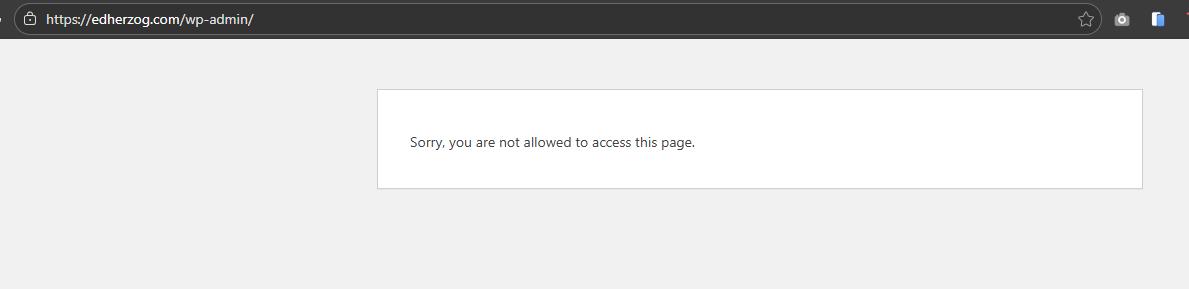
Once that’s done, we’ll be glad to take a closer look.
Kind regards,
Ariel H.0 -
Sorry about that. Should be fixed now.
0 -
Hi Ed,
Thank you for your cooperation.
Upon checking, the issue is coming from WP Fastest Cache. When this plugin is disabled, the issue no longer occurs. We also noticed that Autoptimize is already active on your site.
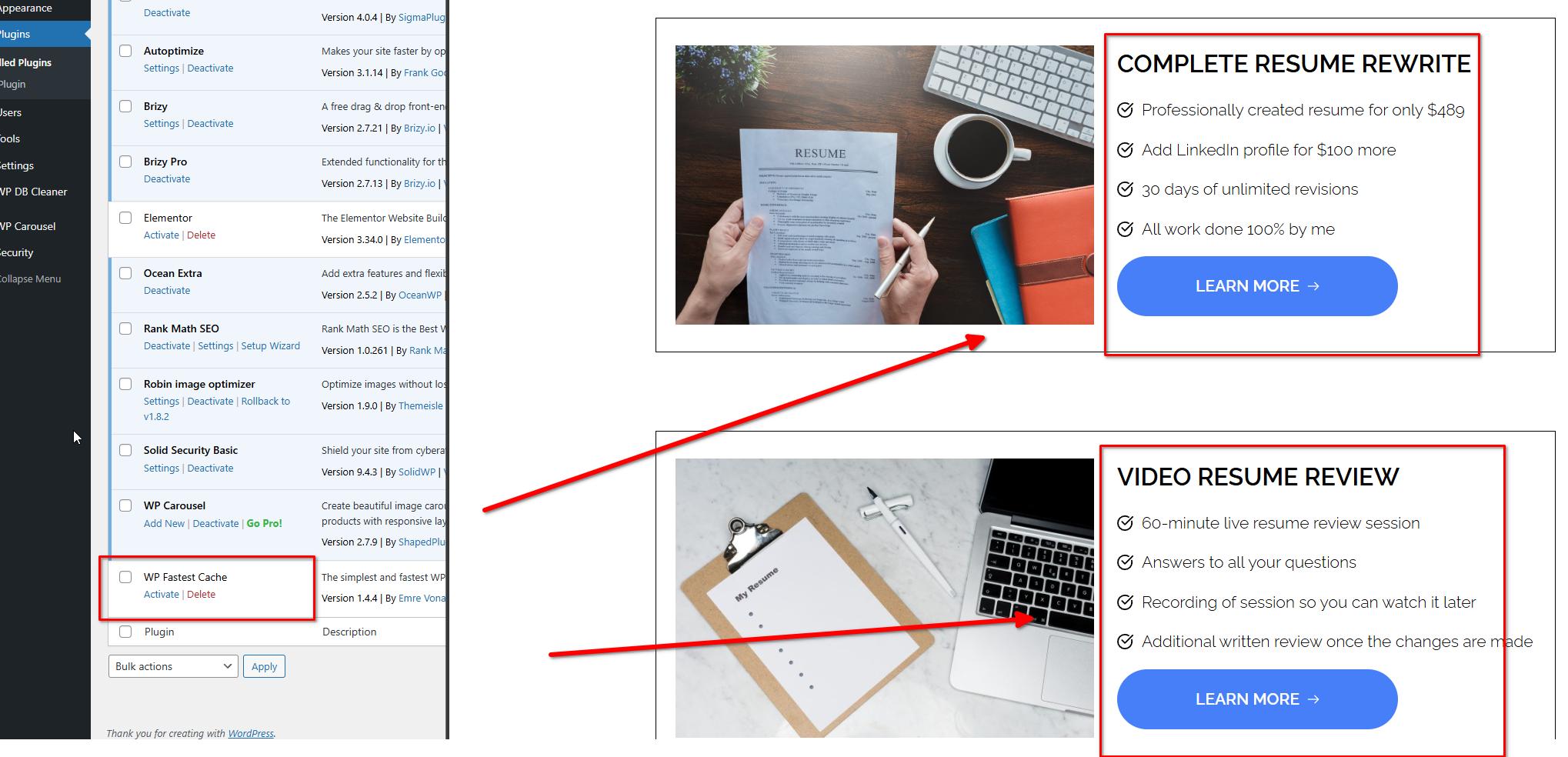
Running two optimization or caching plugins at the same time can often lead to conflicts, such as broken layouts, missing styles, or unexpected behavior, as both plugins try to optimize the same pages in different ways. We recommend keeping only one optimization plugin active to avoid these issues.
If you have any further questions, please let us know.
Kind regards,
Ariel H.0 -
Thanks Ariel, much appreciated!
0
Please sign in to leave a comment.
Comments
6 comments