Block confusion + a global block suddenly appeared and was deleted

Hello
After updating to the latest version, I encountered several issues. I wanted to roll back to the previous version, but the errors persisted even after reverting to the old version. The new version of the plugins mixed up the blocks. I've had a similar issue with block confusion twice before, and I had to refresh the entire page to fix it. Now it's the same as before: when viewing the page in the builder, all the blocks are correctly positioned, but when viewing the site in the browser, the blocks are mixed up.
Photo 01
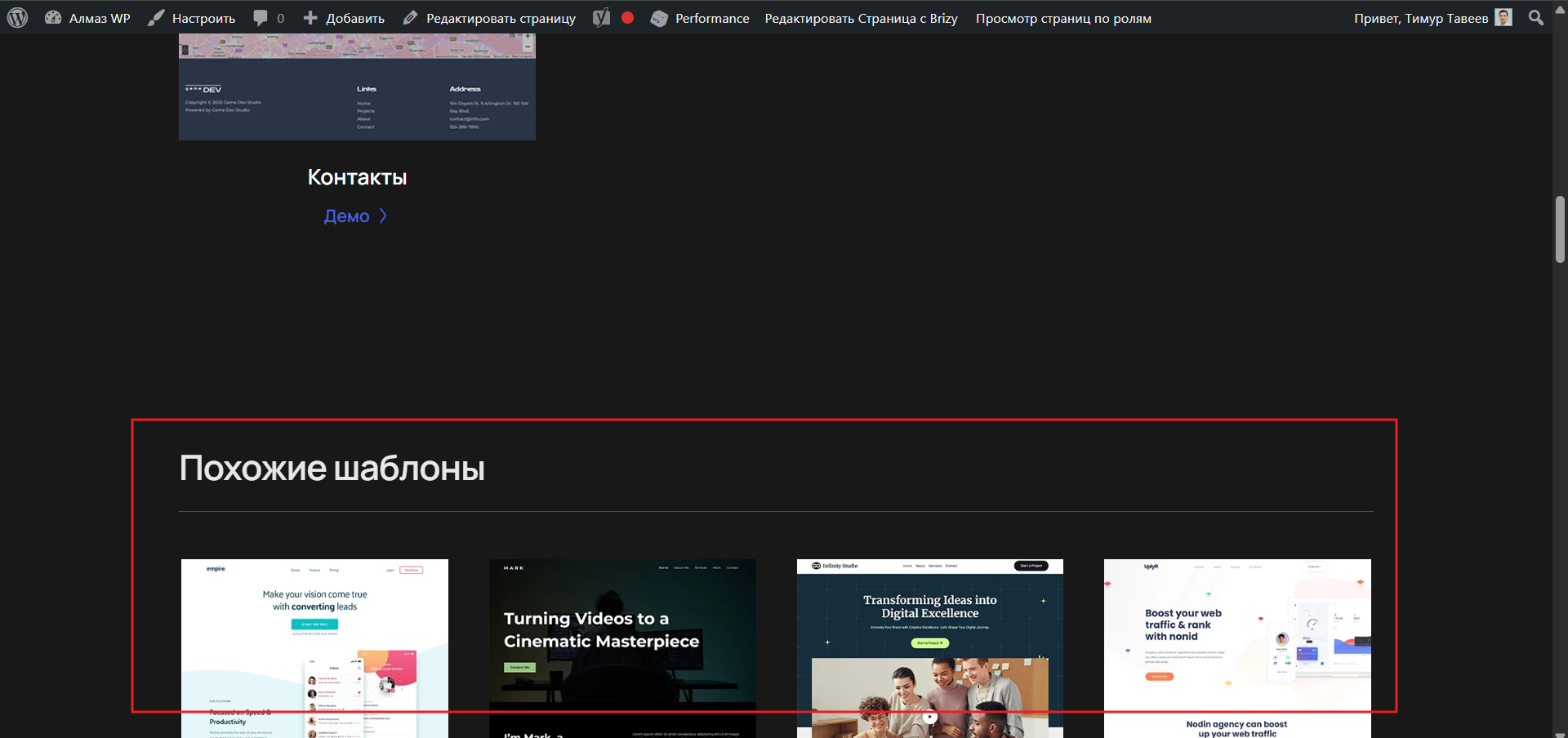
The block that should be before the site footer is now in the middle of the page when viewing the site in the browser.
Photo 02
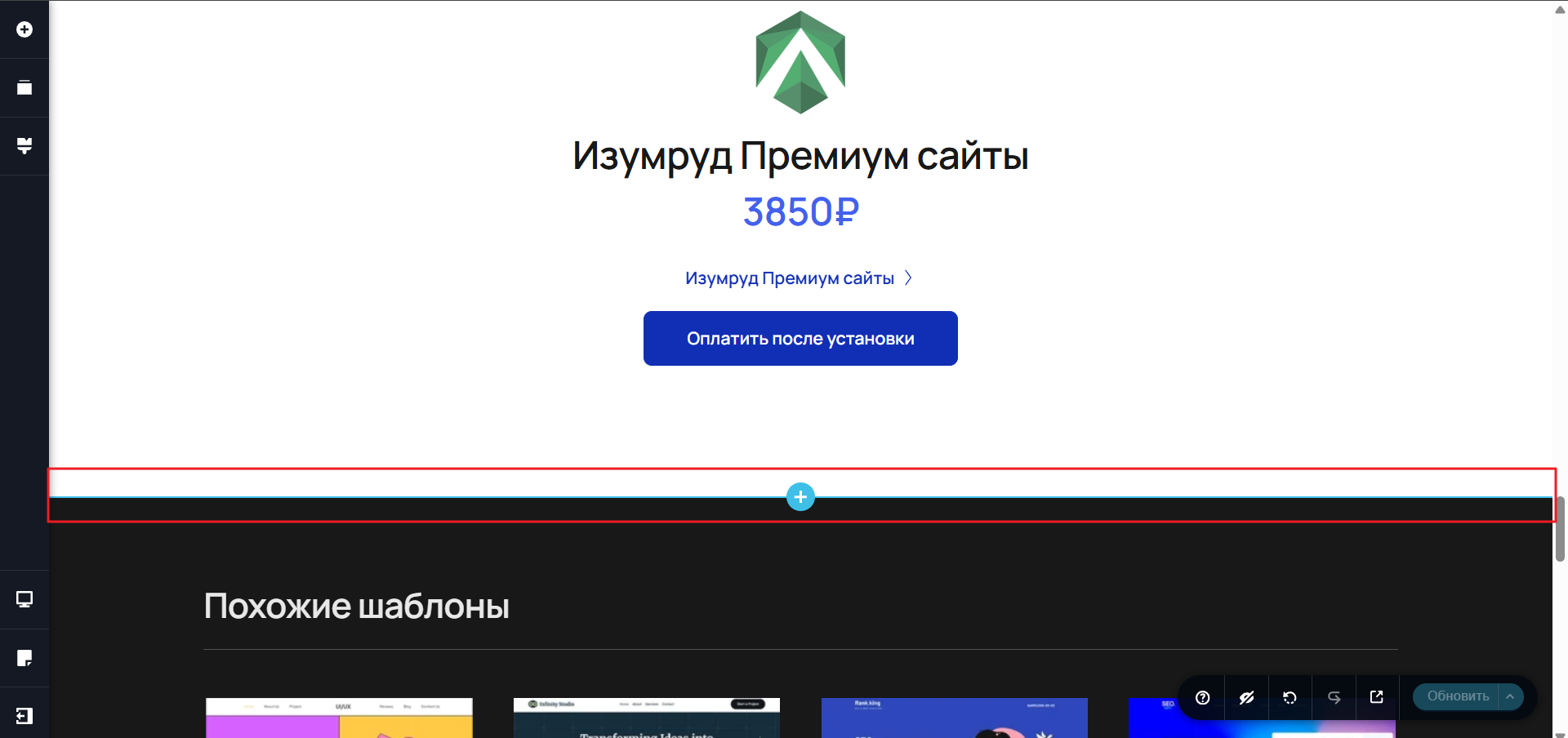
When viewing the site in the builder, all the blocks are correctly positioned. I refresh the page. The issue is resolved. Now, when viewing the site in the browser, the block is in its correct position before the site footer. I have 300+ pages, and it's difficult for me to refresh all the pages.
Photo 03
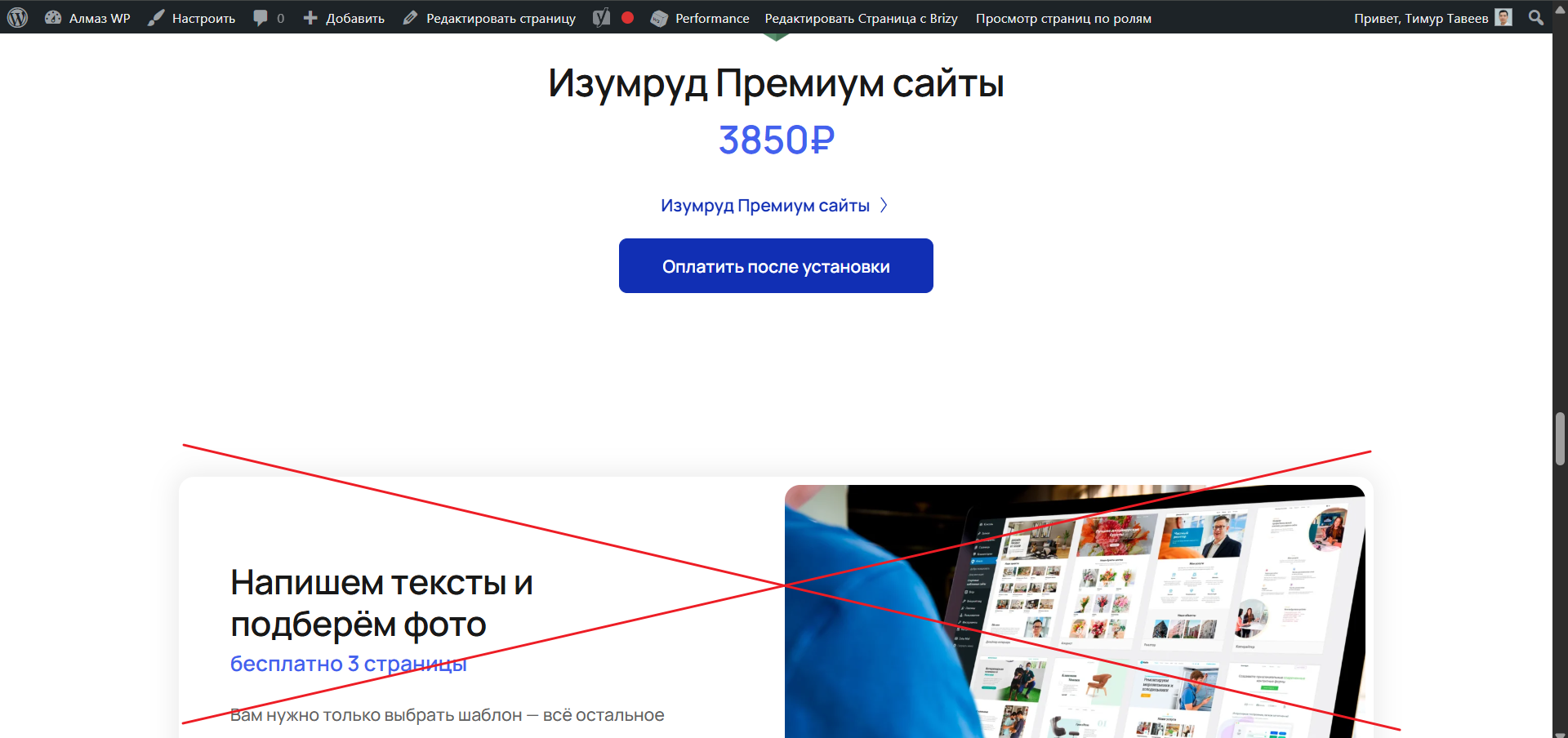
After refreshing the page, a global block appeared that had long ago been removed from the page and from all global blocks. The global block that suddenly appeared after the refresh isn't listed in the designer. I enabled the Navigator, and I see this block in the Navigator. I can delete it from the Navigator, but deleting it only solves the problem on one page. I want this global block to be removed from all pages, but I don't have access to its settings (display conditions), since this global block was removed long ago.
Photo 04
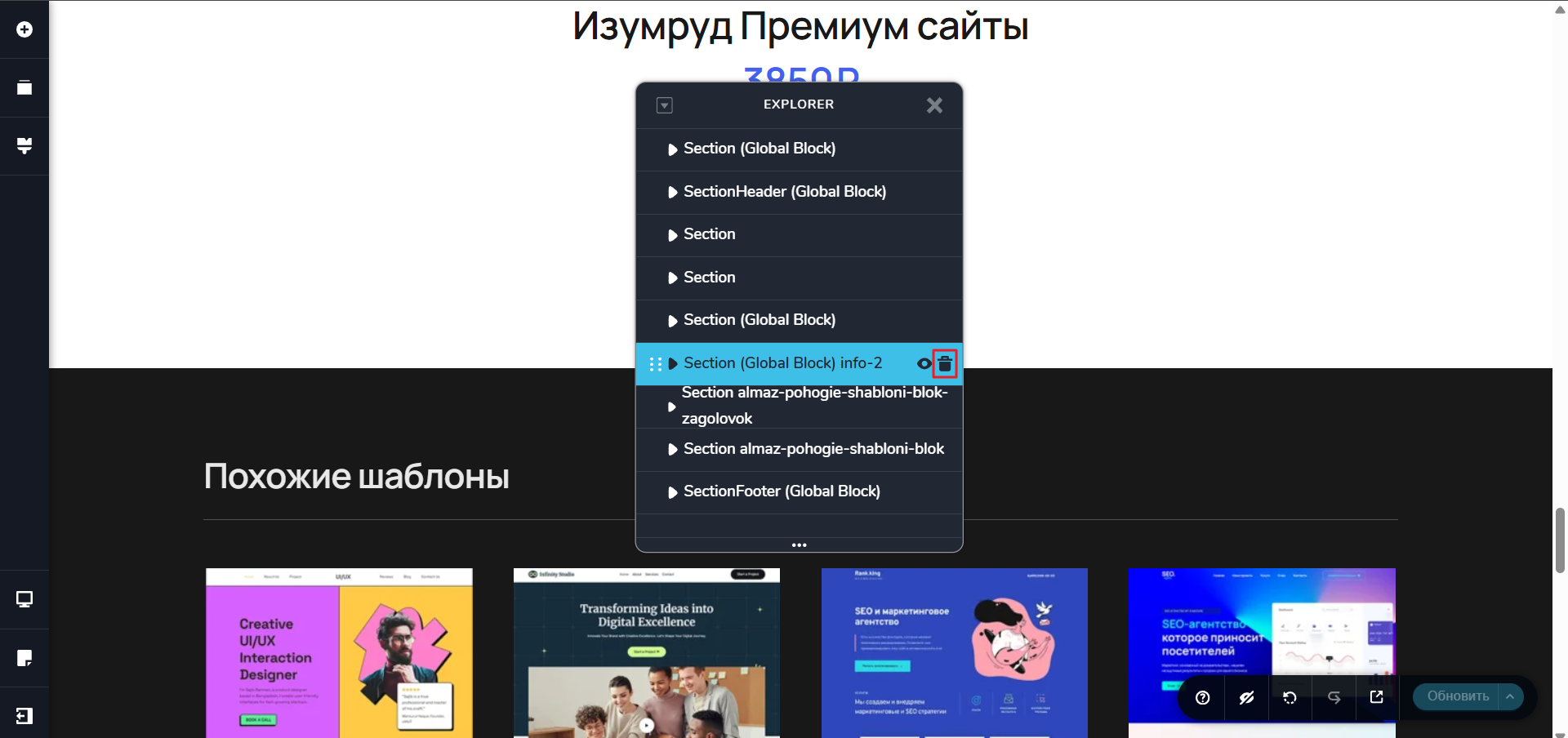
The global block that suddenly appeared after refreshing the page is visible in the Navigator, but I can't access its settings.
How to fix these issues:
1. Block confusion issue.
2. Issue with a global block that was long removed appearing on the page.
-

Hi Timur,
Thank you for contacting us.
To help us identify the affected pages, could you please share a few specific page URLs where the block order appears incorrect on the front end or where the removed global block shows up again?
Additionally, if possible, could you please provide temporary WP Admin access so we can inspect your site? Kindly add us as an Admin user in your WordPress Dashboard and send the details to communitysupport@brizy.io:
Community Post link: https://support.brizy.io/hc/en-us/community/posts/32148345770514
WordPress Admin URL:
Username:
Password:Best regards,
Ariel H.0 -
Hi Timur,
Thank you the update. To avoid any conflicts, we kindly recommend permanently removing the old global element and ensuring that only the new one is used on the page.
Kind regards,
Ariel H.0 -
Hello
You misunderstood me.
In the print screen, you're showing me how to delete a global block. This global block doesn't need to be deleted—I need it.
The problem is different:
After updating, the blocks are displayed in the wrong order in the browser (without the builder). See the print screen.

When previewing the page in the builder, the blocks are arranged correctly. After refreshing the page, the blocks are ordered correctly. After updating, a global block that had long been removed from this page suddenly appeared. I can't access the block's global settings through the builder, and the builder doesn't contain the block that suddenly appeared.

Is there a way to fix this? I have 400+ pages with the error, and it's difficult for me to update each page (updating doesn't solve the problem with the new global block that suddenly appeared).
(I've encountered this issue three times in the last year: blocks changed their page locations after a Breeze update. I solved the problem by refreshing the page. This is unnecessary work and takes a lot of time.)
You can follow all these steps on the page where the blocks are arranged incorrectly while viewing the site.
(Please delete only the block I've crossed out with a red line.)
0 -
You may have to go through these steps on a page where the blocks are not positioned correctly.
https://almazwptemplates.ru/wordpress-themes/kouch-shablon-sajta-i-tema-wordpress/
0 -
Hi Timur,
Thank you for sharing the access details.
The user account provided does not have Administrator privileges. To further investigate the issue, we’ll need Administrator-level access. Could you please update the use account to an Administrator?
Kind regards,
Ariel H.0 -
Hello.
I manually corrected all the pages. I opened File Explorer and deleted the blocks that weren't showing up in the Page Builder. I didn't see the block that appeared incorrectly in the Page Builder, but it was there in File Explorer. I deleted the erroneous blocks manually through File Explorer.
This is the fourth time I've encountered the error with incorrect block placement, I think. I hope you'll fix these errors in the future.
Here's what I think about the error about moving block #5. Block #5 has moved and is now located directly below block #3. This is probably because block #5 was created based on block #3. (I saved and duplicated block #3, and then created block #5 based on it. It appears that after updating the plugin, the block is automatically moved to block #3. Please check this error. Over the past year, after various builder updates, I've moved block #5 four times. (Or I'd save the page in the builder, and the problem was solved, but when there are a lot of pages, updating 300 is difficult.)
 0
0 -
Hi Timur,
Thank you for the update. We appreciate you sharing how you were able to resolve the issue by deleting the affected blocks directly from the files.
Rest assured that we’re aware of this behavior. Unfortunately, we don’t have an ETA at the moment for when it will be fully resolved.
Thank you for your patience and understanding.
Kind regards,
Ariel H.0
Please sign in to leave a comment.
Comments
7 comments