Critical editor issue after recent update – elements cannot be edited or added

Hello Brizy Support Team,
Since a recent update of the Brizy plugin on our WordPress website, we are experiencing critical issues in the editor.
Problem description:
-
When editing any existing element on a page, we receive the message:
“An error occurred while trying to display this element. You can report a problem or remove this element.” -
When trying to replace or add a new element, the editor screen turns completely white and becomes unusable.
-
As a result, we are currently unable to edit or build pages.
Technical details:
-
WordPress website
-
Server: nginx
-
Browser console shows multiple errors, including:
-
ChunkLoadError: Loading chunk failed -
Failed to load resource: 404 -
Missing files such as:
/_jb_static/217.min.js
-
-
These errors appeared immediately after updating Brizy.
-
The issue occurs consistently on all pages.
We have already:
-
Cleared all caches
-
Tested in different browsers
-
Confirmed the issue is reproducible
-
Verified that the missing JS files return a 404 error
Could you please advise what is causing this issue and how we can resolve it?
If needed, we can provide server access, logs, or further technical details.
This issue is blocking all content editing, so your help would be greatly appreciated.
Kind regards,
Hugo van der Horst
www.spinoffice-crm.com
-

Hi Hugo,
Thank you for contacting us.
Could you also please confirm if you can replicate the issue with all other plugins besides Brizy and Brizy Pro disabled? Also, try using another theme and see if this makes any difference?
If the issue continues, this is something we need to inspect from your WP Admin page. Please add us as an Admin user to your WordPress Dashboard and send the following details to: communitysupport@brizy.io
Community Post link: https://support.brizy.io/hc/en-us/community/posts/32079801864210
WordPress Admin URL:
Username:
Password:Please make a full backup of your site as a precaution.
Best regards,
Ariel H.0 -
Hi Hugo,
Thank you for your cooperation
Everything appears to be working as expected. I was able to create a test page without any issues, and I also duplicated a block on the main page and successfully changed the image.
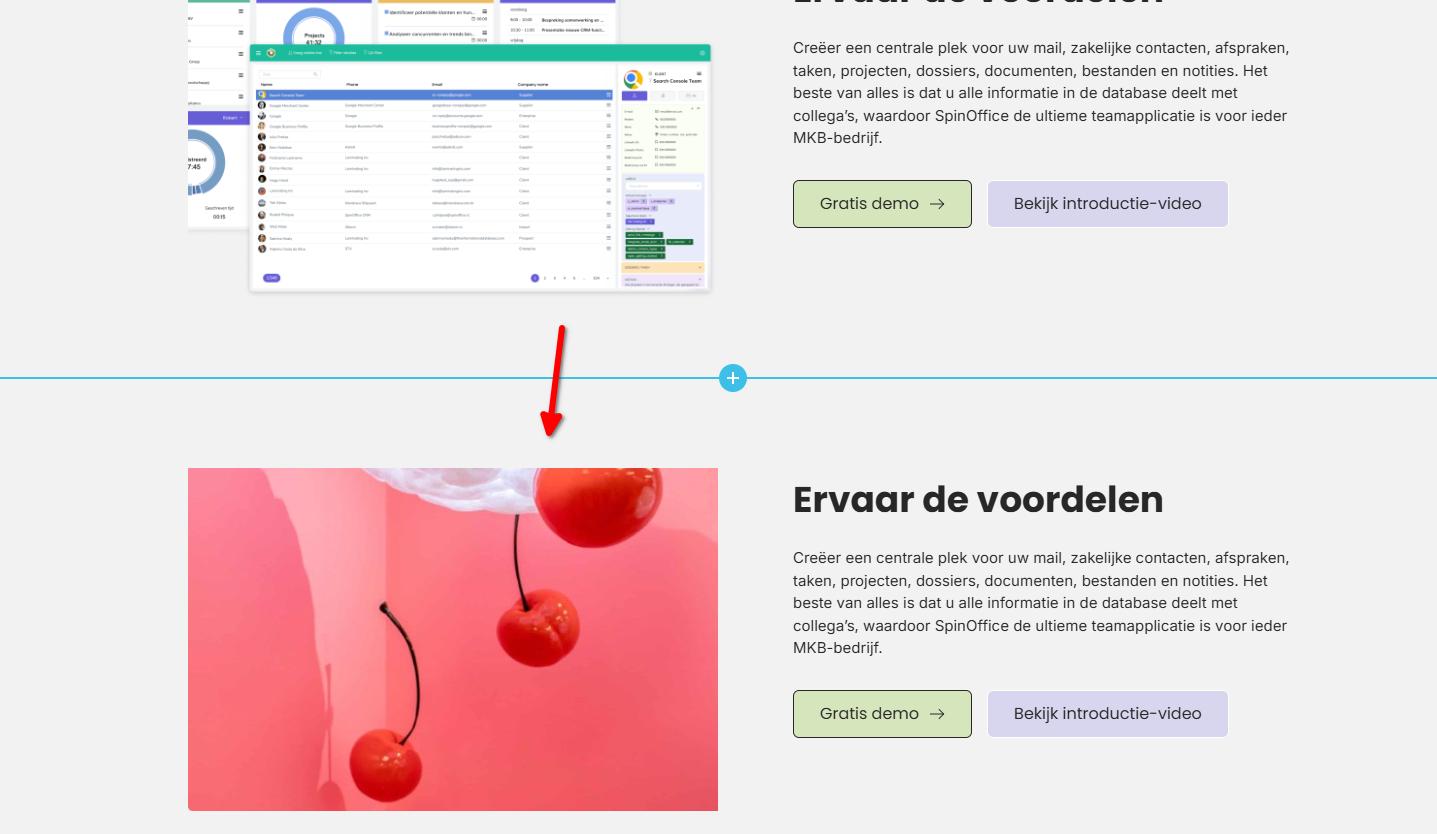
To help us better understand what you’re experiencing, could you please share a short screencast showing the issue on your side?In the meantime, you may also want to try editing the pages in an incognito/private window or using a different browser, just to rule out any local browser-related factors.
Looking forward to your update.
Best regards,
Ariel H.0 -
How can I send you a movie to show you?
0 -
Here's a Dropbox link to the movie: https://www.dropbox.com/scl/fi/w90uj5eyzesp1e2bnosy9/Schermopname-2025-12-24-om-15.46.39.mov?rlkey=jryflaqrgbgqldlqyrp76hwmw&dl=0
The video shows that it does not work, done in Safari incognito.
0 -
There is priority on this matter since we need to adjust the prices on our website for 2026. And adding new elements also does not work.
0 -

Hello Hugo,
Since today being an official holiday, we could not troubleshoot your website. We hope to get back to you by tomorrow
0 -
Hi Hugo,
My apologies for the delay.
Upon checking, we found that the issue is caused by a conflict with the Jetpack Boost plugin. When Jetpack Boost is disabled, the issue no longer occurs - https://youtu.be/EBVyuLn3YJw
Since you already have Imagify and Jetpack installed, we recommend keeping Jetpack Boost disabled to avoid this conflict, as Imagify is already handling image optimization on your site.
If you have any further questions, please let us know.
Kind regards,
Ariel H.0 -
Thank you, it works now that the Jetpack Boost plugin is paused. Many thanks!
0
Please sign in to leave a comment.
Comments
8 comments