Button hover colour & global text colour

Hi there,
I am hoping that you can help me with this.
I have 2 issues:
1 - It seems that I cannot adjust global text colours. Only type, size, etc. But no colours (I have to do this manually within each text block now):
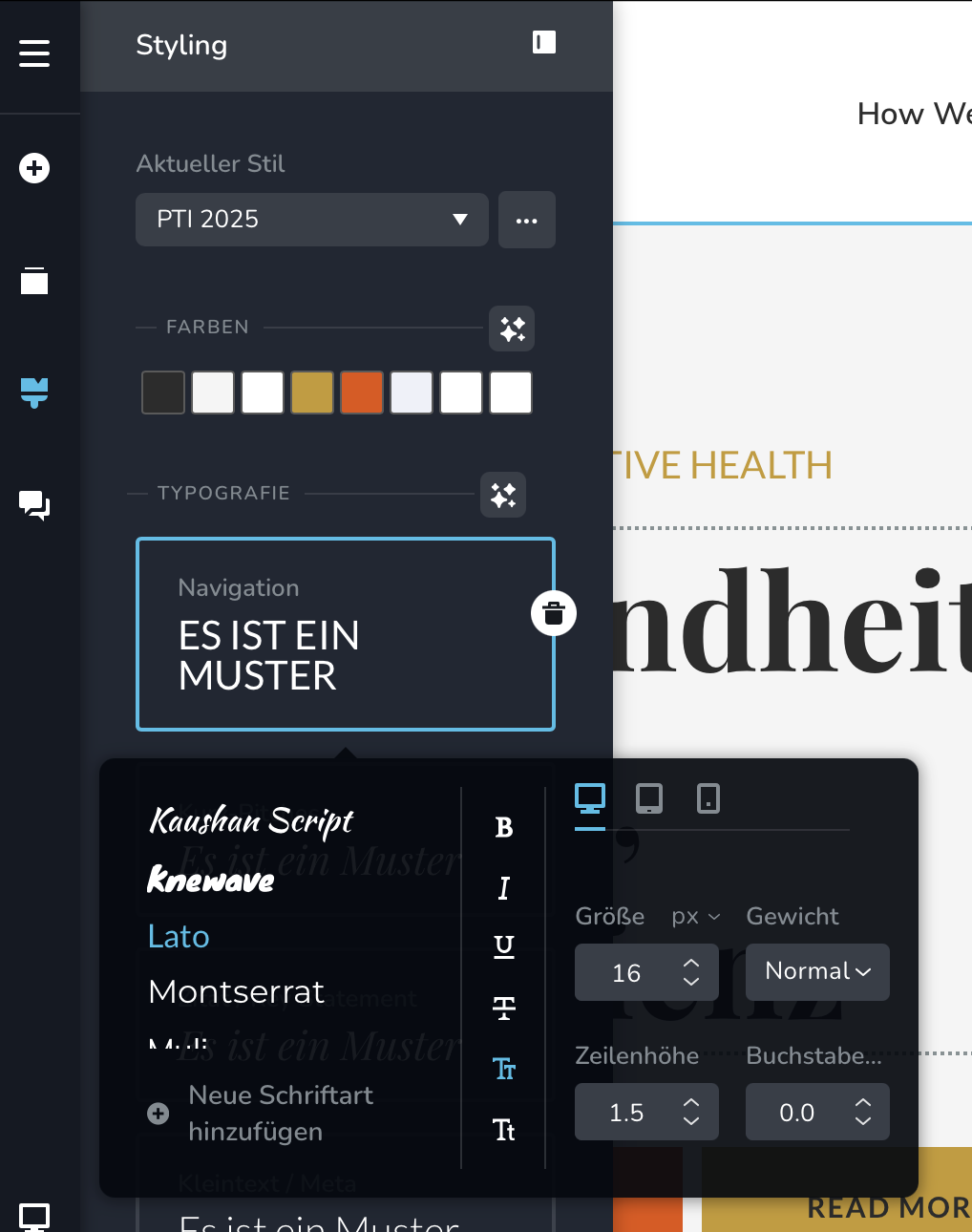
2 - I can also not change the button hover colour (I clicked on the gear icon):

All I have available are general style options.
Is there a way to fix that?
Thank you very much.
Best, Ilka
0
-

Hi Ilka,
Thank you for contacting us.
That’s expected behavior. At the moment, only global font styles (such as font family and sizes) can be adjusted globally. Text colors are not controlled globally, so they do need to be set manually within each text block.
For the button hover color, please select the button, choose the color, then click the pointing hand (hover) icon. Make sure BG (Background) is selected and then choose your preferred hover color. This will apply the color specifically to the hover state.
This is demonstrated on this screencast - https://youtu.be/p9NYoRPTKow
If anything is unclear, feel free to let me know and I’ll be glad to help.
Best regards,
Ariel H.0
Please sign in to leave a comment.
Comments
1 comment