Brizy popup flashes briefly on page load after update

Hi Brizy team,
I’m experiencing an issue that started after updating Brizy and Brizy Pro.
I’m using the paid Brizy Pro version.
What’s happening
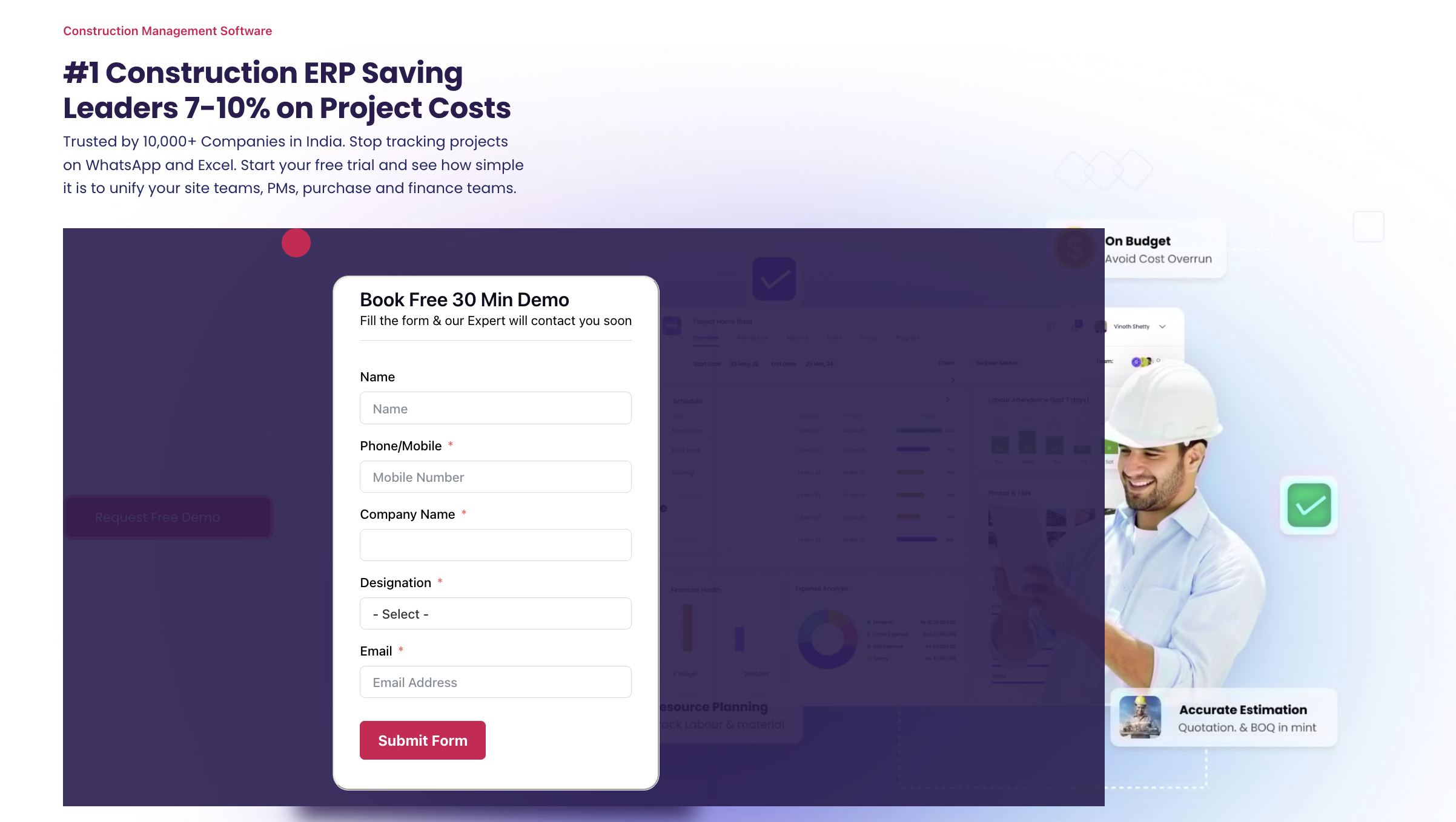
On every page load, a Brizy popup overlay briefly flashes on screen and then disappears. After that, the page renders correctly.
Key finding
After testing different scenarios, I’ve confirmed that:
-
-
The issue is caused by a Brizy popup
When the popup is disabled, the site works perfectly and nothing flashes.
When the popup is enabled again, the flashing returns.
Setup
-
WordPress (latest)
-
Theme: Blocksy
-
Brizy + Brizy Pro (paid)
-
Brizy Popup
-
Cache plugin: WP Fastest Cache (minimal settings)
Questions for Brizy team
-
Is this a known popup-related issue in recent Brizy versions?
-
Is there a recommended popup trigger or delay setting to prevent flashing?
-
Site URL (for reference): https://onsiteteams.com/
-

Hi Shikhar,
Thank you for contacting us.
We’re currently unable to replicate the issue as described. In our testing, the popup does not flash on page load, as shown in this screencast: https://youtu.be/fRUd0E3odx0
Could you please try clearing your browser cache or testing the page in a different browser to see if the behavior persists? If the issue continues, we’d appreciate it if you could share a screencast demonstrating the problem and let us know which browsers you’ve already tried.
Looking forward to your update.
Best regards,
Ariel H.0 -
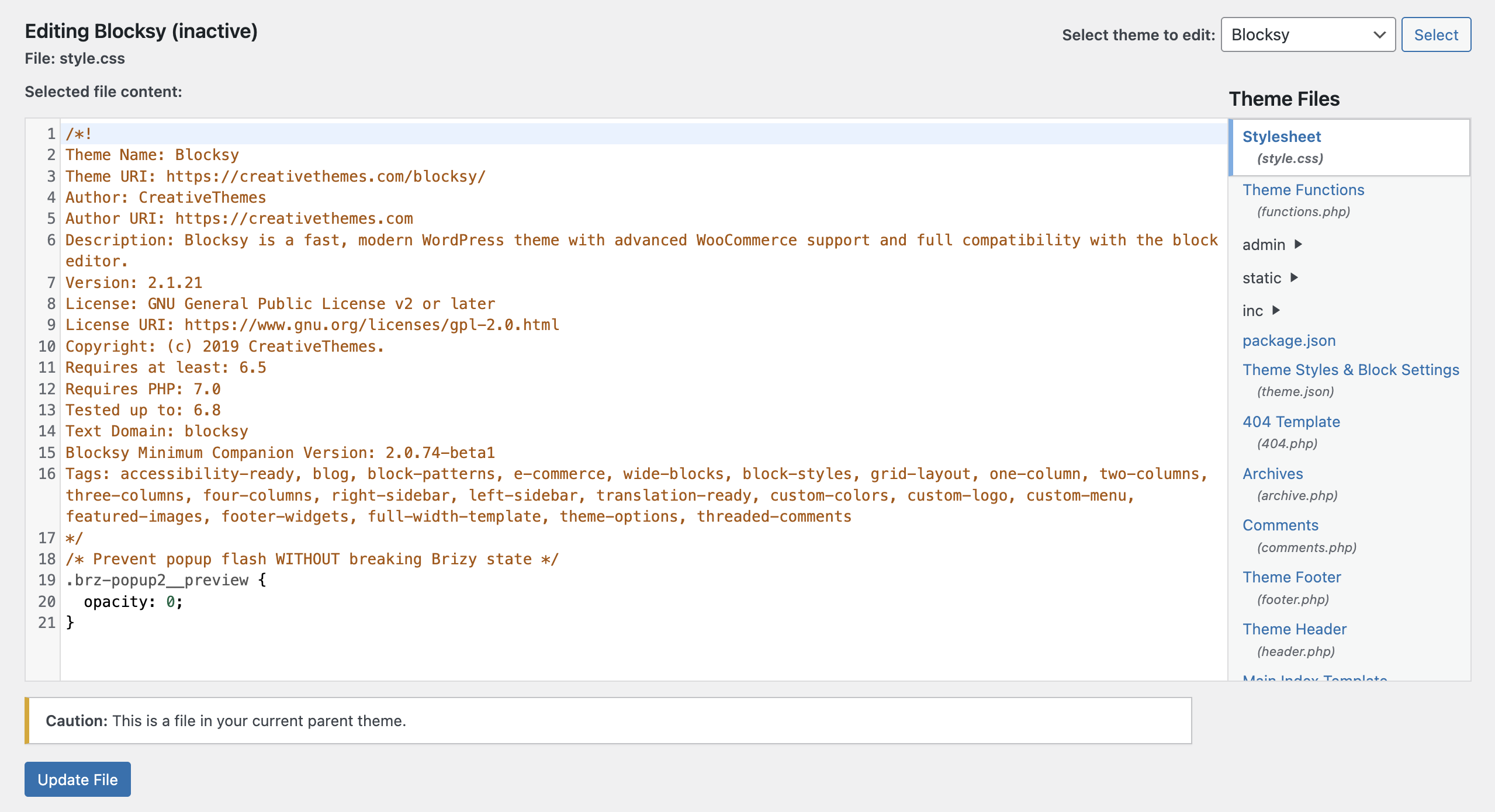
The issue is still there in the website. We have added a code in theme file editor so that is not visible to all the users, im sharing the screenshot of the code that we have added. You can try throttling in 3g or slower internet speed and see the glitch, the popup will not appear as we have set the opacity to zero through code editor as seen in the screenshot.
 0
0 -
Kindly fix this urgently or give me a solution for this because this thing appears like a glitch to our users and this is also affecting the page speed time. We cannot afford such things on our website for a long time.
0 -
Hi Shikhar,
Thank you for the update.
Could you please provide temporary access to your WP Admin so we can take a closer look at your site? Kindly add us as an Admin user in your WordPress Dashboard and send the details to communitysupport@brizy.io:
Community Post link: https://support.brizy.io/hc/en-us/community/posts/31870754104594
WordPress Admin URL:
Username:
Password:Please make a full backup of your site as a precaution.
Best regards,
Ariel H.0
Please sign in to leave a comment.
Comments
4 comments