Global Elements Issue/Adding New Blocks: Not Visible on Live Site, Visible In Editor

Website: https://samroff.com/
I am able to see global elements in the editor like in the example below (Header/Footer/Sign-Up Blocks ect)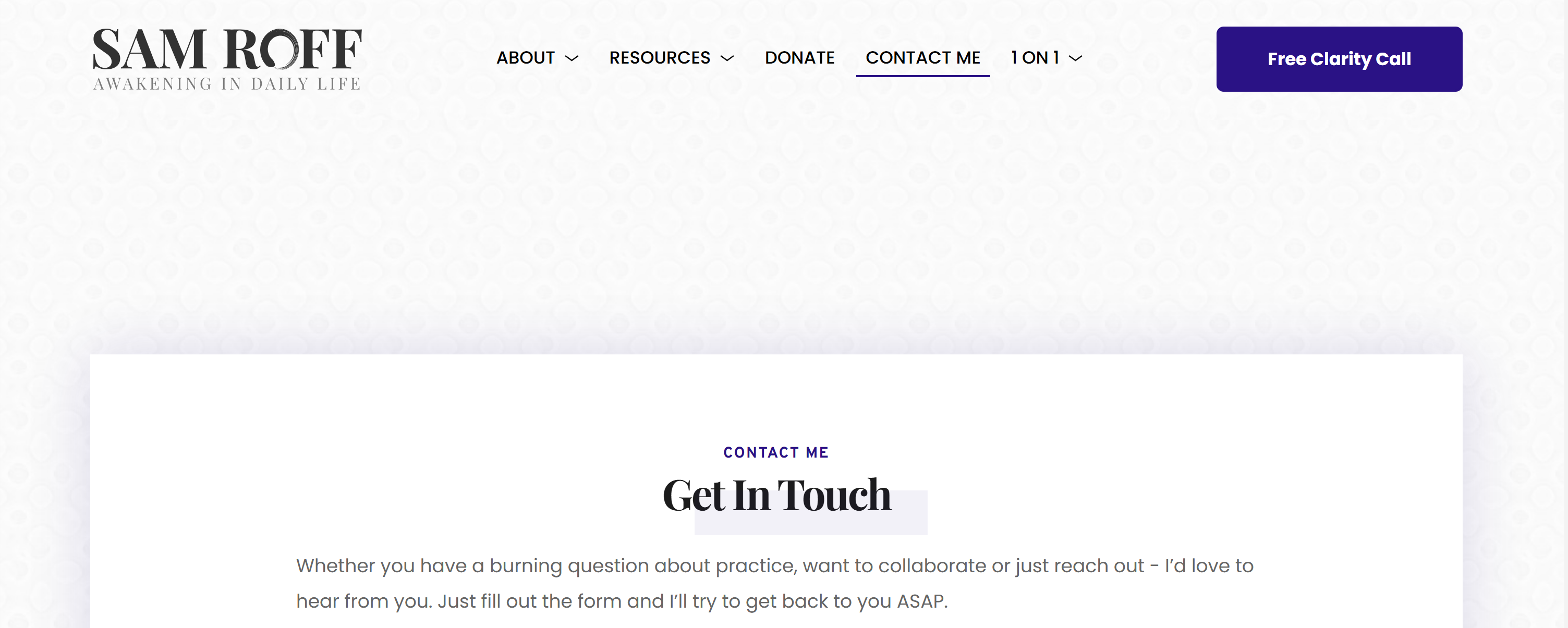
However on the live site they become invisible: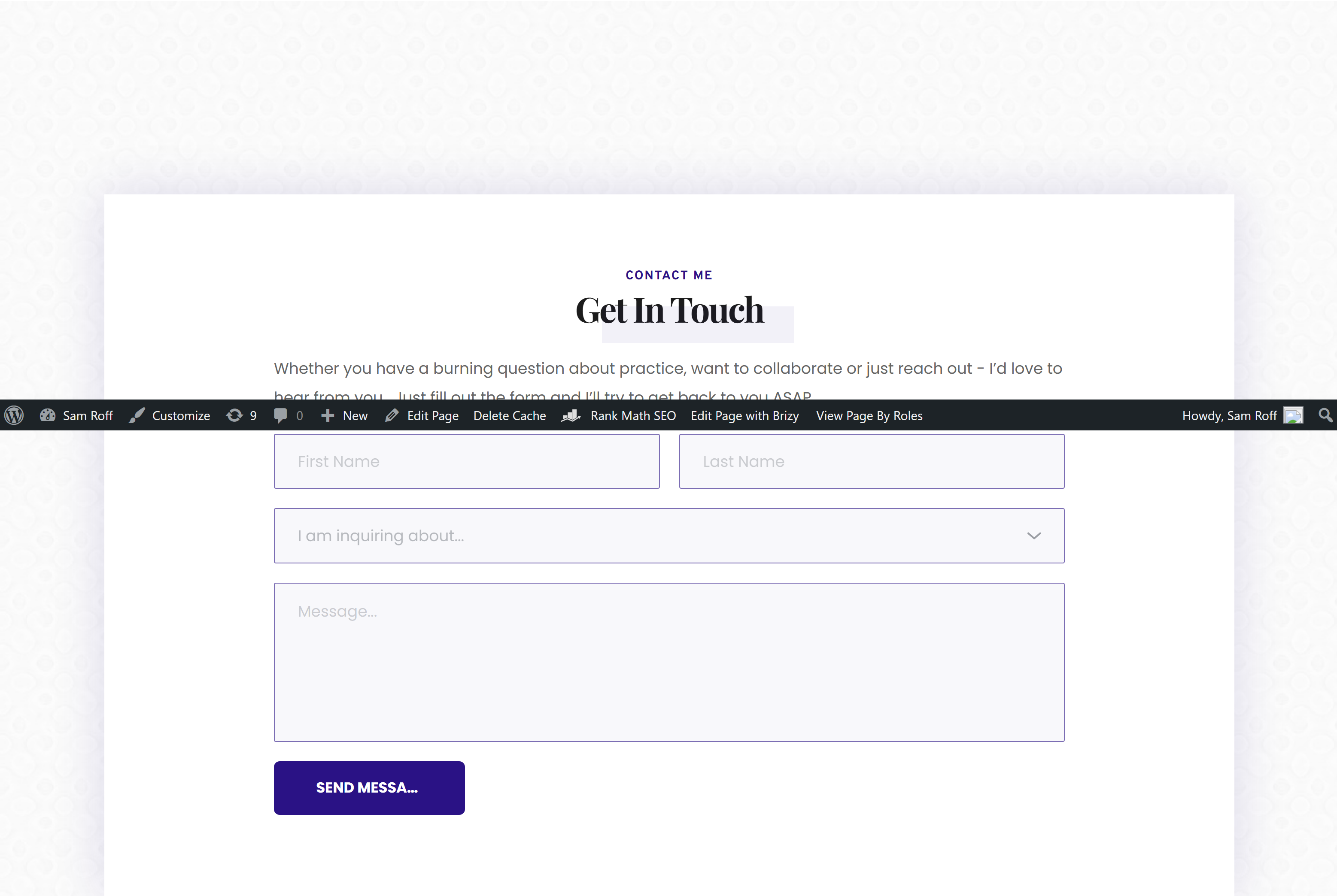
This issue has been present for several months now and I haven't made time to address it.
Things I tried
#1 Updated the website theme (Twenty-Twenty-One)
#2 Backed up the site and tried a new theme (Twenty-Twenty-Five)
#3 Ensured Brizy is up to date
#4 Tried to add new sections/blocks to the site, they also do not display.
Please assist. Thanks
-

Hi Matt,
Thank you for contacting us.
Please provide us with temporary access to your WordPress Admin so we can take a closer look. Kindly add us as an Administrator user and send the following details to communitysupport@brizy.io.
Community Post link: https://support.brizy.io/hc/en-us/community/posts/31635271359378
WordPress Admin URL:
Username:
Password:Looking forward to your reply.
Best regards,
Ariel H.0 -
Hi Sam,
Thank you for your cooperation.
You can fix this issue easily by re-saving the display conditions. There’s no need to make any changes, just open the display conditions and hit Save. This will recompile the global block and should resolve the problem. I have included a screencast for your reference: https://youtu.be/9I-qX_8k0qo
Best regards,
Ariel H.0
Please sign in to leave a comment.
Comments
2 comments