How to reduce spacing between words

Hi, I'm trying to reduce the spacing between words. I only see an option to reduce spacing between letters or lines, but not words.
I use this same font and style everywhere else on my page without an issue with word spacing.
Is this issue unique to the popup builder?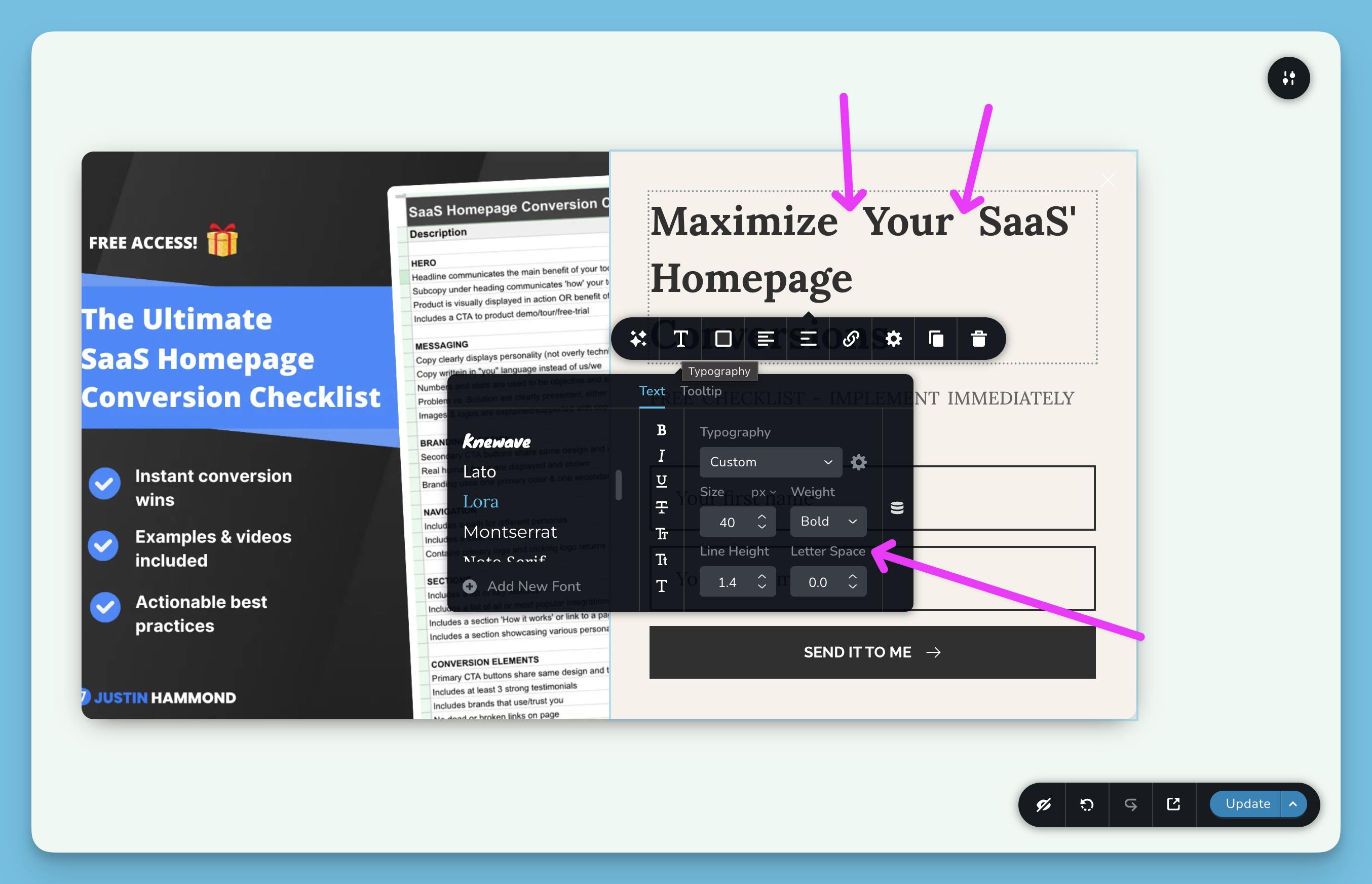
-

Hello Justin,
Extra space is added between words when using the "Lora" font in Popups. We have escaled this issue to our development team and they will investigate it. While we are working on troubleshooting this bug, kindly consider replacing "Lora" font with "Libre Baskerville". The design will look like this.

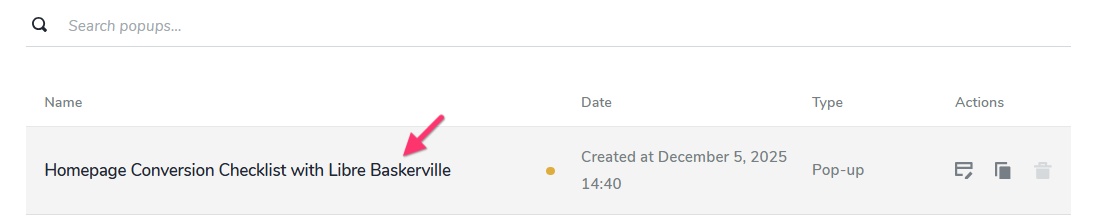
I have duplicated the popup in your project have applied the "Libre Baskerville" font. The popup is called "Homepage Conversion Checklist with Libre Baskerville". You can publish this popup which is in "Draft" mode and unpublish the original popup, to use this alternate font.
 0
0
Please sign in to leave a comment.
Comments
1 comment