I purchased the shop venture plan, not working yet

Can someone assist me, I purchased the venture shop plan some day ago but inside the builder appears like trial version. what should I do?
Thank you in advance.
-

Hello Shisley,
I see that you have activated the "Shop Venture" plan in your project "Soluciones Místicas". I hope you have already resolved the issue.
0 -
tomorrow 4 dec at 8am I plan to start taking payments. my question is: does the online store is going to be activated?
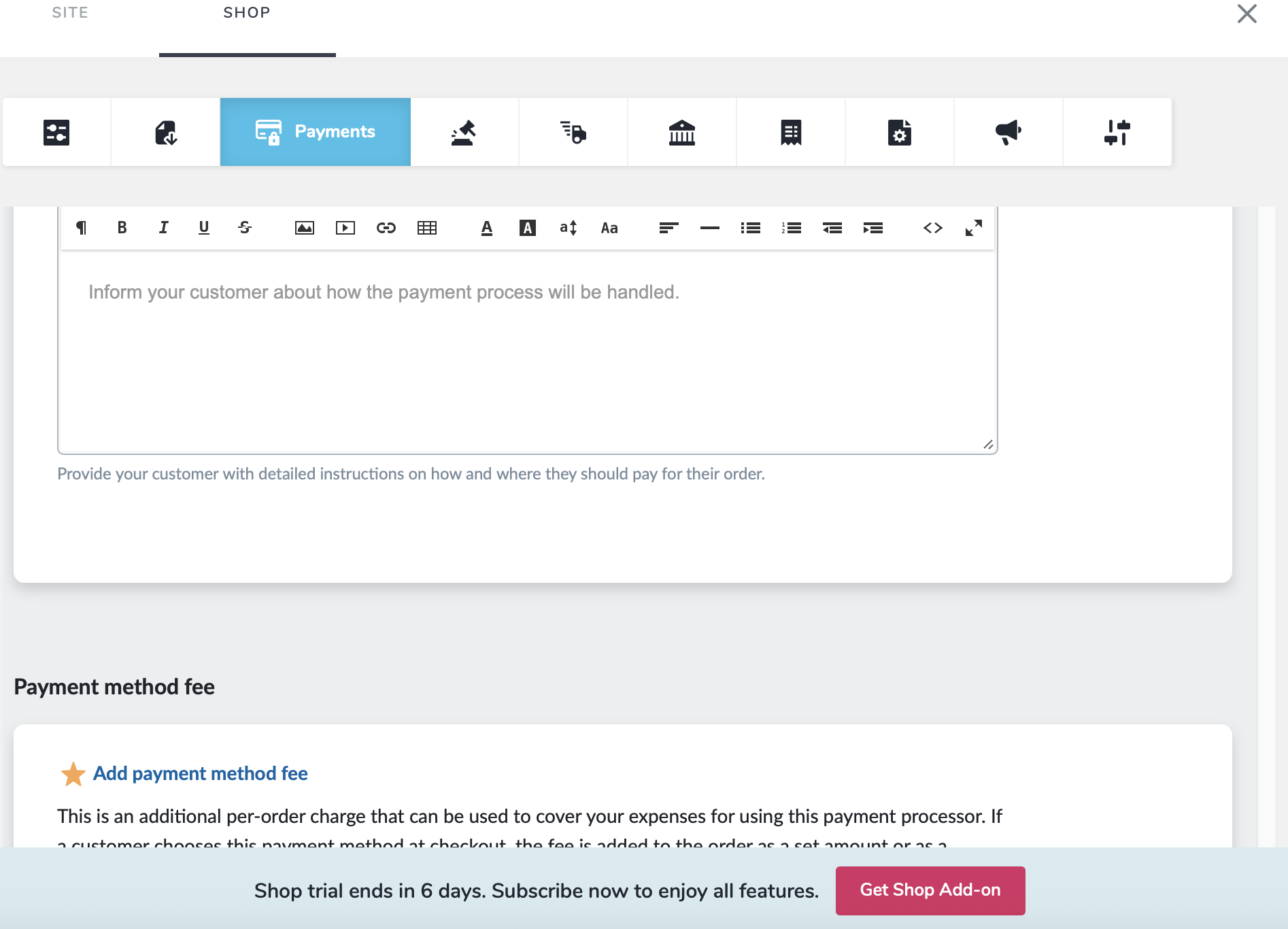
demo version still appears on it, even though I purchased the venture plan 2 times.
 0
0 -
Hello Shisley,
I do not see the "Shop trial ends in 6 days. Subscribe now to enjot all features, Get Shop Add-on" notification in your project. I see the above screen without the notification.
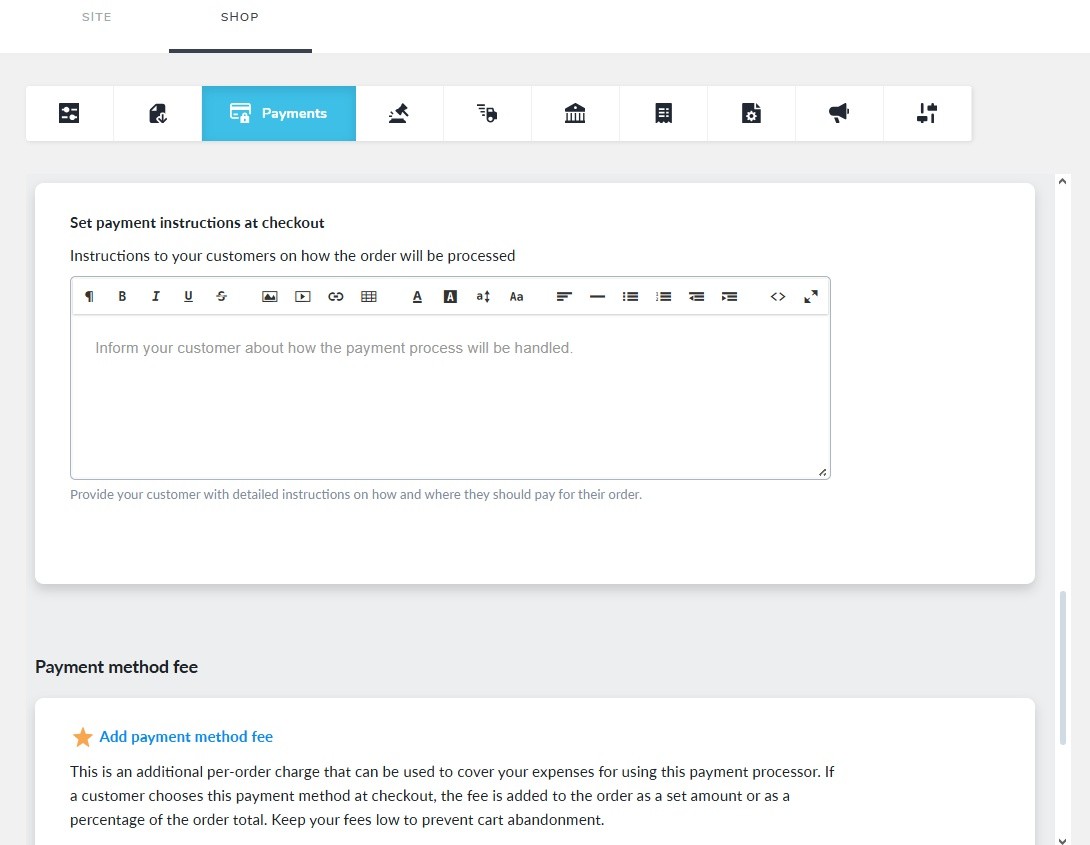
The "Shop Venture" plan is indeed activated in your project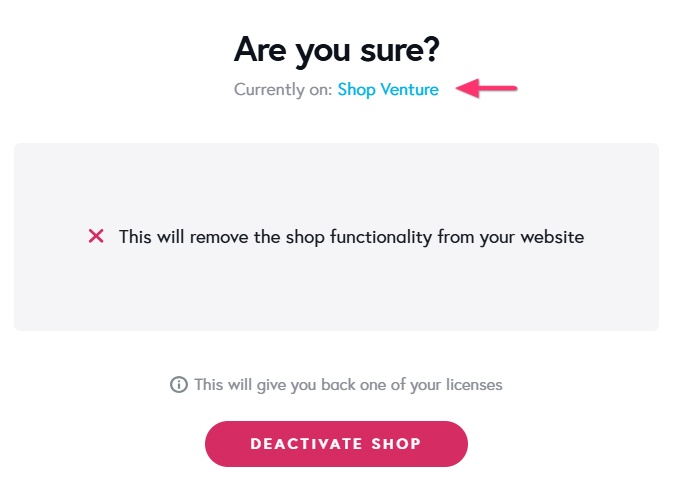
Can you sign into your Brizy Cloud dashboard from a different browser or a different computer and check if the issue persists? You could also try signing in from a "New Private Window" or New Incognito Window" of your browser and check if the issue repeats.
0 -
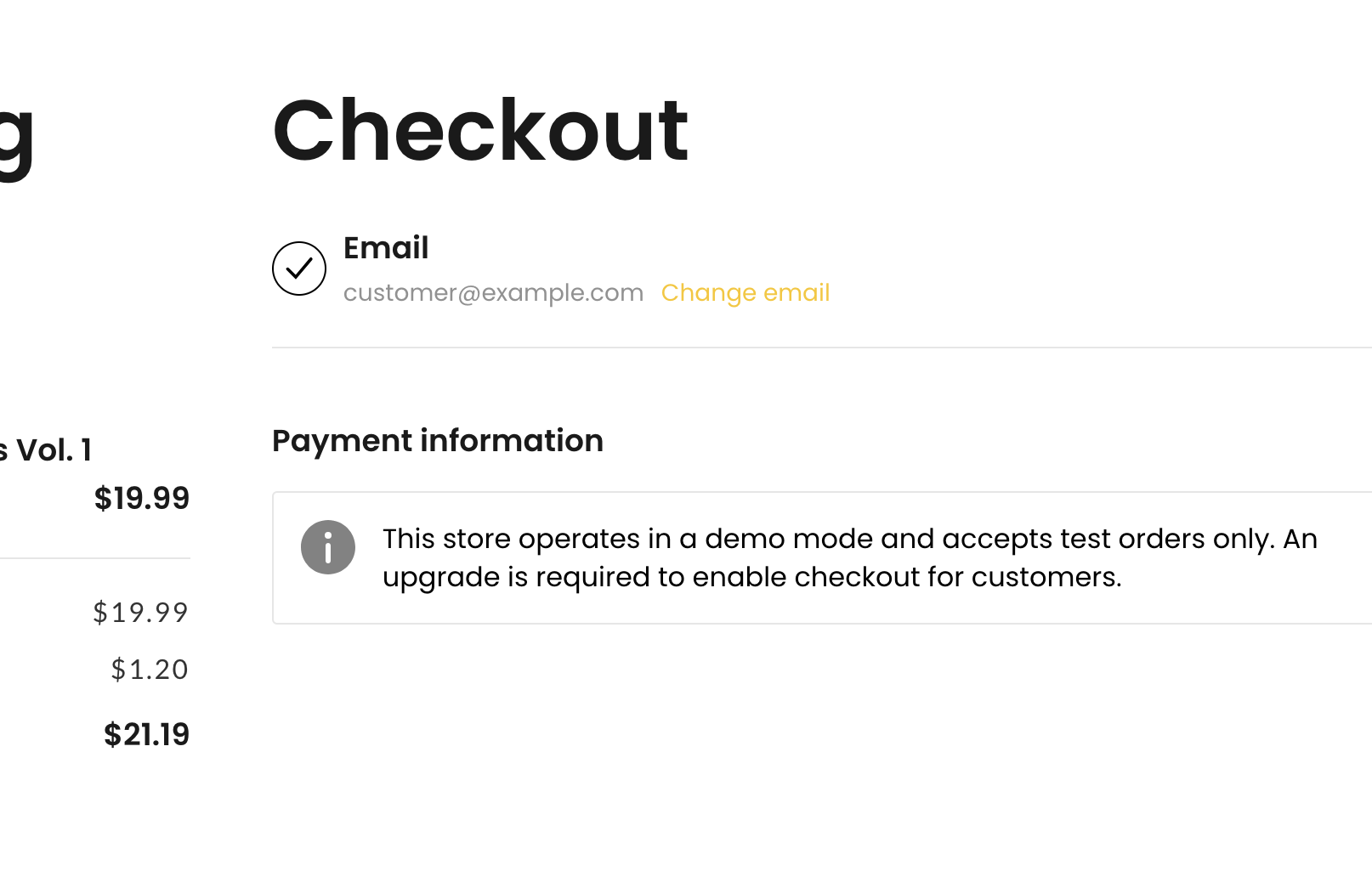
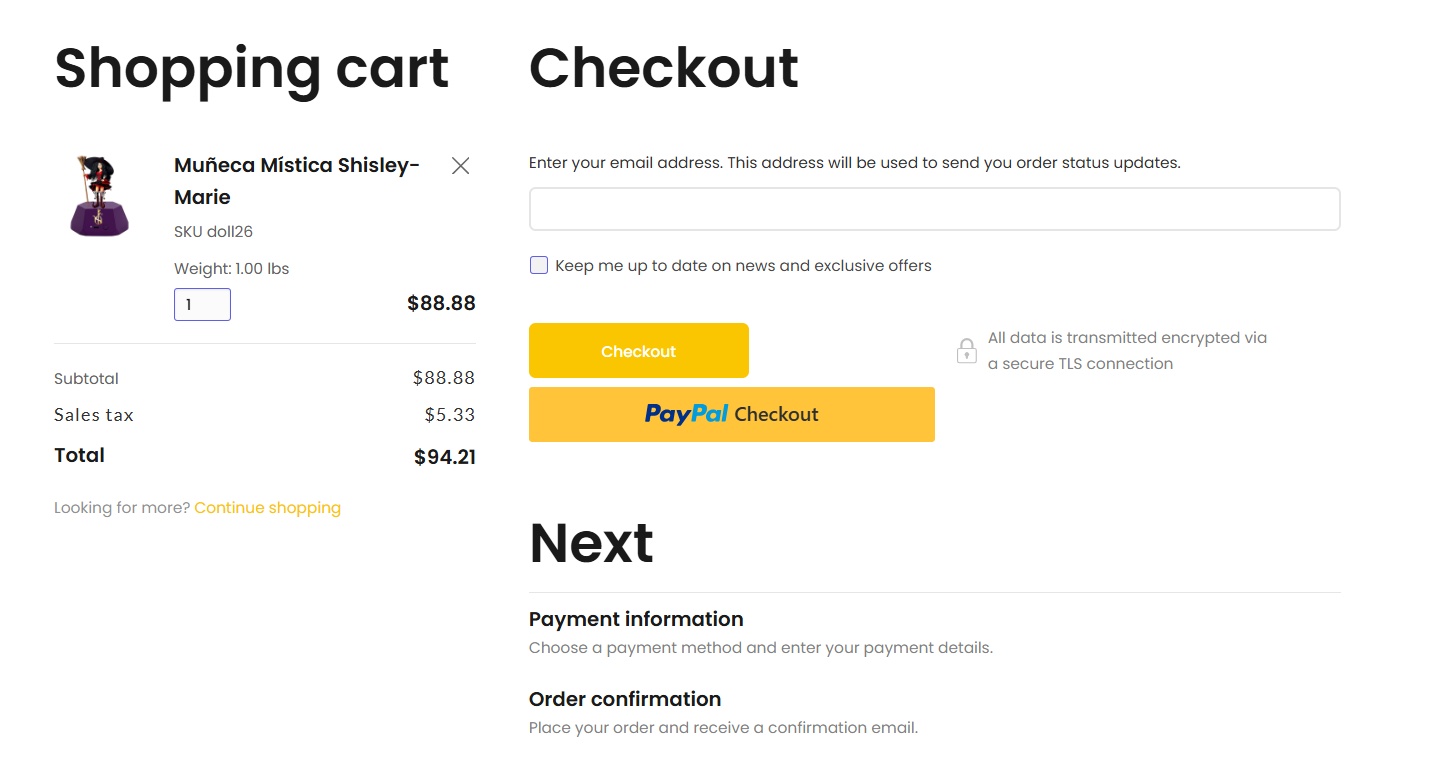
this is from another browser named "arc" and the final checkout look like this:
 0
0 -
The principal problem is not with the main website's shop. The problem is within the landing page shop. This are the records of all the purchases. Could you please have a look at the landing page shop.?
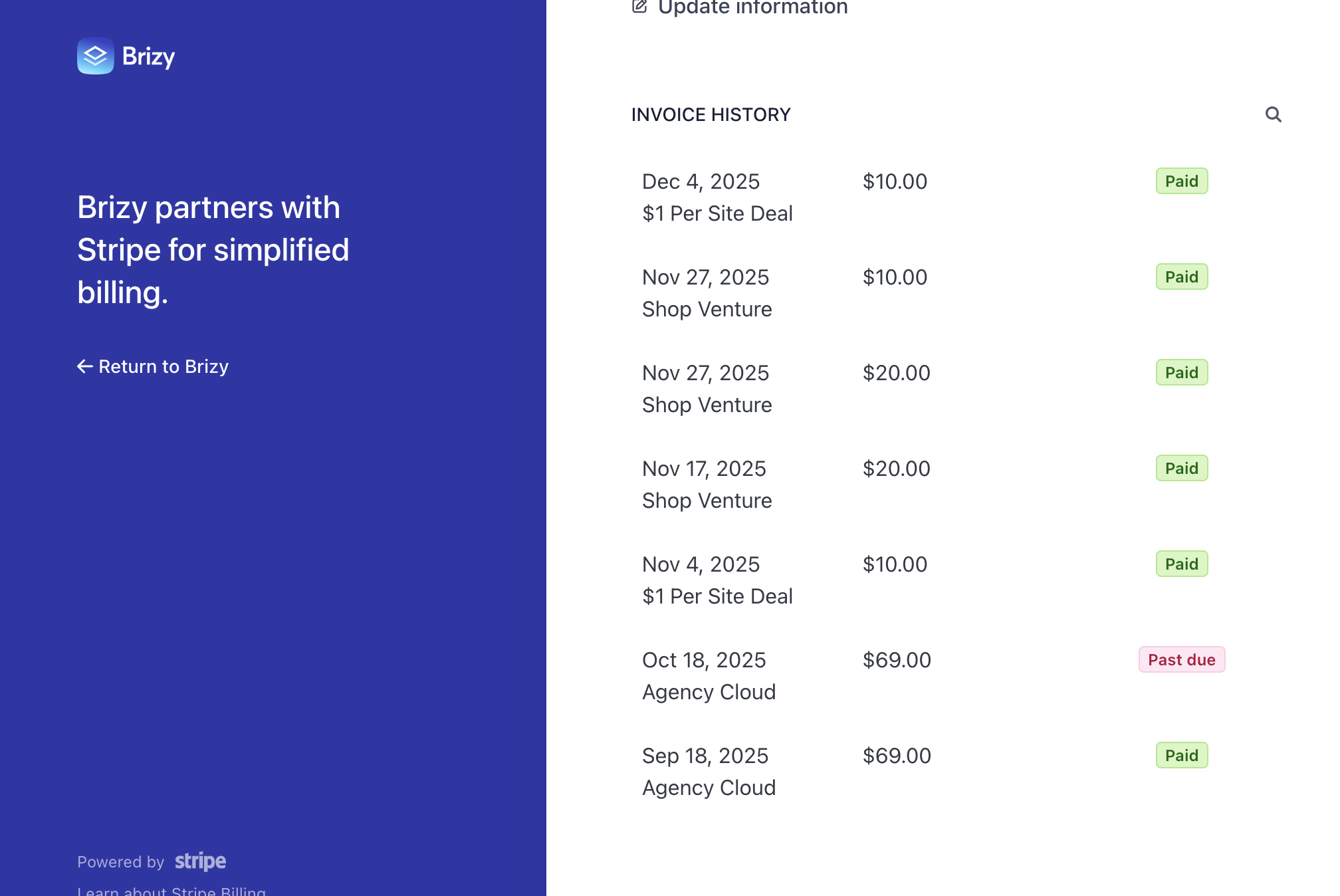 0
0 -
Hello Shisley,
The "Shop Venture" license was activated in the "Soluciones Místicas" project, but not in "Landing #1" project. I've activated the "Shop Venture" plan in the "Landing #1" project. I checked the Checkout page, and everything looks fine now.
I did not know that you have two shop projects. While your question was about the "Landing #1" project, I was responding to you about the "Soluciones Místicas" project. I apologize for the delay in understanding your request.
0 -
Thank you now is working. please do not close this thread!
: )
0
Please sign in to leave a comment.
Comments
7 comments