Breadcrumbs - different path

Hello,
I need to change bredcrumbs path if possible, can you assist me please?
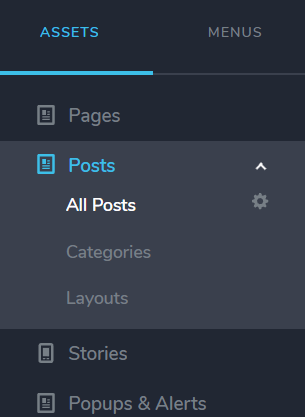
I have two custom assets in my Posts, see the first image.
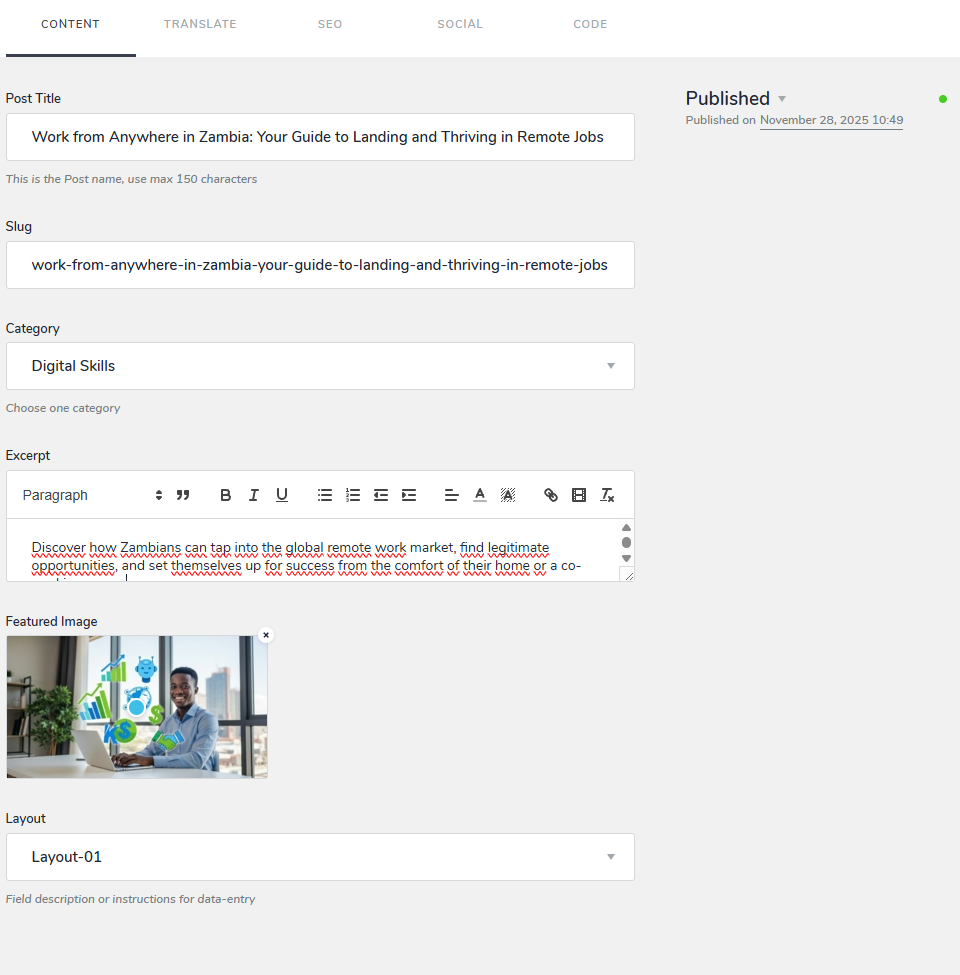
The detail is on the second image: Category asset (chosen: Digital Skills) and the Layout (chosen: Layout-01).
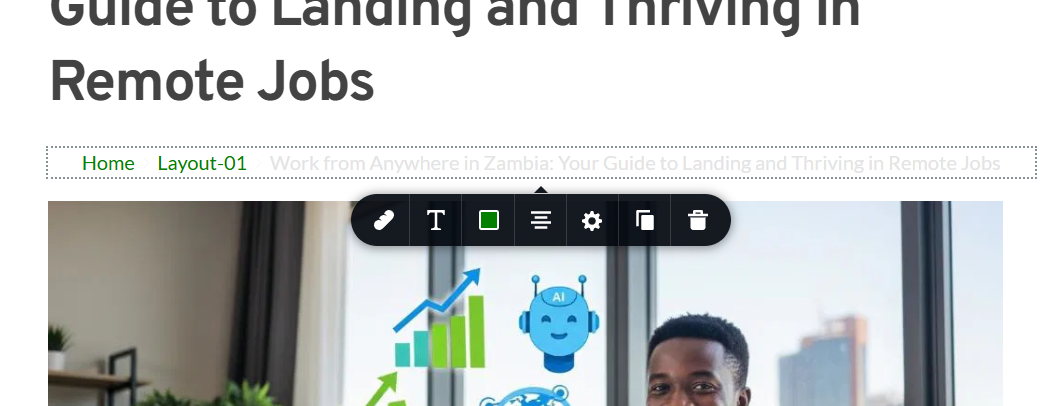
On the post page in the Breadcrums is visible the Layout, see the third image. I need to display the Category instead of Layout.
Kind regards,
Pavel
-

Hello Pavel,
The Breadcrumbs path appears to use the very first taxonomy added to a custom asset. The fact that "Layout" appears in the Breadcrumbs instead of "Category" is most likely because you added "Layout" as the first taxonomy to Posts (and then later added "Category" as a taxonomy). There is no quick fix for this. If you are willing to delete both taxonomies and recreate them following an alternate sequence, the issue can be fixed. Here are the steps.
- Deselect the taxonomies selected for each blog post by selecting the "x"mark. Deselect both the "Layouts" and "Categories" selected.
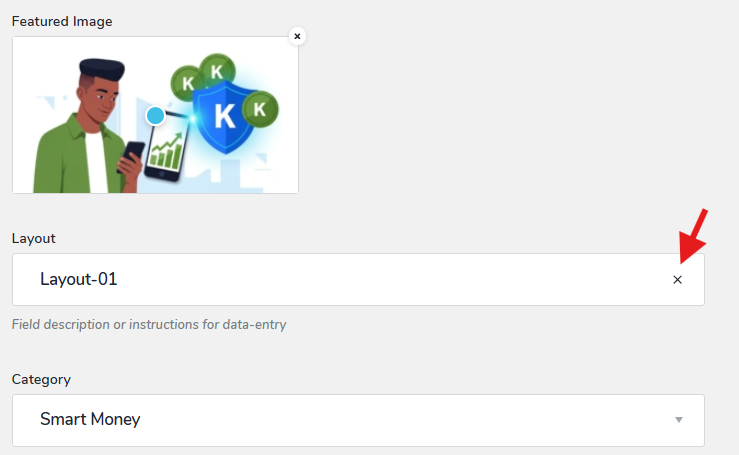
- Delete all "Layouts" and "Categories" by selecting the trash icon against each category and layout.
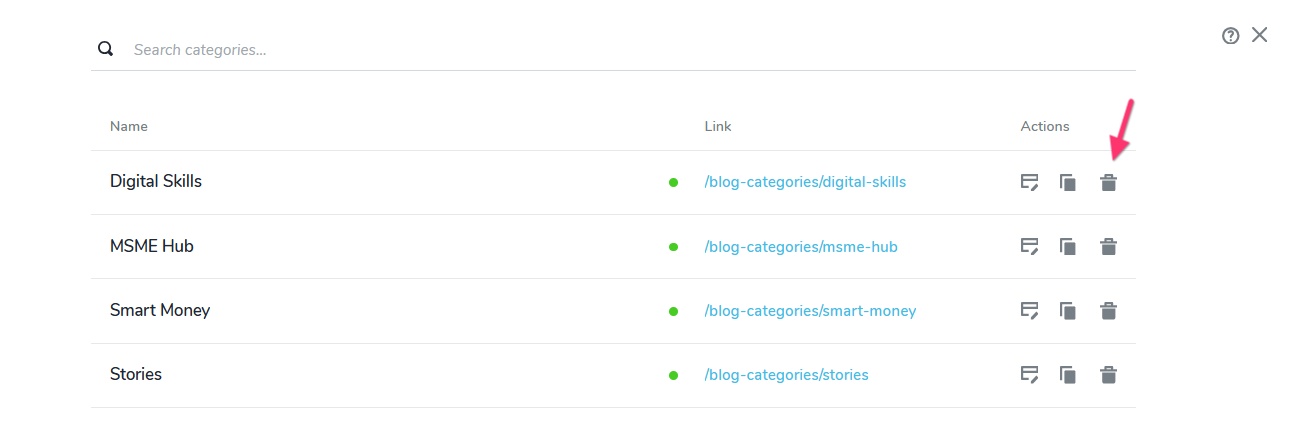
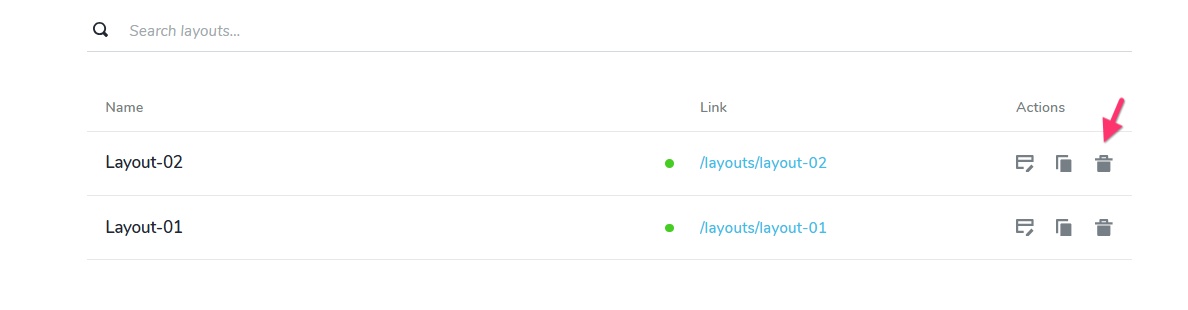
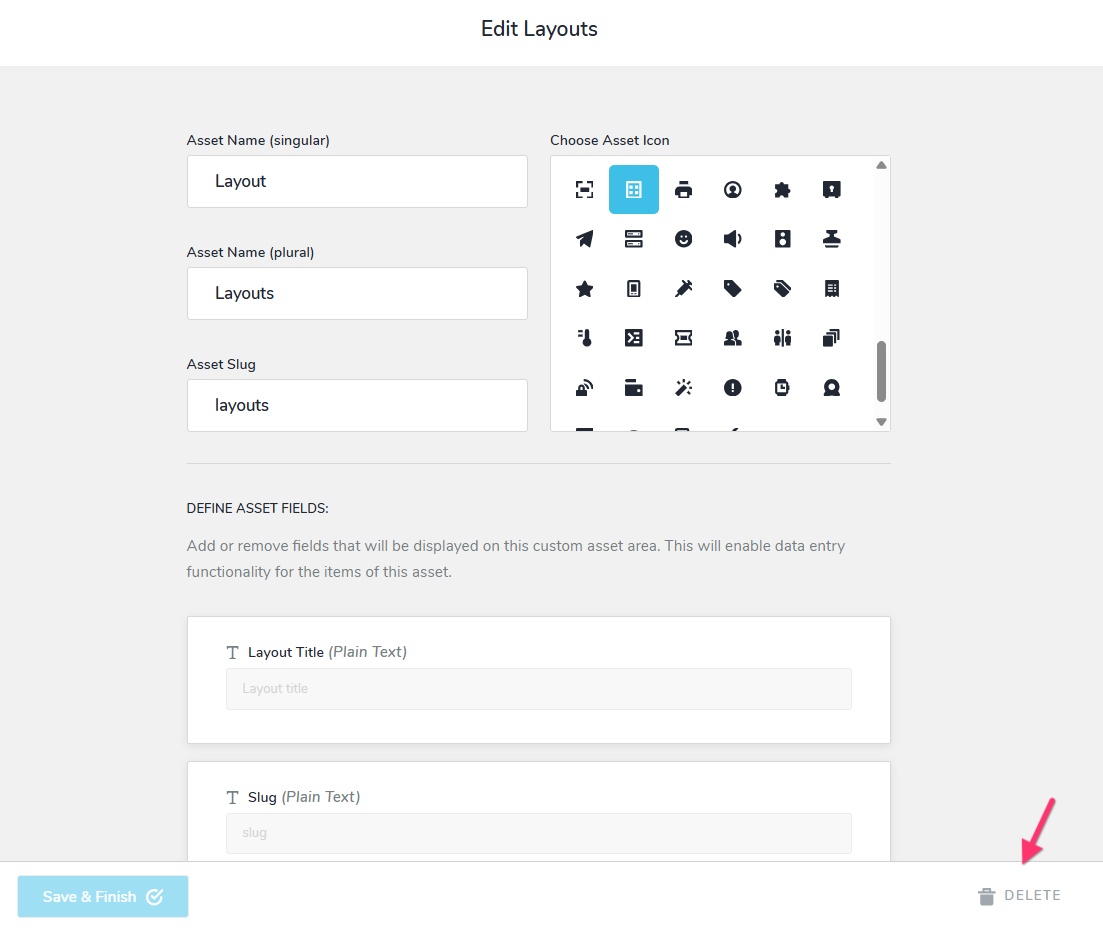
- Delete the taxonomies "Layout" and "Categories" by selecting the "Delete" button towards the bottom.
- Add a new custom asset and call it "Categories"
- Reference "Categories" as a taxonomy to Posts.
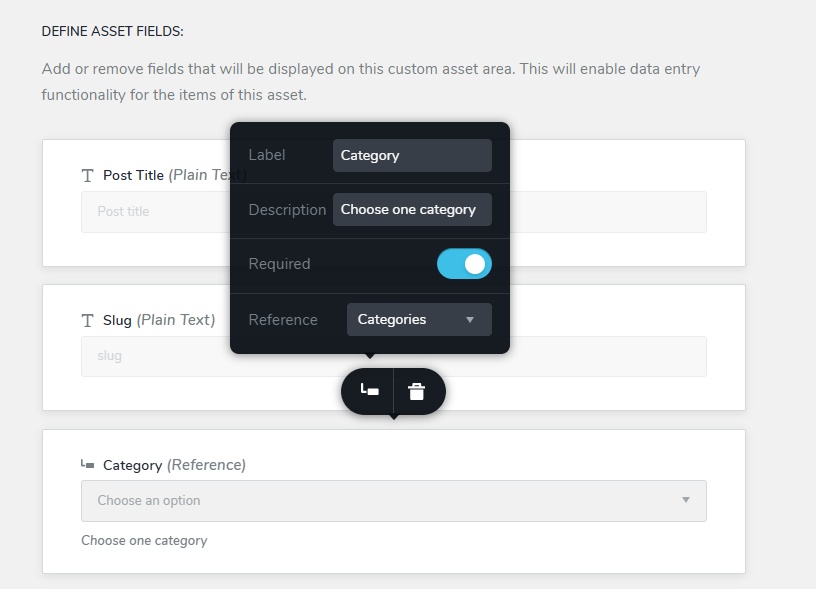
- Add the same four categories you had added earlier.
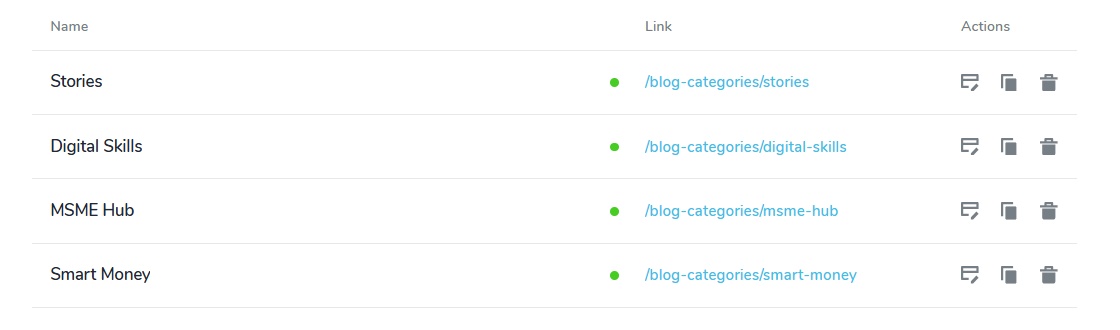
- Assign appropriate categories to a few of your blog posts.
- Test the breadcrumbs path and ensure that it shows "Category" in place of "Layout"
- Add the "Layout" custom asset and reference it as a taxonomy to "Posts"
- Add the same two layouts you had added earlier

- Assign appropriate "Layouts" to each blog post.
0 - Deselect the taxonomies selected for each blog post by selecting the "x"mark. Deselect both the "Layouts" and "Categories" selected.
-
Thank you for your detailed procedure. It worked well. Fortunately, I had only a few posts so far.
0
Please sign in to leave a comment.
Comments
2 comments