Preview issue

Hi I've just signed up. Playing around with the web builder and when I go to preview I get the following image in chrome: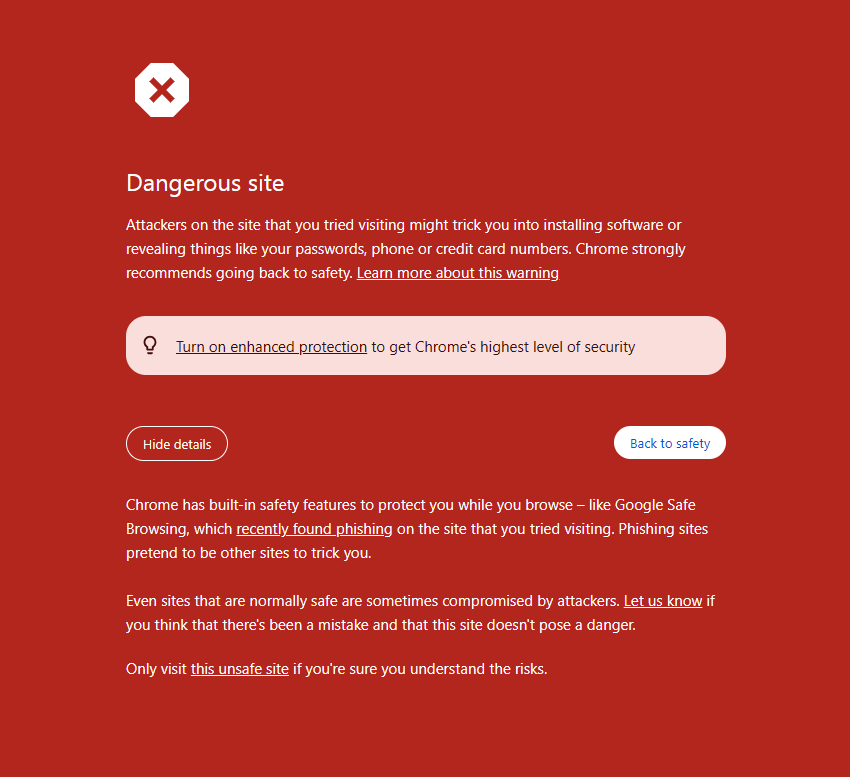
0
-

Hello Matthew,
I see these designs when visiting your websites using Google Chrome.
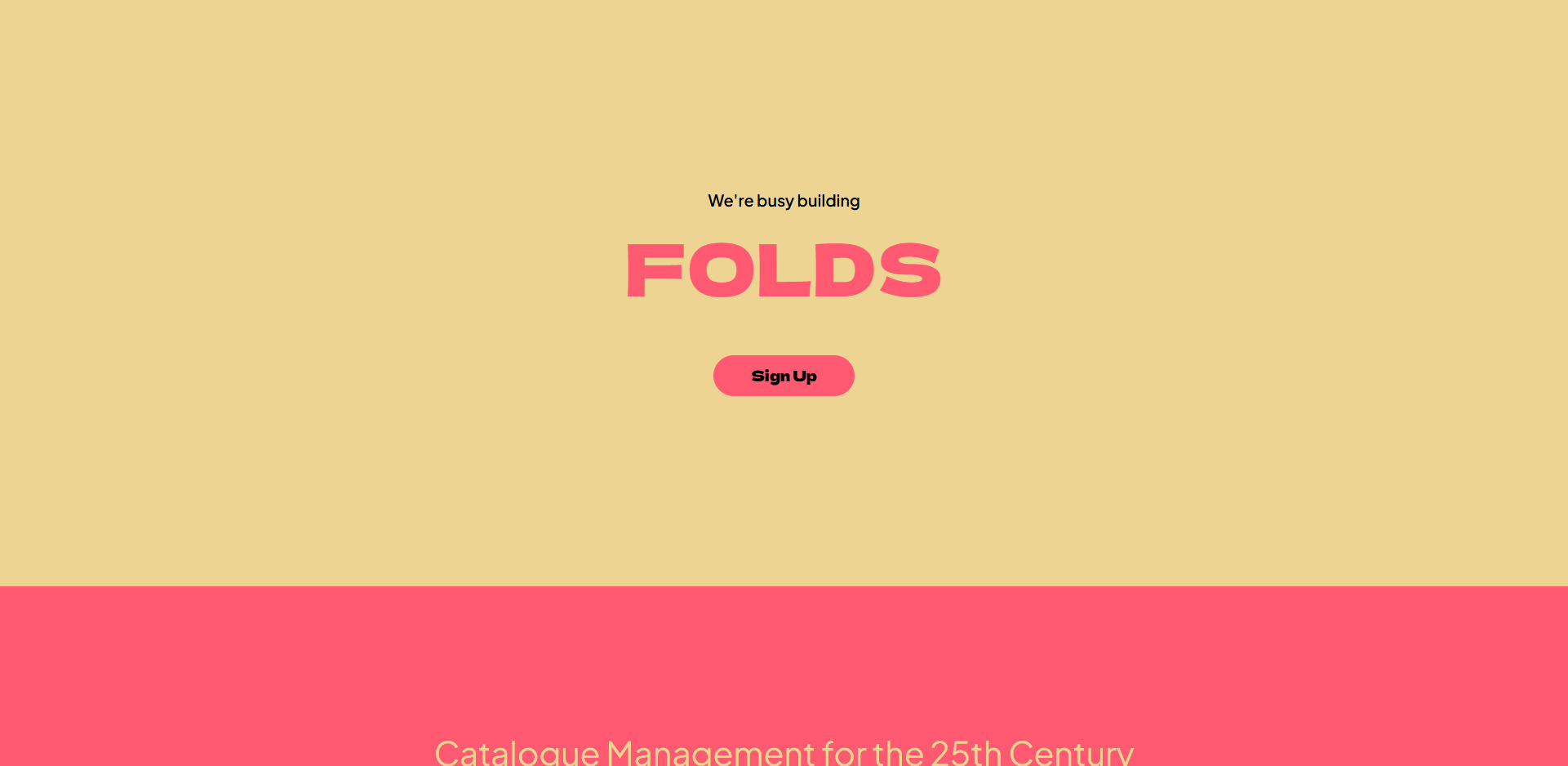

Google Chrome "dangerous site" false positives can occur because the browser incorrectly flags a legitimate site as unsafe, often mistaking it for a phishing site or a site with malicious content. Sometimes these warnings go away if you exit the browser window, open a new one, and visit the same page.
If this does not help, you could request Google to do a security review of your website following these steps.
- Verify your site in Google Search Console: Sign in to Google Search Console at https://search.google.com/search-console and add your website following the procedure at https://jmp.sh/dE8RBdON
- Review the security issues: Go to the "Security issues" section to see if your site has been flagged for issues like phishing or malware.
- Request a review: In the "Security issues" section and click "Request a review".
- Wait for a response: Google will review your request, which can take anywhere from 24 to 72 hours
0
Please sign in to leave a comment.
Comments
1 comment