MEDIA TRANSLATION

When i try to translate images:
1. not showing all images on the page
2. cant replace the current one either becuase im not aware of it
https://www.onemaximus.com/es/home-2

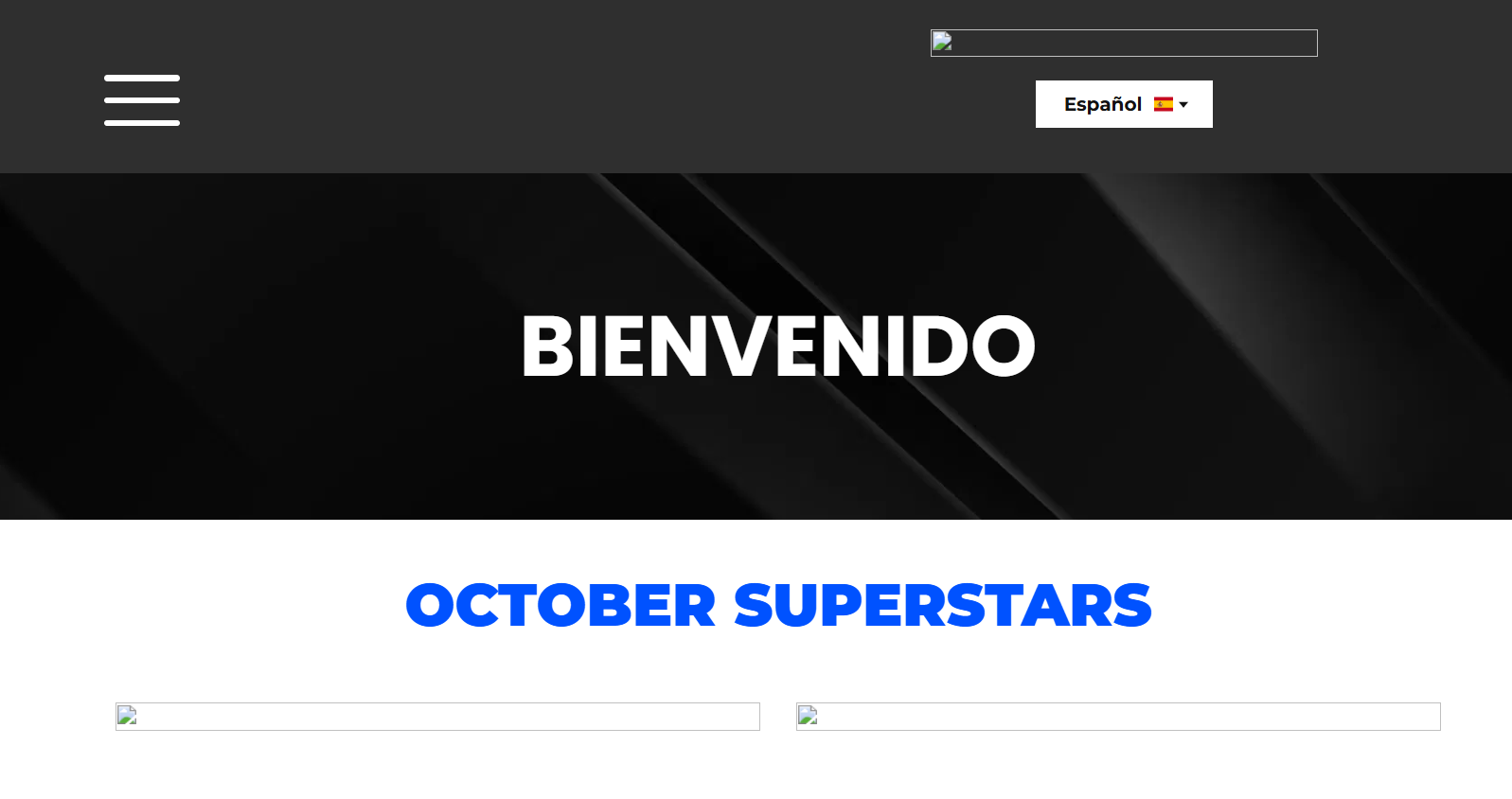
-
also some of the words are not translating and i cant do it manual because im not given the option to
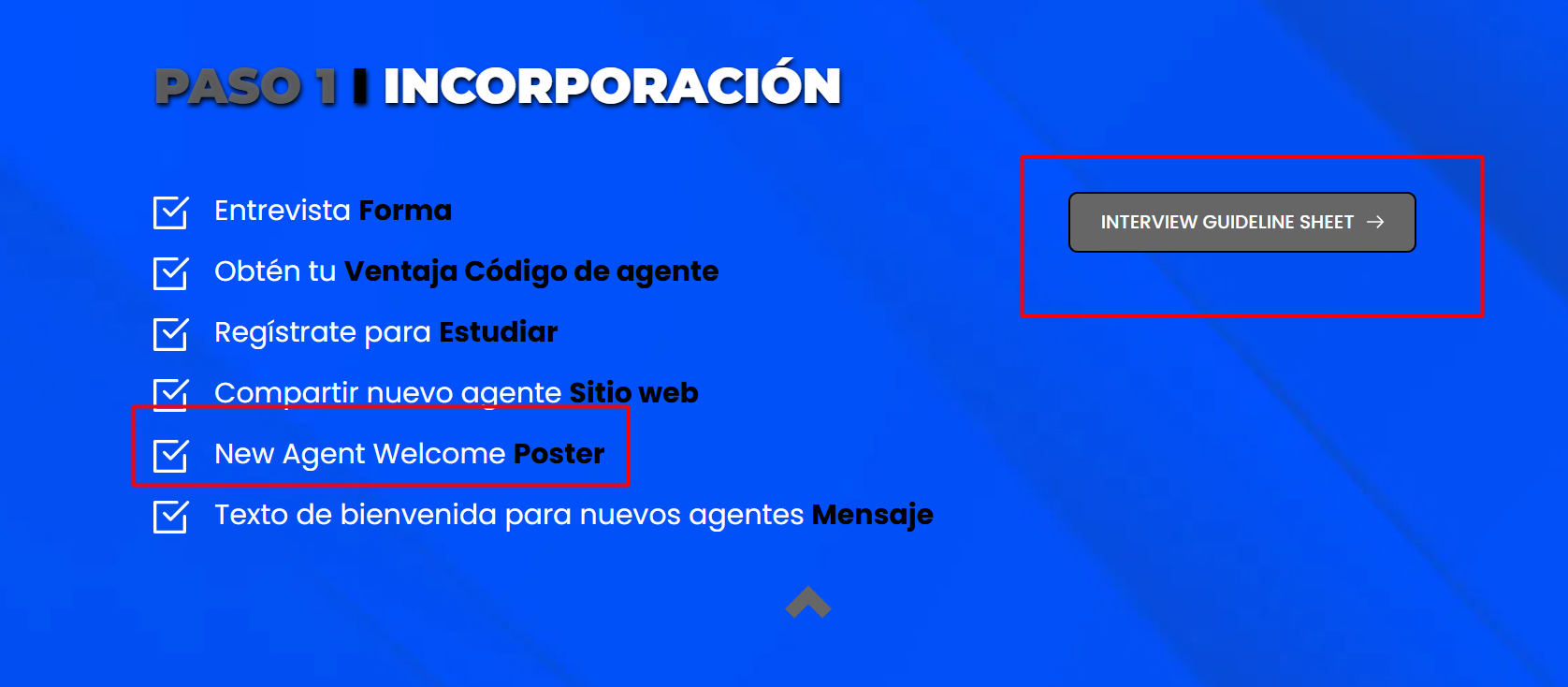 0
0 -

Hi Bobby,
My apologies for the inconvenience. About the missing images on the translated page, I’ve asked a colleague to take a closer look, but it may take a bit more time since we’re heading into the weekend. For the text translation issue, could you let us know which page it appears on? This will help us check it more accurately on our end.
Best regards,
Ariel H.0 -
Hi Bobby,
There’s currently a bug in Brizy Cloud that affects the translation feature, especially when it’s used together with the Membership option.
As a temporary workaround, it’s best to prioritize either Membership or Translation for the moment, depending on what’s more important for your project.
Thank you for your patience, and I’ll get back to you as soon as we have a fix.
Kind regards,
Ariel H.0 -
Hi Bobby,
Thank you for your patience.
We’ve made some progress on the images that weren’t appearing on blocks with membership, and the translation on the 'system-steps' page is now fixed. However, the issue with Media Images in the Translation tab is still persist. I’ve asked a colleague to look into this again.
Please let us know if you encounter any other issues.
Best regards,
Ariel H.0 -
Hi Bobby,
Thank you for your patience.
We were able to fix the broken image thumbnail in the Media Translation section. It can be resolved by duplicating one of the images and then deleting the duplicate, as shown in this screencast: https://youtu.be/Yd7MUEvTY8M
These steps force a recompile of the page and also should fix the broken thumbnail.Please let us know if you notice anything else.
Best regards,
Ariel H.0
Please sign in to leave a comment.
Comments
6 comments