Web page error

Hi Support Team, we need your help with the following issues:
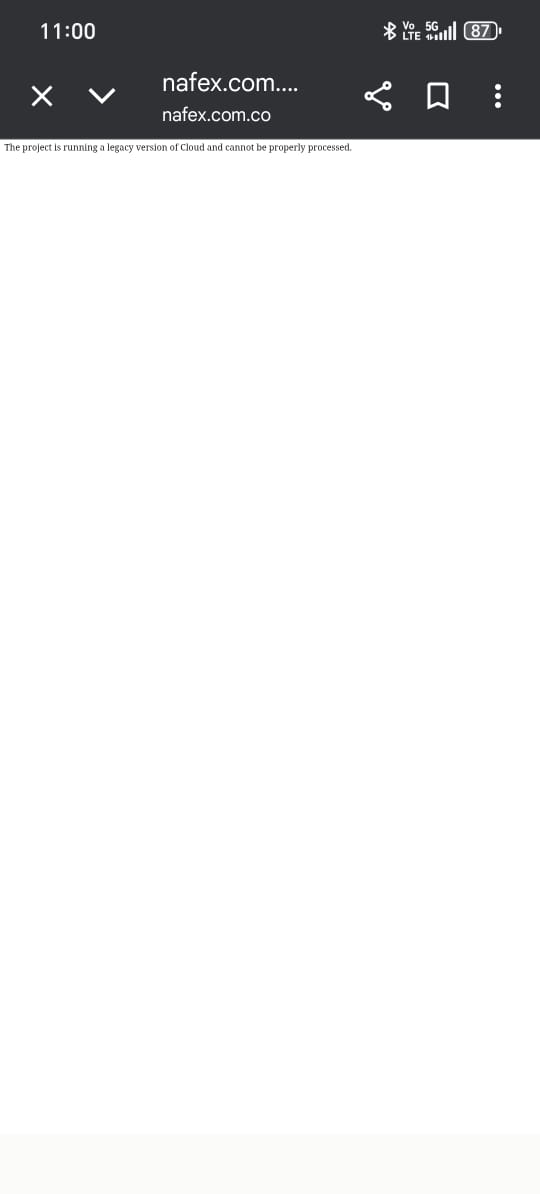
- The web page is not working, it shows an error message (The project is running a legacy version of Cloud and cannot be properly processed.)
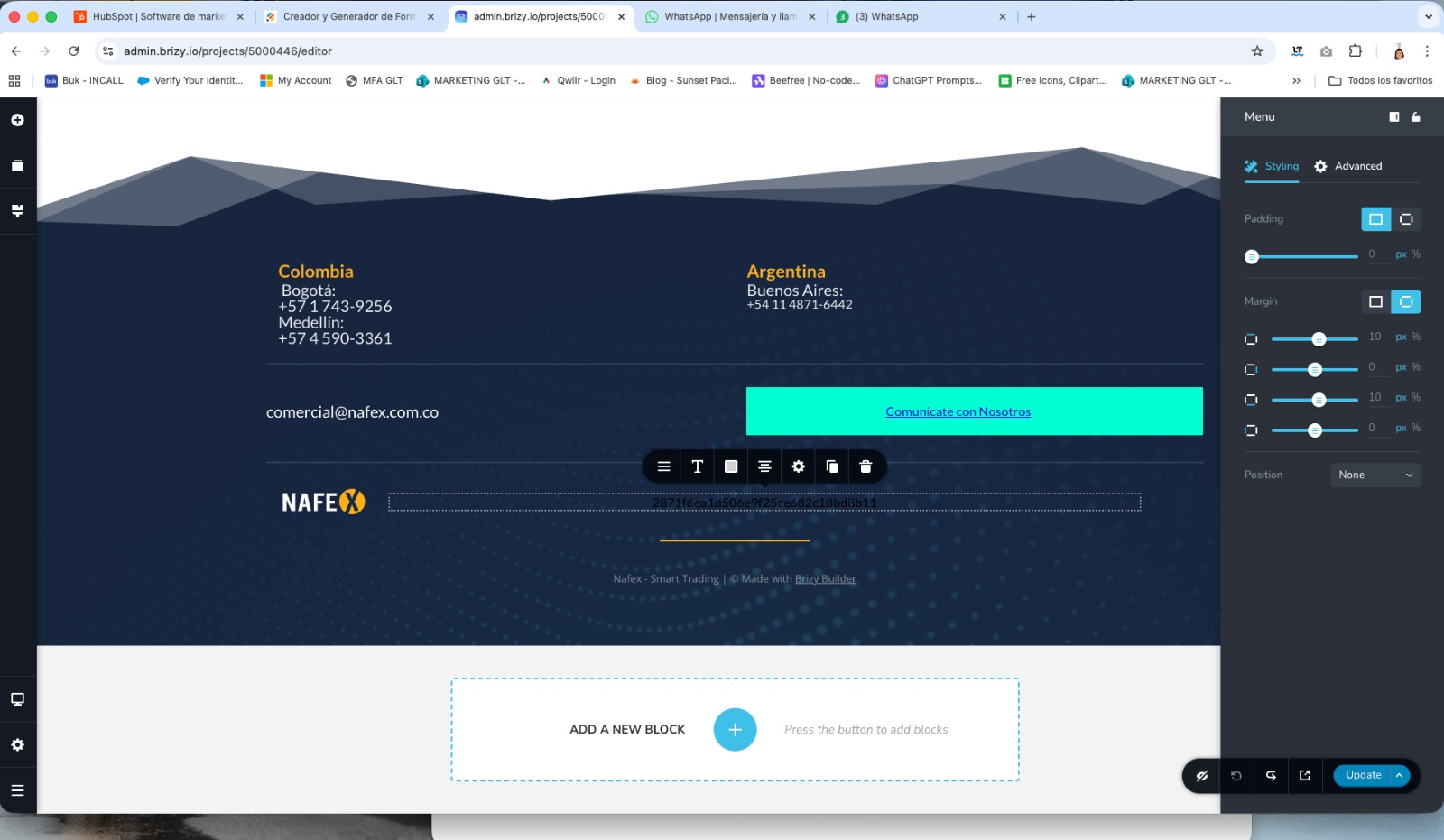
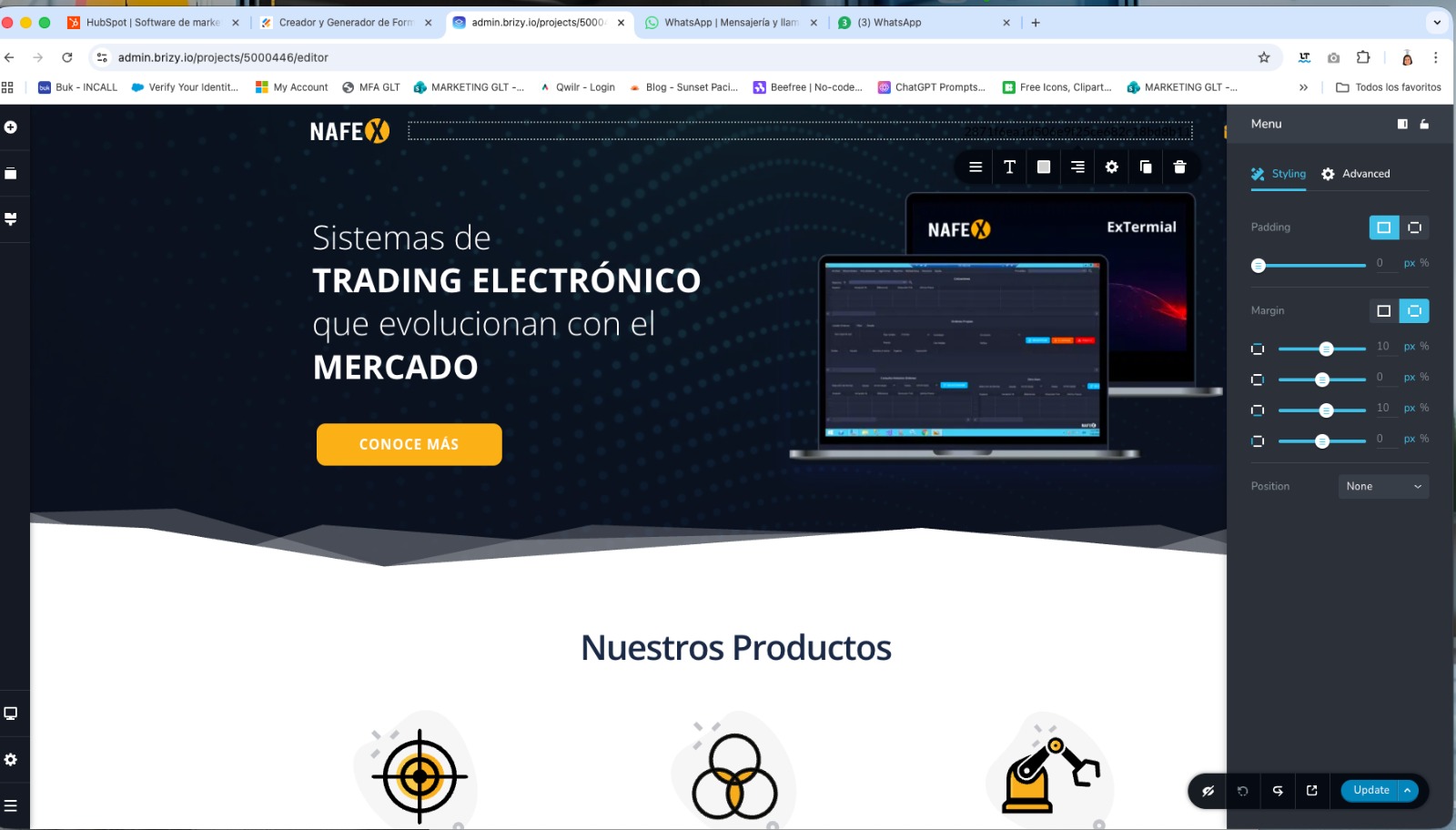
- The footer and header menus are not working.
- Cannot preview the page from the web editor.
Please see the attached images.
Best Regards
-

Hello Fernando,
Projects that were developed before February 2021 use the legacy/deprecated project format while projects that were added after February 2021 use the CMS project format. https://www.nafex.com.co/ project was developed using the legacy project format.
We had launched a migration tool in mid June, 2025 to help you migrate your deprecated projects to the current project format. Your dashboard carried a notification reqeusting you to migrate deprecated projects by August 1st.

A newsleter was also sent to Brizy users on June 19th requesting them to migrate their deprecated projects. We later extended the deadline for migrating deprecated projects to October 15th. After the deadline, the migration tool was withdrawn. Since the migration tool is now withdrawn, the only option is to migrate the project manually.
I have manually migrated your project and its called "Nafex - Migrated". Kindly open the two projects in the Brizy Editor in two different tabs of a browser window and confirm if all content look idential. Please also check if the menu works fine in the "Nafex- Migrated" project.
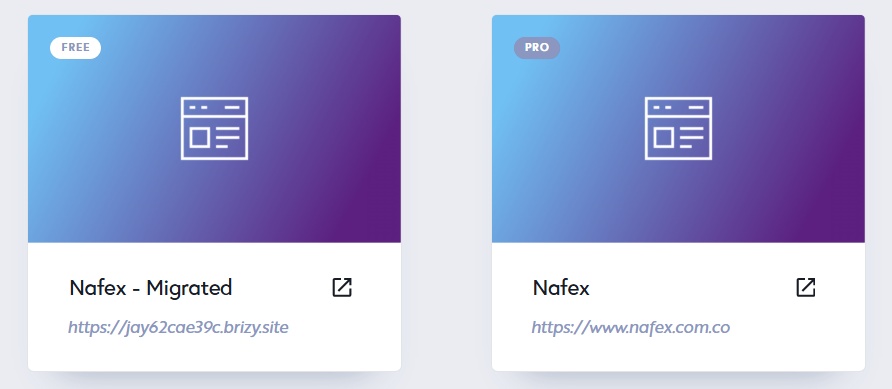
Since the "Nafex - Migrated" project does not have access to a Pro license, some features will be locked. We are working on transferring the license from "Nafex" to "Nafex - Migrated". We hope to complete this by tomorrow.
0 -
Hello Fernando,
Kindly follow these steps to transfer the PRO license from the "Nafex" to "Nafex -Migrated" project
- Open the two projects in the Brizy Editor in two different tabs of a browser window and confirm if the design and content look exactly same on both projects. Make changes to the "Nafex - Migrated" project if there are mismatches.
- Once all content is transferred succesfully to "Nafex -Migrated" project, kindly delete the custom domain added to the "Nafex" project by selecting the "Delete Domain" option.
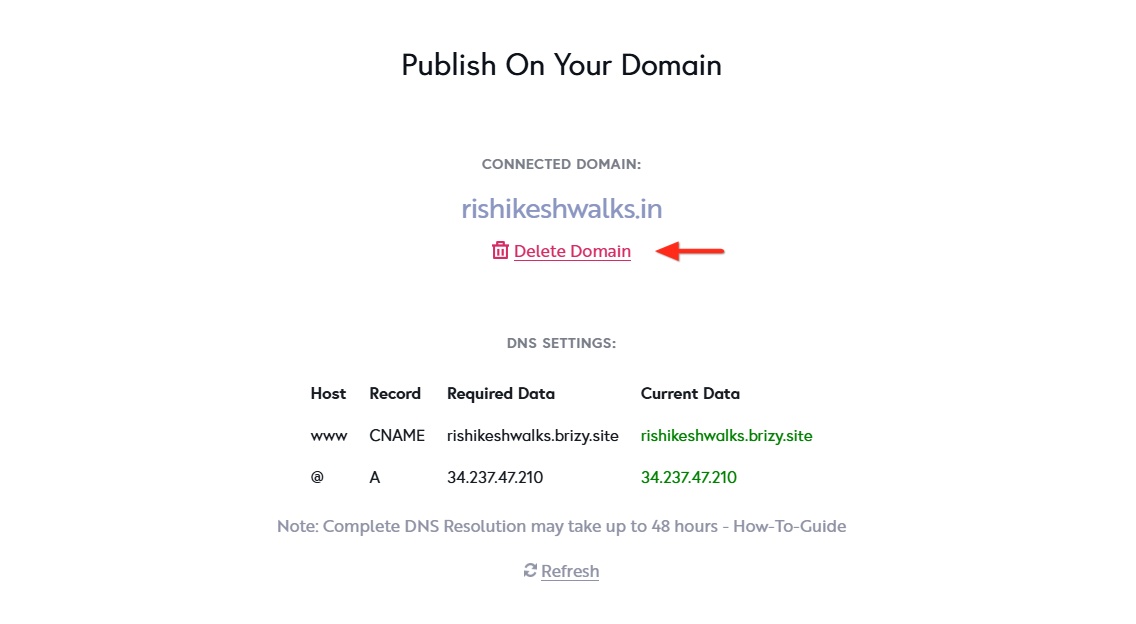
- Delete the "Nafex" project
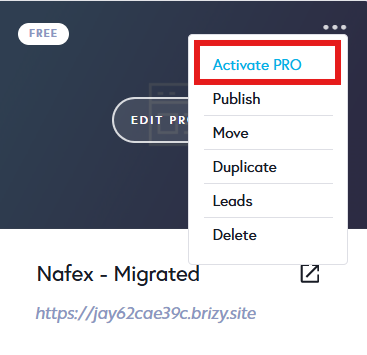
- Activate PRO features in the "Nafex - Migrated" project by selecting the "Activate Pro" option in the project thumbnail
0 -
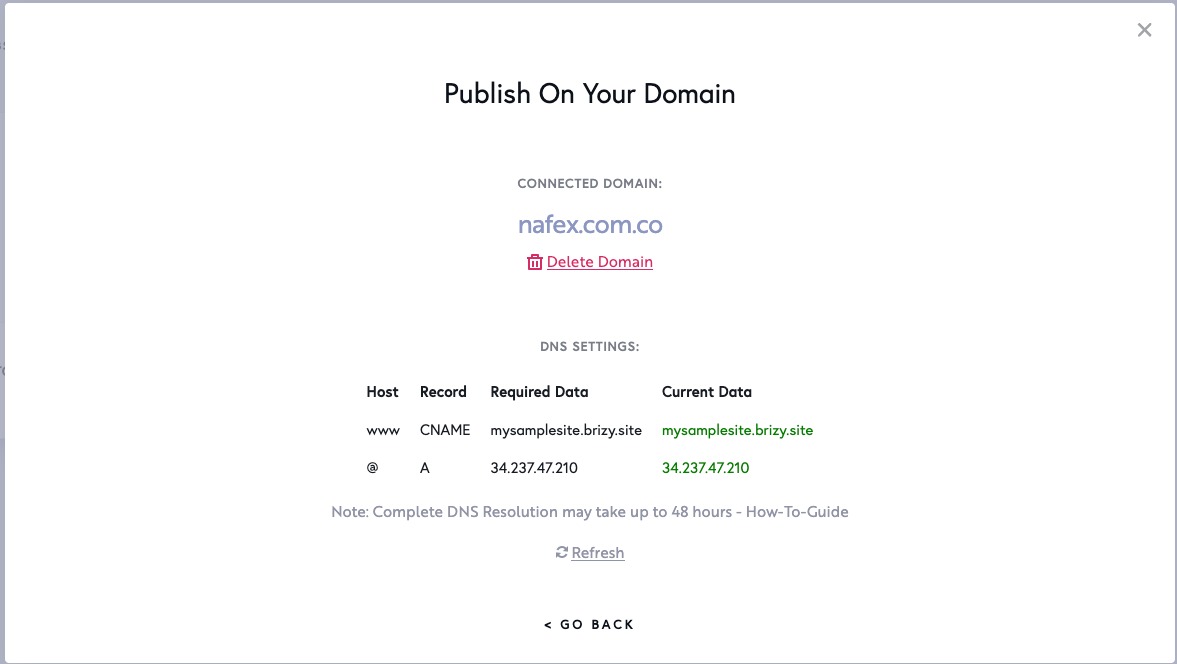
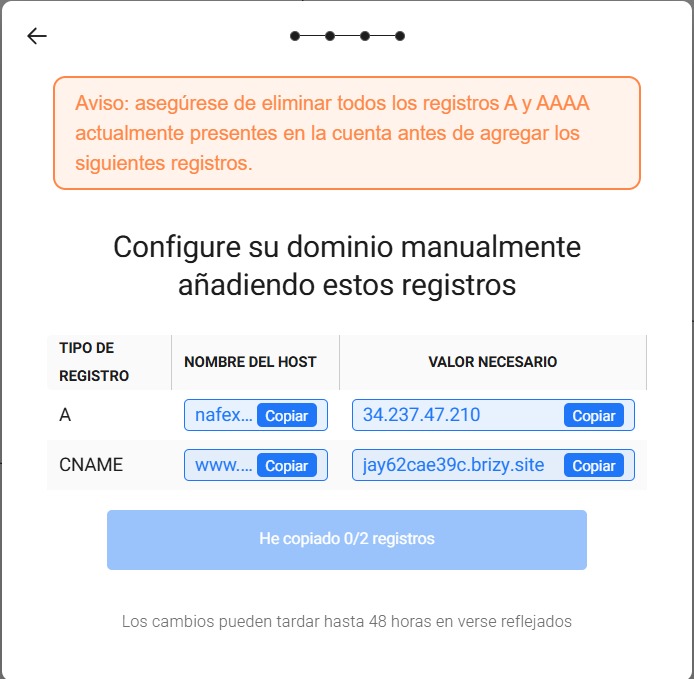
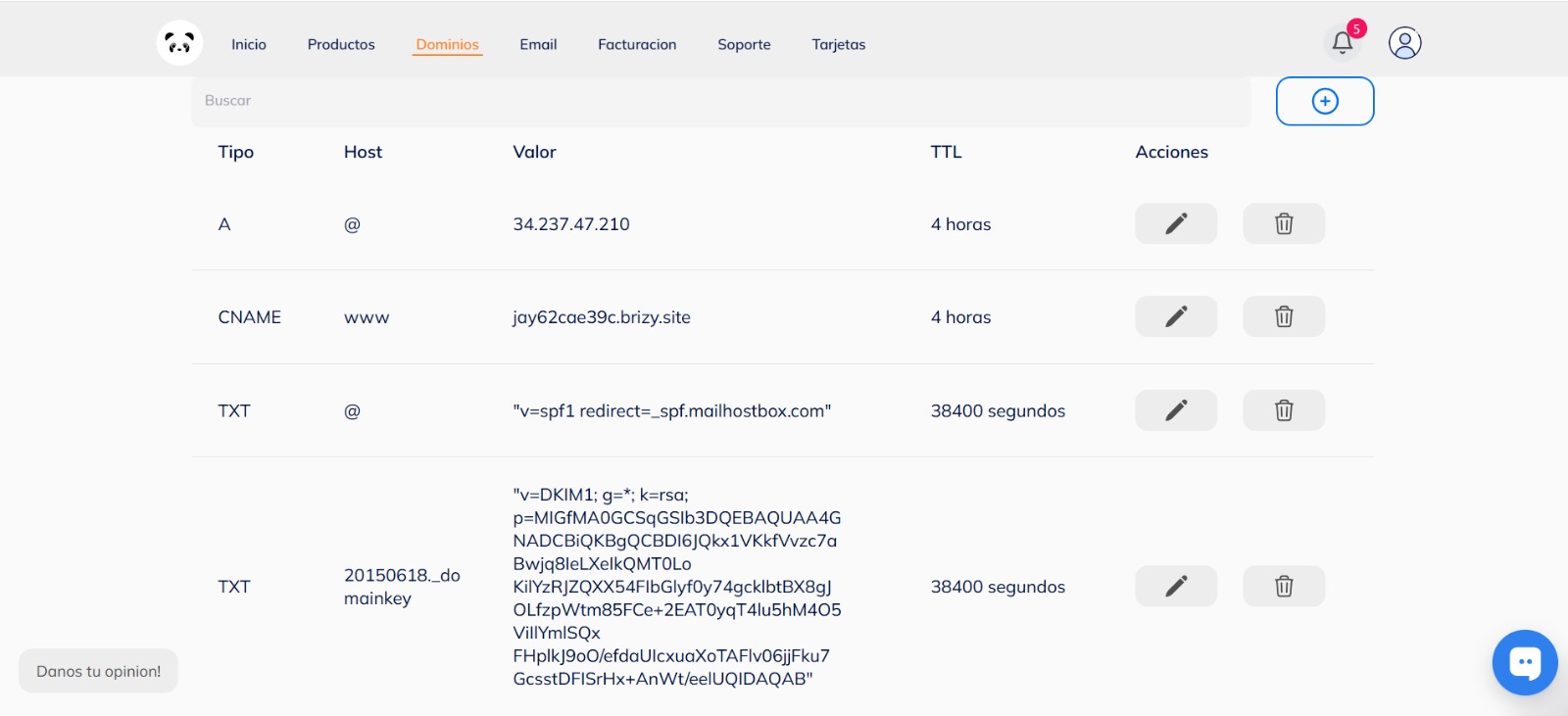
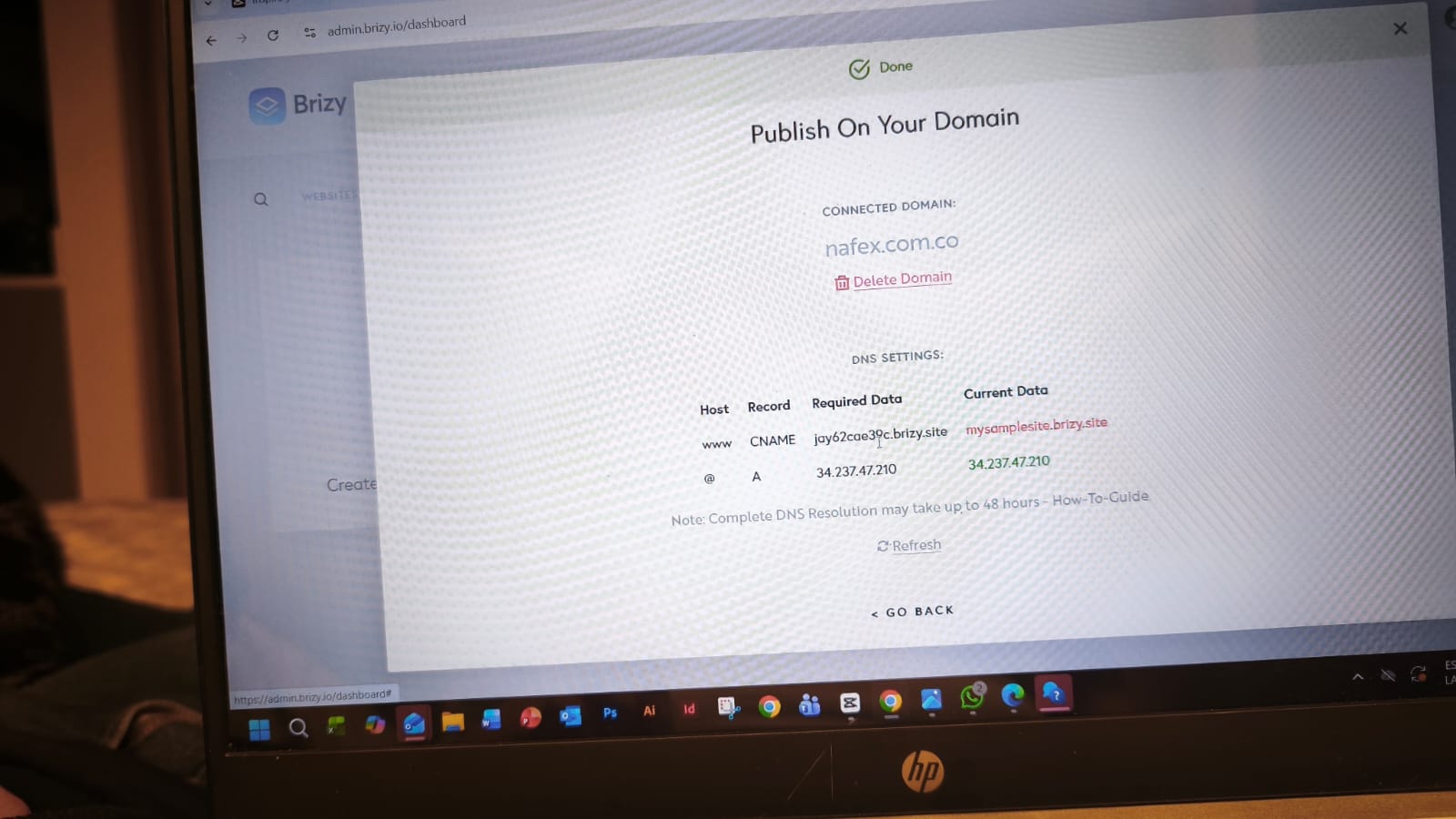
Hi KC George, thanks a lot for all the information, we followed all your instructions, however, we are still having issues with our web page. Could you please help us by telling us how to set up the CNAME?
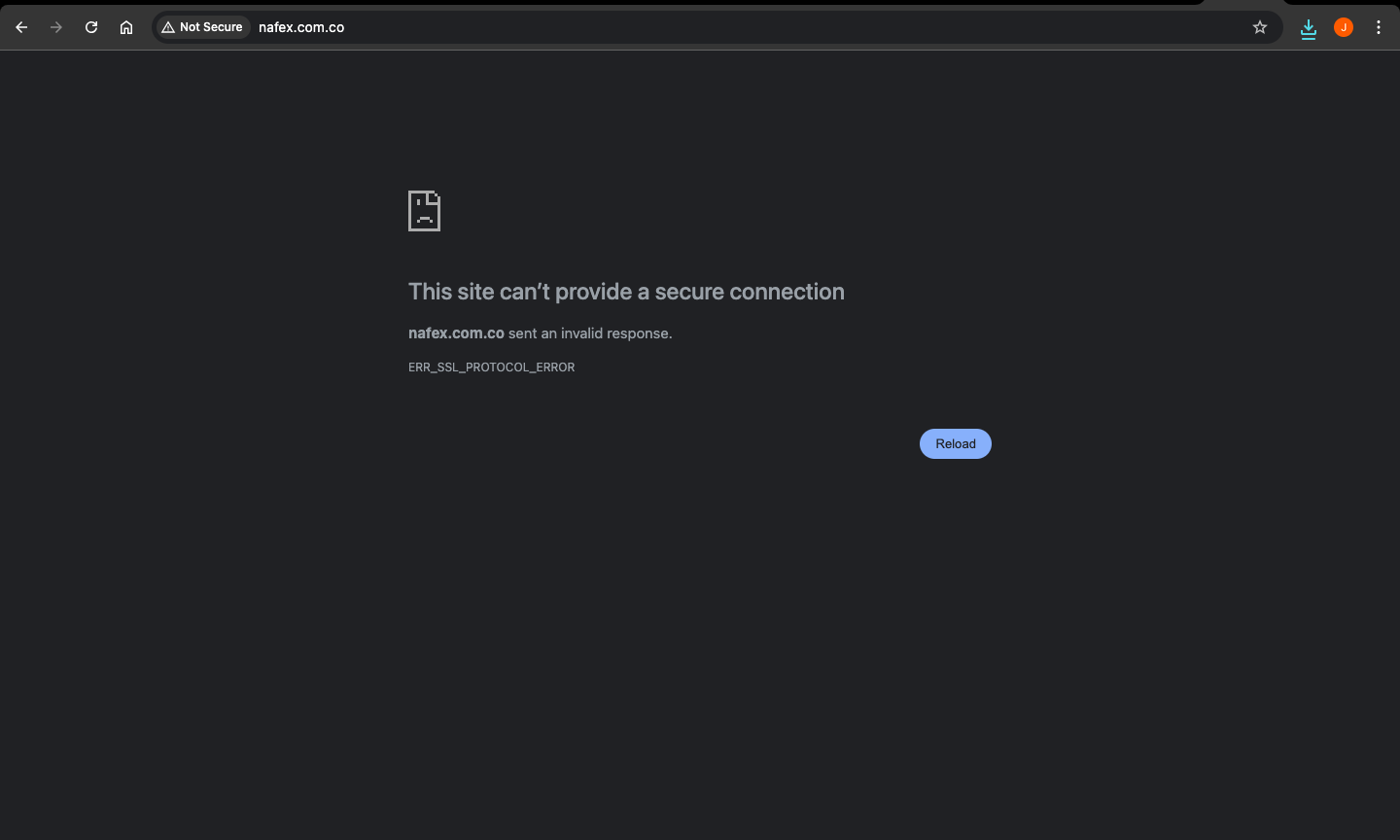
I'm attaching some images of the current CNAME set up, so you can check what are we doing wrong, I'm also attaching an image of the error message that we are seeing in the nafex page.
Kind regards.
 0
0 -
Hello Fernando,
These are the Name Servers which hosts your DNS records
- ns1.clickpanda2hosting.com
- ns2.clickpanda2hosting.com
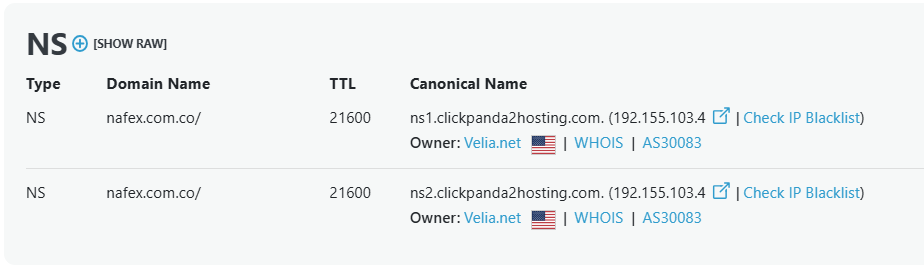
Did you have a hosting account with https://clickpanda.com/ earlier? You may be using the DNS server associated with ClickPanda hosting service. If this is the case, you must update the A Record and the CNAME record in the hosting control panel and not in the Domain Control panel.
If you are unsure, kindly contact ClickPanda Support and ask them why the CNAME record shows mysamplesite.brizy.site as canonical name when you have upadated it as jay62cae39c.brizy.site
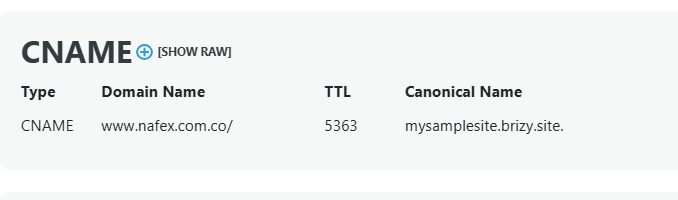 0
0
Please sign in to leave a comment.
Comments
4 comments