font-size not working

Hi, font-size can't be changed on newest version of Brizy for Wordpress.
Brizy 2.7.17 / Brizy Pro 2.7.9
It works in Brizy Cloud and in older versions in WordPress.
-

Hi Reto,
Thank you for contacting us.
Could you please share a short screencast showing the issue on your end? This will help us clearly see what’s happening so we can replicate it.
Best regards,
Ariel H.0 -
Nothing changes in the font when I change the pixel size. This affects variable and non-variable fonts.
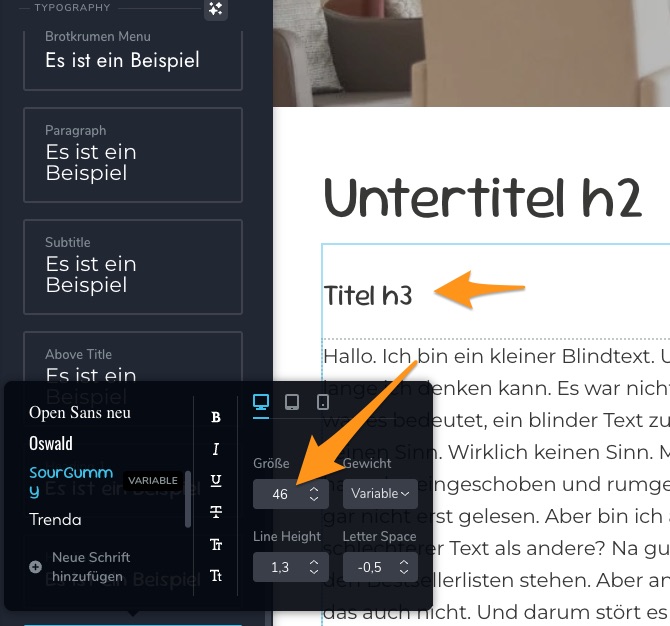 0
0 -
Hi Ariel, Even if I choose a different font from the options or change the size individually, nothing happens.
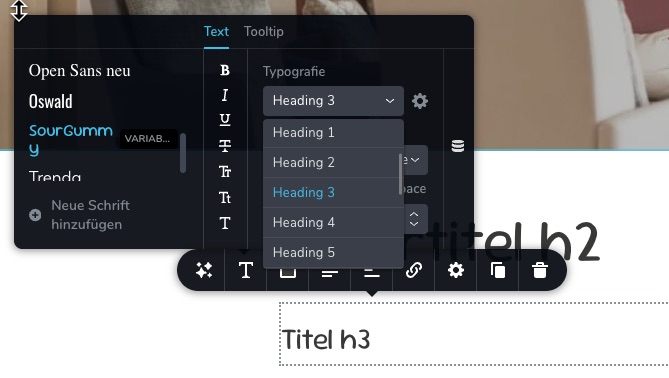 0
0 -
Hi Reto,
Thank you for the update.
We haven’t been able to replicate the issue on our end. When you get a moment, please try temporarily switching to another theme to see if this helps.
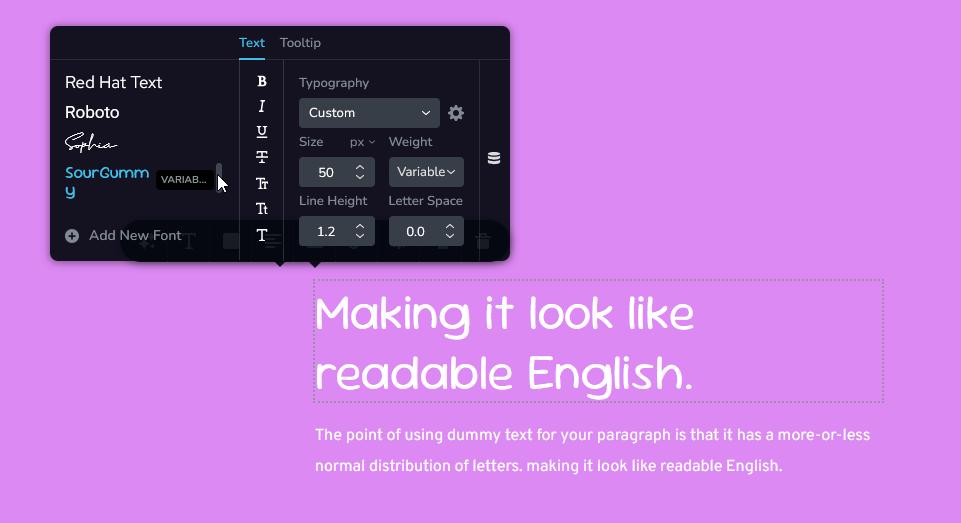
If the problem continues, kindly share your site’s credentials so we can investigate it directly. Please add us as an Admin user to your WordPress Dashboard and send the following details to communitysupport@brizy.io.
Community Post link: https://support.brizy.io/hc/en-us/community/posts/31183480754962
WordPress Admin URL:
Super Admin Username:
Password:Looking forward to your reply.
Best regards,
Ariel H.0 -
Thank you Ariel. I changed to Brizy default with the same problems.
Perhaps because I imported a layout from Brizy Cloud?
I sent you the access details directly from WordPress.
Best regards, Reto0 -
Hi Reto,
Thank you for sending the site credentials. However, we received the following error: 'You are not authorized to access this site.'
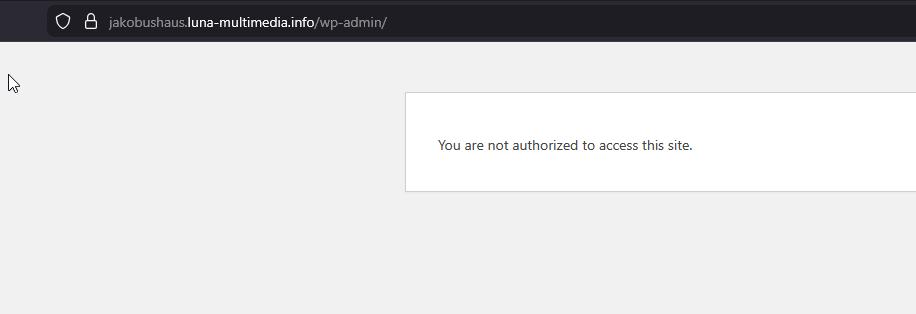
Please ensure that the user account you provided has Administrator privileges so we can access the site and investigate the issue.
Best regards,
Ariel H.0 -
Ups, sorry. I have to set the permission after creating the account again.
0 -
Hi Reto,
We’ve confirmed that the issue is coming from the Blank Slate theme. The problem doesn’t occur when using Blocksy, which is still active on your site so you can test it on your end as well.
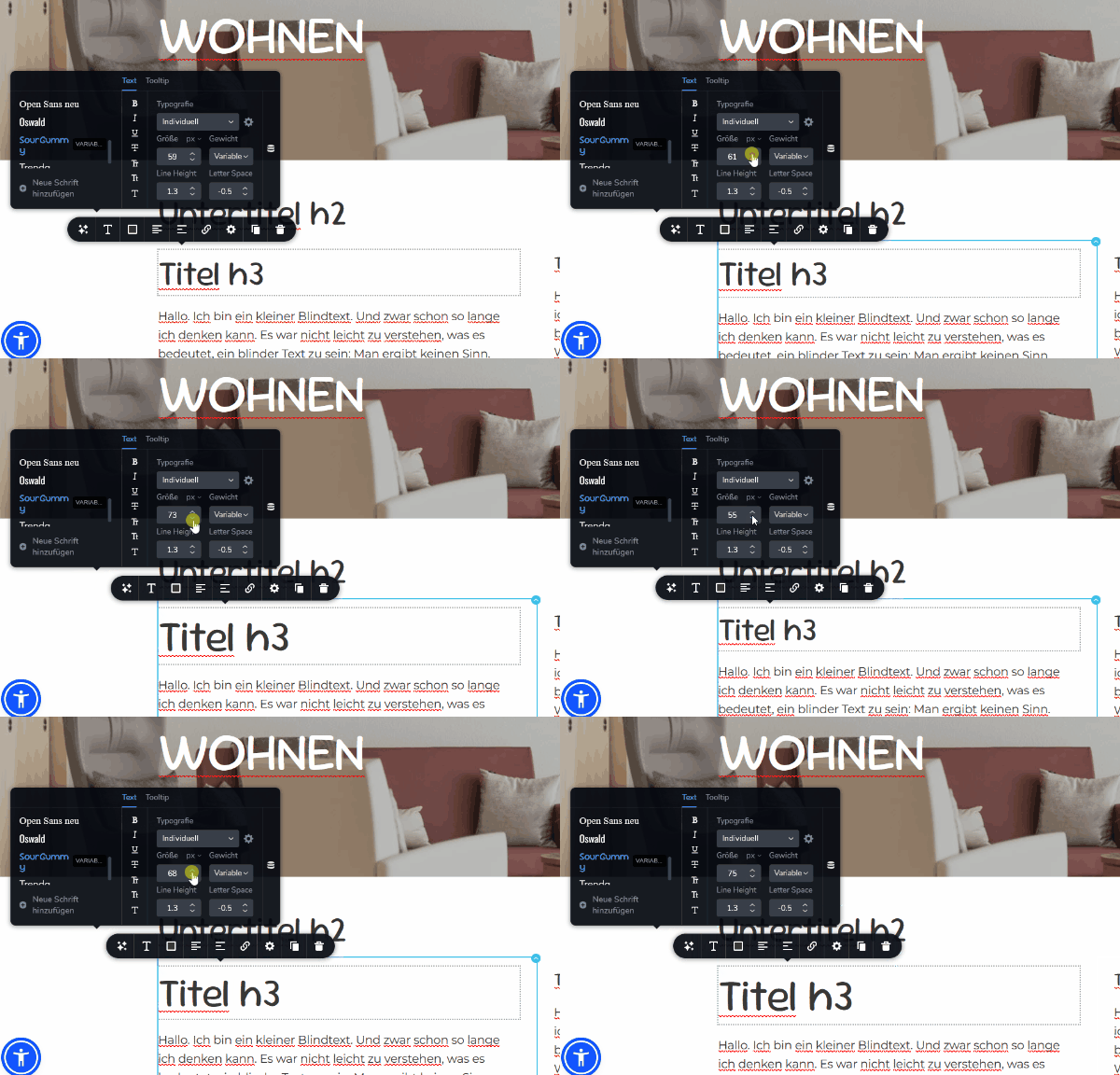 0
0 -
Thank you Ariel, now it works.
Not in Opera Browser, but in Safari for example.0 -
Hi Ariel,
We have a new theory: we put the theme back, but we deactivated the accessibility script from Sienna. Now the fonts are working again. It's interesting that you integrated Sienna into Brizy Cloud, which is why we wanted to use it in WordPress.
Once the website is finished, you can activate the Sienna script, but you can't change the fonts while the script is active. This also applies to older versions of Brizy.0 -
Hi Reto,
Thanks for sharing your observation! This will definitely help other users as well.
Best regards,
Ariel H.0
Please sign in to leave a comment.
Comments
11 comments