Global block conditions not showing

Hello,
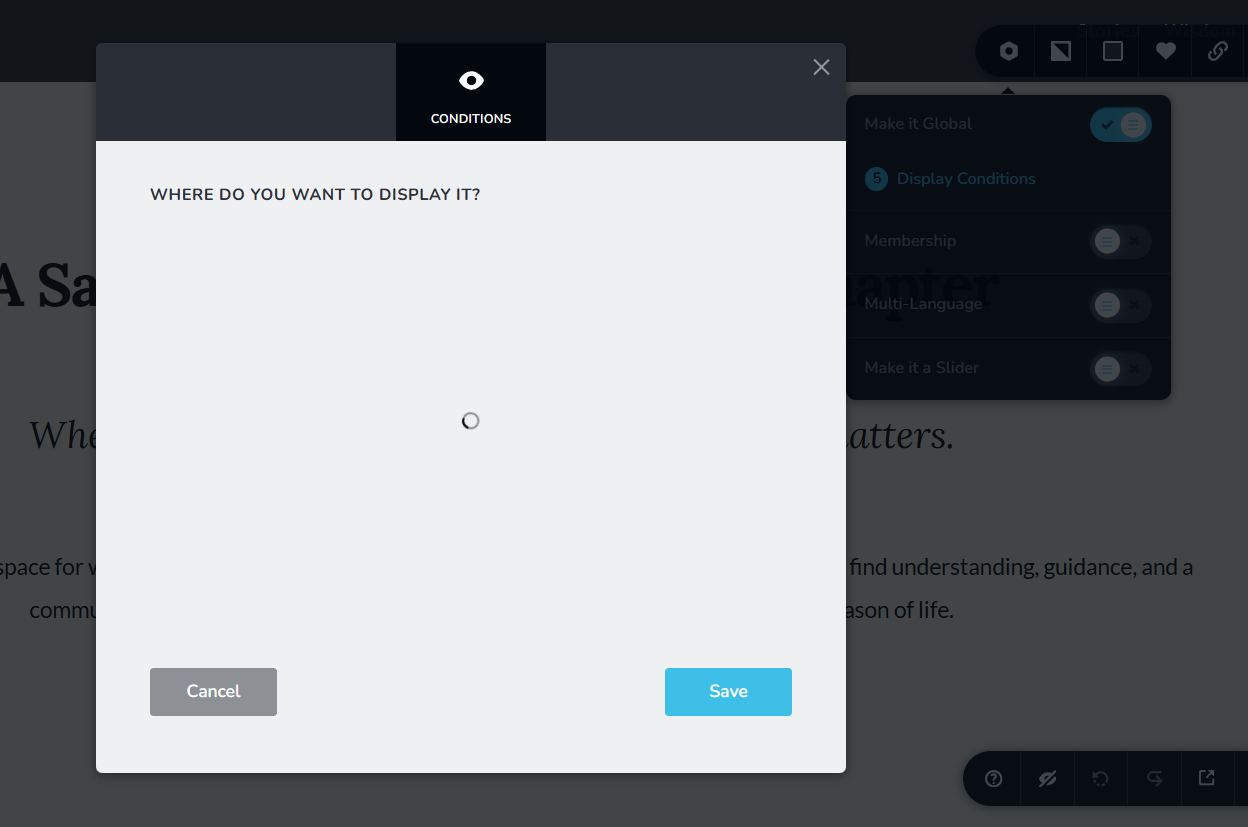
since morning I cannot load global conditions. Yesterday it worked well.
But it seems that it is only in one particular project. If I try it in other projects it works just normaly.
See the image, that is where it gets stuck. The circle is still turning but nothing loads.
-

Hi Pavel,
Could you please try loading the global conditions again? If the issue persists, kindly try using a different browser and see if it works there.
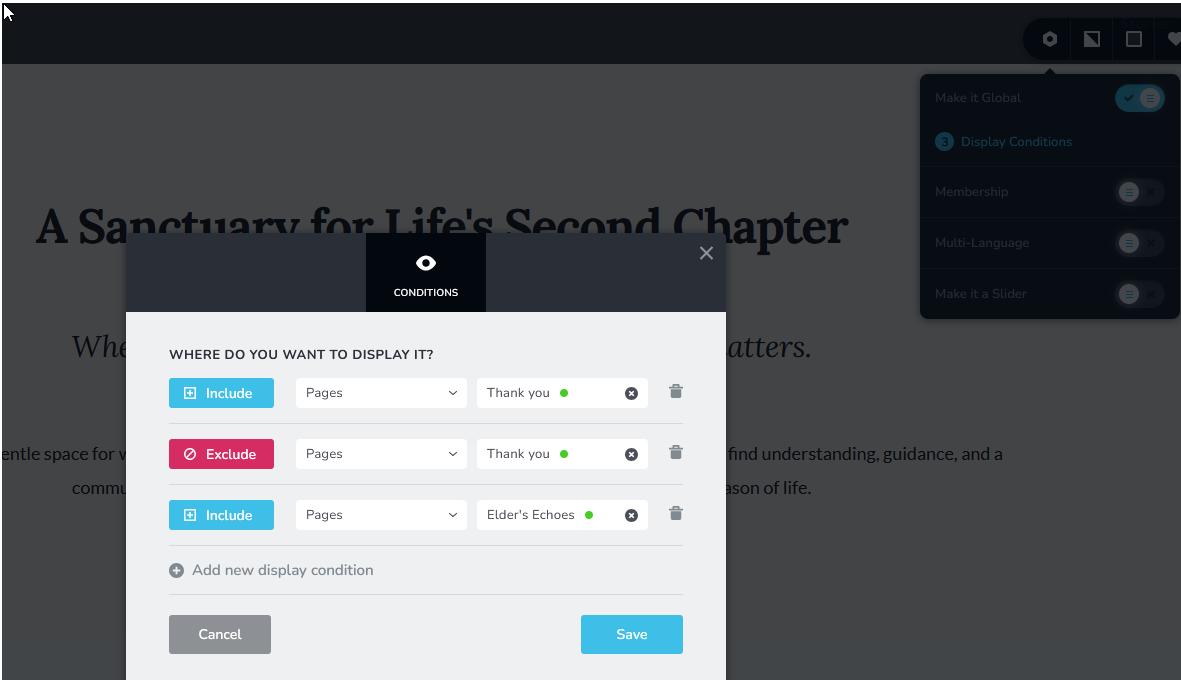
Let me know how it goes.
Best regards,
Ariel H.0 -
Thank you for quick respond.
On a home page on header it worked, but on the footer and on other pages it is still not working.
I need it especialy on my blog posts now.I am working in Comet browser but I tried it also in Chrome and it is same there.
0 -
Hi Pavel,
We’ve fixed the issue. If it happens again, please try disabling the global footer, saving the changes, and then enabling it again, as demonstrated in this screencast: https://youtu.be/B11Vf5bi_hE
Best regards,
Ariel H.0 -
Unfortunately, it is still not working.
I have tried as you have suggested.
see the video: https://drive.google.com/file/d/1WChZGZpmpcRqcGQNN53nEO84UMEeYjVE/view?usp=sharing0 -
Hi Pavel, could you please try clearing your browser cache or try using another browser and see if that makes any difference?
0 -
Hmm, unfortunately it did not help. Now, I was trying it in Edge, I have cleared all cache, but it did not helped. I have tried to cleare the cache also in Comet.
There are just two block where it works (the header and one footer).
See the video (I was trying it more times and waited longer than in the video shows).
https://drive.google.com/file/d/1yS7WWZ0EeLLg5V1GKr0Hy_AnWzIqldMZ/view?usp=sharing0 -
Hi Pavel,
Thank you for the update.
Since the issue seems to affect only specific blocks while others load normally, could you please try duplicating the blocks where the display conditions won’t open and see if the duplicated versions behave differently?
Please try this and let me know if you have any further questions.
Best regards,
Ariel H.0 -
It seems, I have figure it out.
I don't know exactly how be cause I have done multiple steps, such as copying the block, even whole layout, and the whole website. Creating a new page and inserting saved layouts from the post page... But this did not work.But I think the problem was somewhere here:
I had a multi-reference filed and fererence field in my Posts asset. I named the reference asset "Layout" and I had also categories, where I created a category named "Layout". And I think it was somehow fighting.When I deleted the multi-ref field (before that I had to delete the catogories in each post that were linked to this multi-ref field), then the Global conditions started working properly.
So brobably, the problem was in naming the assets and the categories with the same name and then the system was confused.
I appreciate your promt and patient communication with me.
Best regards,Pavel
0
Please sign in to leave a comment.
Comments
8 comments