can not make pages private

I can not set the blog or shop page to private. The only change that happens is that the brizy theme dissapears and the page loads in the active wordpress theme. But its not possible to set those pages to private or password protect them so users wouldnt be able to access them.
I believe its a brizy bug, but i am not sure. i changed the wordpress theme but the i still could access the pages in question in as a logged out user in the icognito browser.
-

Hi Georg,
Thank you for contacting us.
What you’re seeing is not a bug but a conflict in how the pages are being handled. Your blog posts were edited directly with Brizy while you also have a Single Post template active. When both are used at the same time, WordPress doesn’t know which layout should control the page, so the private or password-protected setting doesn’t apply correctly. That’s why the page switches back to the active WordPress theme in incognito.
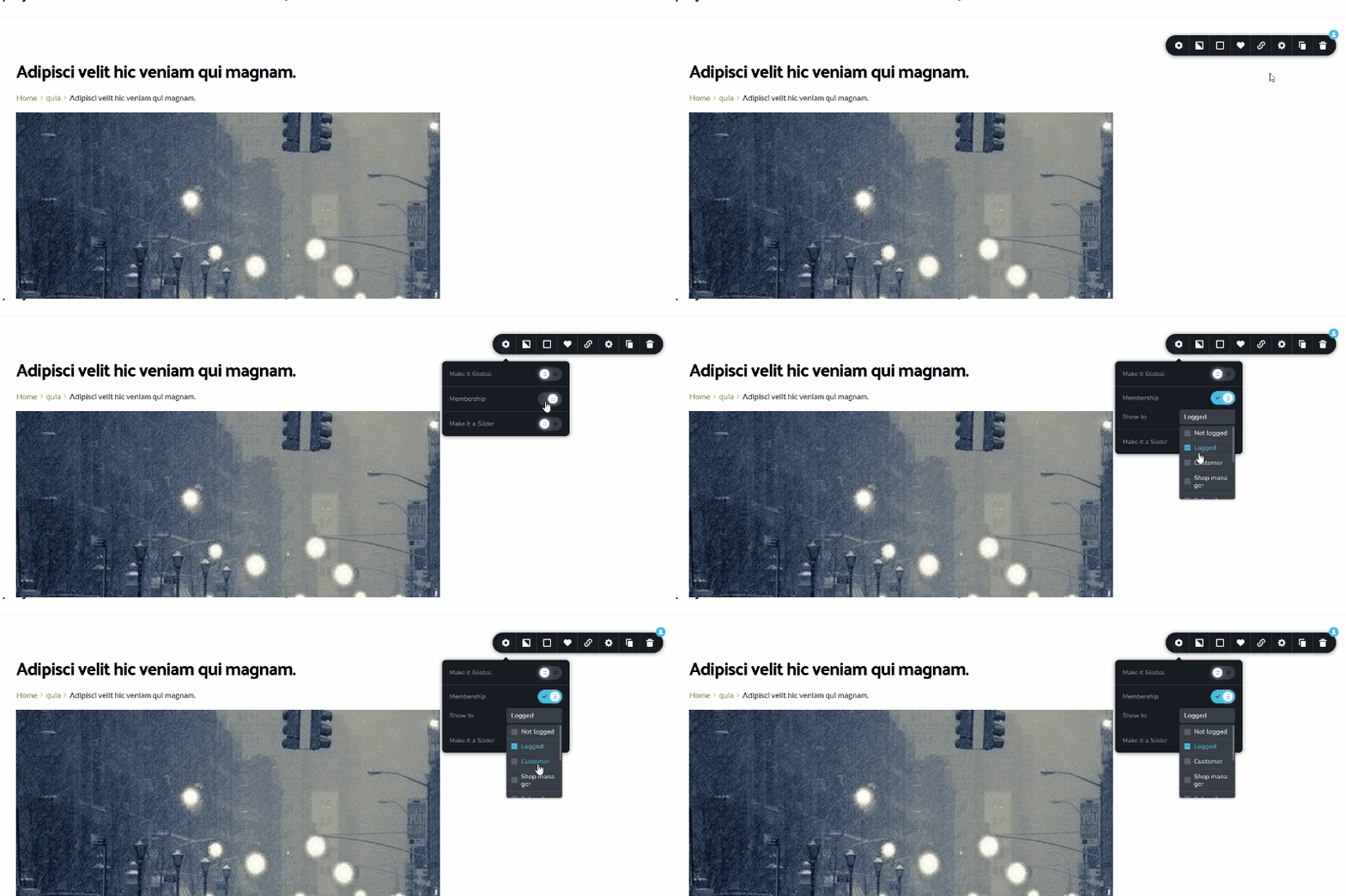
If you want to restrict access with your current setup, you can also enable Membership on your current blog page, or inside your Single Post Template or Archive Template. This ensures that only logged-in users can view the blog page or individual posts.
You may also try recreating the blog page completely:
1. Go to Pages → All Pages.
2. Delete the current Blog page.
3. Create a new page called Blog (leave it empty—don’t edit it with Brizy).
4. Go to Settings → Reading.
5. Under Your homepage displays, set Posts page to the new Blog page.
6. Save the changes.After that, you’ll need to create a Single Post template and an Archive page for your blog posts. You can follow the steps in this tutorial:https://www.youtube.com/watch?v=xiH6dreoHVY this should fix the issue (and you may also enable Membership on the blog or posts element.)
Best regards,
Ariel H.0
Please sign in to leave a comment.
Comments
1 comment