Not able to upload files to media library

To whom it may concern,
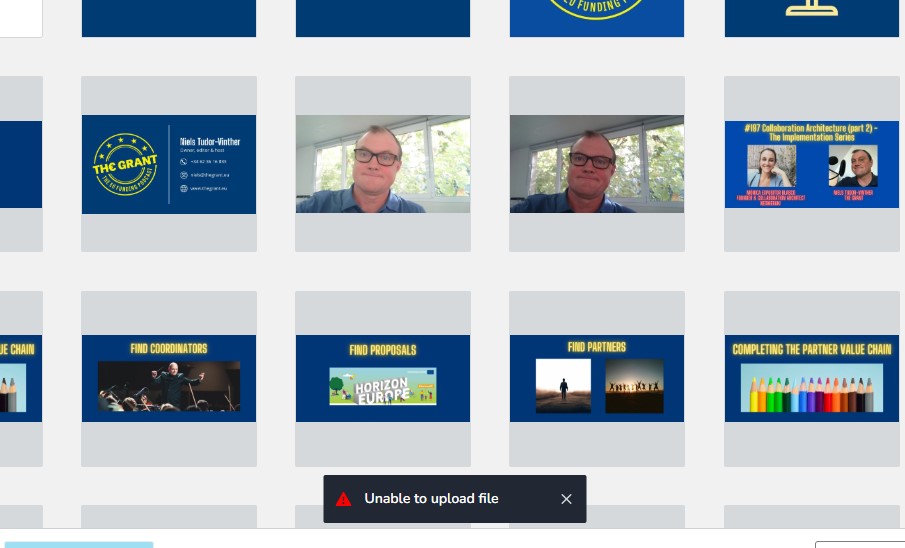
I suddenly can't upload picture files to my media library. Files are all in the right formats.
Please help.
Kind regards,
Niels
-

Hi Niels,
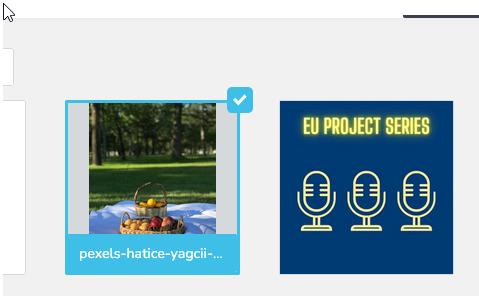
Thank you for reaching out. We tried uploading an image on our end but couldn’t replicate the issue. Could you please try using a different browser and see if that makes any difference?
Kind regards,
Ariel H.0 -
Same issue in Edge
 0
0 -
 0
0 -
Here the file I need to upload. I have problems with other files as well. Tried to de-scale the size. Doesn't help
0 -

Hello Niels,
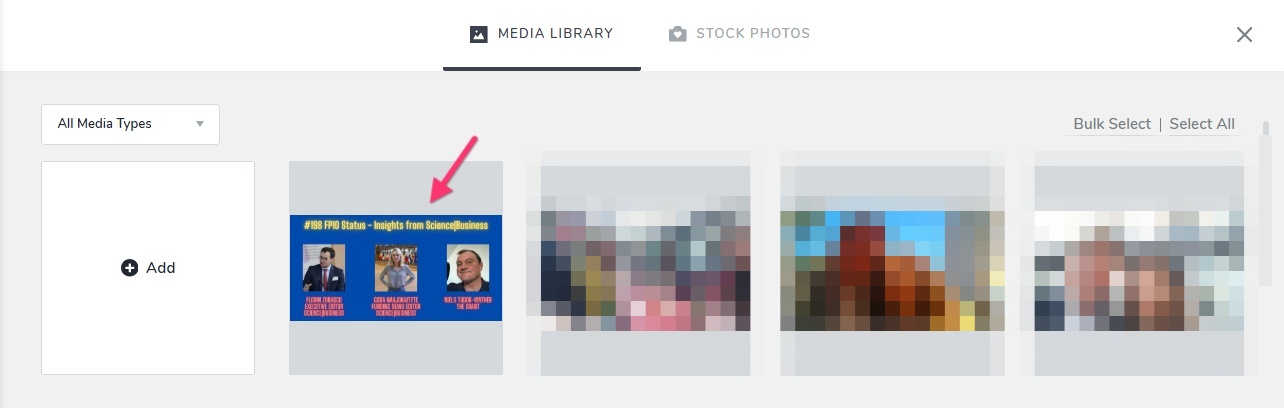
Looks like you could upload the above image eventially. I see it at https://cloud-1de12d.becdn.net/media/original/a3caa9271edaf810d00965abdcecc99c.jpg
If you encounter the error "Unable to upload file" again, kindly upload the image to https://tinypng.com/, download it after compression. The process of uploading and downloading aids in converting the image into a file that perfectly complies with the required file format. (The file size is not a matter of concern here) TinyPNG-generated images typically upload smoothly to Brizy Cloud.
0
Please sign in to leave a comment.
Comments
5 comments