"Dangerous site" for store preview site (Chrome)

Hello, is there something that can be done to avoid triggering Google's red "Dangerous site" alert when following the link on my dashboard page to preview my store?
Thanks.
-

Hello Kevin,
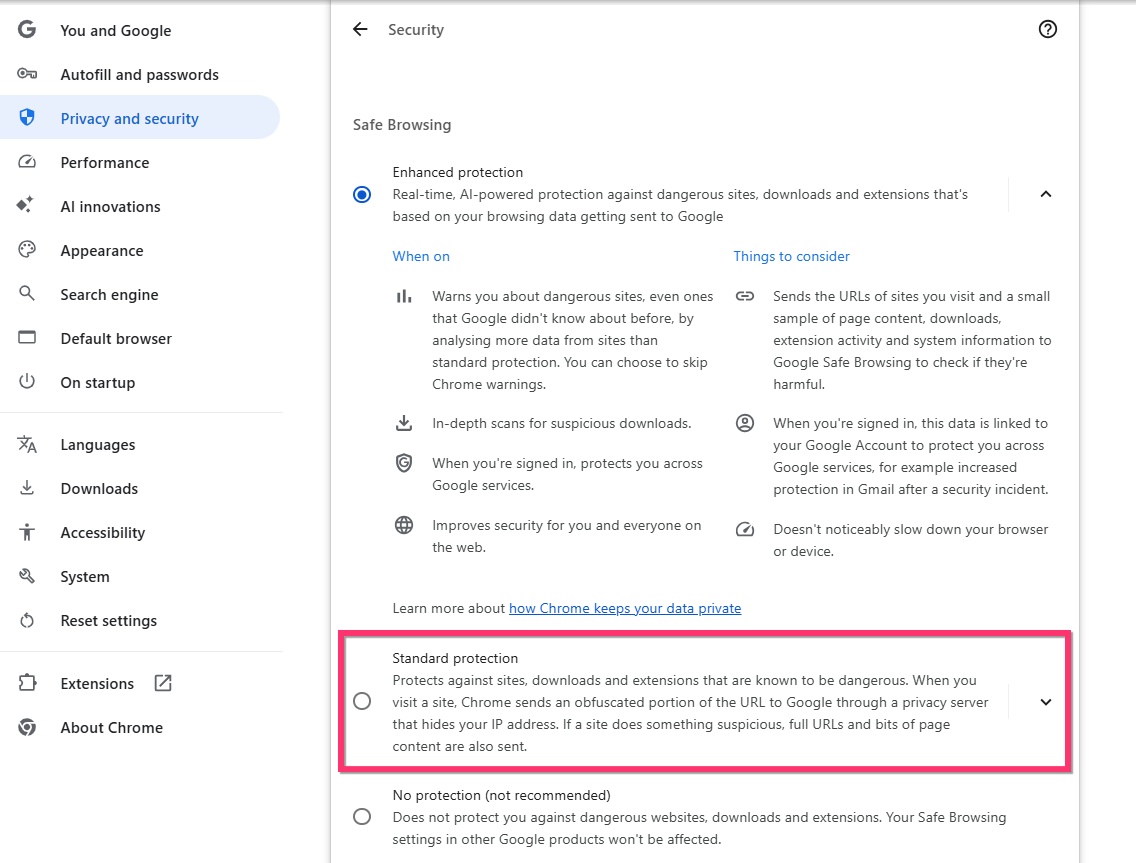
When using the "Enhanced Protection" option in Google Chrome, some sites can be falsely tagged as "Dangerous Site" by Chrome. Kindly use the "Standard Protection" option under Settings > Privacy and Security > Security to avoid this.
 1
1 -
Hello K C George,
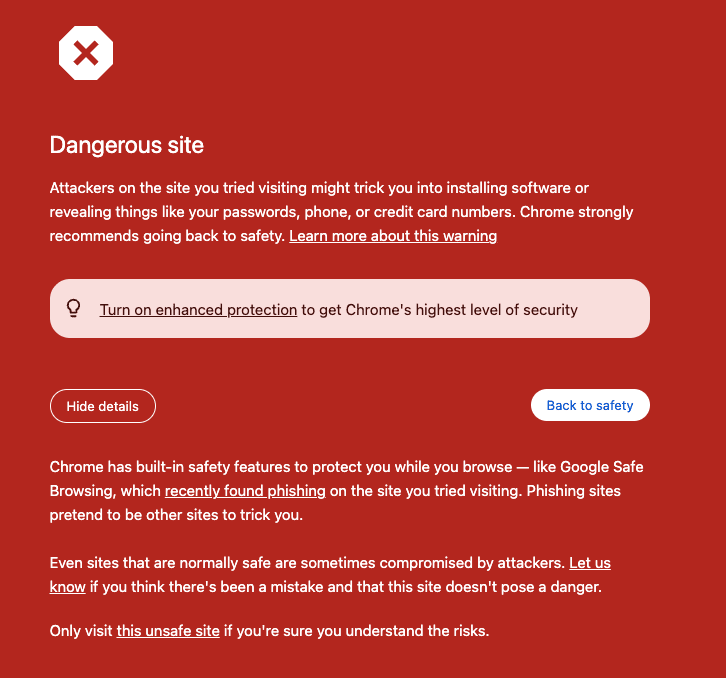
Thanks very much for the prompt and helpful suggestion. After changing that setting, Chrome still brings me a scary warning (with a suggestion that I turn on Enhanced Protection), but at least it includes a link to "visit this unsafe site" which takes me to the store. Perhaps it had already added that URL to its list of dangerous sites. At any rate, this is good enough for now.
 0
0 -

I am having a similar issue with my white label accounts-
0 -

Hi Sonya,
Thank you for reaching out.
The Dangerous site warning may appear possibly due to the preview link pointing to a temporary domain that Google doesn’t yet recognize as secure. This doesn’t mean your site is unsafe. I assume your project is currently using the randomly generated Brizy Cloud subdomain.
To prevent this, try setting a more recognizable subdomain, such as https://mystore2025.brizy.site
You can temporarily publish it as a subdomain in your Brizy account console.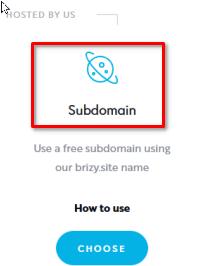
Please give that a try and let me know if it helps.
Best regards,
Ariel H.0
Please sign in to leave a comment.
Comments
4 comments