Brizy editor won't load on just one page.

I'm getting an error: Your theme must use the the_content filter in order for Brizy to work
But i'm able to edit all other pages except for the main page ...
-

Hello Aleksey,
Whilte regular pages can be edited using Brizy, pages that are auto generated cannot be edited using Brizy. Let's look at two common examples of auto generated pages.
-
The Blog page: This page is somtimes called the "Posts" page and is auto generated based on the blog posts added to your website. You cannot edit your blog page using Brizy. To provide a Brizy design for your blog page, you must add a Brizy Blog archive template in your WordPress Dashbaord under Brizy > Templates
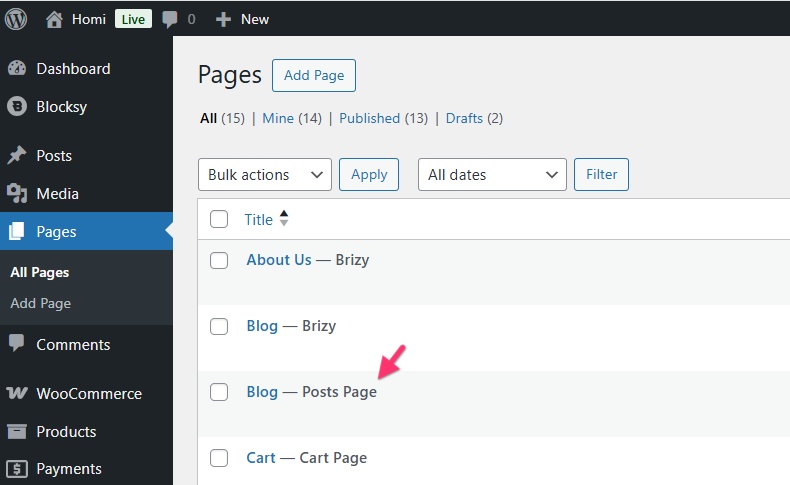
-
The Shop Page: This page is also called the Shop archive page and is auto generatd based on the products you have added to WooCommerce plugin in your project. You cannot edit this page. To give a Brizy design for your Shop page, you must develop a Shop Archive template in your WordPress Dashboard under Brizy > Templates
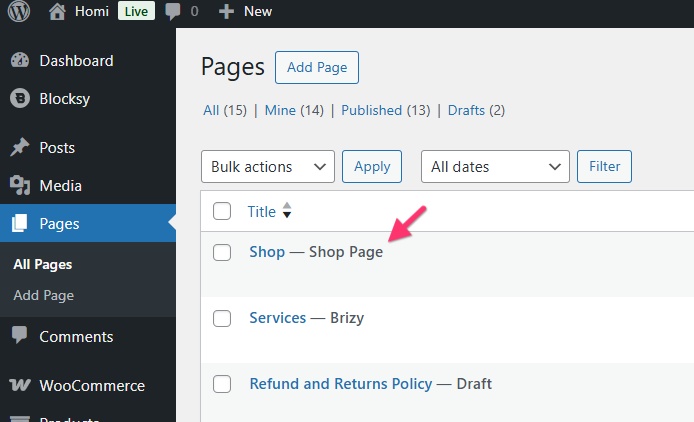
Did you see the error "Your theme must use the
the_contentfilter in order for Brizy to work" error when attempting to edit an auto generated page?0 -
The Blog page: This page is somtimes called the "Posts" page and is auto generated based on the blog posts added to your website. You cannot edit your blog page using Brizy. To provide a Brizy design for your blog page, you must add a Brizy Blog archive template in your WordPress Dashbaord under Brizy > Templates
-
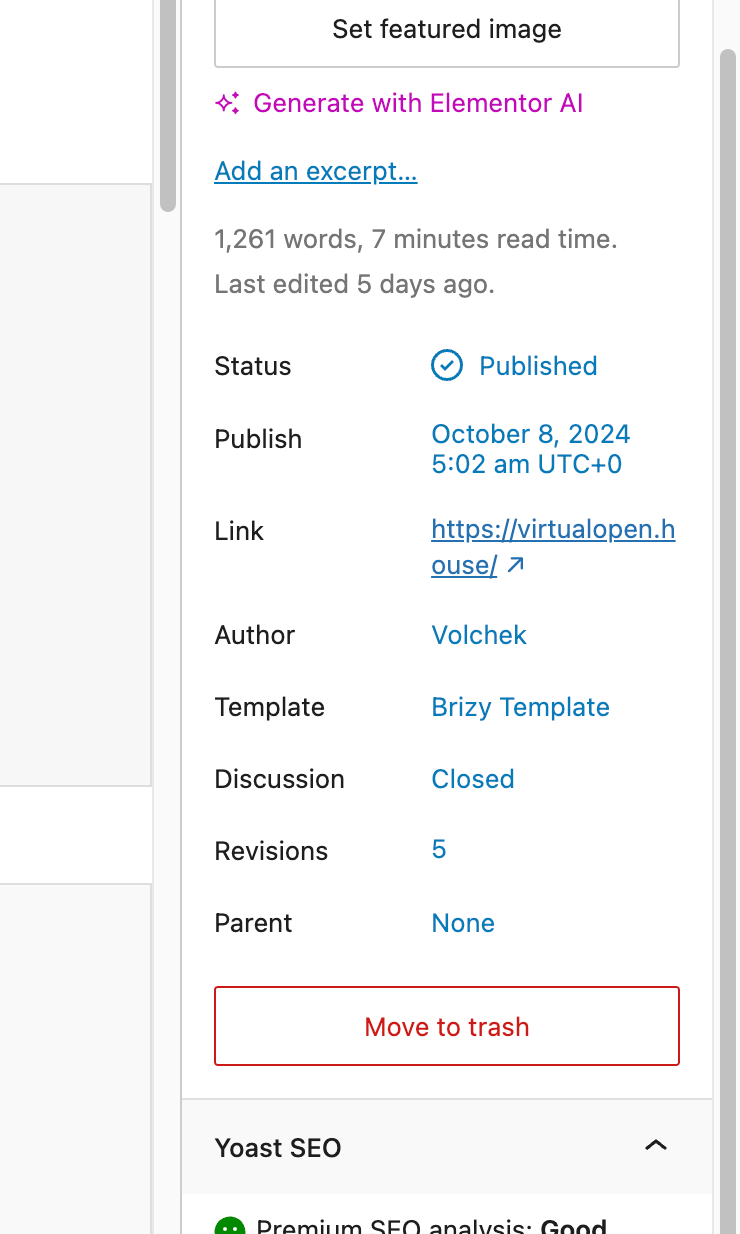
No, it's my main page :((((
0 -
 0
0 -

Hi Aleksey,
Thank you for the update.
Could you please confirm if you can replicate the issue with all other plugins besides Brizy and Brizy Pro disabled? Also, try using another theme (such as Twenty-Twenty-One) and see if this makes any difference?
If the issue continues, this is something we need to inspect from your WP Admin page. Please add us as an Admin user to your WordPress Dashboard and send the following details to: communitysupport@brizy.io
Community Post link: https://support.brizy.io/hc/en-us/community/posts/30629719913234
WordPress Admin URL:
Username:
Password:Please make a full backup of your site as a precaution.
Best regards,
Ariel H.0 -
Hi,
I just wanted to follow up to see if the issue has been resolved with the solution we shared earlier. If you’re still experiencing any problems, please share your site’s credentials with us so we can take a closer look.
Best regards,
Ariel H.0
Please sign in to leave a comment.
Comments
5 comments