Fonts corrupt on local

Hi!
Fonts does not work on local on Mac/Safari and /Opera, my iPhone, a 2nd Mac/Safari and its Win11 Boot camp.
It should be Oswald font but shows some default font.
- WP, themes and plugins are updated.
- All other plugins except Brizy is disabled.
- Cleared cache and Incognito window is used in most cases.
However fonts works for hosting provider and some of our partners.
---
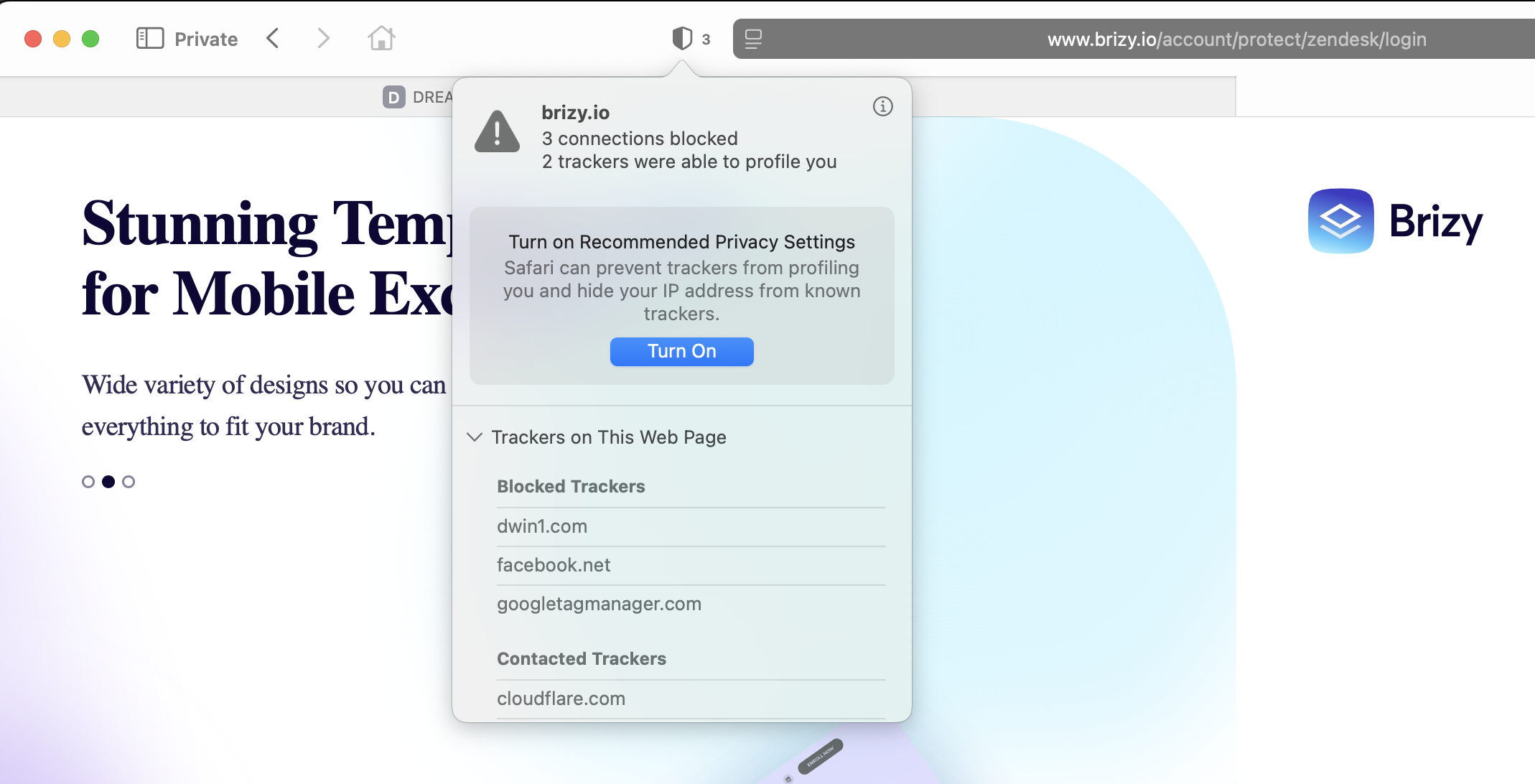
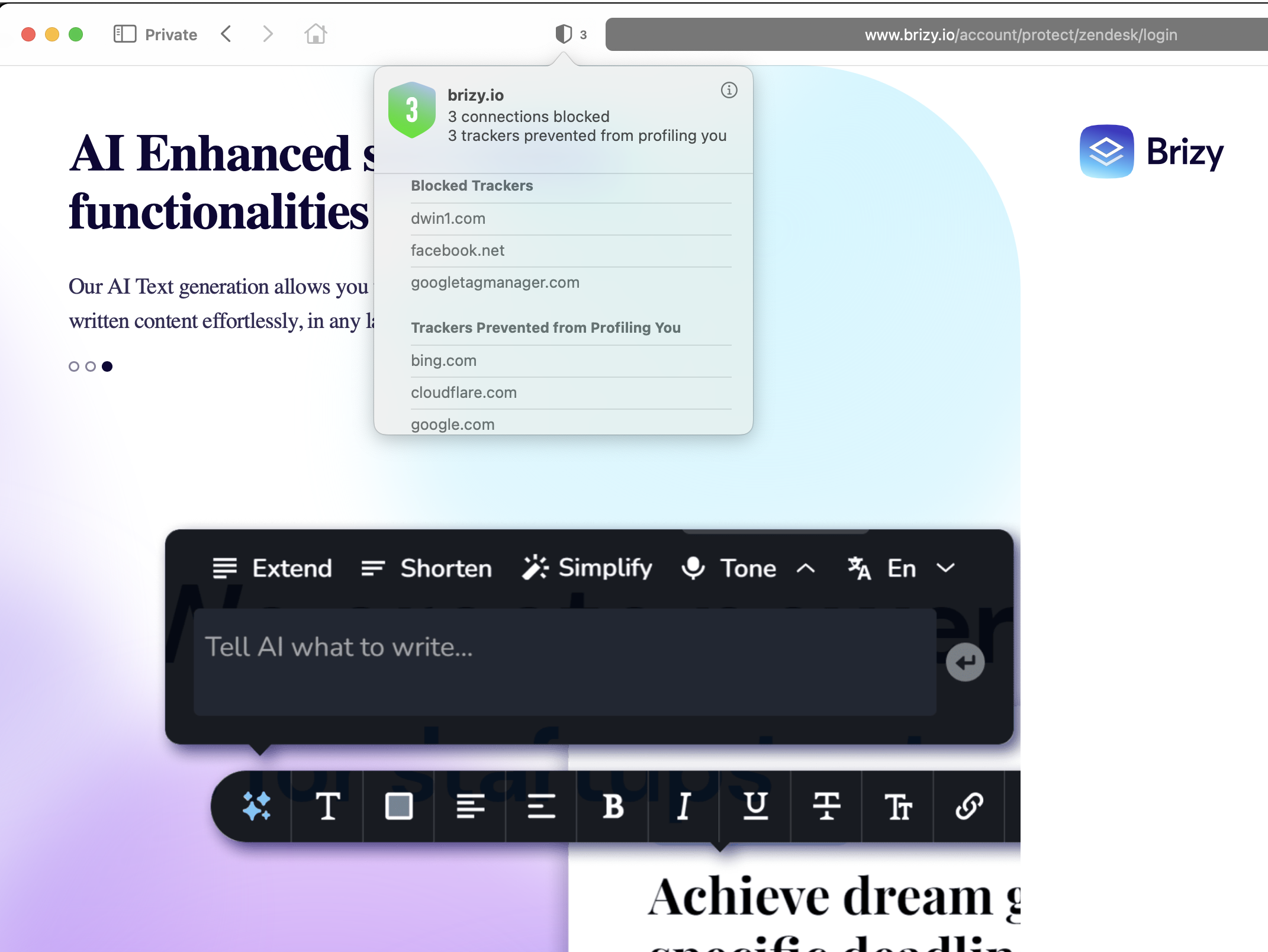
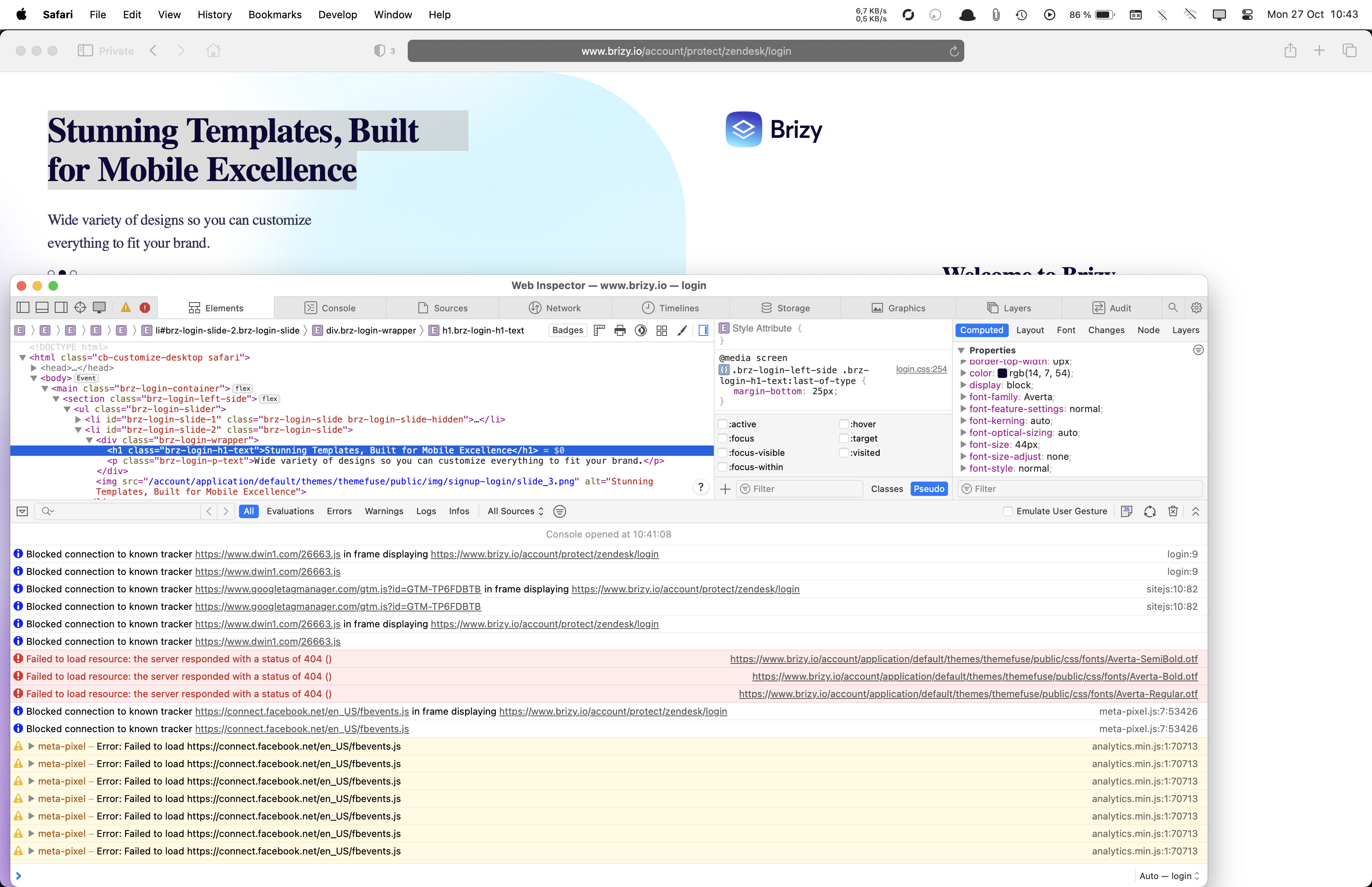
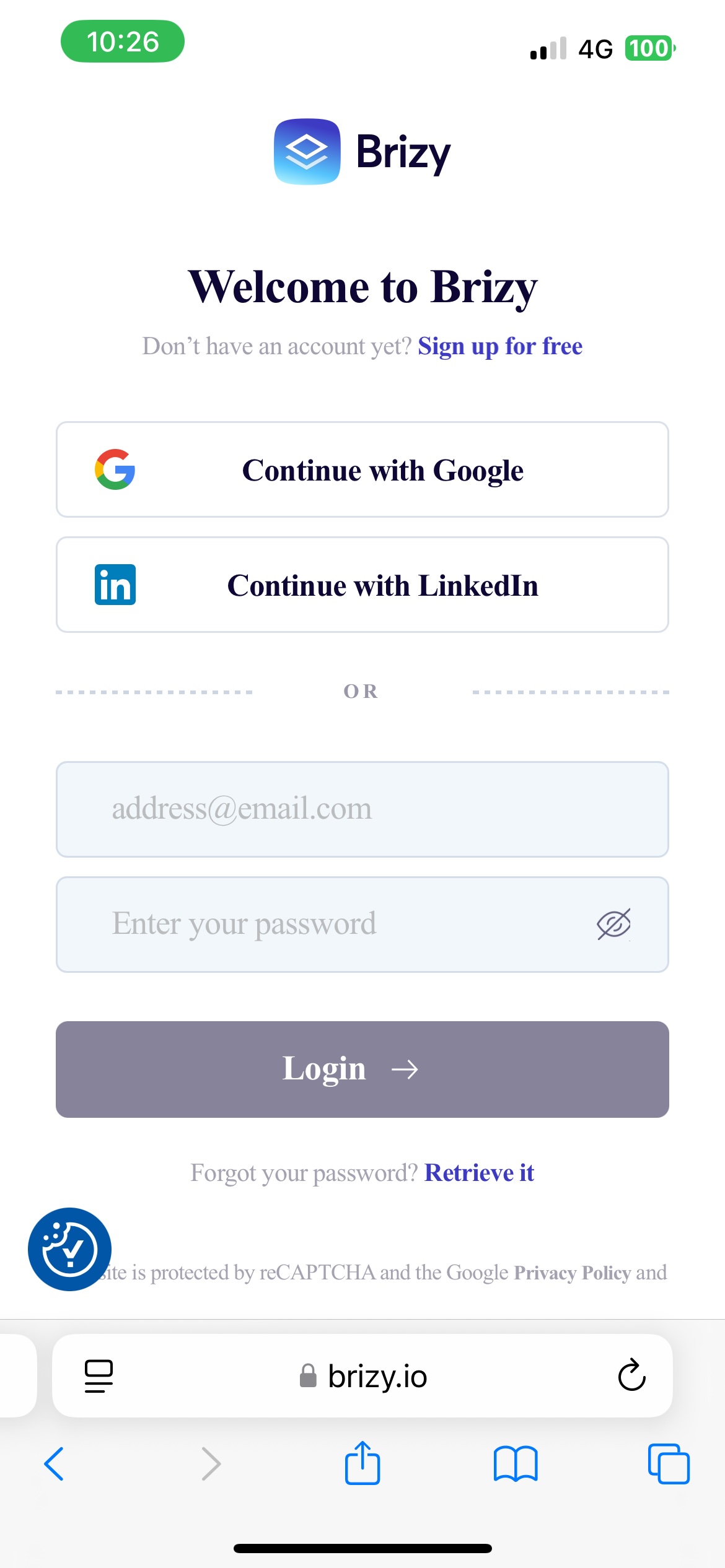
I also noticed even fonts at "https://www.brizy.io/account/protect/zendesk/login" shows incorrectly too (not Averta).
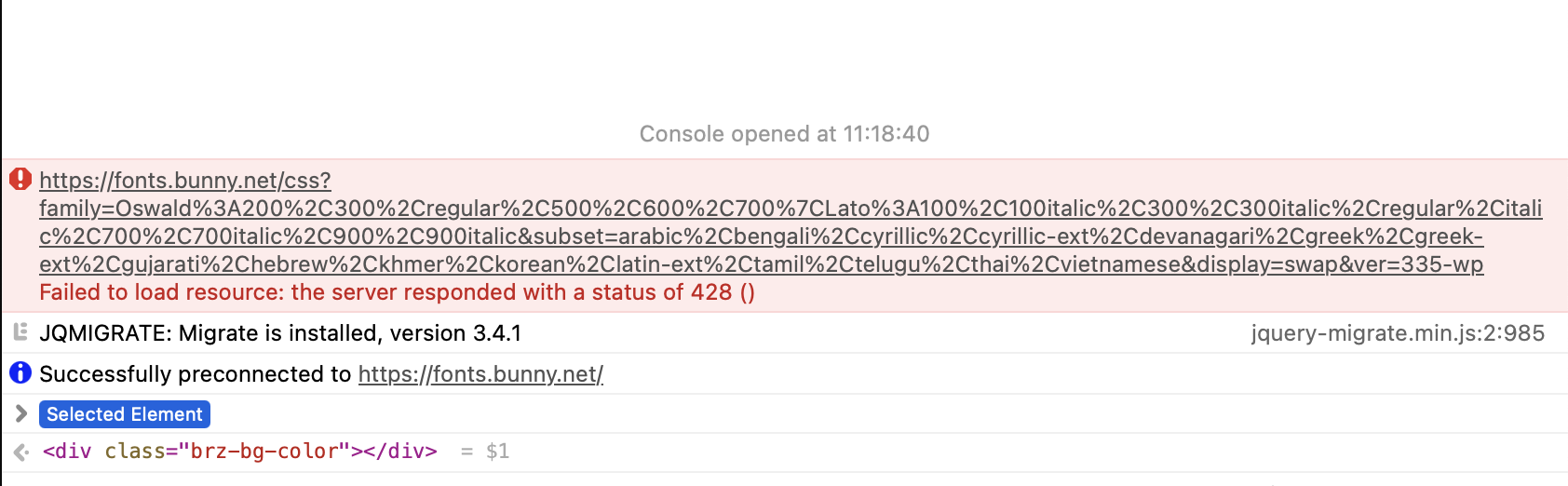
What's the issue here? Tracker issue? FYI - the page initially tested does not have any tracker but a bunny.net error... See images.
-

Hi Mikael,
Thank you for reaching out.
Since the fonts display correctly on your hosted site and for your hosting provider, the issue seems to be specific to your local development environment. Unfortunately, we’re unable to provide support for local setups, as they can vary depending on system configurations and permissions.
We recommend testing your site directly on your hosting server or creating a staging version (e.g., staging.yoursite.com) to verify everything works properly.
Regarding the 428 error in your screenshot, it’s sometimes related to caching or version control. Please also note that brizy.io is built with Brizy Cloud, not Brizy for WordPress. In this case, the issue could be related to the CDN used by Brizy Cloud. Thank you for bringing this to our attention.
Best regards,
Ariel H.0
Please sign in to leave a comment.
Comments
1 comment